Operations
Collect Daily Standup Updates in Slack Automatically
Post a recurring standup prompt in Slack and keep replies together, with clear rules for weekends, absences and blockers.
One real task, one tool, the steps. Written for people who use these tools at work, not engineers.
Operations
Post a recurring standup prompt in Slack and keep replies together, with clear rules for weekends, absences and blockers.
Operations
Use a last-modified field and a scheduled Airtable automation to notify the project owner once when a record has gone without an update.
Operations
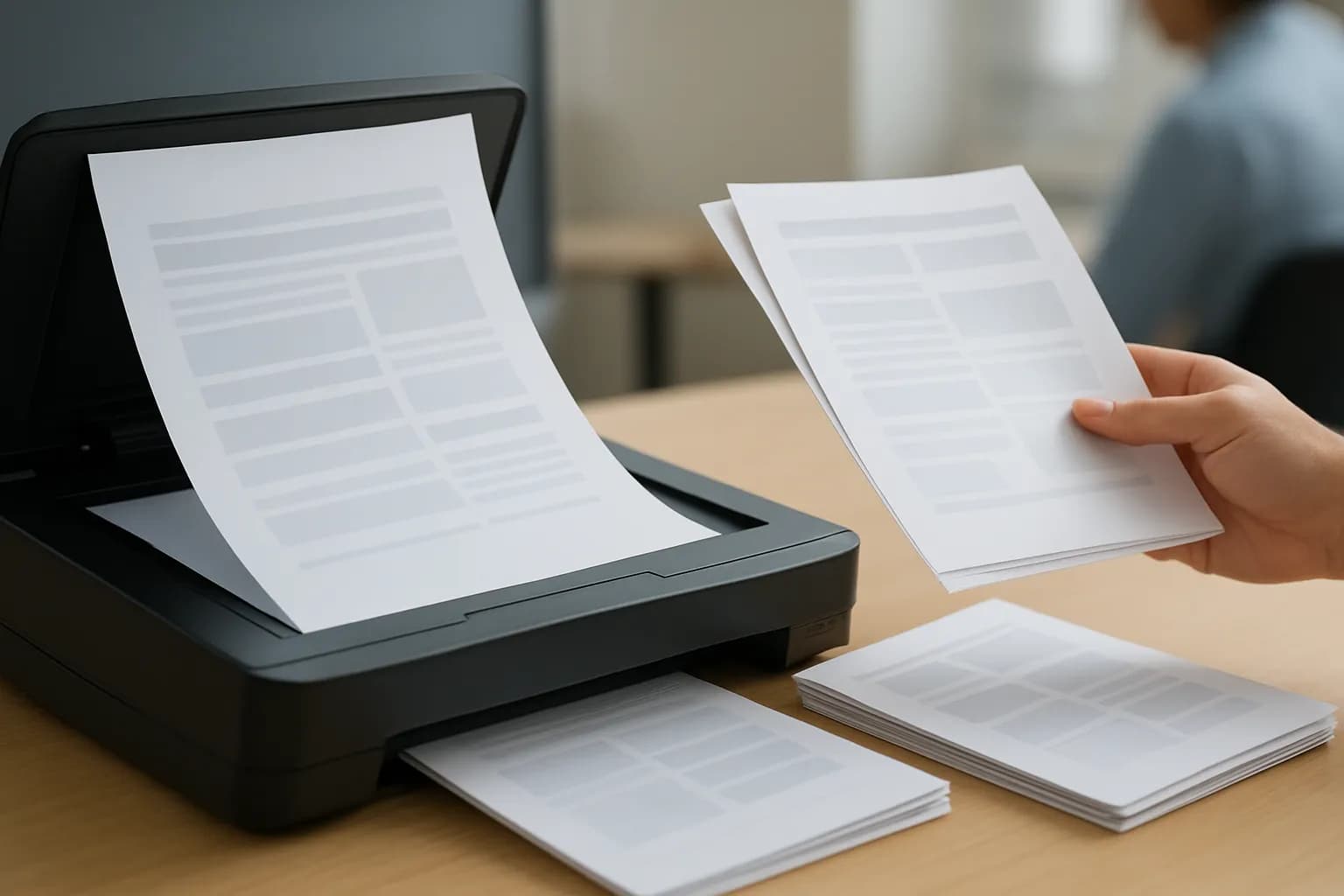
Use OCR to make a scanned PDF searchable without retyping it. Compare simple routes, then check names, dates and page order before sharing.
Operations
Connect Calendly to Slack, filter out reschedules, and test each booking change so your team receives the right alert.

Operations
Name the approved version, limit edits to the original Google Doc, and make a separate working copy so later changes are not mistaken for approved text.
Operations
Enable response editing, give each respondent their own edit link, and check the Form and linked Sheet before relying on the change.

Operations
Use Trello automation to archive cards based on when they enter Done, and check that reopening a card cancels its pending archive.

Operations
Scope the agent to one project, review proposed changes against live task records, and apply only the overdue updates you approve.

Operations
Use a no-code flow to read scanned receipts, rename clear matches in Google Drive, and send uncertain dates or merchant names for review.
Operations
Send a feedback form after the scheduled meeting end time, not when someone books. Choose a simple workflow and check cancellations before sending.
Operations
Use a no-code workflow to copy new Zoom cloud recordings into Google Drive, then check access, file size and repeat runs before relying on the folder.

Operations
Create an Asana task from each new Airtable form request, map its owner and deadline, and keep edits or retries from making duplicates.
Operations
Set a response cap in Google Forms when available, close the form manually for small jobs, or use an add-on when you need extra rules.
Operations
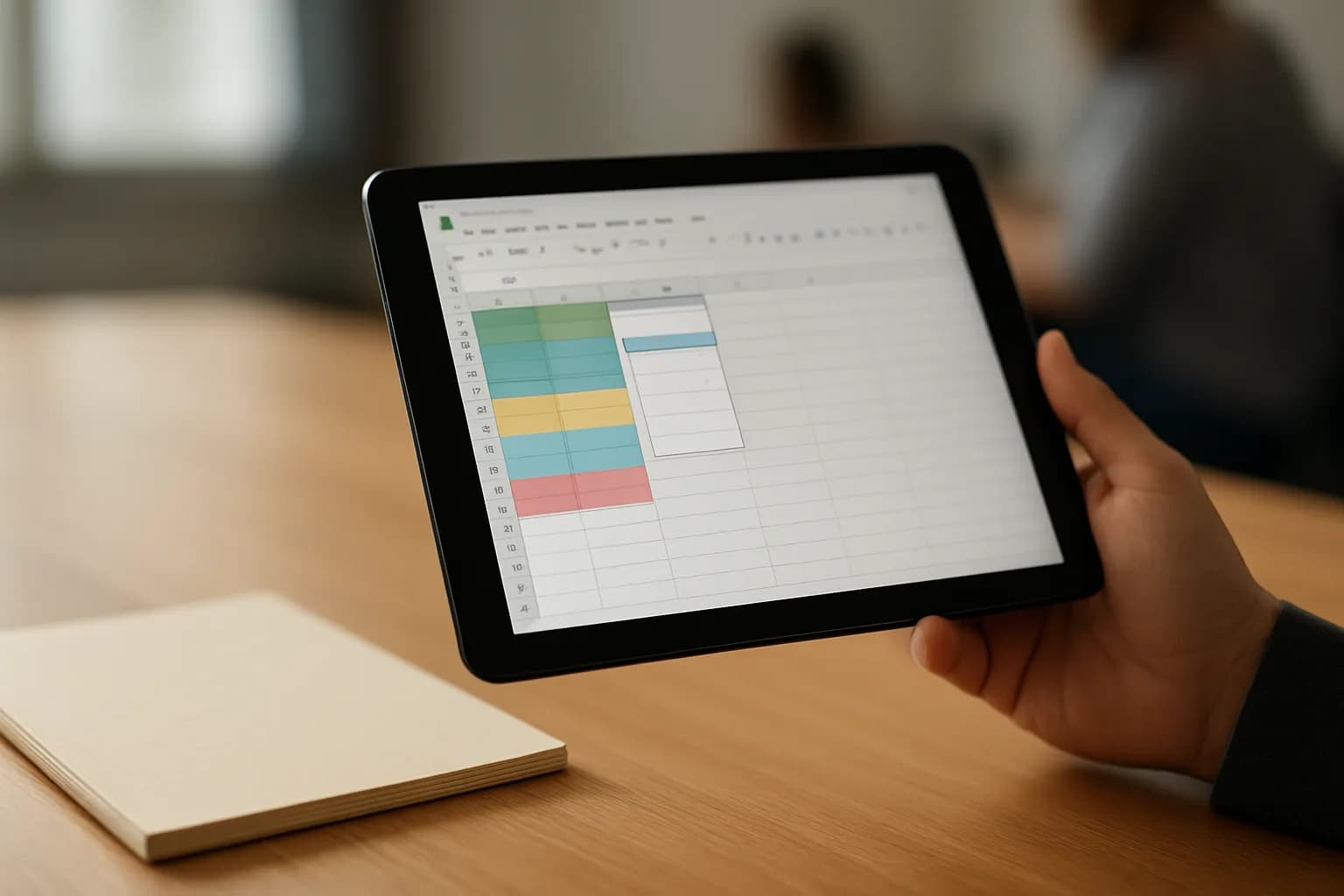
Use a dropdown from an open-ended source range so new items appear when you add them to your list, without editing the rule each time.
Operations
Connect Zoom to Calendly, set Zoom as the event location, and test a booking. Check the connection and invitation if the link is missing.

Operations
Use a no-code automation to copy Airtable records into Google Sheets and update existing rows by record ID when the source changes.

Operations
Split a batch PDF by verified customer boundaries, then check page assignments and filenames before sharing the separate files.

Operations
Route Google Form responses by answer, email the right teammate, and send unexpected answers to a default owner for review.
Operations
Match each uploaded file to its form response, then sort it into a client folder without relying on filenames or mixing submissions.
Operations
Check due dates and completion status in Google Sheets, email overdue task owners, and record each reminder so routine checks do not resend it.
Operations
Use sections and answer-based routing in Google Forms to give each client relevant intake questions, then test every path before sharing.

Operations
Add a filter between a Google Form submission and a Slack message so only answers that need follow-up reach your channel.
Operations
Use a Sheets conditional notification to watch one column if it is available, or filter an automation when you need more control.

Operations
Add a filter after the form trigger to stop emails and record creation when required answers are blank, while allowing optional answers to be omitted.
Operations
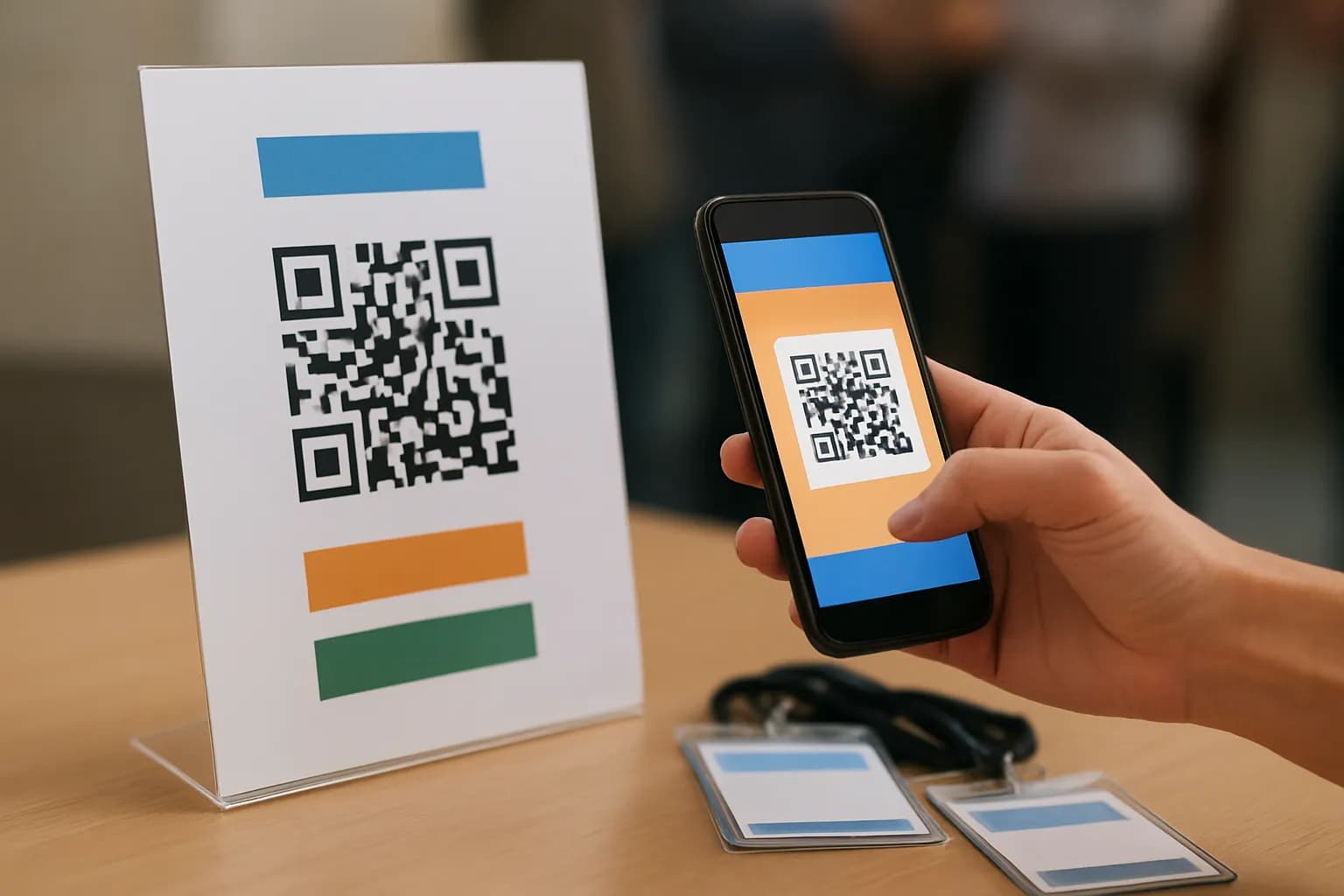
Connect a QR code to a short Google Form, review repeat check-ins in Google Sheets, and collect only the details your event needs.
Operations
Use form answers in a custom confirmation email, then track each submission so an edited response does not trigger a duplicate.
Operations
Create a client folder and standard Drive subfolders from an Airtable record, then save their links so retries can reuse what already exists.

Operations
Build a weekly Slack digest that links to source messages, separates decisions from open questions, and arrives by email or in Slack.

Operations
Connect Google Forms to Google Calendar with a no-code automation, then check missing times, time zones and repeat submissions before sending invites.

Operations
Create a shared Microsoft Bookings page, assign staff and set availability so customers can book open times without seeing private calendars.
Operations
Use a Google Sheet to personalize Gmail messages, test the merge before sending, and decide when an ordinary draft is safer.

Operations
Use a Slack emoji reaction to create a Trello card, then prevent repeat cards when coworkers react to the same message.

Operations
Turn on Zapier error emails or build a separate alert workflow, then check which failures need action before safely rerunning a task.
Operations
Use a deliberate Slack reaction to create an Asana task, keep the message link, and avoid making another task when the reaction is added again.

Operations
Connect Google Forms to a document template, fill blank answers safely, and save a PDF for each new response without code.

Operations
Compare two SOP versions by using AI to sort wording edits from procedure changes, then check each finding against the documents before approving it.

Operations
Monitor the availability part of a supplier page and send relevant changes to Slack without alerting your team about every page edit.
Operations
Use Calendly’s built-in reminders for ordinary bookings, and add an automation only when reminders depend on information outside Calendly.

Operations
Draft product image alt text in a spreadsheet with AI, then check each description against the image before adding it to your store.

Operations
Six Activepieces alternatives compared on licence, self-hosting, what they bill for and price, with where each one falls short.
Operations
Six IFTTT alternatives with a free plan or free self-hosted edition, compared on free-tier limits and first paid price, checked in September 2026.
Operations
Eight Make alternatives compared on price, free tier, self-hosting and how each meters usage, with every figure checked on the vendor's own page.
Operations
Eight n8n alternatives compared on licence, self-hosting, code steps and price, with each vendor's plans checked on its own pricing page in September 2026.
Operations
Six Pipedream alternatives that still let you write code in a workflow step, compared on languages, runtime limits, self-hosting and price.
Operations
Six Workato alternatives compared on single sign-on, admin controls, self-hosting and whether the price is published or by quote.
Operations
Compare self-paced courses, vendor tutorials, live coaching, and automation training to choose the fastest fit for a freelance task this week.
Operations
Nine Coursera alternatives for hands-on AI skills at work, with what each costs, how long it takes and the credential you get.
Operations
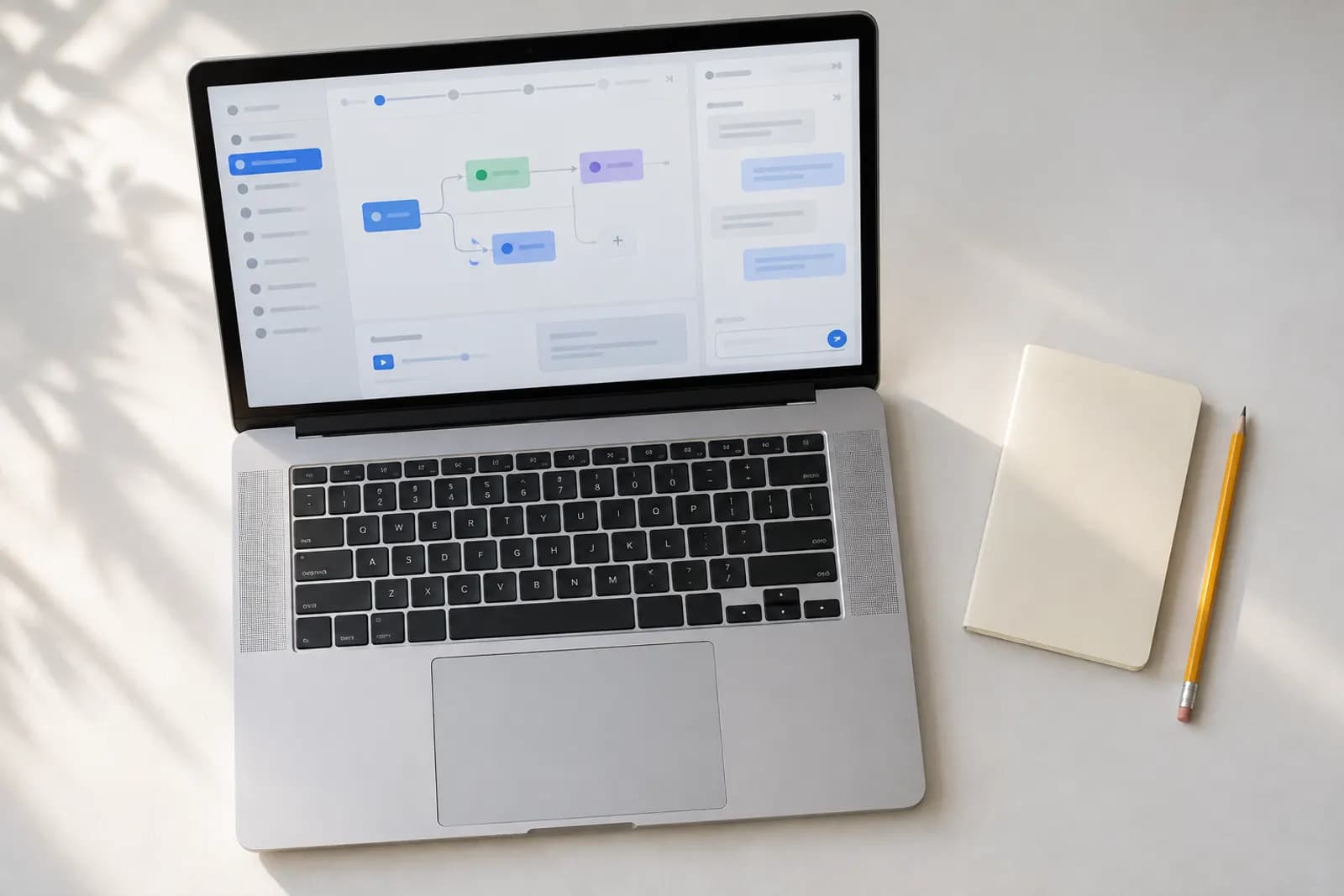
An AI automation implementation checklist covers task selection, triggers, permissions, approval, testing, error detection, monitoring, and rollback.

Operations
AI automation ROI depends on time saved, errors avoided and sales gained versus costs; optional certificates cost $49, $99, $129 or $149.

Operations
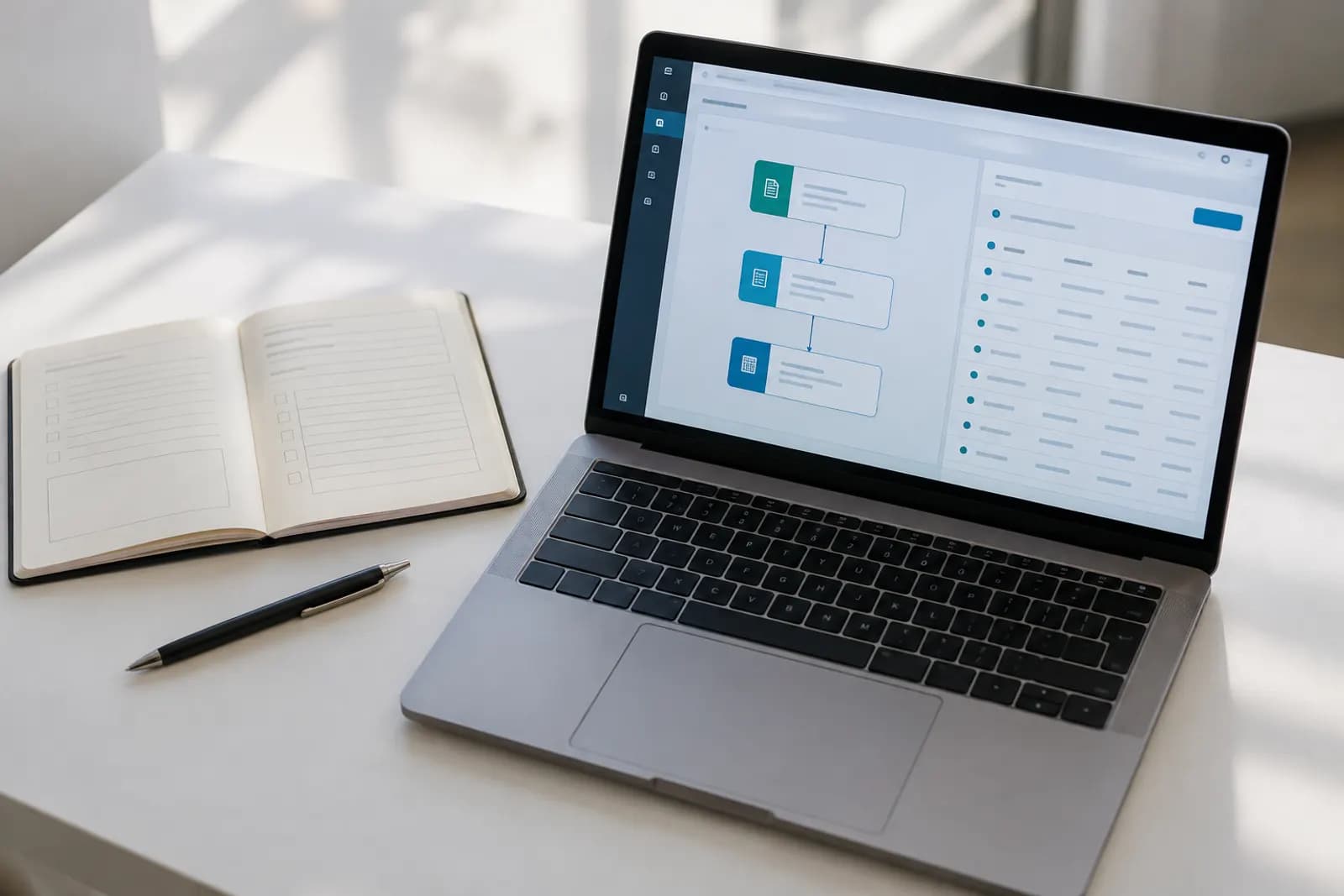
Send every Microsoft Forms response into a SharePoint list with Power Automate, tell the right person, and handle question types that don't map.
Operations
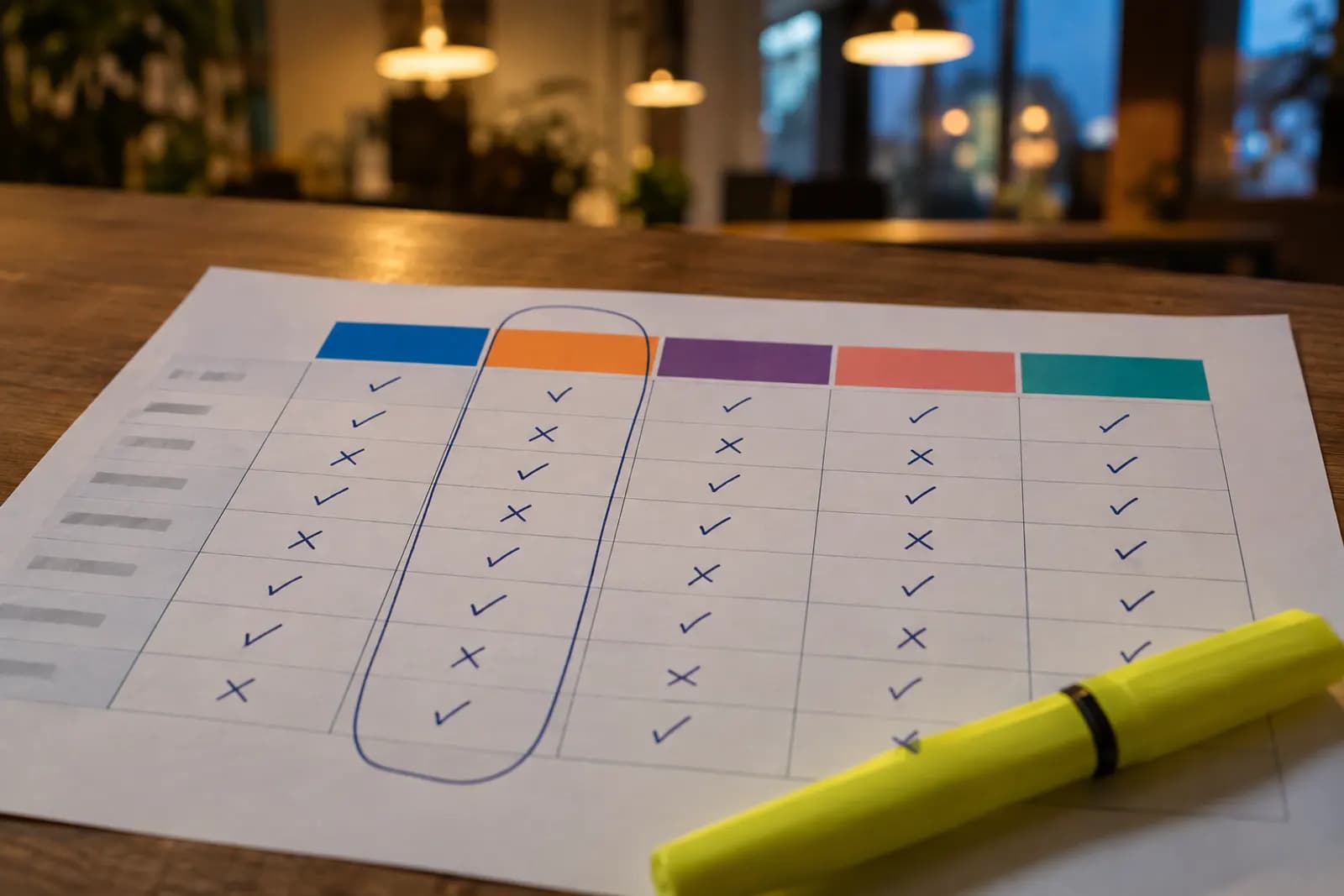
Eight Power Automate alternatives for teams not fully on Microsoft 365, compared on price, hosting, desktop automation and where each falls short.
Operations
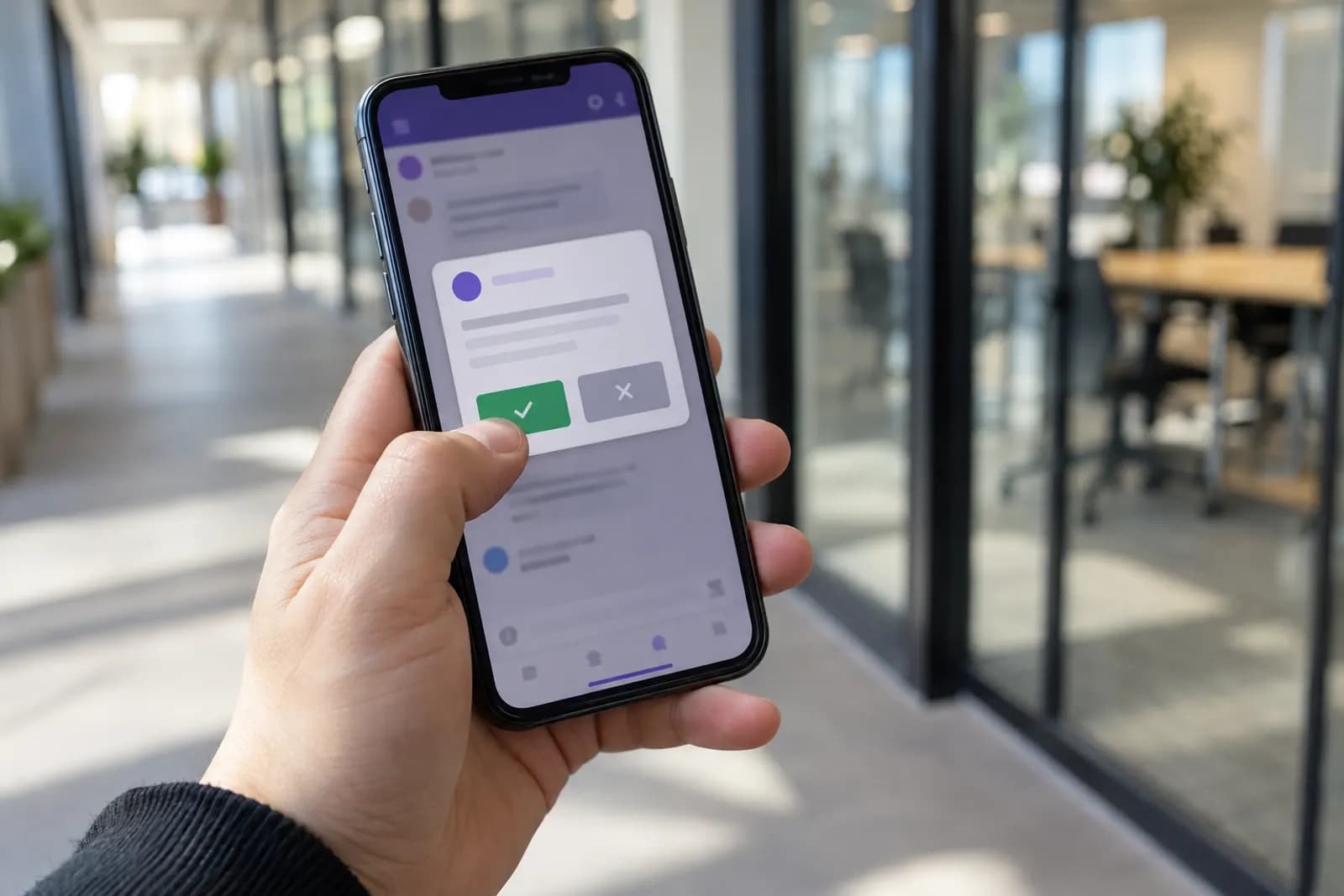
Route a request to the right approver, capture the answer and act on it automatically: a Power Automate approval flow built in about 30 minutes.
Operations
Stop chasing overdue items: a scheduled Power Automate flow checks a SharePoint list each morning and messages the person responsible, not the team.

Operations
Nine Zapier alternatives compared on price, what each one meters and where it falls short, plus the cheaper fix of repairing the Zap first.

Operations
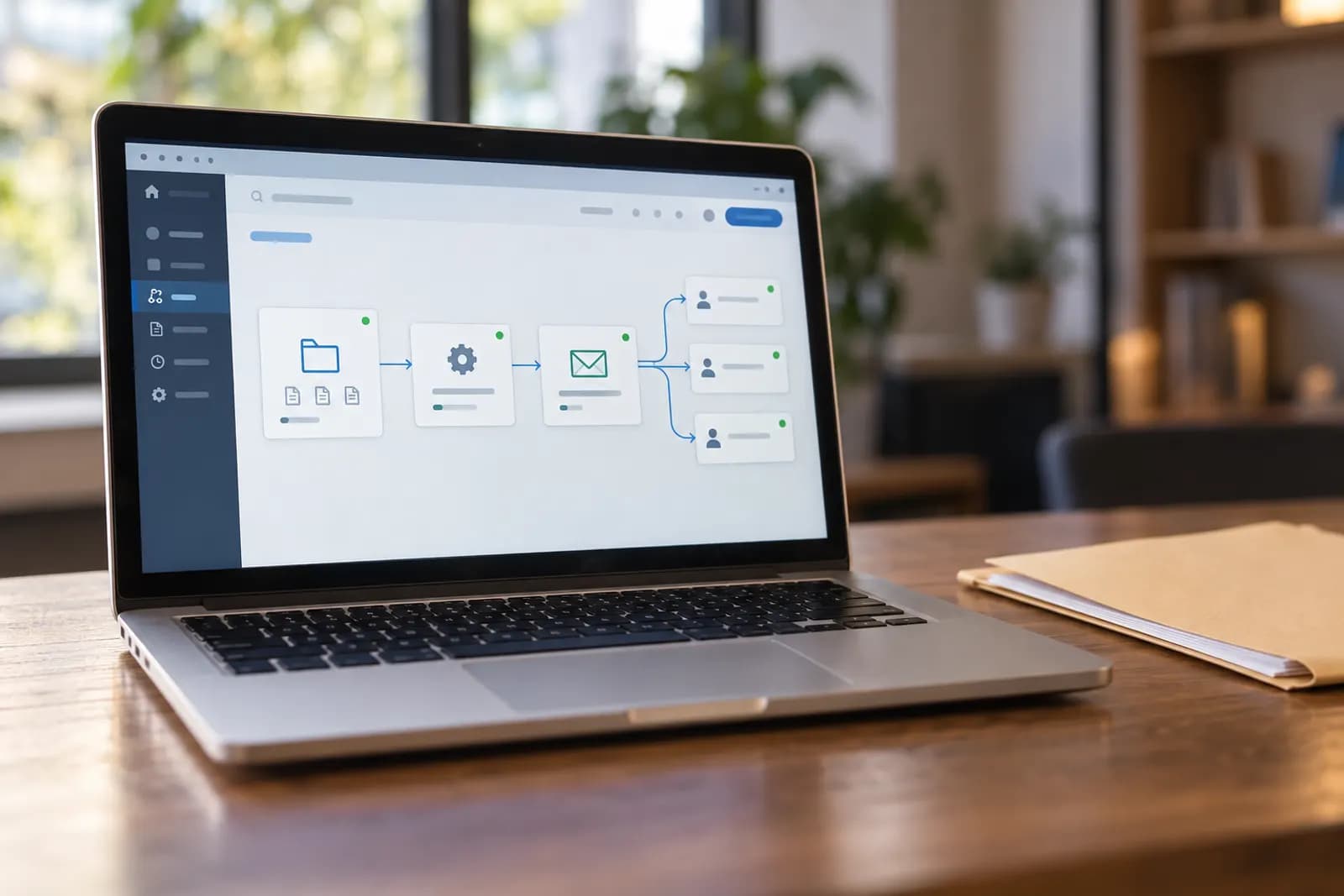
Use a new-file trigger, Gmail action, and a processed-folder rule to email your team without code. Compare attachments, links, and duplicate controls.
Operations
The best AI automation course depends on your job. Compare practical courses, tool coverage, workflow practice, exams, certificates and costs.
Operations
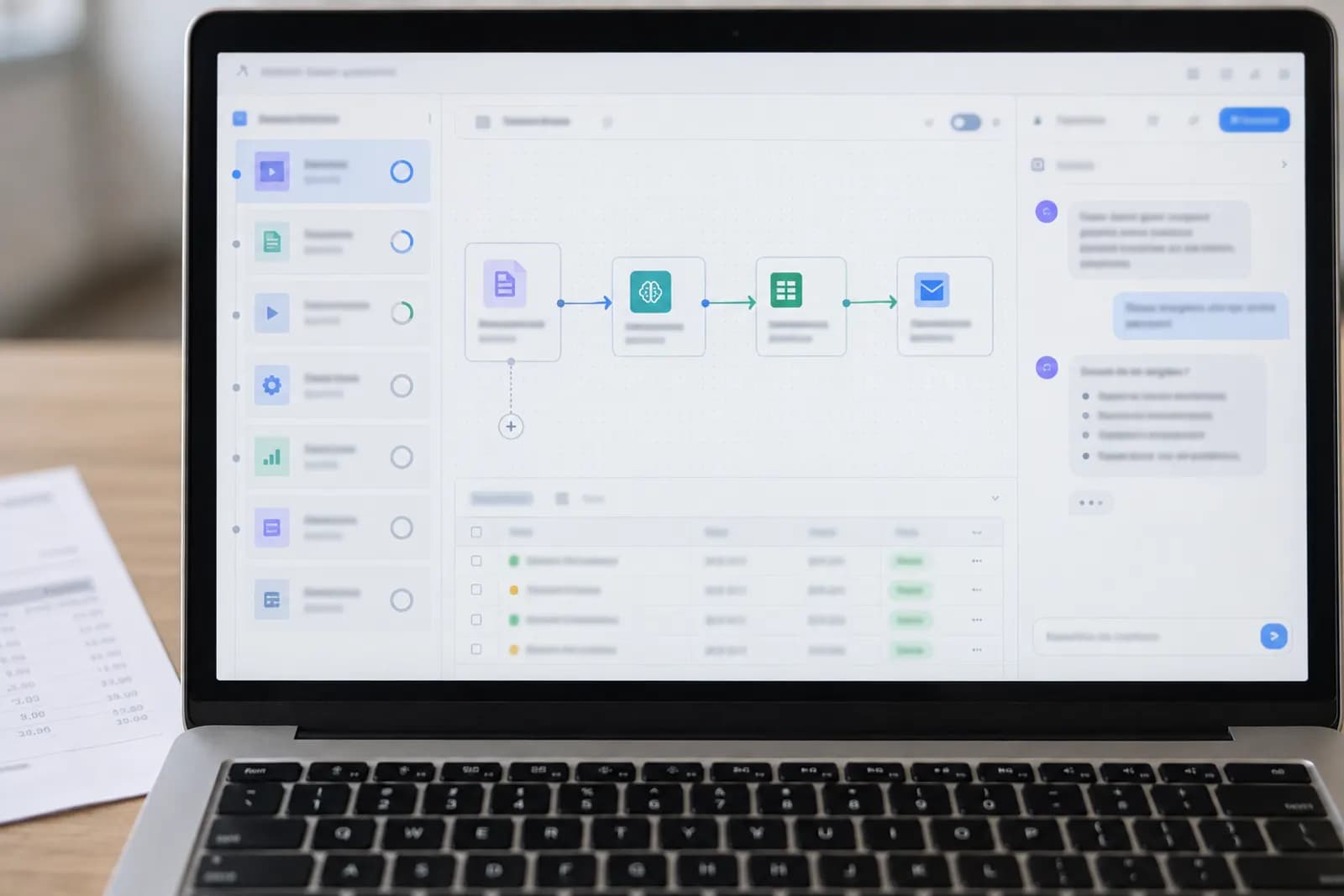
Use Gmail or Outlook, an AI step, and a human review queue to sort email safely without writing code.

Operations
Check whether an affordable AI certificate is genuinely verifiable, what evidence to request, and which costs can appear after enrollment.
Operations
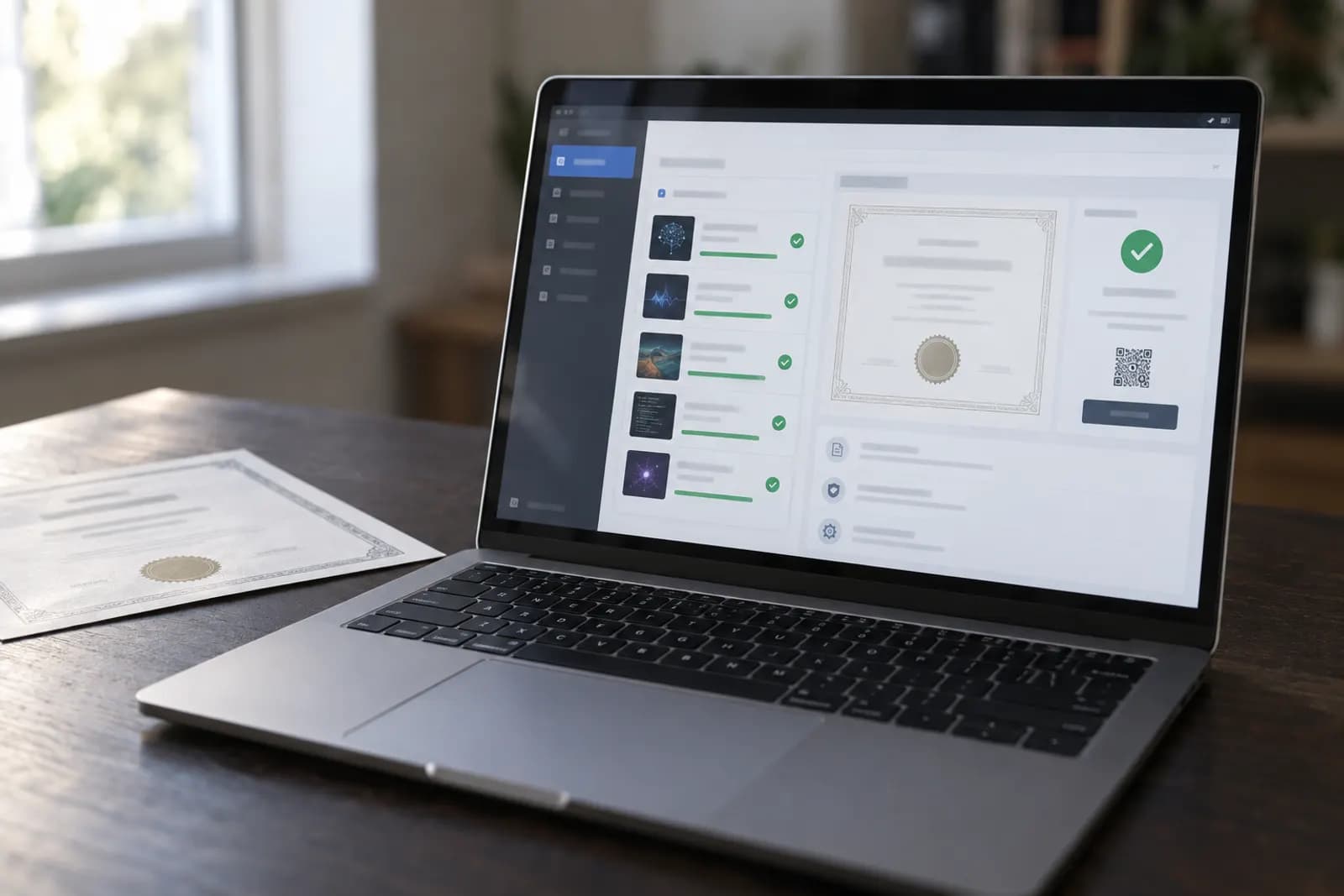
Automated product certification means checking product evidence against rules, recording decisions, and routing exceptions for human review.

Operations
Automate all the things means letting AI handle repeatable work while people approve decisions, exceptions, and irreversible actions.

Operations
Email each person the right file from a spreadsheet row, using Gmail or Outlook with Zapier, Make or n8n, and a check that stops the wrong attachment.

Operations
Start by matching an AI certification to a real job task, then compare assessment quality, verification, renewal rules and portfolio evidence.

Operations
Compare hands-on tasks, tool coverage, support, privacy rules, update habits, and refund terms before choosing an AI training course.

Operations
Use Zapier, Gmail, Google Drive, or Outlook to save email attachments automatically, avoid duplicates, and handle risky files safely.

Operations
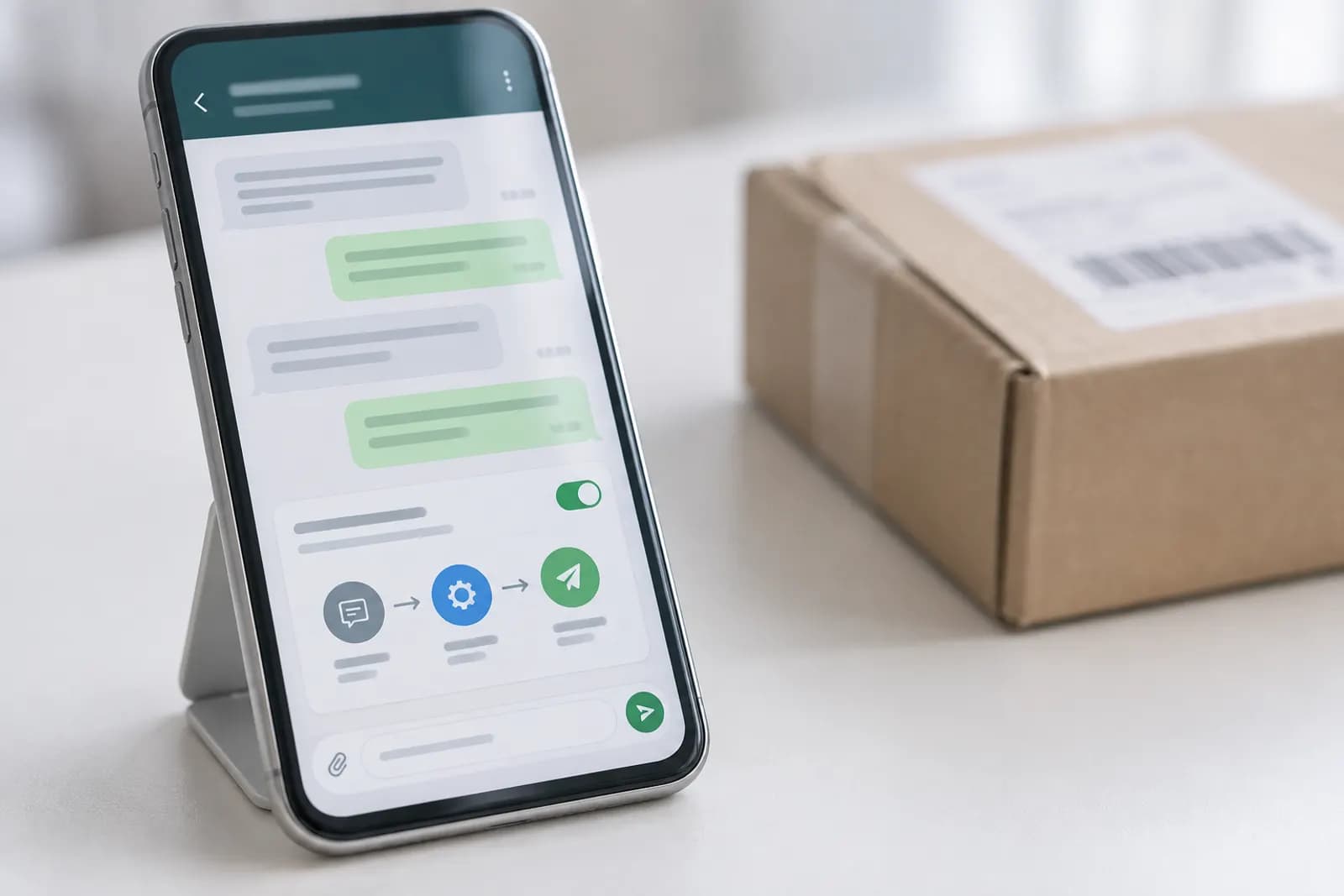
Set up an AI auto-reply for WhatsApp with Make and OpenAI to answer approved questions, check replies, and hand off sensitive messages to a human.
Operations
Compare practical AI training courses for professionals by job, tool, and time, then choose no-code learning you can apply this week.

Operations
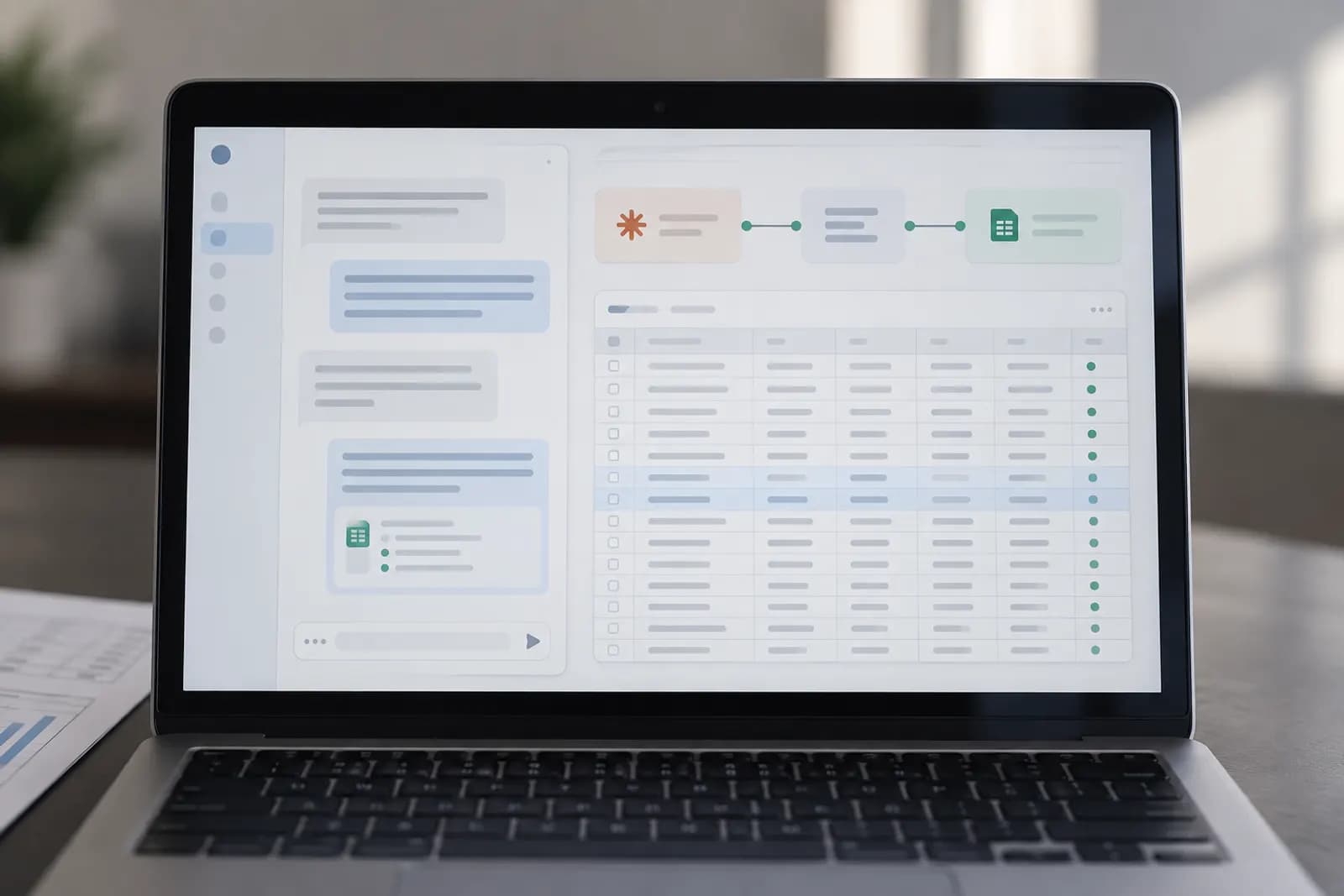
Have Claude read a Google Sheet and write results back to the right rows whenever a new entry lands, set up with Zapier and tested on a copy first.
Operations
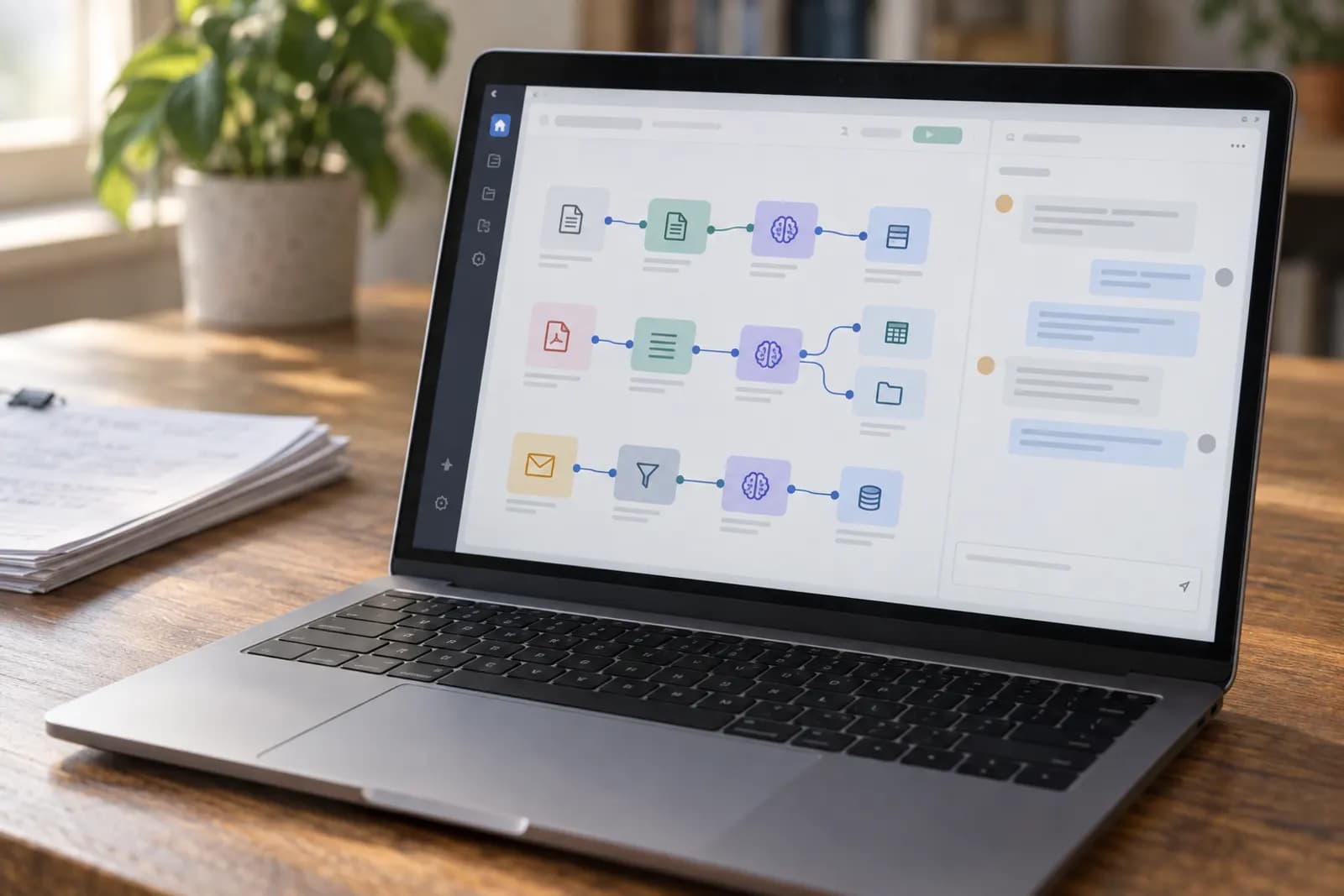
Connect Claude to n8n with three practical workflows for email triage, form requests, and meeting notes, including setup steps and safety checks.
Operations
Build a no-code Gmail to Notion workflow that uses AI to extract tasks, set safe due dates, prevent duplicates, and route uncertain emails for review.

Operations
Ask ChatGPT a question in Slack and get the answer in the thread: a no-code Zapier setup that keeps replies threaded and sensitive channels out of it.

Operations
Post a weekly summary from a Google Sheet to Slack or email automatically: a no-code Zapier or Make schedule reads the numbers every Friday.

Operations
Take rough bullet notes or screenshots of how a task gets done and have ChatGPT or Claude turn them into a numbered, repeatable SOP with roles and checks.
Operations
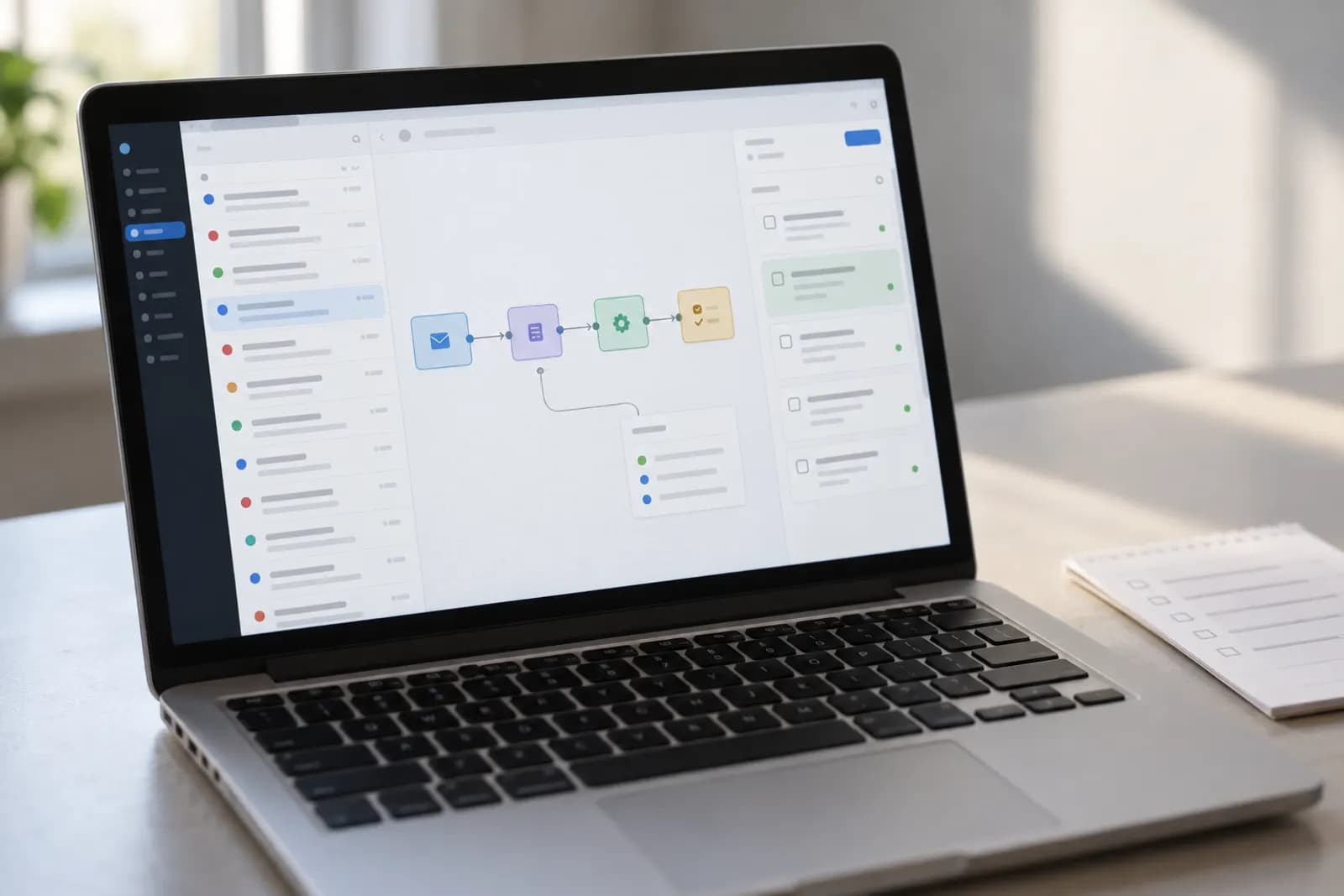
Turn a flagged email into a Notion task automatically: an n8n workflow uses AI to pull out the action item and due date and files it in your database.
Operations
Ask your own PDFs questions in plain English: NotebookLM answers only from your sources and links each answer to the exact page. Free, no install.
Operations
Turn a wall of unread email into a ranked list and reply drafts in your tone: paste threads into an AI chat, and nothing sends until you click send.
Operations
Build a Power Automate flow that files every Outlook attachment into the right SharePoint folder and posts a note in Teams, with no code.