
Get a Weekly Slack Channel Digest With Source Links
By Anu Verma
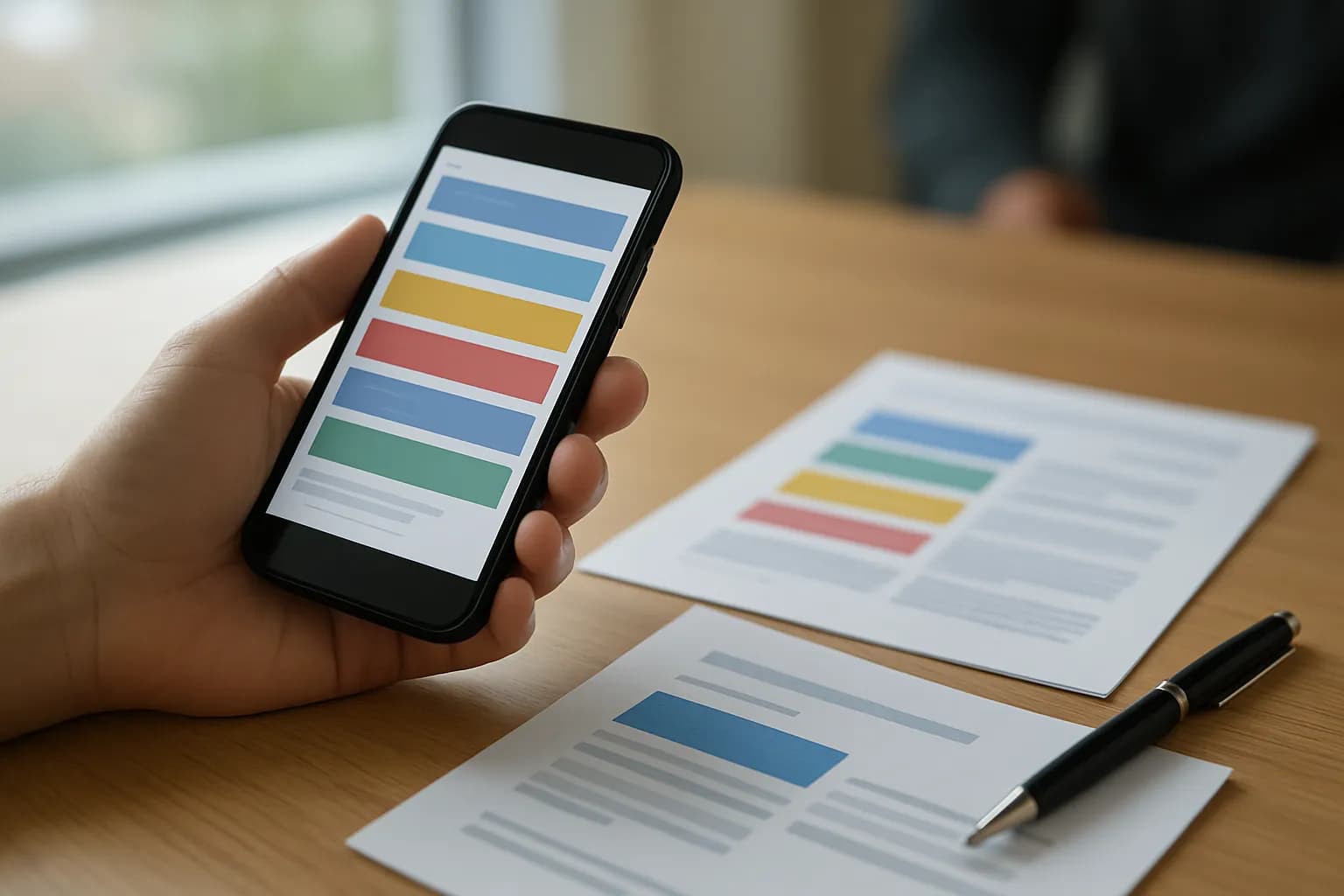
A weekly Slack channel digest can run on a schedule, collect the channel’s messages, and use AI to separate decisions and unanswered questions from general updates. Include a link to each source message so readers can check the context.
A weekly Slack channel digest can run on a schedule, collect the channel’s messages, and use AI to separate decisions and unanswered questions from general updates. Include a link to each source message so readers can check the context.
The simple option is enough for a small channel
A manual weekly summary is often enough when a Slack channel has few messages and someone already reads them all. At the end of the week, scan the channel, note decisions and open questions, copy links to the relevant messages, and send a short recap. Automation becomes useful when finding those messages takes longer than writing the recap, or when the summary is repeatedly missed.
Before building anything, decide what the digest is for. A useful weekly Slack channel digest tells an absent colleague what was decided, what still needs an answer, and which updates matter. It is not a shorter copy of every conversation. If readers need an exact record of all activity, a summary is the wrong substitute for the channel history.
Choose one channel and a regular reporting period for a first run. Ask its members whether threads contain important replies, who should receive the digest, and whether the channel includes material that should not go to an outside AI service. Those answers determine whether a simple scheduled automation is appropriate. A private or sensitive channel may need an approved internal tool, a manual process, or no digest at all.
A scheduled workflow collects the channel before AI writes
To automatically summarize a Slack channel, use a no-code automation tool to run on a weekly schedule, retrieve the channel’s messages, pass the relevant text to an AI summarizer, and deliver the result. Look for a Slack connector that can read the chosen channel and an action that can send email or post back to Slack. Check the connector’s available actions before designing the workflow, since access and message retrieval can vary.
Set the collection period with a clear start and end so adjacent digests do not overlap or leave a gap. Retrieve all messages in that period, including additional pages if the connector returns results in batches. If decisions often happen in replies, collect thread replies too. Keep each message’s author, time, text, thread relationship, and source link together as it moves through the workflow. Skip empty system events and decide whether edited or deleted messages need special handling.
If the volume is too large for one AI request, split messages into smaller batches, summarize each batch with source links, then combine those summaries. Do not ask the AI to fill in messages it has not received. For help connecting an AI tool to Slack without code, see how to connect ChatGPT to Slack.
Source links make the digest verifiable
Every decision or open question in the digest should link to the Slack message that supports it. Store each message’s direct link when collecting messages, rather than asking the AI to construct a link from memory. If a connector does not provide direct links, check whether it offers a separate way to retrieve them. Otherwise, choose a different connector or leave out the automated citation rather than inventing one.
Keep replies attached to their parent thread when possible. A short reply saying that an issue is settled can reverse the meaning of an earlier question. A digest based only on top-level posts might report that question as unanswered. Include enough surrounding context for the AI to tell who proposed an action, who agreed, and whether anyone later changed course.
A source link is a route back to the evidence, not permission to see it. Email recipients who cannot access the channel may see the summary but not its linked messages. Decide whether that is acceptable before sending. For important decisions, a reader should be able to follow the link and confirm that the summary reflects what the team actually said.
Decisions and unanswered questions need different tests
Treat a decision as a choice the channel clearly accepted, not merely an idea someone suggested. Ask the AI to look for an explicit agreement, approval, or stated outcome, and to mark uncertain cases for review. A confident sentence in a digest can otherwise turn a proposal into a commitment.
Treat a question as unanswered only after checking later messages and replies in the collected period. A question raised early in the week may have an answer buried in a thread. If the answer is unclear, say that the status is unclear rather than claiming nobody responded. Include the question, the person or team expected to answer if the messages identify one, and a link to the original message. Do not guess an owner.
General updates belong in a separate, shorter section. Group repeated status messages into one theme, but keep links to the messages that support a consequential claim. Leave out greetings, reactions, and routine back-and-forth unless they change the outcome. If a message clearly creates a piece of follow-up work, turning a chosen Slack message into an Asana task is a separate workflow. A digest should report that work, not silently create or assign it.
A focused prompt gives the AI boundaries
A useful digest prompt defines the source material, the categories, and the rule against guessing. Tell the AI that it is summarizing messages from one named channel and one reporting period. Ask for separate paragraphs covering confirmed decisions, unanswered questions, and other important updates. Require a source link beside each decision and question, and ask it to leave out any claim it cannot support with the supplied messages.
Give the AI structured input rather than one undifferentiated block of text. For each message, supply its time, author, text, thread context, and direct link. In the prompt, explain that later replies can resolve earlier questions and that a suggestion is not a decision unless the conversation shows agreement. Ask it to flag ambiguous cases for a human instead of choosing the most likely interpretation.
Keep the requested output short enough for someone to read before opening the channel. A reader should be able to scan the outcome, then follow a link for detail. During setup, compare the draft against the actual conversation. If the AI repeatedly misses resolutions in threads, improve the collected context before changing the wording of the prompt.
Delivery works best after a checked trial
Send a summary of Slack messages by email only after confirming that the recipients may read the channel’s content. An email action can send the AI output to a chosen group, while a Slack action can post it where channel members already work. Email suits people who rarely open the channel; posting in Slack keeps the recap near its sources. Either destination needs a clear reporting period and working source links.
Run the workflow on a past period before turning on the schedule. Compare its digest with the original messages: look for missing pages, omitted thread replies, decisions that were only proposals, and questions answered later in the period. Open several links as the intended recipient to check access. Then review the first scheduled digests until the output is consistently useful. If retrieval or the AI step fails, send an error notice to the workflow owner rather than sending an apparently complete but partial summary.
Keep the digest’s distribution narrower than the source channel when in doubt, and follow your workplace’s rules for sending message content to an AI provider. If the team also needs a report built from spreadsheet data, automating a weekly report from Google Sheets addresses that different source. A channel digest should remain grounded in what people actually said.
Sources consulted
- Zapier (zapier.com)
- OpenAI Help Center (help.openai.com)
Frequently asked questions
Can I automatically summarize a Slack channel without coding?
Yes, if your approved no-code automation tool can read the channel’s messages, run on a schedule, and pass text to an AI summarizer. Check whether its Slack connector can retrieve thread replies and direct message links. Those details matter more than the template name when building a trustworthy digest.
How do I send a weekly Slack channel digest by email?
Add an email action after the summary step and send its output to an approved recipient group. Include the reporting period and links back to the supporting Slack messages. Test the email with someone who will actually receive it, since the links may not open for people without channel access.
Will AI know which Slack questions are still unanswered?
AI can identify likely open questions, but it needs the later messages and thread replies to check whether someone answered them. Ask it to distinguish clearly unanswered questions from uncertain ones, and review the result before relying on it. A missing reply in the collected input can make an answered question appear open.
Should the digest include every message from the channel?
The automation should collect the messages needed to understand the reporting period, but the delivered digest should not repeat them all. Keep confirmed decisions, open questions, and consequential updates. Leave routine chatter in Slack, where readers can follow the source links if they need the full conversation.
Related guides
 6 Best IFTTT Alternatives in 2026Six IFTTT alternatives with a free plan or free self-hosted edition, compared on free-tier limits and first paid price, checked in September 2026.
- 8 Best Make Alternatives in 2026Eight Make alternatives compared on price, free tier, self-hosting and how each meters usage, with every figure checked on the vendor's own page.
- 8 Best n8n Alternatives in 2026Eight n8n alternatives compared on licence, self-hosting, code steps and price, with each vendor's plans checked on its own pricing page in September 2026.
Drafted with AI assistance and checked automatically before publishing. Tools and prices change; check the official source before you act.