
Send a Slack Alert Only for Google Form Answers That Need Follow-Up
By Anu Verma
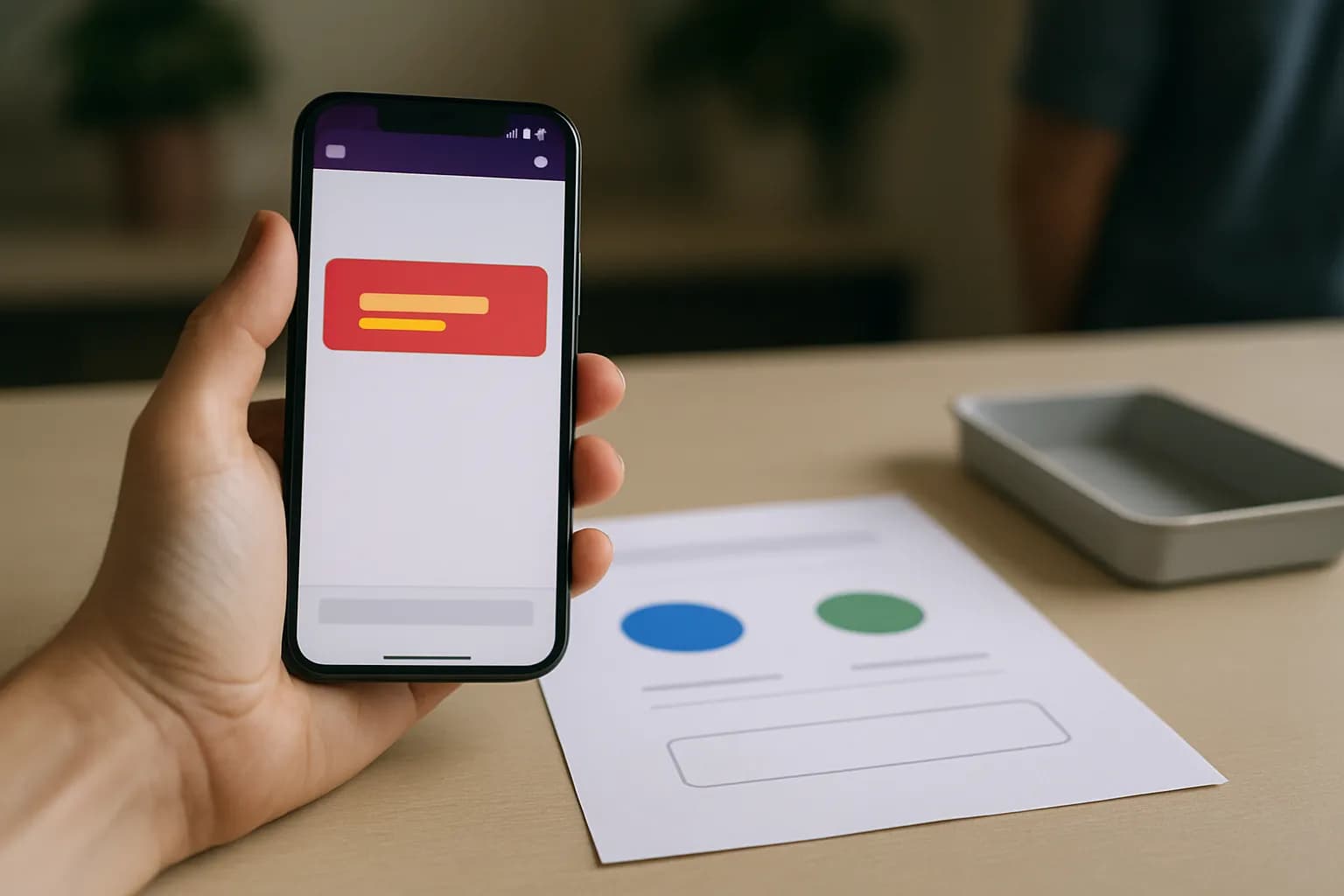
To send a Slack alert only when a Google Form answer needs follow-up, connect the form to an automation tool, check the relevant answer with a filter, and post to Slack only when it matches. Routine submissions stop before the Slack step.
To send a Slack alert only when a Google Form answer needs follow-up, connect the form to an automation tool, check the relevant answer with a filter, and post to Slack only when it matches. Routine submissions stop before the Slack step.
A clear answer makes the alert rule reliable
A Google Forms conditional Slack notification works best when the form asks a question with an unambiguous answer. For example, add a required multiple-choice question: “Does someone need to follow up?” Give respondents “Yes” and “No” as the choices. The alert rule can then check for “Yes” rather than trying to interpret a free-text explanation.
Keep the question separate from the details a colleague needs to act. A contact request might also ask for the requester’s name, a safe way to contact them, and a short description. The follow-up answer decides whether Slack gets a message. The other answers provide context after that decision. If every submission needs a record, keep it in the form’s responses or its linked sheet; Slack does not need to be that record.
Decide what “Yes” means before building the automation. If respondents may select it for something routine, the channel will still get routine alerts. If they need a confirmation regardless of their answer, handle that separately, as in a personalized email after a Google Form submission.
An automation tool connects the form, the rule and Slack
A no-code automation tool can receive a new Google Form response, check an answer, and send a Slack message. Look for a workflow with a Google Forms or Google Sheets trigger, a filter or condition, and a Slack action. Zapier and Make are examples of this tool category. Check the tool’s current connector options and official pricing page before choosing it.
Start with the simplest trigger you can connect reliably. If the tool offers a new-response trigger for Google Forms, select the intended form. If it works through Google Sheets instead, link the form to a response spreadsheet and choose the new-row trigger for that sheet. In either case, submit a fresh sample response so the tool can show you the available answer fields. A spreadsheet trigger is useful when you already manage form responses there, but it is not necessary merely to make the condition possible.
Use one trigger route for this alert. Connecting both the form and its response sheet to separate alert workflows could post twice for one submission. If you later use the same responses to create calendar events from Google Form responses, make that a separate decision with its own rule.
The filter keeps routine form responses out of Slack
To send certain Google Form responses to Slack, place the filter after the new-response trigger and before the Slack action. Choose the field for “Does someone need to follow up?” and set the rule to continue only when its value is exactly “Yes.” A “No” response should end the workflow without reaching the posting step.
Check the sample data before saving the rule. Automation tools may display both a question and an answer among the fields, so verify that you selected the answer value. If the form question is optional, a blank answer may not match “Yes”; making the question required avoids leaving the decision to a missing value. If your form uses a dropdown or another choice type, use the exact choice shown in the tool’s sample response.
Do not filter on whether the explanation contains words such as “urgent.” People can describe the same need in different ways, and a routine answer might use that word for another reason. A dedicated choice is easier to check and easier to audit. If the team later changes the choice from “Yes” to something else, update the filter as well.
A Slack alert should tell someone what to do next
The Slack action should post to a channel the responsible people already use, with enough context to handle the follow-up. A useful message identifies that a form response needs attention, includes a relevant name or request type when appropriate, and says where an authorized colleague can review the full response. Select fields from the trigger’s sample data rather than typing a sample name into the live message.
Keep sensitive answers out of a broadly visible channel. If the form collects private contact details, financial information, or other restricted material, send a short alert and direct authorized colleagues to the form response or linked sheet instead. Check who can access that destination; posting its link in Slack does not grant permission to open it. Choose the channel and response access together.
A channel alert is not a substitute for assigning work. Agree who watches the channel and how they mark a request as handled, whether that means a reply, a reaction, or an existing team process. If the team also wants a broad recap, a weekly report from Google Sheets to Slack serves a different purpose from an immediate exception alert.
Fresh test submissions show whether the condition works
Test an alert when a form answer is “Yes” and test the quiet path when it is “No.” Submit fresh responses through the form for both cases, then inspect the automation tool’s run history. The “Yes” run should pass the filter and post once. The “No” run should reach the filter and stop before Slack. Use a private test channel first if real colleagues would mistake a test for work.
If nothing happens, check whether the trigger points to the right form or response sheet and whether the workflow is turned on. If every response posts, confirm that the filter sits before the Slack action and that the Slack action is not also in a separate, unfiltered workflow. If “Yes” is skipped, compare the field and value in the run history with the rule you entered. A previously submitted example may be useful for setting up fields, but a fresh submission is the clearer live test.
Recheck the automation when someone edits the form’s question, choices, linked sheet, or Slack destination. Form changes can affect which field the workflow reads. Periodically confirm that a routine response remains quiet and a follow-up response still reaches the people who can act.
Sources consulted
- Google Forms Help (support.google.com)
- Zapier (zapier.com)
- Make (make.com)
Frequently asked questions
Can Google Forms send a conditional Slack notification by itself?
Use a no-code automation tool to make the answer check and post to Slack. Set a new-response trigger, add a filter for the chosen answer, and put the Slack action after the filter. If your tool reads responses from Google Sheets, link the form to a response sheet first.
How do I alert Slack when a form answer is yes?
Make the follow-up question a required choice with “Yes” and “No” answers. In the automation tool, select that question’s answer field and allow the workflow to continue only when it equals “Yes.” Test with fresh submissions for both choices, checking that only the “Yes” run posts.
Can I send certain Google Form responses to Slack without posting the whole form?
Yes. The filter decides which submissions can reach the Slack action, and the message can include only the fields colleagues need. For a form containing private details, a brief alert may be safer than copying full answers into a channel. Check that the people handling follow-up can access the original response.
Why did my routine response still appear in Slack?
Check that the Slack action is after the filter and that another workflow is not posting every response. Then inspect the run history to see which answer field and value the tool received. A filter on the wrong question, or on a broad condition such as “is not empty,” will not separate routine submissions from follow-ups.
Related guides
 Send a Personalized Email After a Google Form SubmissionUse form answers in a custom confirmation email, then track each submission so an edited response does not trigger a duplicate.
 Make a QR Code Check-In Form for a Work EventConnect a QR code to a short Google Form, review repeat check-ins in Google Sheets, and collect only the details your event needs.
 Create Google Calendar Events From Google Form ResponsesConnect Google Forms to Google Calendar with a no-code automation, then check missing times, time zones and repeat submissions before sending invites.
Drafted with AI assistance and checked automatically before publishing. Tools and prices change; check the official source before you act.