
How to Auto-Reply to WhatsApp Messages With AI
By Anu Verma
Set up an AI auto-reply for WhatsApp with Make and OpenAI to answer approved questions, check replies, and hand off sensitive messages to a human.
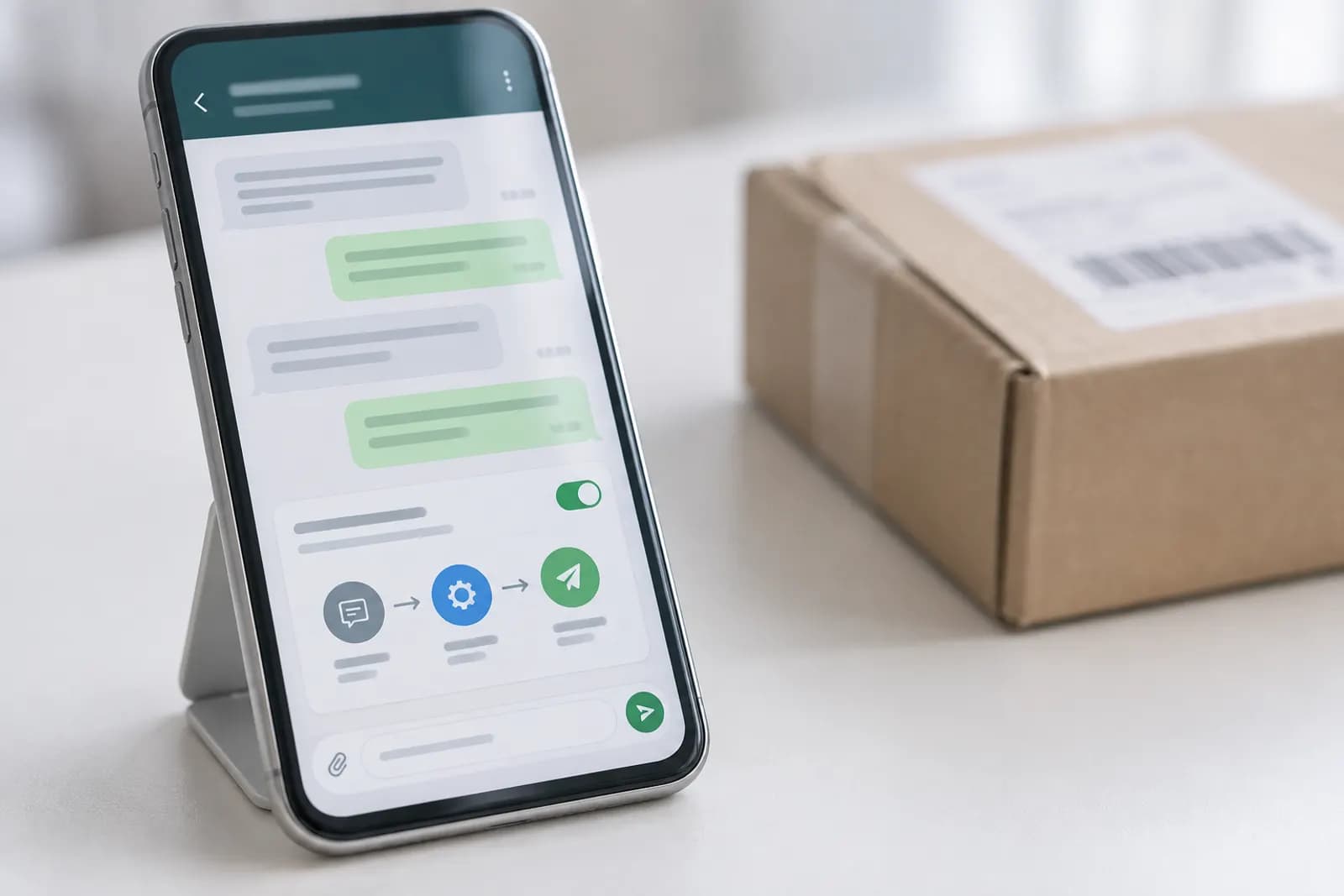
Use WhatsApp Business Cloud, Make, and an AI model to answer approved customer questions automatically, while sending uncertain or sensitive messages to a human.
Which WhatsApp setup should you choose for AI replies?
Use WhatsApp Business Cloud with an automation platform if you want AI to read incoming messages and send replies. The ordinary WhatsApp Business app is useful for manual chats, greeting messages, away messages, and saved replies, but it isn't the right foundation for a general AI responder.
The practical default for a non-technical business is WhatsApp Business Cloud, Make, and OpenAI. Make connects the incoming WhatsApp event to an AI step, then sends the approved output back through WhatsApp. You don't need to write code, but you do need to complete the WhatsApp Business setup, connect a business number, and provide API credentials where requested.
Choose a fixed away message instead if customers only need your opening hours or a simple instruction. Choose AI only when messages vary enough that several approved answers would be useful. Keep your personal number separate from the automation. Moving an existing WhatsApp number between products can involve account and setup decisions that you should check before switching anything. Platform requirements, available features, and fees change, so verify the current setup screens and pricing before you commit.
For more context, read Set Up an AI Website Chatbot to Answer Customer Questions.
How do I build the first WhatsApp AI reply without code?
Build one narrow workflow: receive a message, send its text to an AI model with your instructions, check the result, and send the reply through WhatsApp Business Cloud.
In Make, create a scenario with a WhatsApp Business Cloud trigger for a new incoming message. Add an OpenAI module and pass the customer's message into it. Include your business name, hours, service area, prices you are willing to publish, and a short list of approved answers. Add a WhatsApp Business Cloud send-message module and map the model's text into the outgoing message field. Turn the scenario off while configuring it.
Start with text messages only. Ignore images, voice notes, stickers, group messages, and attachments until the basic path works. Each extra message type creates a separate failure mode and may need transcription or image handling. Test with a spare number, not a live customer conversation. The first successful test should prove that the workflow receives the correct sender, passes the actual message text to the model, and sends exactly one response.
What should your WhatsApp AI be allowed to answer?
Allow the AI to answer only questions supported by information you provide, and make every other case a handoff. A narrow responder is safer and more useful than a chatbot that tries to discuss everything.
Give the model a compact reference block containing your current services, prices, opening hours, delivery area, booking link, and cancellation policy. Then define forbidden actions. The AI must not invent stock, promise a delivery date, approve a refund, diagnose a problem, or confirm an appointment unless your workflow has checked the relevant system.
A useful decision rule is simple: if a reply needs a live lookup, a judgement call, or a private customer record, don't let the model answer it alone. For example, the AI can say, "Our standard consultation is available online or in person. I can help you choose a time, but a team member must confirm availability." It should not claim that Tuesday at 10 is available unless another connected system actually returned that slot.
Put this boundary in both the prompt and the fallback message. Repeating the rule matters because models can otherwise treat a plausible guess as a helpful answer.
How do you write a prompt that produces usable WhatsApp replies?
Write the prompt as an operating policy, not a request to sound clever. Tell the model who it represents, what facts it may use, how long replies should be, and when to stop and hand off.
A practical instruction can read: "You are the first-line assistant for [business]. Answer only from the business facts below. Use plain language and no more than three short paragraphs. Never invent prices, availability, policies, or delivery times. If the message involves a complaint, refund, payment issue, urgent safety concern, personal data request, or anything not covered, reply with HANDOFF and a brief explanation." Then add the facts and the customer's message.
Keep the business facts outside the customer's message. Treat customer text as untrusted input, because a customer can accidentally or deliberately write instructions such as "ignore your rules". Tell the model to follow the business policy instead.
Have Make inspect the result for the word HANDOFF. If it appears, send a neutral holding message and notify a person rather than sending the raw model output. If the model returns an empty answer, an error, or an unexpectedly long answer, use the same fallback. This simple gate catches more practical failures than endlessly refining the tone.
When should WhatsApp AI hand a conversation to a person?
Hand off whenever the customer needs a decision, access to private records, or emotional judgement. AI should remove repetitive first replies, not become the only route for problems it cannot verify.
Create a visible handoff path before launch. The automated message can say, "A person needs to look at this. Please reply with your order number, and our team will respond during business hours." Your workflow can then notify a shared email address or another internal channel with the customer's message, phone number, and the reason for handoff. Limit the notification to staff who need the information.
Use clear triggers for complaints, refunds, charge disputes, threats, accessibility needs, legal requests, medical or safety concerns, and messages containing account or payment details. Also hand off when the customer asks for a person twice, gives a low-confidence answer, or sends several messages the workflow cannot join correctly.
Don't let the AI keep replying after a human takes over. Store a simple handoff state for the conversation, or pause the automation manually. A common failure is a staff member writing a careful answer while the bot immediately sends another generic message. That makes the business look disorganised and can obscure the actual resolution.
How do you protect customer information in an AI WhatsApp workflow?
Send the AI only the customer information needed to answer the immediate question, and remove sensitive details from the prompt whenever possible. Most small businesses don't need to pass a full chat history, payment data, or identity documents to produce a useful first reply.
Start with message text, a conversation identifier, and limited business context. Avoid sending card numbers, passwords, access codes, government identifiers, health information, or complete order histories. If a lookup is essential, return only the narrow result the customer needs, such as whether an order is delayed, rather than copying the entire record into the model request.
Review retention and access settings for Make, your AI provider, and WhatsApp Business Cloud before turning on live traffic. Check who can view scenario logs, failed operations, prompts, and message content. Remove test conversations from shared screenshots and exports. Tell customers when a person will review a message if your local privacy obligations require that notice.
Keep the business reference block current and versioned. Old prices and policies are a data-quality problem, not an AI problem. Assign one person to review it whenever a price, opening hour, service, or cancellation rule changes. A wrong but confident answer usually starts with stale instructions.
How do you test an AI auto-reply before customers see it?
Test the workflow with realistic good, bad, and ambiguous messages before enabling it for customers. A single "hello" test proves only that the connections work, not that the automation is safe.
Use a spare WhatsApp number and test at least these cases: a supported FAQ, a typo, a question with missing details, a request for a refund, a complaint, a message asking for a human, a prompt-injection attempt, and an attachment or voice note. Check whether each message produces one reply, the correct reply, or a handoff. Also test what happens when the AI provider times out, Make cannot send a message, or the customer sends two messages close together.
Read the actual outgoing text on a phone. Look for invented details, awkward formatting, excessive length, links that are broken, and a tone that sounds unlike your business. Confirm that the fallback still works when the model returns an error or blank response.
Keep a test log with the input, expected result, actual result, and fix. Don't test only with questions you wrote yourself. Ask a colleague to phrase the same request naturally, because customers rarely use the exact wording found in your FAQ. Leave the automation disabled until every unsupported case reaches a human.
What is the safest way to launch your WhatsApp AI reply this week?
Launch with one customer job, one business number, and a short review period rather than automating every incoming conversation at once. The best first job is usually answering repetitive pre-sales or opening-hours questions, because those replies can be checked against a small, stable fact sheet.
Set a default response for unsupported messages, a human notification route, and a kill switch before launch. Decide who owns the reference facts and who checks failed runs. Review the first conversations manually, then update the prompt when a failure reveals a missing rule. Change one thing at a time so you can tell whether the fix worked.
Track operational signals rather than vanity measures. Record how often the workflow failed, how often a person had to correct the bot, which questions caused handoffs, and whether customers repeated themselves after an automated reply. A high handoff rate may mean the scope is too narrow. A low handoff rate can also be bad if the AI is answering questions it should escalate.
Automate Basics can use this same small-scope approach for its own internal workflow planning: start with a defined job, a known fallback, and a test set. Check current Make and OpenAI pricing, plus WhatsApp Business Platform requirements, before estimating your running cost. Rules, limits, and fees change.
Sources consulted
- Make Help Center (make.com)
- OpenAI Help Center (help.openai.com)
- n8n Documentation (docs.n8n.io)
Frequently asked questions
Can I add AI auto-replies to the regular WhatsApp Business app?
A regular WhatsApp Business app can provide greeting messages, away messages, and saved replies, but a general AI workflow normally needs WhatsApp Business Cloud or another approved API connection. Before moving a number, check the current WhatsApp setup requirements, account compatibility, messaging rules, and costs.
Do I need to know how to code to automate WhatsApp replies?
No. A no-code platform such as Make can connect a WhatsApp Business Cloud trigger to an OpenAI step and an outgoing WhatsApp message. You still need to configure accounts, permissions, fields, prompts, and error handling. Those setup tasks are technical, but they don't require writing software.
Can the AI answer questions about orders and appointments?
Only if the workflow connects to a trustworthy live system and checks the result before replying. Don't let the model guess an order status, stock level, appointment time, refund decision, or delivery date from old text. Without a verified lookup, the correct behavior is to collect details and hand the conversation to a person.
How do I stop the AI from making up information?
Give it a small, current set of approved business facts and explicitly forbid guesses about prices, availability, policies, and timings. Add a HANDOFF instruction for anything outside that set, then make the automation detect the marker. Test ambiguous questions and prompt-injection attempts before enabling live replies.
What should happen when a customer wants a human?
Send a short holding message, notify a named person, and pause automated replies for that conversation. Include the customer's message and only the details staff need. If you don't pause the bot, it may continue answering while a team member is handling the issue, creating duplicate or contradictory responses.
For you
Learn to do this with AI, free
Short courses for people who aren't engineers: ChatGPT, Claude, prompting and automation. Every lesson is free, with no card.
Start a free courseFor companies
Make an AI or automation tool?
List it in the directory for $9.99, refunded in full if it isn't approved, or claim its page if it is already here.
Related guides
 Get a Slack Reminder for Unanswered Customer MessagesSet a rule for what counts as answered, then check the full Slack thread before reminding your team about a customer message.
 AI Automation Implementation Checklist for Your First WorkflowAn AI automation implementation checklist covers task selection, triggers, permissions, approval, testing, error detection, monitoring, and rollback.
 What Does “Automate All the Things” Mean in AI?Automate all the things means letting AI handle repeatable work while people approve decisions, exceptions, and irreversible actions.
Tools in this piece
Drafted with AI assistance from our own research and Search Console data, and reviewed by the Automate Basics team before publishing. Tools and prices change; check the linked official source before you act.
Get the next one by email
One email a week: what changed in AI for people who use it at work, and what to do about it.