
Get a Slack Reminder for Unanswered Customer Messages
By Anu Verma
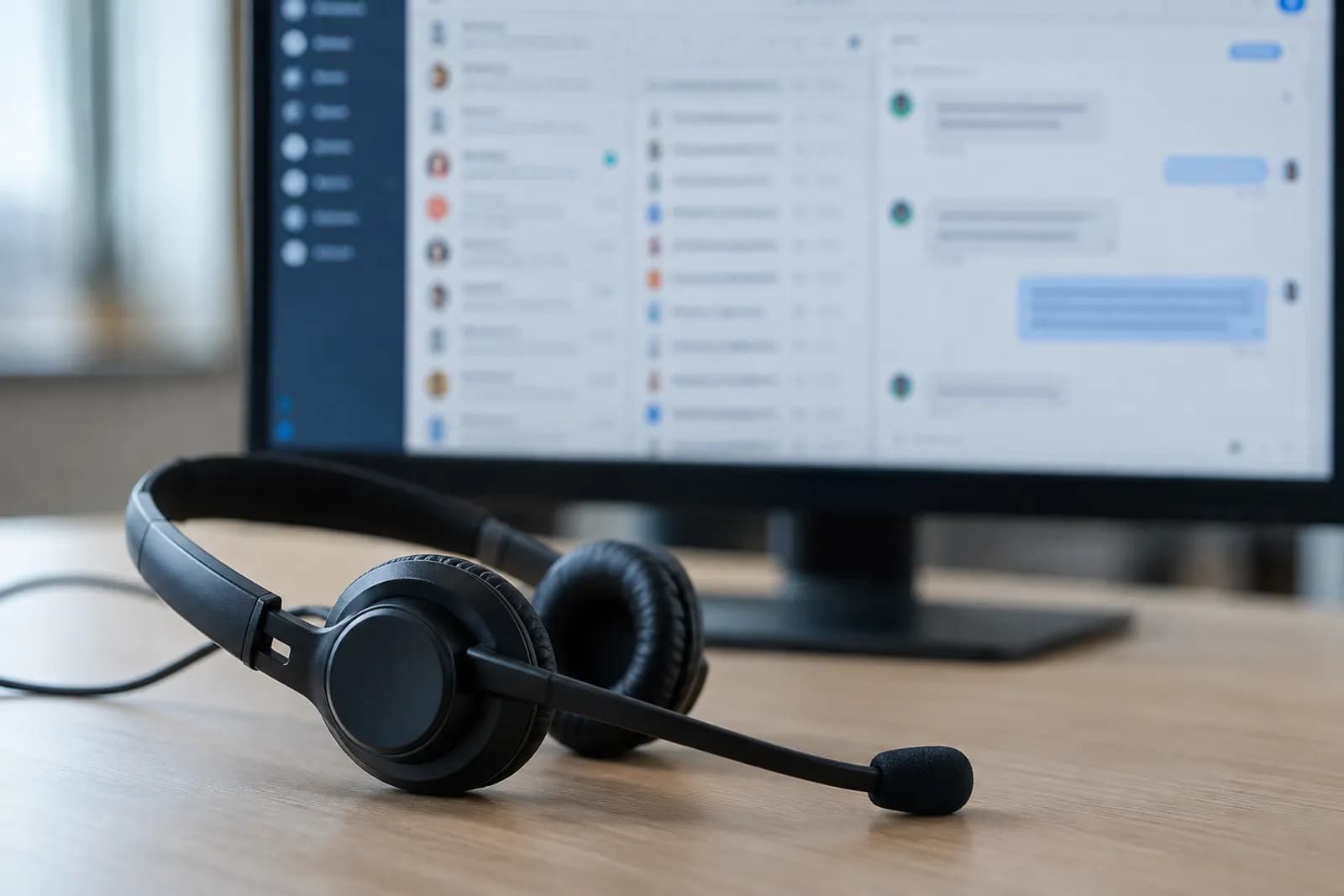
A Slack reminder for an unanswered customer message should fire only after a waiting period and a fresh check of its thread. Define which team replies count as answers first, or the reminder will interrupt work that is already handled.
A Slack reminder for an unanswered customer message should fire only after a waiting period and a fresh check of its thread. Define which team replies count as answers first, or the reminder will interrupt work that is already handled.
The customer messages that need a reminder
Start with customer messages in a specific Slack channel, rather than every message your team receives. A narrow starting point makes it easier to tell whether an alert is useful and whether a reply was missed. Choose the channel where customers post questions, and decide whether only new top-level messages qualify or whether new customer questions inside existing threads qualify too. Those are different cases and may need different automation rules.
For a first setup, watch new top-level customer messages. Exclude posts from teammates, apps and the automation itself. If customers also use the channel for thanks or general updates, either require a team member to mark questions for follow-up or accept that someone will need to review occasional alerts. A keyword rule alone may miss a question phrased without a question mark and may flag a message that needs no reply.
Keep a way to identify the original message and its thread. The automation needs that reference when it checks for answers later. A Slack alert for unanswered messages is only as reliable as the rule that selects the messages worth checking.
The reply that counts as answered
Count a customer message as answered when a team member posts a substantive reply in that message's thread after the customer message arrived. A reply such as an acknowledgement may not resolve the question, so decide whether your team treats it as an answer or merely as a sign that someone has taken ownership. Write down that rule before building the reminder.
If an acknowledgement stops the reminder, a customer may wait without getting an answer. If only a final answer stops it, the team may be reminded while someone is actively working on the request. A useful compromise is to let an agreed ownership marker pause the reminder, then track the unresolved work separately. A reaction or marker should count only if the team uses it consistently and the automation can check it.
A reply in another channel or a private message will not appear in the original thread. Either ask teammates to leave a brief resolution note in the customer thread or provide a separate handled marker. Do not let a reply from the customer, or a bot posting the reminder, count as the team's answer.
Where a manual Slack reminder is enough
A manual reminder is enough when someone already reads each customer message and only needs help remembering which ones to revisit. That person can mark a message for follow-up, set a reminder using the options available in their Slack workspace, and remove it after checking the thread. This approach avoids building an automation around a channel with little traffic or unclear ownership.
Manual reminders have a clear limit: someone must notice the message and set one. They will not reliably find customer questions nobody answered in Slack if nobody marked those questions in the first place. A shared review habit can help, but it depends on a person checking the channel.
Use an automation tool when the team needs a consistent waiting period and a check that runs without someone remembering to set it. Keep the decision separate from task tracking. If a request needs a named owner and work outside Slack, turn the chosen Slack message into an Asana task. A task records the work; the unanswered-message check decides whether the customer thread still needs attention.
The automation that checks before it alerts
Build the reminder as a delayed check, not an alert sent immediately after a customer posts. In a no-code automation tool, start with a new-message trigger for the chosen channel. Filter for eligible customer messages, save a reference to the original message and thread, and wait for the response window your team has chosen. The waiting period should match your actual staffing hours, not an arbitrary delay.
When the wait ends, fetch the current replies to the original thread. Check for a qualifying team reply posted after the customer message, and check any handled marker your team agreed to use. Send a reminder only if neither is present. Include a link back to the original Slack message and direct the alert to the person or channel responsible for responding. Reminding the team to reply to Slack channel messages works better when the alert points to the exact conversation, rather than repeating the customer's message without context.
Before choosing a tool, check its Slack actions and your workspace permissions. Confirm that the tool can retrieve thread replies at the time of the check, not merely read the message that started the automation. If it cannot, use a tool or workflow that can, or keep the review manual.
The safeguards against duplicate or stale alerts
Recheck the Slack thread immediately before sending each reminder. A customer message may have been answered during the waiting period, and a trigger's original snapshot will not show that later reply. The final check is what prevents an alert for work the team has already handled.
Save a record keyed to the original message so a delayed run or retry does not send the same reminder twice. If you want repeat reminders, define when they recur and check the thread again before each one. Stop repeating when a qualifying answer or handled marker appears. Exclude reminder posts and other app messages from the rule that detects customer questions, or the automation could react to its own alerts.
Thread boundaries matter. A teammate's answer in a different thread should not silently close this question, even if it discusses the same topic. Conversely, if your team regularly answers elsewhere, require a resolution note or marker on the original message. For long discussions that need a durable record after the customer is helped, summarize the Slack thread into a decision log. That record serves a different purpose from a reminder.
The test that shows whether the rule works
Test the reminder with representative messages before relying on it for customer work. Post an eligible question in the chosen channel and let it pass the waiting period without a team reply. Check that the alert points to the original thread and reaches the intended person or channel. Then repeat with a team reply added during the wait; that case should produce no alert.
Try a customer follow-up, a teammate acknowledgement, a bot message and a reply in the wrong thread. The expected result depends on the answer rule you wrote, so record what should happen before running each test. Also check what happens if the automation is delayed, retried or unable to read the thread. A failed check should be visible for manual review, not treated as proof that the customer was answered.
After launch, review a small sample of alerts and missed questions with the people who reply to customers. Adjust the eligibility rule, ownership marker or waiting period when you see a recurring mistake. The aim is not to detect every possible question from its wording. It is to give the team a dependable way to revisit the conversations it has agreed to handle.
Sources consulted
Frequently asked questions
Can Slack automatically remind my team about unanswered customer messages?
A no-code automation tool can send a Slack reminder if its Slack connection can read the original message and check its thread after a delay. Confirm those actions and the required workspace permissions before building the flow. For a small number of messages, a person setting reminders while reviewing the channel may be simpler.
How can I find customer questions nobody answered in Slack?
Start with the channel where customers ask for help, then compare eligible customer messages with the replies in their own threads. A missing team reply is a useful signal, but it does not prove nobody responded elsewhere. Ask the team to record an answer or handled marker on the original thread when work happens outside it.
Should a reaction or acknowledgement stop the reminder?
Only if your team has agreed that it means the customer request is being handled. An acknowledgement can stop duplicate nudges while still leaving the question unresolved. If you use a reaction or other marker, make its meaning clear, confirm your automation can read it, and keep a separate way to track work that still needs an answer.
Why did I get a reminder after someone replied?
The automation may have checked the message when it first arrived rather than checking the thread again before alerting. The reply may also be in another thread, come from an account the rule excludes, or arrive after the final check. Inspect the original thread and the automation's run record before changing the rule.
Related guides
 How to Auto-Reply to WhatsApp Messages With AISet up an AI auto-reply for WhatsApp with Make and OpenAI to answer approved questions, check replies, and hand off sensitive messages to a human.
 Draft Customer Email Replies in Their Language With AIUse AI to draft a reply in the customer's language, keep product names and promises accurate, and have a person check it before sending.
 Turn Support Tickets Into a Draft Help Center ArticleGroup repeated ticket questions, remove customer details, and use AI to draft an article you can check against current product instructions.
Drafted with AI assistance and checked automatically before publishing. Tools and prices change; check the official source before you act.