
Email to Notion: Auto-Create Tasks From Your Inbox (n8n Workflow)
By Anu Verma
Label or forward an email, and an n8n workflow reads it, uses Claude to pull out the actual task and any due date, and creates a task in your Notion database. The thing you needed to do stops living in your inbox and lands in your task system automatically — so nothing buried in email gets forgotten.
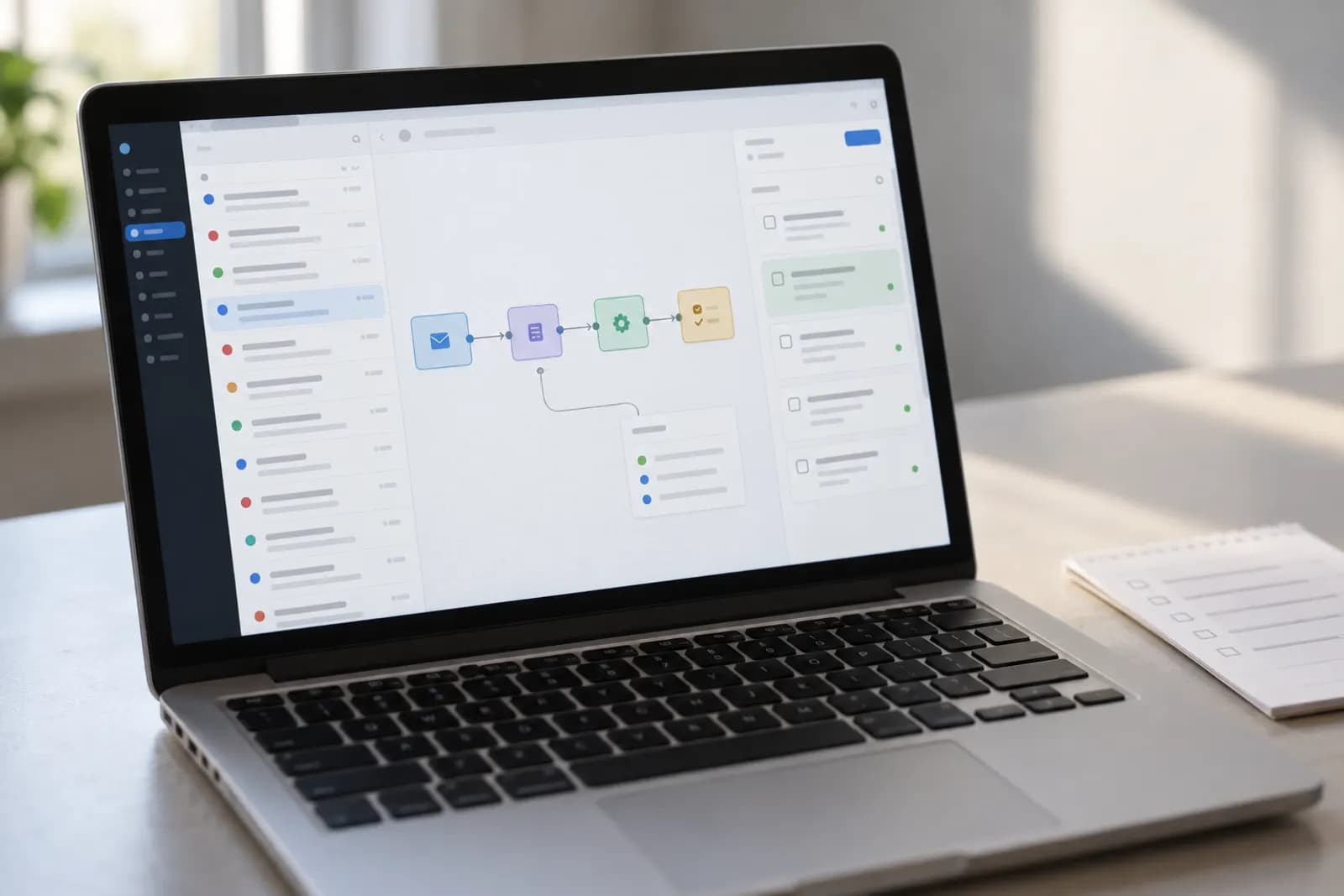
Your inbox is where tasks go to hide. Something important arrives, you think "I'll deal with that later," and it scrolls into oblivion. This workflow rescues those action items: flag an email, and the task lands in Notion with a due date, ready to work.
The inbox is a bad to-do list
Email was built to receive messages, not to track what you owe people. So action items rot there, half-remembered and unsorted. The fix is a one-way valve: you flag an email, and an automation lifts the real task out of it and drops it into your task list. n8n watches for the flag, Claude reads the message, Notion holds the result. If you would rather not run n8n, turning Gmail emails into Notion tasks with a no-code tool does the same job in Zapier.
How the three pieces fit
Three nodes, one clean chain. The Gmail trigger is the doorbell: it fires only when you label an email. Claude is the reader that pulls the real task and any deadline out of messy human wording. Notion is the filing cabinet — it stores a tidy, dated task. You build them left to right, testing as you go, so each piece is proven before you add the next.
Your short shopping list
Everything here is mainstream and no-code-friendly. Gather these before you start:
- n8n (cloud or self-hosted) — the workflow engine.
- A Gmail account.
- A Notion database for tasks, with properties like Name, Due, Status.
- A Claude API key — for reading the email.
Trigger on a label, not everything
Add a Gmail Trigger and filter it to a single label: todo. This is the most important design choice in the whole build — it means you decide what becomes a task. Tag an email "todo" and the workflow fires; ignore an email and nothing happens. Your inbox stays an inbox, and your task list stays intentional instead of flooded.
Make Claude return clean data
Add the Claude node and ask for structured JSON, so Notion can drop each field into the right column without guesswork:
From this email, extract the action I need to take. Return JSON only:
{ "task": a short imperative task title,
  "due": an ISO date (YYYY-MM-DD) if one is implied, else null,
  "notes": one line of useful context }

Email:
Subject: {{ $json.subject }}
Body: {{ $json.text }}
Claude turns "Can you send the revised deck before Thursday?" into a clean task with a real date — and leaves due empty when there is no deadline rather than inventing one.
File it in Notion
Add a Notion node set to Create Database Page, then wire Claude's output to your columns: map task to the page title, due to the date property, and notes plus the email link into the page body. Run the workflow once by hand and watch a tidy, dated task appear in Notion. Seeing that first real task land is the moment it clicks — then flip the workflow to Active and it runs forever in the background.
Teach it to do more
Once the basic chain works, ask Claude to do more in the same step. Have it tag priority (high, medium, low) from the email's urgency. Ask it to pick which project the task belongs to and route it there. Or add a separate morning workflow that reads back today's due tasks so nothing sneaks up on you. Small additions, outsized calm.
Build the Notion side first
Before any automation, create the Notion database with Name, Due, and Status properties and add one task by hand. Knowing exactly what a finished task looks like makes the later field-mapping step obvious — you are just filling a shape you already designed.
Try this now
Create the Notion database first with just three properties — task, source, due — and forward one email through the workflow. When one email becomes one task correctly, scale it; a fancy schema before that is procrastination.
Frequently asked questions
Does every email become a task? That sounds noisy.
No. You control the trigger. The clean approach is to apply a Gmail label like "todo" (or forward to a dedicated address). Only those emails become tasks, so your inbox stays your inbox and your task list stays intentional.
How does it figure out the due date?
Claude reads natural language like "by end of week" or "before our Tuesday call" and converts it to an actual date. If there’s no date, it leaves the field empty rather than inventing one.
Can I use a different task tool instead of Notion?
Yes. Swap the Notion node for whichever task-tool node n8n offers for your app. The trigger and the AI extraction step are identical, only the final "create task" node changes.
Will the task link back to the original email?
It can. Include the email’s link or message ID in the task so one click takes you back to the full context when you’re ready to work on it.
For you
Learn to do this with AI, free
Short courses for people who aren't engineers: ChatGPT, Claude, prompting and automation. Every lesson is free, with no card.
Start a free courseFor companies
Make an AI or automation tool?
List it in the directory for $9.99, refunded in full if it isn't approved, or claim its page if it is already here.
Related guides
 Auto-Reply to New Leads in Under a Minute (n8n + Claude)Reply to every new lead within a minute: a workflow catches each form submission, files the lead in your CRM and sends a warm, personal reply.
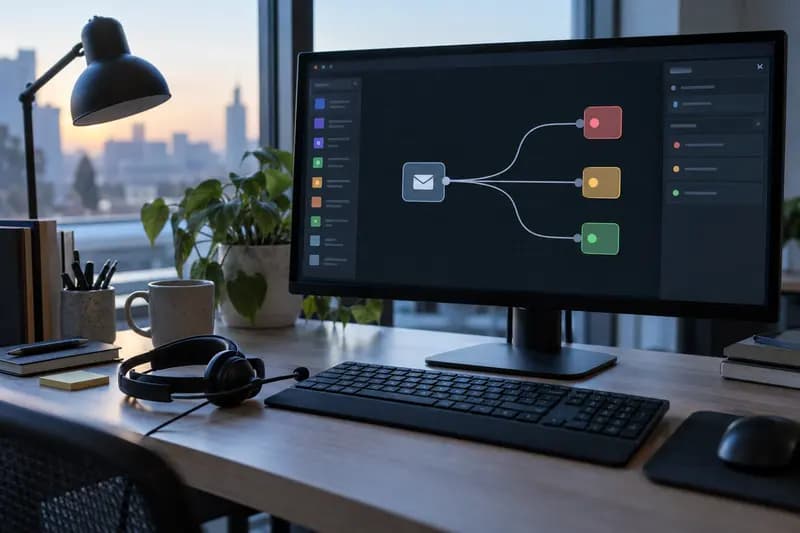 How to Auto-Categorize Support Emails with AI (n8n Tutorial)Every support email sorted, labelled and prioritised before you open your inbox: an n8n workflow where Claude classifies each one and drafts a reply.
 How to Auto-Draft Sales Follow-Up Emails with n8n + Claude (No Code)Never let a lead go cold: an n8n workflow spots leads due a follow-up and has Claude draft a personal email in your tone, waiting in your drafts.
Tools in this piece
Get the next one by email
One email a week: what changed in AI for people who use it at work, and what to do about it.