
What Is n8n? A Beginner's Guide (+ Your First AI Workflow)
By Anu Verma
n8n is a visual automation tool: you connect apps and AI as a chain of "nodes," and n8n runs them for you on a trigger, a schedule, a new email, a form submission. You build by dragging boxes and connecting them, no code required.
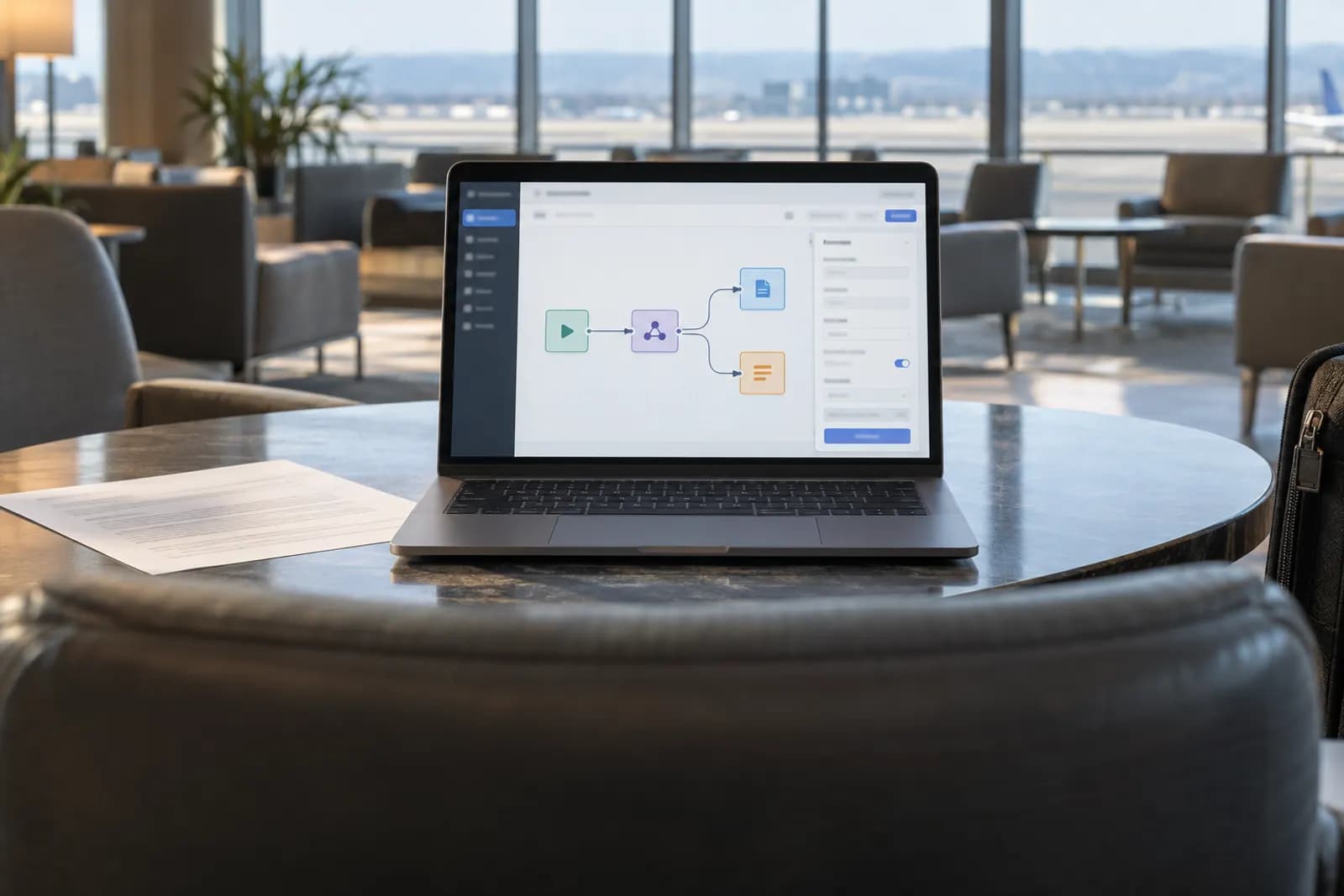
People talk about automating their work with "n8n" (say it n-eight-n) and always skip the part where they explain what it actually is. This is that part, no jargon, no agency pitch. By the end you will have built a real workflow that emails you an AI news briefing every morning.
So what is n8n?
n8n connects the apps you already use so they pass information to each other automatically. Instead of you copying a lead from a form into a spreadsheet, writing a follow-up, then adding a task, n8n does that whole chain for you, every time, in seconds. You build it by dragging boxes and drawing lines between them, no code. What makes it special is that AI is built in: dropping a Claude step into the middle of a workflow is as easy as adding any other box.
Four ideas, that's it
Forget the giant feature list. You only need four words to understand everything n8n does:
- Trigger — what starts the workflow (a schedule, a new email, a payment).
- Node — one step ("fetch this page," "ask Claude," "send a Gmail").
- Connection — the line between nodes that carries data forward.
- Credential — your saved login to a service, added once, reused safely.
Every workflow is just trigger then node then node, with data flowing along the connections. Learn these four and the rest is detail.
The node is the verb
A node is a single action, a labelled box that does one thing. "Read an RSS feed." "Ask Claude to summarize." "Send an email." You chain them so the output of one becomes the input of the next. Think of nodes as verbs and the connections as the word "then": fetch the news, then summarize it, then email it to me. You will spend your time picking the right boxes and wiring them in order, that is the craft.
How data moves
When one node finishes, it hands its result to the next along the connection line. So your RSS node produces articles, and your Claude node can read those articles, because they are wired together. n8n exposes that handoff with a simple syntax, {{ }}, which means "drop the previous data in here." You will see {{ $json }} in the briefing below: it is just n8n saying "use whatever the last node gave me."
Cloud vs self-hosted
n8n comes in two flavours, and for your first workflow either works identically:
- n8n Cloud — n8n runs it for you. Sign up and you are building in five minutes. Costs a monthly fee, best for zero setup.
- Self-hosted — you run it on a cheap server. Free for your own business, your data stays with you, and it is how most serious users run it.
Don't let server setup block you from learning today. Start on the Cloud free trial or a local install, and move to self-hosted later once you know you will keep using it.
Step 1: the morning trigger
Time to build. Create a new workflow and add a Schedule Trigger node, the box that "wakes up" your workflow each morning. Set it to run once a day. Under the hood it is a cron rule; the daily preset is fine, but if you want 7:00am exactly, use:
0 7 * * *
Every workflow needs exactly one trigger, and this is yours.
Step 2: fetch the news
Add an RSS Read node and connect the trigger to it by dragging a line between them. Paste in the RSS feed of a site or newsletter you follow (most have one at /feed). Click Execute and the latest articles appear as data, titles, links, summaries. That is your data now sitting in the connection, ready for the next step. You just saw a node do something for the first time.
Step 3: summarize with Claude
Add an Anthropic (Claude) node and connect the RSS node to it. The first time, you will add a credential, paste your Claude API key from your Anthropic account, and n8n stores it safely for reuse. Then give it a prompt:
You are my morning briefing. From the articles below, pick the 5 most
important and summarize each in one clear sentence a busy founder can
skim. Plain language, no hype.

Articles:
{{ $json }}
The {{ $json }} pours the articles in. Run it, and Claude hands back your five bullets.
Step 4: email it to yourself
Add a Gmail (or Send Email) node and connect it. Add your email credential, set the recipient to yourself, the subject to "Your morning briefing," and drop the Claude node's output into the body. Hit Execute and check your inbox. There it is, a briefing assembled from four boxes and two lines. You have now used a trigger, three nodes, a credential, and data flow, the whole model.
Step 5: turn it on
Everything so far ran in test mode, one click at a time. Flip the workflow's Active toggle in the top corner and n8n takes over: it runs the entire chain automatically every morning, with no further input from you. That is the moment it stops being a demo and becomes automation, you built it once, and it works forever.
Now build your own
You just learned a pattern that handles an enormous amount of real work. Pick the one chore that wastes the most of your week, each of these is the same trigger then nodes then AI then output shape:
- A new contact-form entry, Claude drafts a tailored reply, it lands in your drafts (auto-replying to new leads builds it).
- A Stripe payment, an invoice is logged and a thank-you email goes out.
- A voice note, transcribed, turned into a LinkedIn post (voice note to LinkedIn post builds it).
Rebuild that one chore with the same four ideas. That is how you go from "I read a guide" to "I automate my own work."
Try this now
Build the morning-briefing workflow the guide walks through, start to finish, before you design anything of your own. It touches all four ideas once — and after it runs, your own first workflow is obvious.
Frequently asked questions
Do I need to know how to code to use n8n?
No. You build workflows visually by adding and connecting nodes, and most common tasks need zero code. n8n does let you drop into JavaScript or Python when you want more control, but you can go a very long way without ever writing a line.
Is n8n free?
The self-hosted version is free to run on your own server, and using it for your own business is allowed under its Sustainable Use License. There is also a paid n8n Cloud if you would rather not manage a server. The main cost when starting is usually the AI API calls (Claude or OpenAI), which are typically a few cents per run.
n8n vs other automation tools, which should a beginner use?
Some hosted tools are slightly simpler for the absolute first hour and have more one-click integrations, but they get expensive fast as you add steps. n8n has a small learning curve, then becomes cheaper and far more capable, especially for AI workflows. If you plan to do more than one or two automations, learning n8n pays off quickly.
Where does my data go when I self-host n8n?
When you self-host, workflows run on your own server and your credentials stay there, rather than on a third party's platform. That privacy and control is a big reason developers and small businesses prefer it.
For you
Learn to do this with AI, free
Short courses for people who aren't engineers: ChatGPT, Claude, prompting and automation. Every lesson is free, with no card.
Start a free courseFor companies
Make an AI or automation tool?
List it in the directory for $9.99, refunded in full if it isn't approved, or claim its page if it is already here.
Related guides
 Email to Notion: Auto-Create Tasks From Your Inbox (n8n Workflow)Turn a flagged email into a Notion task automatically: an n8n workflow uses AI to pull out the action item and due date and files it in your database.
 6 Best IFTTT Alternatives in 2026Six IFTTT alternatives with a free plan or free self-hosted edition, compared on free-tier limits and first paid price, checked in September 2026.
- 8 Best Make Alternatives in 2026Eight Make alternatives compared on price, free tier, self-hosting and how each meters usage, with every figure checked on the vendor's own page.
Tools in this piece
Get the next one by email
One email a week: what changed in AI for people who use it at work, and what to do about it.