
How to Auto-Draft Sales Follow-Up Emails with n8n + Claude (No Code)
By Anu Verma
An n8n workflow watches your CRM or a Google Sheet for leads overdue a follow-up, pulls each one's context, and has Claude write a personalized email in your tone. The draft lands in Gmail for a one-click send. You never face a blank page, and no lead slips through the cracks.
The money is in the follow-up
Most deals close on the second, third, or fourth touch, and the follow-up is exactly what busy people skip. "I'll circle back next week" quietly becomes never, and the lead goes cold. This n8n + Claude workflow makes the circle-back actually happen, automatically, in your own voice. Every morning you wake to a folder of personalized drafts instead of a guilty to-do item.
Meet your morning assistant
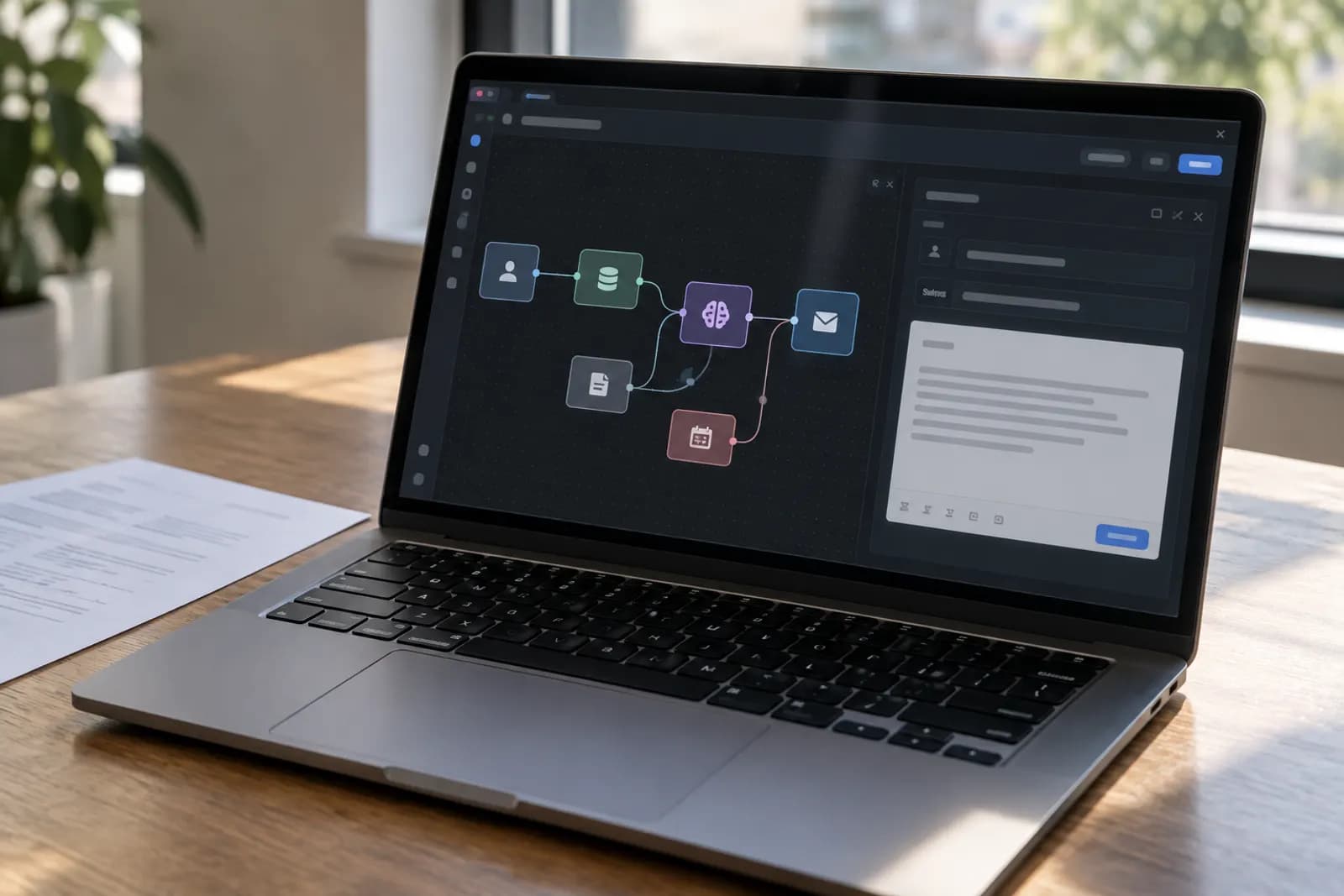
Picture a small morning assistant that runs before you're awake. It scans your lead list, spots everyone who's gone quiet, reads what you last discussed with each, and writes a tailored nudge. Four steps do the whole job:
- A schedule wakes the workflow up each morning.
- A filter finds leads untouched for, say, five days.
- Claude drafts a personal follow-up for each one.
- Gmail stashes them as drafts for your one-click send.
Start with a heartbeat
Add a Schedule Trigger set to run each weekday morning. This is the "who needs a nudge today?" heartbeat that turns follow-ups from a thing you remember into a thing that just happens. The cron below means 8am, Monday to Friday. Because it runs on a timer and touches several apps, this is an Intermediate build, not a chat prompt.
0 8 * * 1-5
Pull only the leads that are due
Add a Google Sheets node (Get Rows) pointing at your lead list, then a Filter node that keeps only rows where the last-contact date is over five days ago and the deal isn't closed. A plain Sheet with name, company, last-contact date, and notes is all you need to start, and you can swap it for HubSpot or Pipedrive later by changing this one node; routing form leads into your CRM automatically is how that list fills itself. Now you only ever work leads that genuinely need attention.
Let Claude write in your voice
Add the Anthropic (Claude) node. Because the filter returned several leads, n8n runs this once per lead automatically, like a mail-merge with a brain. The secret is feeding in the real context, so each email references the actual conversation instead of reading like a mass blast.
Write a short, warm sales follow-up in my voice. Friendly, not pushy,
one clear call to action. Reference our last conversation specifically.

My name: [your name], [your company].
Lead: {{ $json.name }} at {{ $json.company }}.
Last conversation: {{ $json.notes }}.
Days since last contact: {{ $json.days_since }}.

Return just a subject line and the email body.
Drafts first, always
Add a Gmail node set to Create Draft, mapping the lead's email to the recipient and Claude's output to the subject and body. Create Draft is your safety rail: nothing sends until you've glanced at it and clicked. A human stays in the loop while you skip the blank-page slog, and that slog is exactly where the time goes when you write these by hand.
Go hands-off when you trust it
After a week of reading the drafts, you'll know whether the quality holds. When it does, switch the Gmail node from Create Draft to Send, and add a final step that updates the last-contact date in your sheet. That date update is what stops the same lead from getting nudged twice. Now the whole sequence runs itself, and you only step in for the replies.
Build it on one test lead
Spin up n8n and add the Schedule Trigger, then the Sheets and Filter nodes pointed at a sheet with a single test row. Wire the Claude node and a Gmail Create Draft node after it, run it once by hand, and open Gmail to watch your first personalized draft appear. Once it reads right, let the schedule take over.
Try this now
Pick the deal you have been meaning to chase, run the draft prompt on the real thread, and send the follow-up today. When it takes under two minutes, that is your case for building the automated version.
Frequently asked questions
Will it send emails without me checking them first?
Not unless you want it to. The safe default is to create a Gmail draft, so you read and approve every message before it goes out. Once you trust the output, you can switch the final node from "create draft" to "send" for fully hands-off follow-ups.
Do I need a fancy CRM for this?
No. A Google Sheet with columns for name, company, last contact date, and a few notes works perfectly. The same workflow swaps cleanly to HubSpot, Pipedrive, or Airtable later by changing one node.
How does it personalize each email?
You pass the lead’s details, their name, company, what you last discussed, into the prompt. Claude writes around those specifics, so each follow-up references the real conversation instead of sounding like a template blast.
How much does it cost to run?
The n8n side is free to self-host. The only per-use cost is the Claude API call, which is typically a fraction of a cent per email. Following up with 100 leads costs less than a coffee.
For you
Learn to do this with AI, free
Short courses for people who aren't engineers: ChatGPT, Claude, prompting and automation. Every lesson is free, with no card.
Start a free courseFor companies
Make an AI or automation tool?
List it in the directory for $9.99, refunded in full if it isn't approved, or claim its page if it is already here.
Related guides
 How to Auto-Categorize Support Emails with AI (n8n Tutorial)Every support email sorted, labelled and prioritised before you open your inbox: an n8n workflow where Claude classifies each one and drafts a reply.
 Auto-Reply to New Leads in Under a Minute (n8n + Claude)Reply to every new lead within a minute: a workflow catches each form submission, files the lead in your CRM and sends a warm, personal reply.
 Email to Notion: Auto-Create Tasks From Your Inbox (n8n Workflow)Turn a flagged email into a Notion task automatically: an n8n workflow uses AI to pull out the action item and due date and files it in your database.
Tools in this piece

Get the next one by email
One email a week: what changed in AI for people who use it at work, and what to do about it.