
Operations
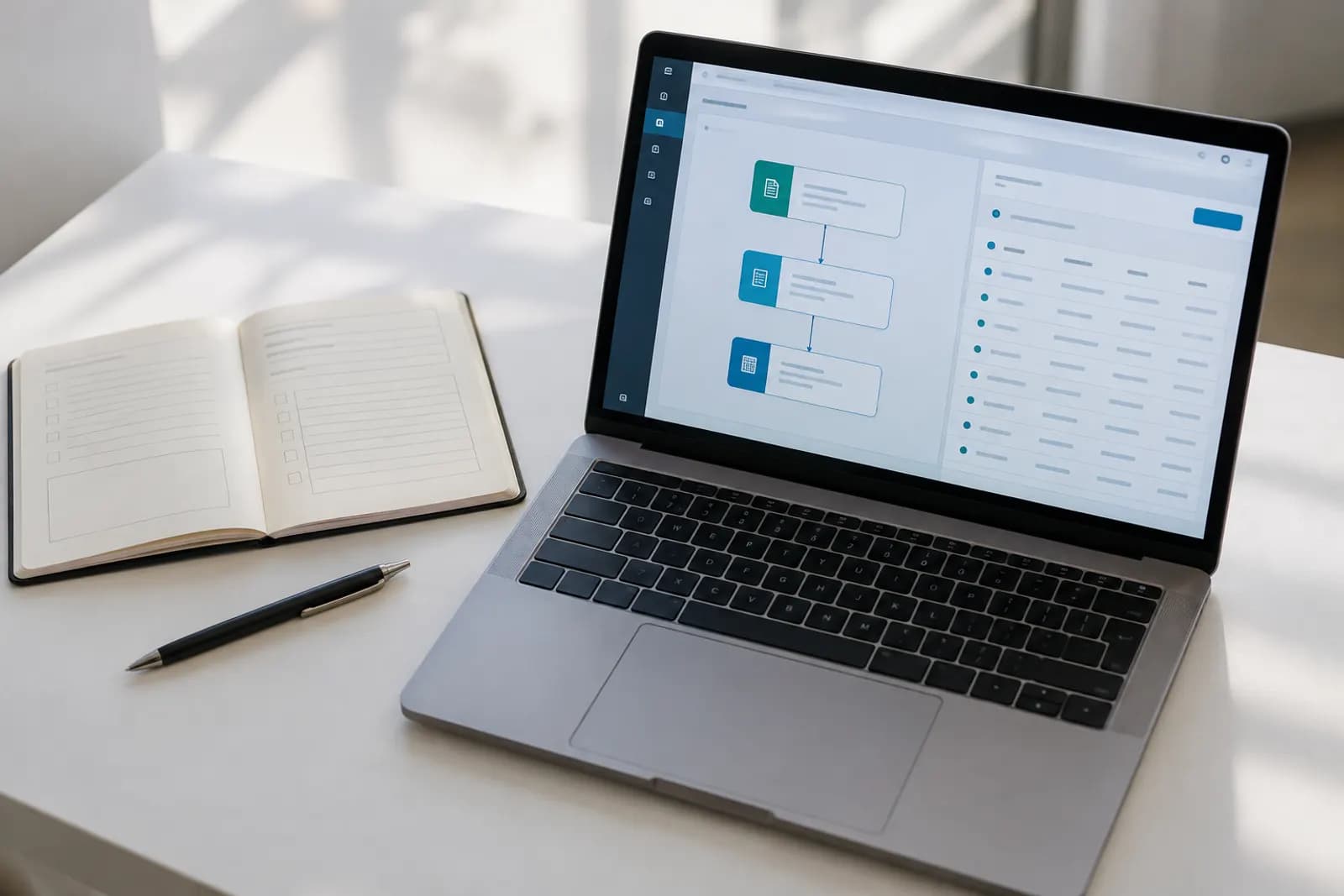
Workflow automation tools connect the apps you already use and move information between them when something happens. A new form entry, email or payment starts a sequence of steps, such as adding a row to a spreadsheet, posting in a chat channel or sending a reply, that would otherwise be done by hand.

No-code tool that connects web apps and runs automated, AI-assisted workflows
Visual no-code tool for building automated workflows and AI agents across apps
Workflow automation and AI agent builder you can self-host or use in the cloud
Microsoft tool for cloud workflows, desktop RPA and process mining
Links apps and smart-home devices through simple automations called Applets
Workflow automation for developers, with 3,000+ integrated apps and custom code
Workflow automation tool with task-based plans and one-time lifetime deals
Enterprise platform for integrations, workflow automation, APIs and AI agents
Open source
Open-source no-code builder for automations and AI agents, cloud or self-hosted
| Tool | Free plan | Starting price | Open source | Platforms |
|---|---|---|---|---|
| Zapier | $19.99/mo (annual) | No | Web | |
| Make | $9/mo (annual) | No | Web, API | |
| n8n | $20/mo (annual) | No | Web, Self-hosted, API | |
| Microsoft Power Automate | $15/user/mo | No | Web, Windows | |
| IFTTT | $2.99/mo (annual) | No | Web, iOS, Android | |
| Pipedream | $29/mo (annual) | No | Web, API | |
| Pabbly Connect | $16/mo (annual) | No | Web | |
| Workato | See pricing page | No | Web, API | |
| Activepieces | $16/mo (annual) | Yes | Web, Self-hosted, API |
Which apps do you need to connect? Check that each one is on the tool's integration list before anything else.
How is usage counted? Some tools bill per task or step, others per workflow run or per operation, and the same automation can cost very different amounts.
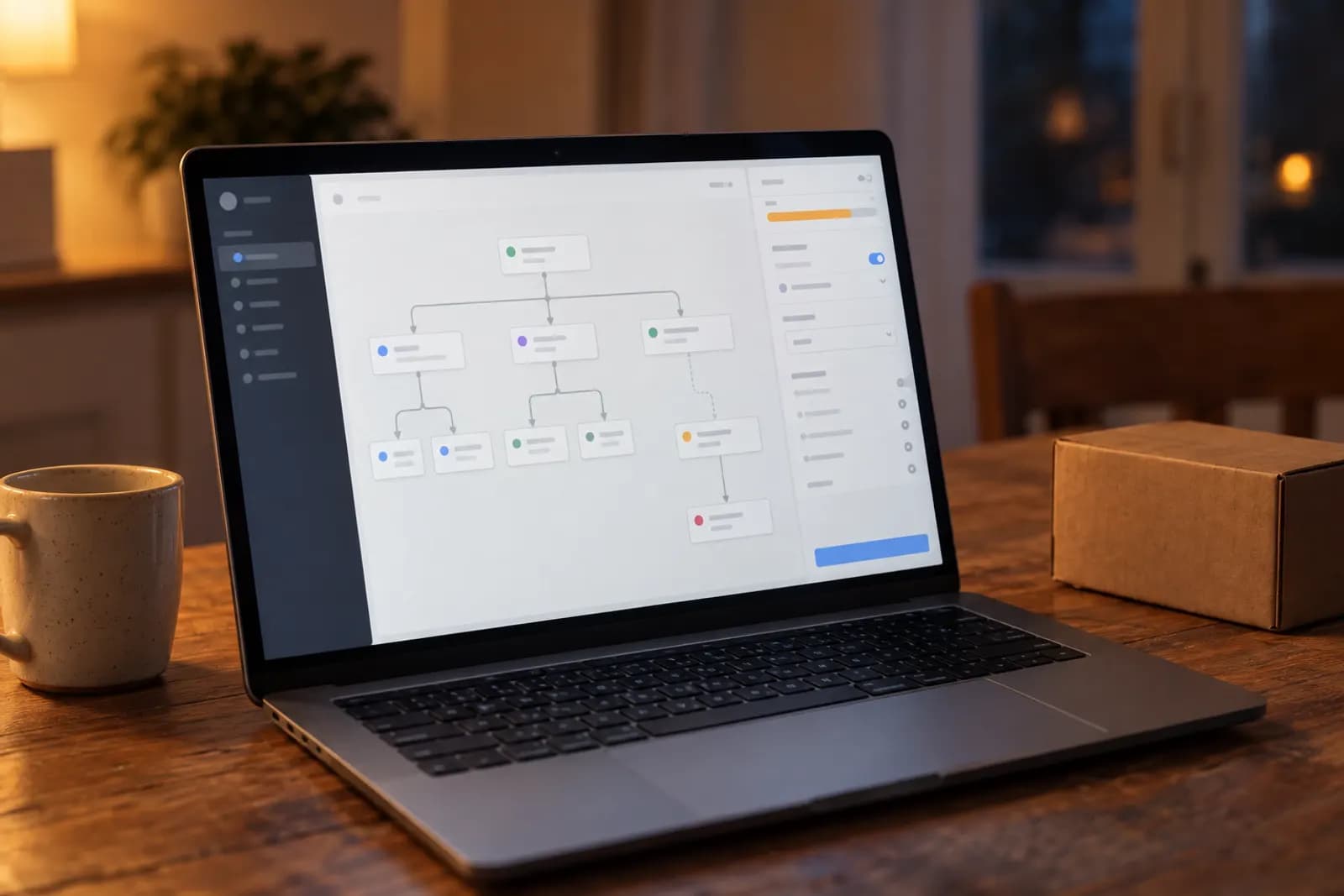
Do you need branching, loops or AI steps, or is a straight line from trigger to action enough?
Does your data have to stay on your own servers? Only some tools can be self-hosted.
Tools listed elsewhere that do this job too.
Operations

Operations
Operations

Operations
Operations

Operations
Workflow automation tools connect the apps you already use and move information between them when something happens. A new form entry, email or payment starts a sequence of steps, such as adding a row to a spreadsheet, posting in a chat channel or sending a reply, that would otherwise be done by hand.
Of the 9 listed here, 7 have a free plan: Zapier, Make, n8n, IFTTT, Pipedream, Pabbly Connect and Activepieces. Free plans are limited; each tool's page lists the limits.
Of the tools here with a published price, the lowest entry price is IFTTT's Pro plan at $2.99/mo billed annually, as published on its pricing page on 23 September 2026. The cheapest plan is not always the best value: check what each plan includes.