

Productivity
Apple's free app for building multi-step shortcuts and automations on Apple devices
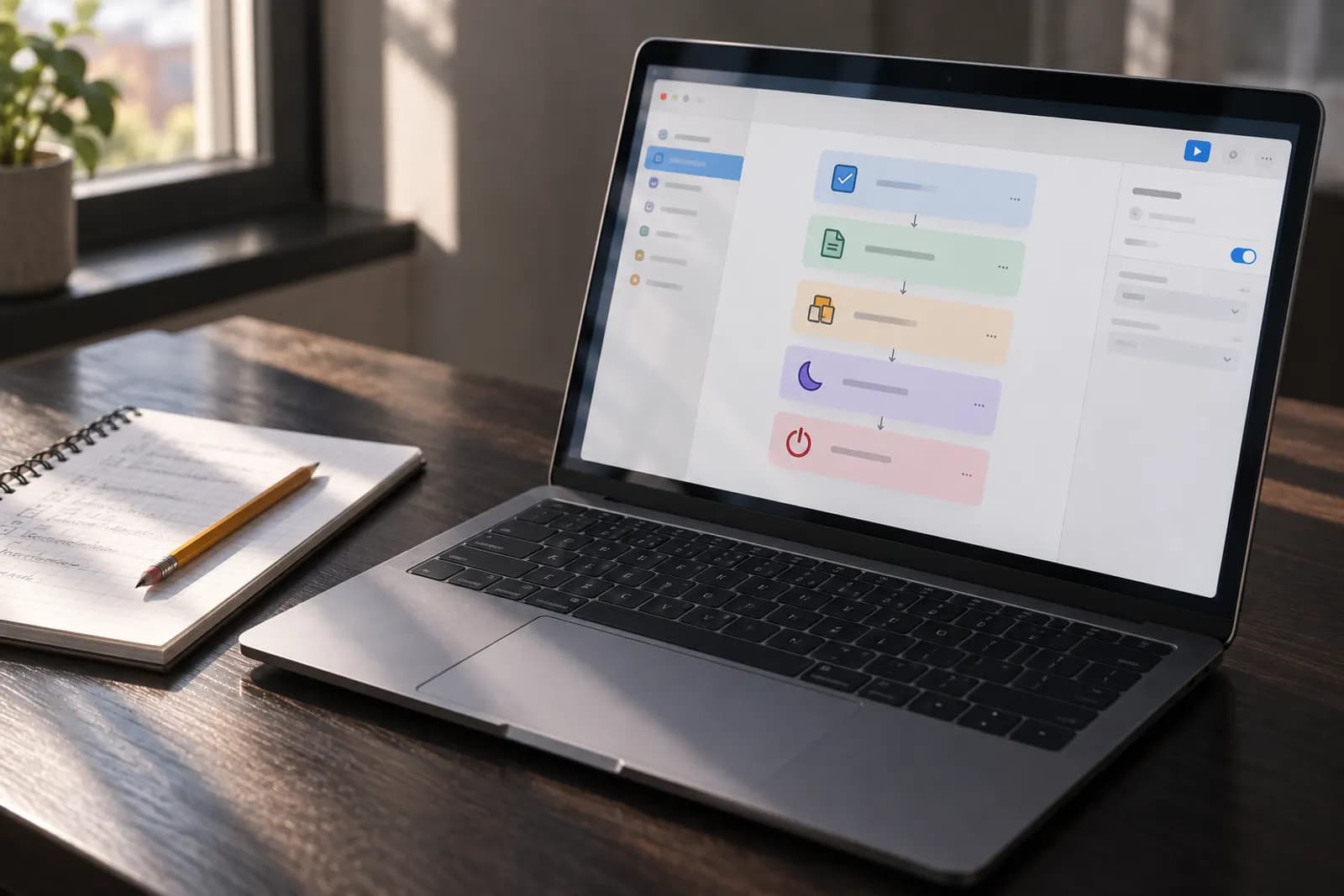
Apple Shortcuts is Apple's free app for combining steps from several apps into shortcuts that run with a tap, by asking Siri, or automatically when an event occurs, such as a time of day or arriving at a location. Shortcuts can come from the Gallery or from apps' built-in shortcuts, or be built step by step, and the Use Model action can send requests to Apple Intelligence models or ChatGPT. It runs on iPhone, iPad, Mac and Apple Watch and can sync shortcuts between devices through iCloud.
Apple Shortcuts is free to use.
Free plan limits: Requires iOS 12.0 or later on iPhone, iPadOS 12.0 or later on iPad, watchOS 7.0 or later on Apple Watch or visionOS 1.0 or later on Apple Vision, per the App Store; Apple Intelligence Cloud models in Shortcuts have daily usage limits
Links apps and smart-home devices through simple automations called Applets
Microsoft tool for cloud workflows, desktop RPA and process mining
Workflow automation and AI agent builder you can self-host or use in the cloud
No-code tool that connects web apps and runs automated, AI-assisted workflows
Visual no-code tool for building automated workflows and AI agents across apps
Workflow automation for developers, with 3,000+ integrated apps and custom code
Productivity
Content & Social
Productivity
Content & Social
Yes. Apple Shortcuts is free to use.
Apple's App Store lists the Shortcuts app, from Apple Inc., as Free. The listing says it requires iOS 12.0 or later on iPhone, iPadOS 12.0 or later on iPad, watchOS 7.0 or later on Apple Watch and visionOS 1.0 or later on Apple Vision. Its description says shortcuts can run with a tap from the Home Screen, by asking Siri, or even automatically.
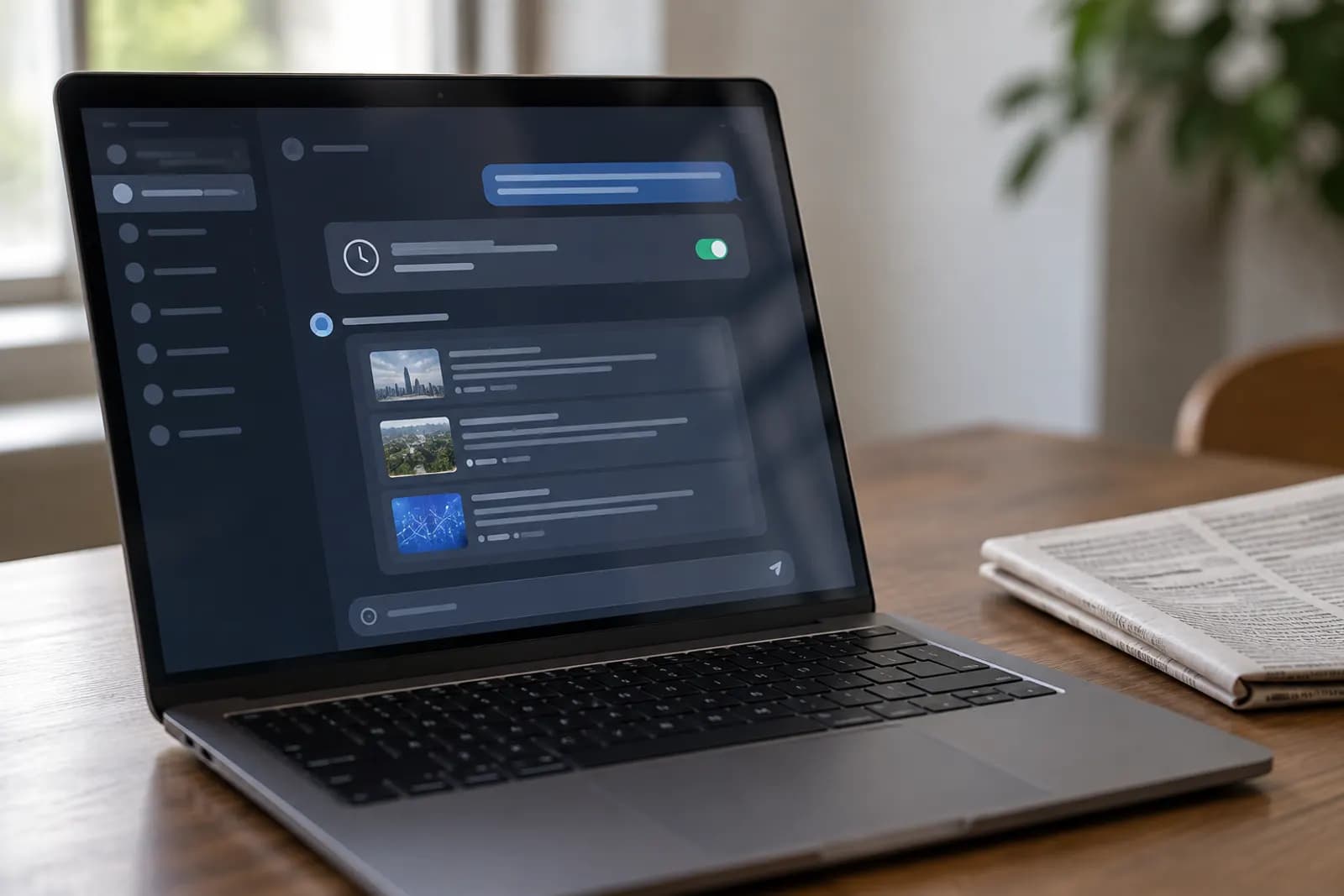
Yes. Shortcuts with automations run actions based on events such as time of day, arrival at a location, or the opening of an app. When the event occurs, you get a notification asking you to run the automation, and you can also enable an automation to run without asking. Automation shortcuts are specific to a device: they are backed up to iCloud and sync to other devices with the automation disabled.
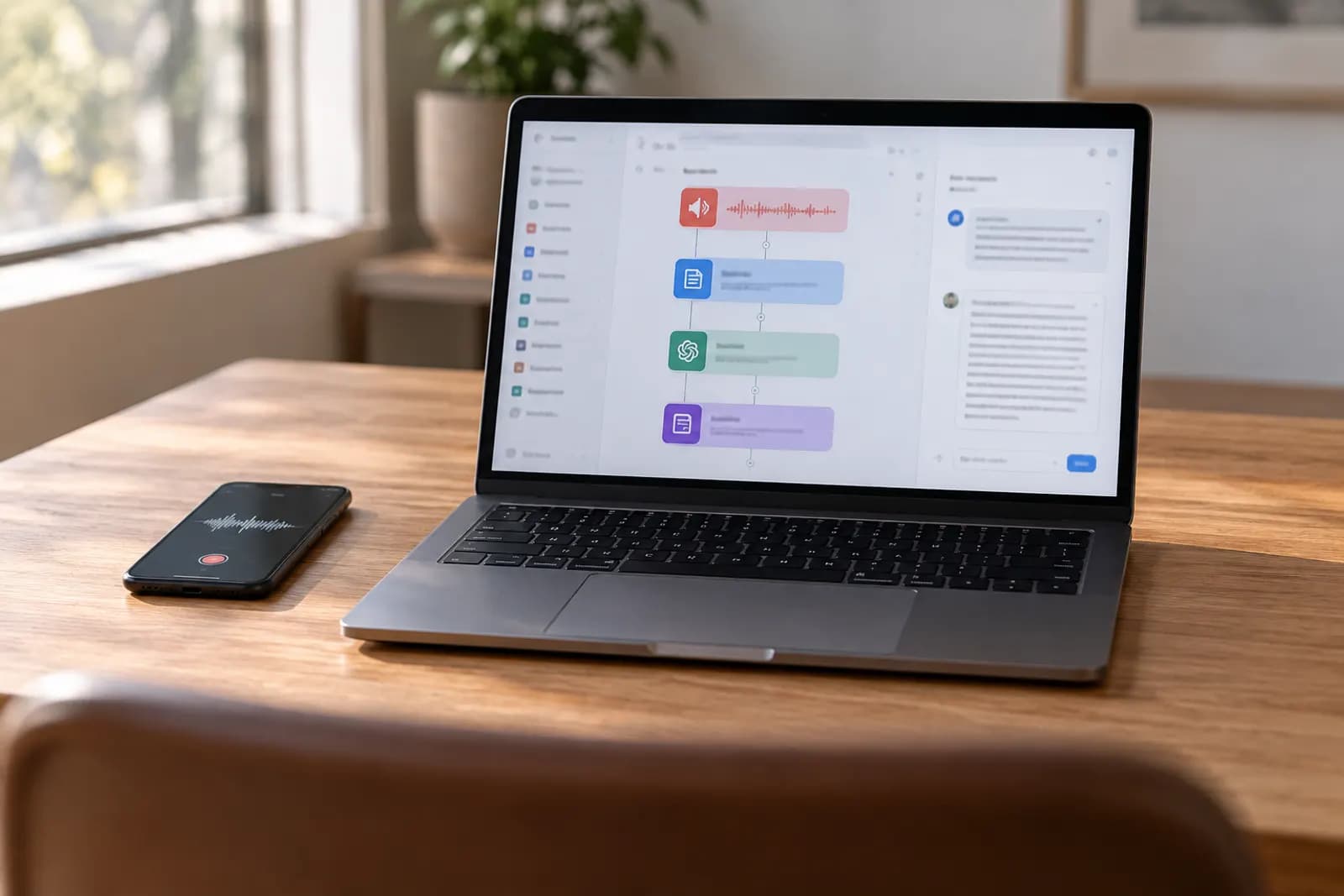
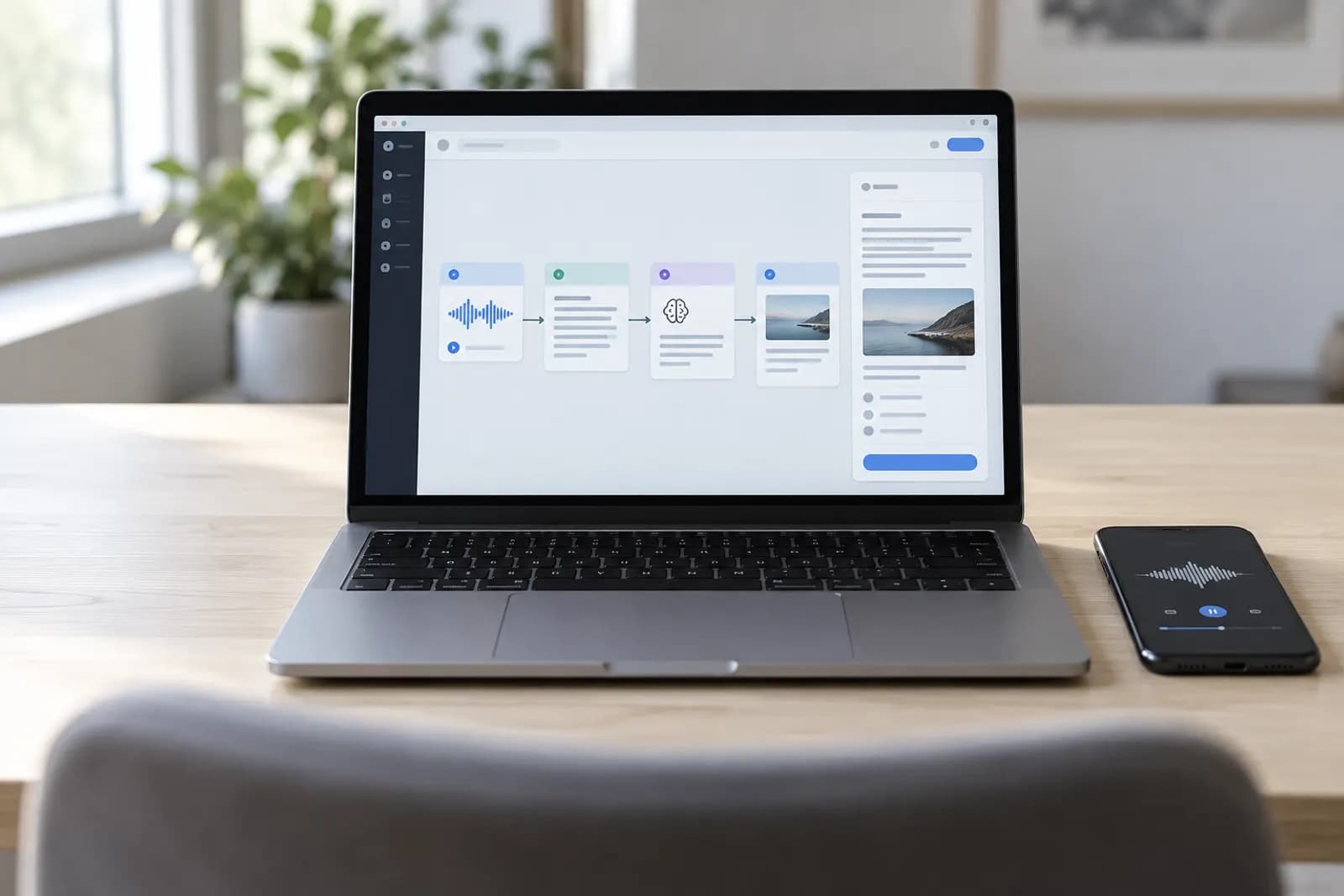
Yes. The Use Model action sends your prompt to a model, which you can use to provide input to an action, parse the output of an action, and more. Models include the on-device Apple Intelligence model, which works without a network connection, Cloud models on Apple's Private Cloud Compute, and an extension model that uses ChatGPT. Cloud models in Shortcuts have daily usage limits, and Apple says expanded access will be available for a fee in the future.
Apple Shortcuts is Apple's free app for combining steps from several apps into shortcuts that run with a tap, by asking Siri, or automatically when an event occurs, such as a time of day or arriving at a location. People use it for running a routine automatically at a set time of day, reviewing the day's meetings with a tap or by asking Siri, passing text to an Apple Intelligence model or ChatGPT and using the reply in later actions and combining actions from apps such as Calendar and Reminders into one shortcut.
Tools that do a similar job include IFTTT, Microsoft Power Automate, n8n, Zapier and Make. Each has its own page here with its plans, limits and prices.
Apple Shortcuts is made by Apple, based in Cupertino, California, US. The company was founded in 1976.
Every fact on this page comes from the pages below, read on the dates shown: Apple's own pages first, and a named public reference where they are silent.