
How to Automate Social Media Posting (2026 Guide)
By Anu Verma
To automate social media posting, connect your accounts to a scheduler, write each post once and let its queue publish at the times you set. Two upgrades take it further: a trigger in Zapier, Make or n8n that turns a new blog post or spreadsheet row into a queued post, and an AI assistant that drafts posts over MCP and publishes nothing until you approve it.
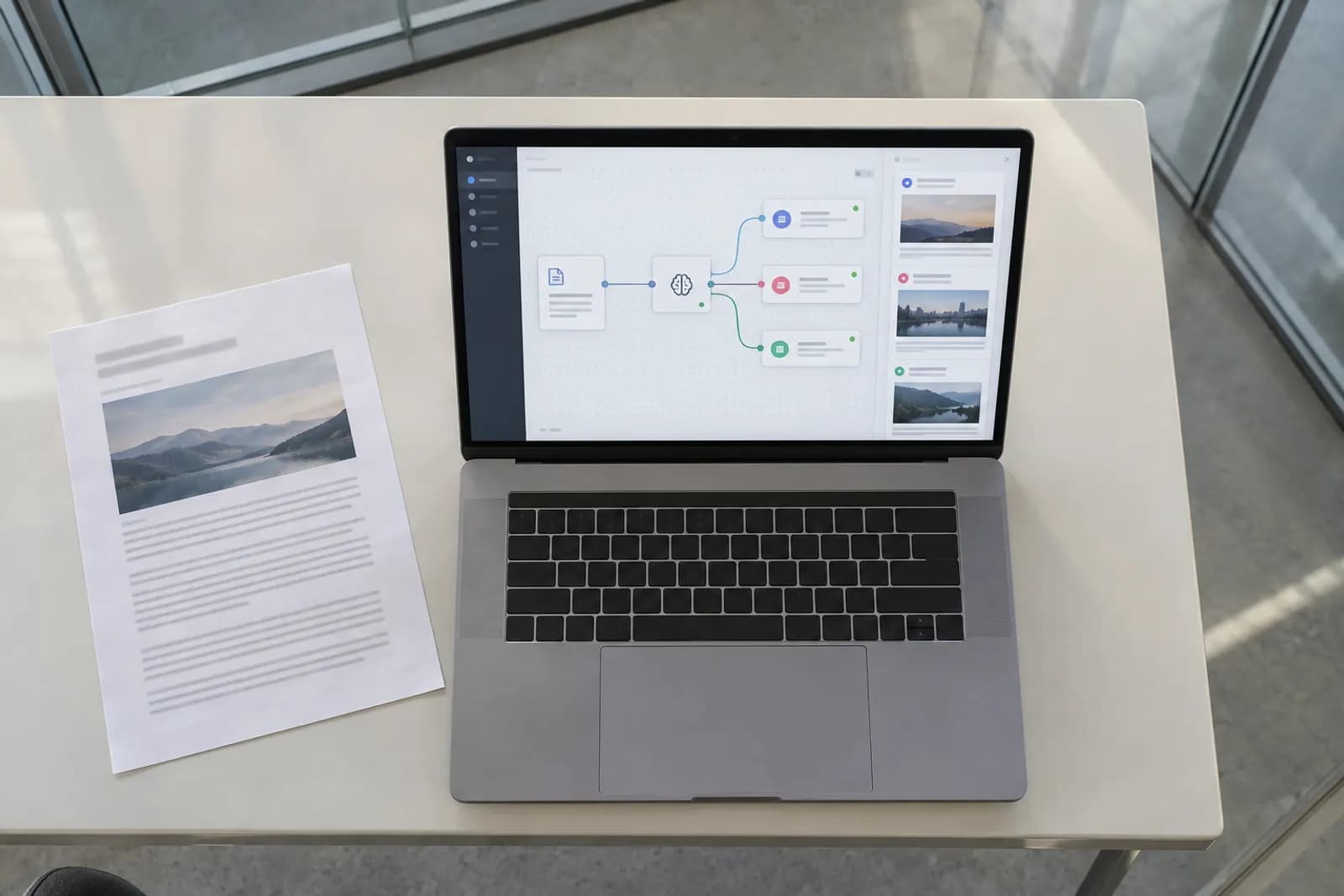
To automate social media posting, connect your accounts to a scheduler, write each post once and let its queue publish at the times you set. Two upgrades take it further: a trigger in Zapier, Make or n8n that turns a new blog post or spreadsheet row into a queued post, and an AI assistant that drafts posts over MCP and publishes nothing until you approve it. For all three routes our pick is PostWharf, which publishes to ten networks from one composer and one queue, charges per brand with unlimited channels from $15 a month, and includes its API, MCP server, CLI and webhooks on every plan. Publer, Buffer, Later, Metricool, Hootsuite and Meta Business Suite suit other needs, and all seven are compared below.
Routes 2 and 3 lean on good prompts. Automate Basics' free AI courses for work, Prompting That Works among them, teach you to write them: start learning.
The three routes at a glance
| Route | What starts a post | What you set up | Cost to start |
|---|---|---|---|
| Route 1: scheduler queue | A time you choose | A scheduler with your accounts connected | PostWharf Starter, $15 a month after a seven-day free trial |
| Route 2: no-code trigger | A new blog post, sheet row or approved doc | Zapier, Make or n8n, sending to the scheduler | Make's free plan or self-hosted n8n; Zapier's webhooks require a paid plan |
| Route 3: AI assistant over MCP | Your request in a chat | An MCP client such as Claude Code, plus the scheduler's MCP server | Claude Code comes with Claude Pro, $20 a month |
Set up route 1 first, add route 2 for content that already has a home (a blog, a spreadsheet, a shared drive), and use route 3 for first drafts. Every route ends in the same queue, so the work you put into route 1 carries over.
What to automate, and what to keep manual
Automate the parts that are the same every time:
- Publishing at the time you picked, including evenings and weekends.
- Sending one announcement to every network, with small edits for each.
- Sharing each new blog post, video or product page as it goes live.
- Recurring posts you plan in a spreadsheet, such as weekly tips or event reminders.
- First drafts, as long as a person reads them before they go out.
Keep these manual:
- Replies, comments and direct messages. A scheduled answer to a real person reads like one.
- Anything tied to news, a complaint or a crisis. Pause the queue first, then decide what to say.
- The final yes on AI-written posts. It costs a minute and catches the wrong date or price.
- The first run of any new automation: send one post, look at it on every network, then let it repeat.
Route 1: write once and let a scheduler queue publish it
This is the base layer, and the other two routes feed into it, so set it up first. The steps below use PostWharf; most schedulers follow the same order with different button names.
Step 1: Connect your accounts to one workspace
In PostWharf a workspace is one brand: its channels, drafts, queue and delivery history, kept apart from any other brand you run. Connect every account that brand posts from. Five Instagram accounts under one brand still make one workspace, and no plan charges per channel. Ten networks publish today: Instagram, TikTok, X, LinkedIn, YouTube, Facebook, Threads, Pinterest, Bluesky and Telegram. Reddit, Discord, Snapchat and WordPress can be requested but cannot be connected yet.
Step 2: Write the post once
Write one caption and one set of hashtags. Put the line that matters first, so the post still works on a network that shows only its opening. For a length check, PostWharf's free character counter and caption generator work without an account (postwharf.com/tools).
Step 3: Override it per network
Change only what a network needs: a shorter caption for X, a fuller one with context for LinkedIn, no hashtags where they do nothing. PostWharf's composer keeps one shared caption and lets you override it for any network, so you are not maintaining ten separate posts.
Step 4: Schedule it, or publish now
Pick a date and time, or publish immediately. A queue is easiest to keep full when each network has fixed slots in the week, so set a rhythm before you fill it. If a delivery fails, PostWharf retries it automatically. Check your volume against the plan: Starter includes 200 scheduled posts a month, and the larger plans raise that to 400, 1,000 and 2,500.
Step 5: Check the delivery receipts
A post can land on four networks and fail on the fifth, and nobody tells you unless you look. PostWharf re-checks every post after it publishes and records one row per network, so you can see where it went out and fix the one that did not. Read the receipts daily for the first week of a new queue, then whenever a post matters.
Route 2: send new content to the queue with Zapier, Make or n8n
Use this route when posts start life somewhere you already work: a blog, a spreadsheet, a document. A connector watches that source and hands each new item to the scheduler, so publishing and promoting become one job. The shape never changes: a trigger, an optional AI step, then a call to the scheduler's API or a webhook.
Step 1: Pick the trigger
- A new blog post. Watch your RSS feed. Our guide to auto-posting your blog to social with n8n and Claude builds this one from the first node.
- A new row in Google Sheets. Good for recurring posts planned in bulk. Add a status column and send only rows marked ready.
- An approved Google Doc. The walkthrough for auto-posting Google Docs to LinkedIn without writing code shows the Zapier version, including a guard against double posts.
Step 2: Shape the text (optional)
Add an AI step only when the source is not already a post. Give it the summary rather than the headline, a length per network and your voice rules. To get several posts from one article, follow how to turn one blog post into five AI social posts.
Step 3: Send it to the scheduler
End the workflow with a request to the scheduler: a webhook step in Zapier, an HTTP module in Make, or an HTTP Request node in n8n. PostWharf has a REST API on every plan, with one key per workspace, and lists Zapier, Make and n8n among the tools it works with. Map the text, the link and any media into the request. For media you can stage the file in PostWharf or point to a URL you already host. While you test, schedule each post a few hours out instead of publishing it at once, so a bad one can be caught.
Step 4: Stop duplicates, then test with one item
Most failures in this route are repeats. Give every workflow a memory of what it has sent: a "posted" value written back to the sheet row, or a check against the last item shared. Run it once with a single item, read the delivery receipts, and only then switch it on.
What each connector costs for this route:
| Connector | Free option | First paid plan | Worth knowing |
|---|---|---|---|
| Zapier | 100 tasks a month, two-step Zaps only | Professional, from $29.99 a month or $19.99 billed yearly, for 750 tasks | Webhooks require a paid plan |
| Make | 1,000 credits a month, 2 active scenarios, a 15-minute minimum interval | Core, $10.59 a month or $9 billed annually, for 10,000 credits | Each module action uses a credit |
| n8n | Community Edition, free to self-host | Cloud Starter, $24 a month or $20 billed annually, for 2,500 executions | Billed per workflow run, not per step |
Figures from Automate Basics' tool profiles, read from each vendor's pricing page on 23 September 2026.
Route 3: let an AI assistant draft posts, and approve each one
An assistant is good at the blank-page part: turning notes, a transcript or an article into a post for each network. Connected to the scheduler over MCP (Model Context Protocol), it puts those drafts in your queue instead of a chat window you copy from.
Step 1: Connect the assistant to the scheduler
PostWharf's MCP server works with Claude Code and other MCP clients, and Claude and ChatGPT both appear on its list of tools it works with. Claude Code is part of Claude's Pro plan ($20 a month, or $17 billed annually) and is not in the Free plan. If you prefer a terminal, PostWharf also has a command-line tool, wharf, installed from npm.
Step 2: Ask for drafts, not posts
Tell the assistant plainly that it is writing drafts for review. A prompt that works:
Read the article at the link below. Draft one post each for LinkedIn, X and
Threads in my voice: plain words, no hype, one question at the end.
Keep the X version short. Queue them in PostWharf for next Tuesday at 9am,
waiting for my approval. Do not publish anything.
To feed it a month of ideas at once, plan a month of social posts in one ChatGPT chat and hand the assistant one row at a time.
Step 3: Approve before anything goes out
PostWharf holds AI-assisted posts for approval: nothing goes out until you approve it. Read each draft for facts (dates, prices, names), tone and working links. Keep this step even when the drafts are good; it is the cheapest safeguard in the whole setup.
How we chose the tools
To be listed, a tool had to publish to more than one network from one place, with scheduling. PostWharf comes first: routes 2 and 3 need an API, an MCP server or webhooks, and PostWharf includes all three on every plan, with a price set per brand rather than per channel. The others are ordered by the monthly price of their cheapest paid plan for one brand on three networks, lowest first, with ties broken by the yearly rate. Meta Business Suite is last because it covers Facebook and Instagram only.
PostWharf's facts come from its home and pricing pages, read on 16 October 2026. The figures for Publer, Buffer, Later, Metricool and Hootsuite come from each vendor's own pricing and help pages, read the same day, and Meta Business Suite's from one web search that day, which returned third-party guides. Prices are in US dollars and change often, so check the vendor's page before you buy.
The tools compared
| # | Tool | How it charges | Cheapest paid plan, one brand on three networks | Free option | Best for |
|---|---|---|---|---|---|
| 1 | PostWharf | Per workspace (brand), unlimited channels | $15 a month (Starter) | Seven-day Starter trial | Automating posting through an API, MCP or webhooks at one price per brand |
| 2 | Publer | Per connected account | $12 a month (Professional) | Free tier | One person with a handful of accounts |
| 3 | Buffer | Per channel | $18 a month (Essentials), $15 billed yearly | Free for three channels | Starting free on up to three channels |
| 4 | Later | Per social set of up to eight profiles | $25 a month (Starter) | 14-day trial, no free plan | One person posting to up to eight profiles |
| 5 | Metricool | Per band of brands | $25 a month (Starter, up to 5 brands), more with X | Free plan without X or LinkedIn | Several small brands on one plan |
| 6 | Hootsuite | Per user | $99 a user a month (Standard, billed yearly) | 14-day trial, no free plan | Teams that budget per seat |
| 7 | Meta Business Suite | Free | No paid plan | Free | Facebook and Instagram only |
The 7 tools, ranked
1. PostWharf

PostWharf is a social media scheduler built around one composer and one queue, with a record of what actually went out. It is first here because it fits every route in this guide on any plan: the REST API, MCP server, CLI and webhooks come with Starter, every post gets a delivery receipt per network, and AI-assisted posts wait for your approval.
Pricing is per workspace, and each workspace has unlimited channels. Starter is $15 a month ($10 billed yearly) for one workspace and 200 scheduled posts a month. Startup is $29 ($23 billed yearly) for three workspaces and 400 posts, Plus is $67 ($54) for ten workspaces and 1,000 posts, and Pro is $99 ($79) for unlimited workspaces and 2,500 posts. Startup adds email support, Plus priority support and Pro dedicated support.
Best for: anyone who wants routes 2 and 3 without a plan upgrade, and brands that post to many networks, since adding a network does not change the price.
Where it falls short: ten networks publish today, and Reddit, Discord, Snapchat and WordPress are not connectable yet. It is built for publishing: its pages describe no analytics dashboard or reply inbox, so reporting and replies stay in each network's own app or another tool.
Try it on your own accounts: Starter's first seven days are free, and the card is charged only when the trial ends, so cancelling before then costs nothing. See PostWharf's plans.
2. Publer

Publer prices per connected social account, with a free tier, two self-serve paid plans (Professional and Business) and a quoted Enterprise tier. Billed monthly, Professional is $5 a month for one account, $12 for three and $20 for five, and Business is $10, $21 and $35.
Where it falls short: the bill grows with every account, and each extra team member adds $2 a month on Professional or $3 on Business, so price your own setup in the calculator. Source: Publer's plans page, read 16 October 2026.
3. Buffer
Buffer charges per channel. Its free plan covers three channels, with up to 10 scheduled posts per channel at a time. Essentials is $6 a channel a month, or $5 billed yearly, so three channels cost $18 a month, or $15 billed yearly. Its GraphQL API and MCP server come with every plan, including Free.
Where it falls short: each channel you add raises the bill, and once you upgrade, the three channels that were free are billed too. Sources: Buffer pricing, Buffer API and Buffer MCP, read 16 October 2026.
4. Later

Later prices by social set: one profile from each supported network, up to eight profiles. Starter is $25 a month, or $18.75 billed annually, for one set, one user and 30 posts per profile a month. Growth is $50 ($37.50) for two sets, two users and 180 posts per profile, and Scale is $110 ($82.50) for six sets, four users and unlimited posts.
Where it falls short: Starter allows a single user and 30 posts per profile a month, with no add-on sets or users, and there is no free plan, only a 14-day trial. Source: Later pricing, read 16 October 2026.
5. Metricool

Metricool prices by how many brands you manage. Starter is $25 a month, or $20 billed annually, for up to 5 brands, and $45 ($36) for up to 10. Advanced starts at $67 a month ($53 billed annually) for up to 15 brands. These prices exclude VAT. Its free plan does not connect X or LinkedIn.
Where it falls short: each X account costs $10 a month extra, or $120 a year, on Starter and above. Approvals, team roles and client management start on Advanced. Sources: Metricool pricing and Metricool's plans and add-ons guide, read 16 October 2026.
6. Hootsuite
Hootsuite prices per user. Standard is $99 a user a month, billed yearly, for up to 10 social accounts, and each extra seat costs another $99. Professional is $199 and Advanced $399 a user a month, both billed yearly, and Enterprise is priced on request.
Where it falls short: three people need three seats, and for one person automating their own posting, Standard is the highest starting price on this page. Source: Hootsuite plans, read 16 October 2026.
7. Meta Business Suite
Meta Business Suite is Meta's own free tool for Facebook and Instagram. You write a post, switch from publishing to scheduling, pick a time, and manage what is queued in the Planner calendar. One guide gives the scheduling window as 20 minutes to 75 days ahead.
Where it falls short: it covers only those two networks, so anything for X, LinkedIn or TikTok needs another tool. Sources: PostSyncer and Messenger Bot.
Start with one queue this week
Connect your accounts, queue a week of posts and read the delivery receipts. Once the queue runs, add a trigger for the content you already publish, and let an assistant handle first drafts while you keep the final yes. PostWharf's plans start with a seven-day Starter trial.
To write sharper prompts for the AI steps, take Automate Basics' free AI courses for work: start learning.
Frequently asked questions
How do I post to all social media at once?
Connect every account to one scheduler, write the post once, adjust it for each network and schedule it. The scheduler sends each version at the set time. In PostWharf one composer publishes to ten networks, and the delivery receipts show, network by network, where the post landed.
Can Claude or ChatGPT post to my social media accounts?
They can draft posts and put them in your queue when connected to a scheduler. PostWharf's MCP server works with Claude Code and other MCP clients, Claude and ChatGPT are on its list of tools it works with, and nothing an assistant prepares goes out until you approve it.
How do I auto-post to social media with n8n?
Start the workflow with a trigger (an RSS feed or a new sheet row), add an AI node if the text needs shaping, and end with an HTTP Request node that sends the post to your scheduler's API. n8n's Community Edition is free to self-host, and n8n Cloud starts at $24 a month. PostWharf includes its REST API and webhooks on every plan, so the last node works on Starter.
Is there a free way to automate social media posting?
Partly. Buffer's free plan covers three channels, Meta Business Suite is free for Facebook and Instagram, Make's free plan runs 2 active scenarios, and n8n is free if you host it yourself. Each has limits on networks, volume or upkeep. PostWharf's Starter plan starts with seven free days, then costs $15 a month for unlimited channels in one workspace.
For you
Learn to do this with AI, free
Short courses for people who aren't engineers: ChatGPT, Claude, prompting and automation. Every lesson is free, with no card.
Start a free courseFor companies
Make an AI or automation tool?
List it in the directory for $9.99, refunded in full if it isn't approved, or claim its page if it is already here.
Related guides
 9 Best Postiz Alternatives in 2026, Hosted and Open SourceNine Postiz alternatives, hosted and self-hosted, priced for five channels. PostWharf leads: API, MCP server and CLI on every plan, from $15.
- 11 Best Social Media Posting APIs for Developers in 2026PostWharf, with a webhook for every delivery, and 10 more social media posting APIs compared on auth, rate limits, networks and price.
- How to Post to Social Media From Claude, Step by StepPost from Claude through PostWharf, which holds each post for your approval: setup for Claude on the web, Claude Desktop and Claude Code.
Tools in this piece
Drafted with AI assistance from our own research, and reviewed by the Automate Basics team before publishing. Tools and prices change; check the linked official source before you act.
Get the next one by email
One email, most weeks: what changed in AI for people who use it at work, and what to do about it.