
How to Turn One Blog Post Into Five AI Social Posts
By Anu Verma
Use ChatGPT or Claude to turn one blog post into five platform-ready social posts without losing accuracy, voice, or the original point.
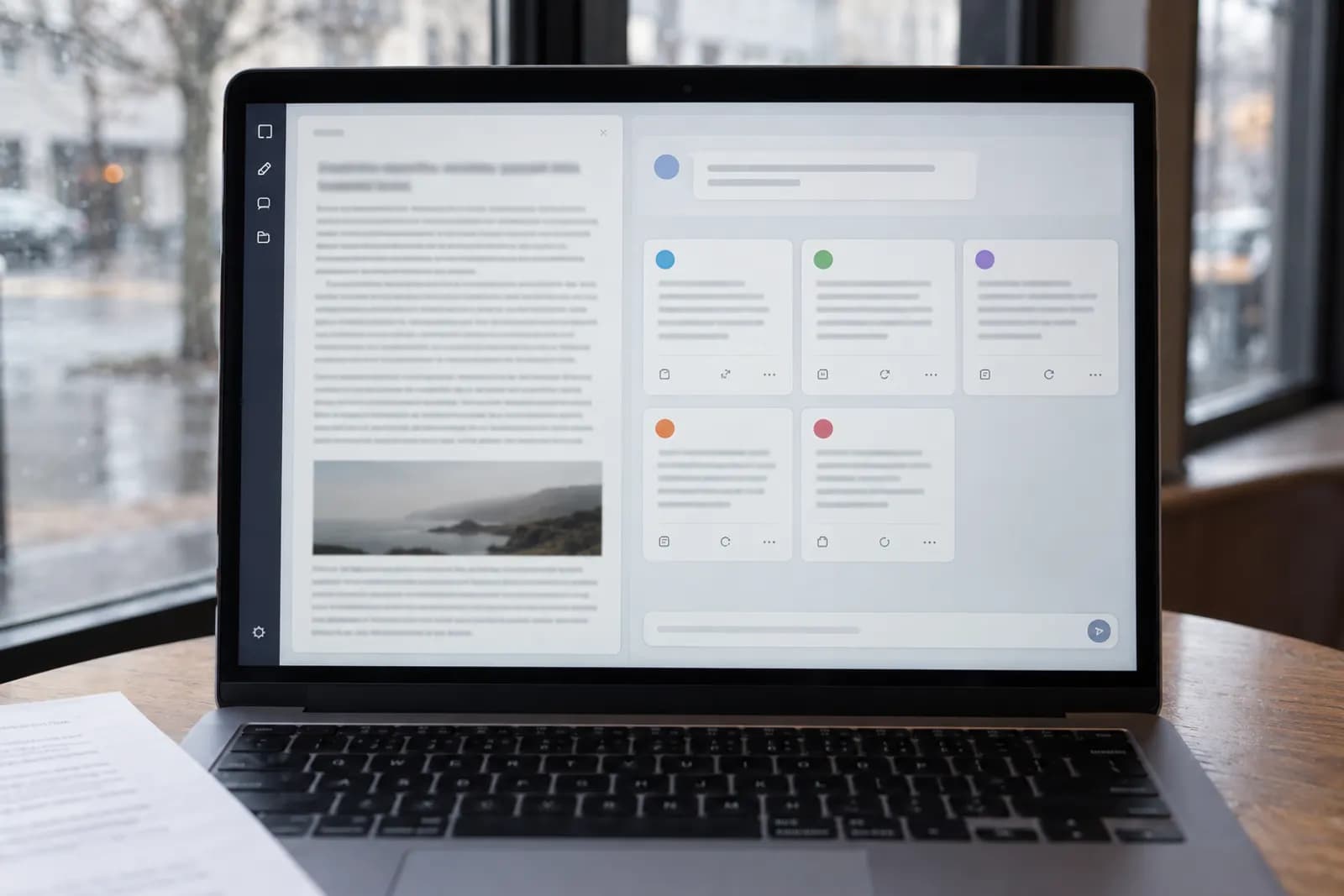
Paste one finished blog post into ChatGPT or Claude, extract its confirmed claims, then create five platform-specific drafts with separate prompts and a human fact-check.
Choose the five social formats
Choose five different jobs for the source article before asking AI to write anything. A practical default is one LinkedIn post, one short X post or thread, one Instagram caption, one Facebook post, and one short video script. Each format should make the reader do something different, not read the same paragraph five times.
Use LinkedIn for the article's strongest professional lesson. Use X for a sharp opinion or compact sequence of steps. Use Instagram for a plain-language takeaway that can sit beside a graphic. Use Facebook for a more conversational explanation. Use the video script for a spoken version of the article's most useful process.
Write the choices in a small planning note, or straight into a month of social posts planned in one ChatGPT chat. Add the audience, desired action, approximate length, and one source section for each post. The source mapping matters because it stops AI from blending unrelated points together. If your article covers several ideas, assigning one idea to each post usually produces stronger drafts than asking for five summaries. Keep one format for the article's central argument and use the other four to expose supporting steps, warnings, examples, or objections.
Give AI reliable source material
Give AI the full article plus a fact ledger, and tell it not to fill gaps with general knowledge. Copy the article into a new ChatGPT conversation or Claude chat, then add a short instruction such as: Extract every factual claim, recommendation, number, named tool, and example. Label each item as direct source material, interpretation, or missing information. Do not add facts that are not in the article.
Review the extracted ledger before requesting social copy. Correct an outdated tool name, remove a claim you can no longer support, and mark any statement that needs a link or source. The ledger becomes the boundary for every later prompt. Save it beside the drafts so you can compare a post with the original rather than relying on memory.
The common failure mode is asking AI to summarize an article from a pasted title, URL, or vague description. A model may produce plausible details that were never in the source. A direct paste is safer, although long articles may need to be split into labeled sections. ChatGPT and Claude change their interfaces and available features, so check their current help documentation when a file upload or chat option behaves differently.
Should you generate all five posts at once?
Generate the five drafts in two passes, not one giant prompt. First ask AI for five content angles, each tied to a specific source section and a distinct reader action. Approve or edit those angles. Then request one draft at a time using the approved angle, platform, audience, length, tone, and call to action.
A useful prompt template is: Write a draft for [platform]. Use only the approved source notes below. The single point is [angle]. The reader is [audience]. The reader should [action]. Keep the voice [three adjectives]. Avoid [banned phrases]. Do not invent facts, examples, numbers, or results. Mark any unsupported idea as [NEEDS SOURCE].
Generating everything together is faster at the start but makes errors harder to trace. AI tends to repeat one attractive phrase across all five drafts, and a weak assumption can spread everywhere. Sequential drafting lets you reject an angle before it contaminates the set. Keep the source notes and instructions in every request, because separate chats without context invite the model to improvise. If the tool has a reusable project or custom instruction feature, treat it as a convenience, not as a substitute for pasting the approved source boundary.
Make each draft fit its platform
Give every social post a platform-specific structure instead of changing only the opening sentence. Ask for the job, shape, and stopping point that belong to the channel. For LinkedIn, request a problem, a practical lesson, and a question that invites relevant experience. For X, request one claim per post in a short thread, with the first post making sense alone. For Instagram, request a concise caption with line breaks and a clear reason to save or share it. For Facebook, request a warmer explanation that assumes the reader may not know the topic. For video, request spoken lines, on-screen text, and a closing action.
Set a length range in words or characters, then verify the result yourself because platform limits and display behavior change. Do not ask AI to imitate a creator or copy a competitor's style. Describe the mechanics instead, such as short sentences, one concrete example, and no hashtags unless they serve a search purpose.
The gotcha is that a platform-ready draft is not necessarily publish-ready. Links, line breaks, mentions, hashtags, captions, and accessibility text often need to be added in the publishing tool. Have AI label those fields separately so a link does not get buried in the prose.
Keep your voice instead of generic copy
Give AI a small voice sample and explicit dislikes, then edit the first draft before generating the remaining four. Paste two or three paragraphs you wrote yourself, preferably on a related subject, and ask AI to identify observable patterns rather than imitate the wording. Useful patterns include sentence length, level of directness, use of contractions, preferred terms, and whether you lead with a warning or a recommendation.
Add a voice card containing three traits, three banned habits, and a few preferred phrases. For example, you might choose direct, calm, and practical, then ban hype, empty questions, and unexplained jargon. Tell AI to preserve your meaning even when the platform format changes. Do not feed it a pile of old social posts without guidance, because repeated weak habits can become part of the output.
Review one draft for voice before requesting the rest. If the first result sounds generic, fix the instruction and regenerate rather than manually polishing five versions. A useful test is to remove the account name and ask whether a colleague could identify the writer from the wording. If the answer is no, add a specific opinion, trade-off, or example from the source instead of adding more adjectives.
The edits a person must make before publishing
A person must approve every factual claim, promise, link, and call to action before any AI-generated post goes live. Read each draft beside the original article and check five things: the claim is supported, the context has not been reversed, the wording does not overpromise, the named tool or process still exists, and the requested action is possible for the reader.
Check quotations and numbers character by character. If the article says a process can help with a task, do not let AI turn that into a guaranteed result. Replace vague phrases such as many businesses or experts agree with a precise source-backed statement, or remove them. Test every link in the actual post composer, not only in the draft document. Review hashtags, mentions, alt text, and subtitles separately.
Create a simple status system with Draft, Fact checked, Edited, Scheduled, and Published. Keep the source article, fact ledger, prompts, and final posts together in Google Drive, Notion, or another workspace your team already uses. A second person is useful for regulated, financial, medical, or legal topics, but a careful source comparison is still required when you work alone.
Turn the article into a useful video script
Choose one teachable action from the article and convert it into a 30 to 60 second script with spoken lines, on-screen text, and a visual cue. Ask AI to use this structure: opening problem, one-sentence promise, three steps, one failure warning, and a final action. Tell it to write for speech, not for silent reading, and to keep each on-screen phrase shorter than the spoken explanation.
Give the script a concrete scene plan. A screen recording might show the source article, the prompt, and the reviewed output. A talking-head version might use the article's warning as the opening, then show the three steps as text. Ask AI to identify where a pause, crop, example, or demonstration belongs, but do not let it invent results or dialogue from a customer.
Read the script aloud before recording. Awkward phrases, long sentences, and hidden jargon become obvious when spoken. Compare every instruction with the article and remove any step that depends on information the viewer cannot see. The video should stand alone, while the caption can point viewers to the full article for context. Repurposing works best when the video teaches one action, not when it tries to compress the entire post.
Decide whether the five posts worked
Judge the set against the action each post requested, not against one shared engagement number. Record the date, platform, format, source angle, call to action, and result in a simple spreadsheet. For an article click, track the link with a distinct campaign label. For a reply goal, record relevant replies separately from empty reactions. For a video, note whether viewers reached the instruction and whether the next action occurred.
Compare posts only when their jobs are similar. A short X post designed to start a discussion should not be declared a failure because it received fewer clicks than a LinkedIn post designed to drive visits. Look for evidence that the angle or format needs changing: repeated confusion, no one reaching the promised action, a link that receives visits but no useful follow-through, or comments asking for information already present in the post.
After the set finishes, keep the best-performing angle and rewrite the weakest one from a different source section. Do not automatically publish the same five formats next time. Automate Basics can use the workflow as a repeatable editorial checklist, but the useful decision remains human: preserve the format that helped readers act, not merely the wording that attracted attention.
Sources consulted
- OpenAI Help Center (help.openai.com)
- Anthropic Documentation (docs.anthropic.com)
Frequently asked questions
Can I repurpose an old blog post with ChatGPT?
Yes, if the article is still accurate and you check time-sensitive details first. Paste the article into ChatGPT, ask it to extract claims and flag uncertain information, then review the ledger before drafting posts. Update links, tool names, prices, and instructions yourself because old source material can produce polished but outdated social copy.
What are the five best social posts from one blog article?
A useful default is a LinkedIn lesson, an X post or thread, an Instagram caption, a Facebook explanation, and a short video script. The best mix depends on where your audience already responds. Give each post a different source angle and reader action so you create five useful entry points rather than five summaries.
How do I stop AI from making up facts in social posts?
Give AI the complete article and a fact ledger, then instruct it to use only approved source notes. Require unsupported ideas to be marked instead of completed. Compare every final draft with the article, especially numbers, quotations, tool names, promises, and examples. Never treat fluent wording as evidence that a claim is true.
Should I use ChatGPT or Claude for repurposing content?
Either can handle the workflow. Choose the tool you already understand and can review comfortably. ChatGPT and Claude update their features and interfaces, so current capabilities may differ by account and plan. Output quality usually depends more on clear source boundaries, platform instructions, and human editing than on choosing one model.
Can AI schedule the five social posts automatically?
AI can help prepare drafts, but scheduling should follow fact checking and approval. A no-code tool such as Zapier or Make may connect approved content to other systems, but available integrations and permissions change. Keep a human approval step before publication, and store the final text, platform, link, and scheduled date together.
For you
Learn to do this with AI, free
Short courses for people who aren't engineers: ChatGPT, Claude, prompting and automation. Every lesson is free, with no card.
Start a free courseFor companies
Make an AI or automation tool?
List it in the directory for $9.99, refunded in full if it isn't approved, or claim its page if it is already here.
Related guides
 Plan a Month of Social Media Posts in One ChatGPT Chat (Content Calendar)Turn three or four themes into a full month of post ideas and hooks in one ChatGPT chat, laid out as a table you paste straight into Sheets or Notion.
 10 Best Social Media MCP Servers: Post From Claude or ChatGPTPostWharf, which holds each AI post until you approve it, and nine more social media MCP servers for Claude or ChatGPT, compared on networks and price.
- Auto-Post Your Blog to Social With n8n + ClaudeShare every new post without thinking about it: n8n watches your RSS feed, Claude writes an on-brand caption, and it queues to your social channels.
Tools in this piece
Drafted with AI assistance from our own research and Search Console data, and reviewed by the Automate Basics team before publishing. Tools and prices change; check the linked official source before you act.
Get the next one by email
One email a week: what changed in AI for people who use it at work, and what to do about it.