
10 Best Social Media MCP Servers: Post From Claude or ChatGPT
By Anu Verma
Claude and ChatGPT can post to your social accounts once you connect them to a social media MCP server: a connector that lets the assistant write, schedule and publish through a scheduler you control. For posting to several brands from either assistant without paying per channel, the best one is PostWharf: one composer and one queue for 10 networks, nothing goes out until you approve it, and the MCP server, API and CLI come with every plan from $15 a month.
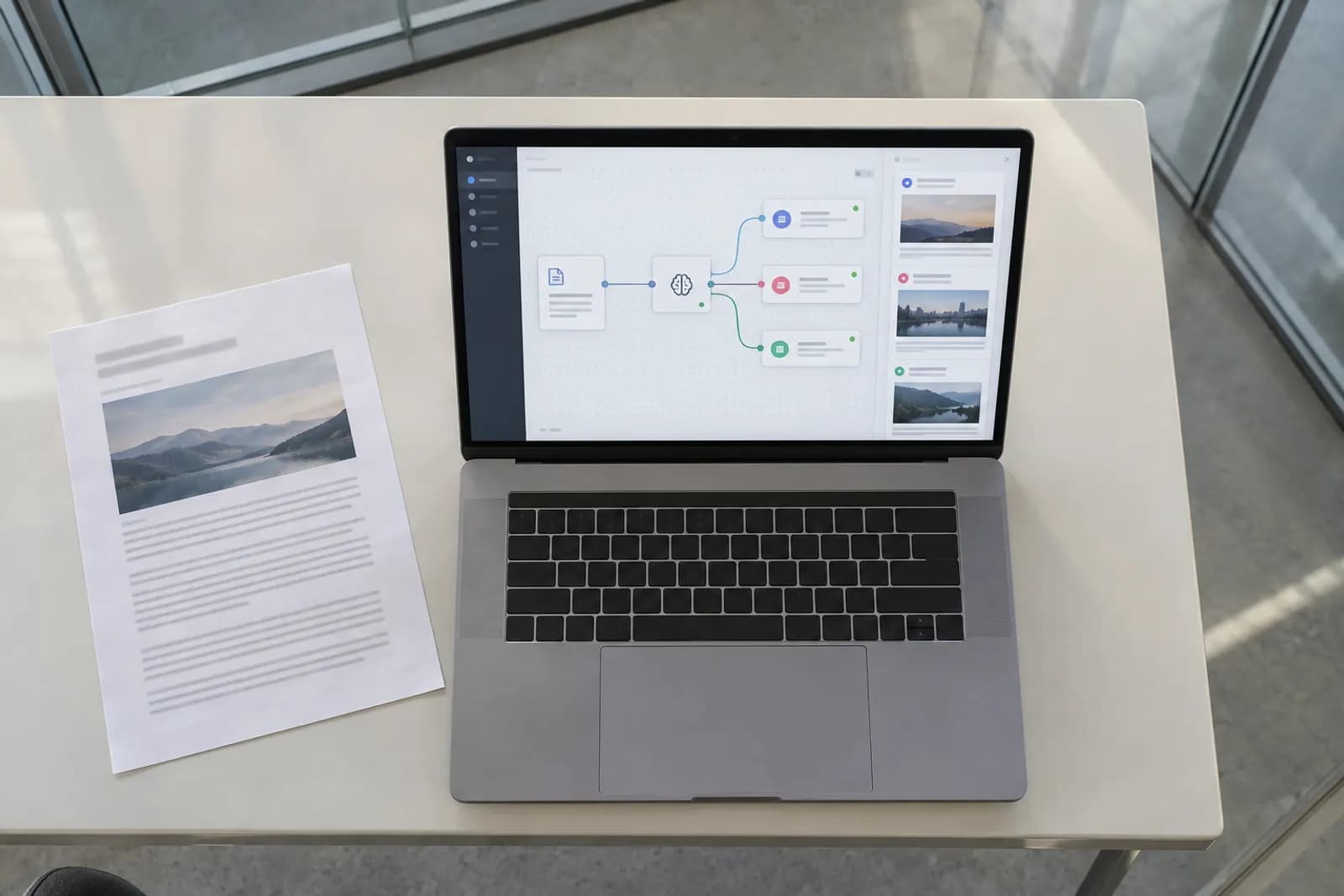
Claude and ChatGPT can post to your social accounts once you connect them to a social media MCP server: a connector that lets the assistant write, schedule and publish through a scheduler you control. For posting to several brands from either assistant without paying per channel, the best one is PostWharf: one composer and one queue for 10 networks, nothing goes out until you approve it, and the MCP server, API and CLI come with every plan from $15 a month. ContentStudio suits agencies that want client sign-off in the chat, Buffer lets you try it free, and Postiz can run on your own server. Every price and feature below was read on 16 October 2026.
The right pick by need:
- Approval before anything posts, across several brands: PostWharf, from $15 a month per brand with unlimited channels.
- Agency drafts, client approvals and an inbox in the chat: ContentStudio, from $19 a month billed annually.
- A free start on a few channels: Buffer, whose Free plan includes its MCP server.
- Your own server: Postiz, open source, or hosted from $29 a month.
- Analytics and scheduling in one conversation: Metricool, MCP included on its Free plan.
- Creators who want AI credits with posting: Blotato, $29 a month for 20 accounts.
- Developers building posting into an app: Zernio (the first two accounts are free), bundle.social or Ayrshare.
- Free, on your own machine, for Facebook, Instagram and YouTube: Social Broadcast MCP.
If you are still getting to grips with Claude itself, our free short course Claude, Start to Finish covers what Claude is, Projects and Skills, and working with real documents before you hand it your social accounts.
What a social media MCP server does
The Model Context Protocol is the standard Claude, ChatGPT, Cursor and other assistants use to call outside tools. A social media MCP server hands the assistant a short menu of actions from a scheduler: list the accounts you connected, write a post, attach media, schedule it, report whether it went out. You ask in plain words ("draft a LinkedIn post about Thursday's webinar and queue it for 9am"), the assistant picks the action and fills in the caption and time, and the scheduler does the posting through each network's own interface.
There are two kinds. A hosted server belongs to a scheduler: you sign in once in the browser, and the posts travel through apps the vendor already registered with Meta, Google, X and the rest. A self-run server is code on your machine or server, and you register your own developer app with each network before it can post anything.
The feature that matters most is what happens between "write it" and "publish it". An assistant that posts the moment it understands you will, sooner or later, publish something you would have changed. The servers ranked highest here keep a post waiting until you approve it, the same rule our RSS-to-social automation guide follows: queue it, don't blast it.
How we chose and ranked these 10
We started from the servers on the first results page for "MCP server for posting to social media" and the social tools AI answer engines name or cite most for social posting questions, including how to post from Claude or ChatGPT. A server made the list if it:
- posts or schedules to at least one social network when an MCP client such as Claude or ChatGPT asks it to,
- was on sale or free to download on 16 October 2026,
- publishes its price, or is free.
One community server on the results page, listed on Glama as Social Media MCP Server, was left off: it needs your own keys for X, Mastodon, LinkedIn, an AI model and Brave Search, and its install steps point at a placeholder repository address. General automation platforms (Zapier, Make, n8n) can also post, but they are not social tools, so they get their own section below.
We ordered the list for someone who wants to post from an assistant: first, whether a post can wait for your approval; second, whether it works without registering your own developer apps; third, whether it is built for a person posting rather than for developers wiring posting into their own product; fourth, the entry price, lowest first. The order is our editorial judgement on those four criteria. Each figure comes from the vendor's own page or one dated web search per vendor, read on 16 October 2026 and linked in its entry.
Social media MCP servers compared
| # | Server | Hosted or self-run | Networks it posts to | Holds a post for approval | Entry price (16 Oct 2026) |
|---|---|---|---|---|---|
| 1 | PostWharf | Hosted | 10, from Instagram and TikTok to Bluesky and Telegram | Yes: nothing goes out until you approve it | $15/mo per brand ($10/mo billed yearly), unlimited channels |
| 2 | ContentStudio | Hosted | 11, including Google Business Profile | Yes: holds the draft until you confirm | $19/mo billed annually ($29 monthly), 5 social accounts |
| 3 | Buffer | Hosted | 12 channel types, including Substack Notes | Can save drafts | Free for 3 channels; Essentials $6 per channel a month |
| 4 | Postiz | Hosted or self-run (open source) | 34, including Reddit, Discord and Mastodon | Claude asks before it acts; no review queue described | Self-run free; hosted from $29/mo ($23 billed annually), 5 channels |
| 5 | Metricool | Hosted | 11, from Facebook to Twitch; no LinkedIn or X on Free | Not described | Free plan includes MCP; Starter from $20/mo billed annually, up to 5 brands |
| 6 | Blotato | Hosted | 9 platforms, by one review's count | Not described | $29/mo, 20 social accounts |
| 7 | Zernio | Hosted API | 15, by its own docs | Not described | First 2 accounts free, then $6 per account |
| 8 | bundle.social | Hosted API | 14 or more, by its own count | Not described | Free for 20 posts a month; Pro $100/mo |
| 9 | Ayrshare | Hosted API | 13 or more networks | Not described | $149/mo, one profile |
| 10 | Social Broadcast MCP | Self-run (MIT licence) | 3: Facebook, Instagram, YouTube | No: it publishes when called | Free; you register your own developer apps |
The 10 servers, ranked
1. PostWharf

PostWharf is a social media scheduler built around one composer and one queue: you write a caption and hashtags once, adjust them per network where you need to, and publish now or at a set time. Its MCP server works with Claude Code and other MCP clients, and its home page lists Claude, ChatGPT, Cursor, Codex, n8n, Zapier and Make among the tools it works with. For AI-assisted posting it keeps an approval step, in its own words: "Nothing goes out until you approve it." After a post is published, PostWharf checks it again and records a delivery receipt with one row per network, and failed deliveries retry automatically, so you can see what actually went live instead of trusting the assistant's reply.
It publishes to 10 networks: Instagram, TikTok, X, LinkedIn, YouTube, Facebook, Threads, Pinterest, Bluesky and Telegram. The REST API (one key per workspace), the MCP server, the wharf command-line tool from npm and webhooks are on every plan.
Pricing is per workspace, and a workspace is one brand with unlimited channels and no per-channel fee, so five Instagram accounts under one brand are still one workspace (PostWharf pricing, read 16 October 2026):
| Plan | Monthly | Billed yearly (per month) | Workspaces | Scheduled posts a month |
|---|---|---|---|---|
| Starter | $15 | $10 | 1 | 200 |
| Startup | $29 | $23 | 3 | 400 |
| Plus | $67 | $54 | 10 | 1,000 |
| Pro | $99 | $79 | Unlimited | 2,500 |
Where it falls short: Reddit, Discord, Snapchat and WordPress are on request and cannot be connected yet. Its pages describe publishing, not analytics dashboards or a social inbox, so if you want reports in the same chat, Metricool's server (number 5) covers that.
Starter's first seven days are free: the card is charged when the trial ends, and cancelling before then costs nothing. Start a PostWharf trial to post from Claude or ChatGPT with an approval step and a receipt for every post.
2. ContentStudio
ContentStudio's MCP server has one address for every customer, and Claude, ChatGPT and Cursor connect to it with a single URL and a browser sign-in. Its own walkthrough describes the flow we look for: the assistant writes the draft, shows it to you and waits, and only after you confirm does it queue the post in ContentStudio for the time you named. Through the same server you can filter posts by draft, scheduled or published, reply to messages and comments, and clear posts that are waiting for client approval (ContentStudio's MCP guide, read 16 October 2026).
It covers 11 networks: Facebook, Instagram, X, LinkedIn, TikTok, YouTube, Pinterest, Threads, Bluesky, Telegram and Google Business Profile. MCP is included on every plan. Standard is $19 a month billed annually or $29 monthly, for 5 social accounts, one workspace and one user, with MCP use up to 1,500 API requests; Advanced is $49 billed annually ($69 monthly) and Agency Unlimited $99 ($139 monthly). Every plan starts with a 7-day trial and no card (ContentStudio pricing, read 16 October 2026).
Where it falls short: Standard allows no add-ons, so a second brand or a sixth account means moving to Advanced, where extra accounts are $5 each.
3. Buffer
Buffer's help center lists AI assistants through MCP, naming Claude, ChatGPT, Cursor, Perplexity and Raycast, as included on its Free, Essentials and Team plans. Free connects 3 channels with 10 scheduled posts per channel. Essentials is $6 per channel a month for the first ten channels, falling with volume, or $60 per channel a year, and Team starts at $12 per channel a month (Buffer pricing and features, read 16 October 2026).
Buffer publishes to 12 channel types, including Substack Notes and Google Business Profile. Facebook Pages, X, LinkedIn, Threads, Bluesky, Mastodon and Pinterest post automatically; Instagram personal profiles and Facebook Groups get a reminder to finish the post in the app instead of automatic publishing (Buffer Publish and Buffer pricing, read 16 October 2026). Its server can create drafts as well as scheduled posts. A third-party review found it could not edit or delete posts or upload files, so media has to sit at a public URL.
Where it falls short: the bill grows with every channel you add, and the reminder-based networks need you to tap "post" yourself.
4. Postiz
Postiz is open source and free to self-host, as long as you run the servers and arrange API access with each network yourself. Its hosted plans all include the MCP server, the Postiz CLI, the public API and webhooks: Standard is $29 a month ($23 billed annually) for 5 channels, Team $39 for 10, Pro $49 for 30 and Ultimate $99 for 100, with a 7-day trial but no hosted free tier, and every plan includes unlimited posts (Postiz pricing and Postiz plans, read 16 October 2026).
For Claude Code, Postiz documents a single claude mcp add command followed by a browser sign-in, and a connector in Claude's directory that covers posting, scheduling and analytics (Postiz for Claude Code). Its docs list 34 platforms, well past the usual set, with Reddit, Discord, Mastodon, Medium and Twitch among them (Postiz platforms).
Where it falls short: the safety step is Claude asking permission before it acts; Postiz's pages describe no separate queue where a post waits for review. Self-hosting also leaves upgrades and network approvals to you.
5. Metricool

Metricool's own MCP server connects to Claude Code, Claude Desktop and other clients. You can publish a post straight away, schedule it for a set time, or let Metricool pick the best time from your account's data, and the server also answers analytics and competitor questions. Sign-in is by browser or by a user token (Metricool MCP, read 16 October 2026).
The server works on every plan, including Free. Free covers one brand, up to 20 posts a month and 30 days of analytics, but cannot connect LinkedIn or X (Free and paid plans compared). Starter is from $20 a month billed annually for up to 5 brands, or $36 for up to 10 (Metricool comparison page). X accounts are a paid add-on at $10 a month each (Metricool's plans and add-ons guide, read 16 October 2026).
Where it falls short: no approval queue is described for posts made through the server, and LinkedIn and X need a paid plan.
6. Blotato
Blotato's Starter plan is $29 a month for 20 connected social accounts, 1,250 AI credits and 200 queued scheduled posts, with no free plan. Facebook Pages and LinkedIn company pages each count as a separate account. The 7-day trial leaves out API access, and creating the API key the MCP server needs starts the paid plan (Blotato pricing, read 16 October 2026). One review counts 36 tools publishing and scheduling to 9 platforms, with Claude signing in by OAuth (Socialync on Blotato's MCP).
Where it falls short: you cannot try the MCP server during the trial, and no approval step is described.
7. Zernio
Zernio, formerly Late, is a social media API with a hosted MCP server. It dropped plan tiers for per-account pricing: the first two accounts are free, accounts three to ten are $6 each, eleven to a hundred $3 each, and every feature is included. X is the exception: X's own usage fees are passed through without markup, so it pays to set a spending cap if you post there a lot (Zernio pricing announcement, read 16 October 2026). Its documentation lists 15 supported platforms, among them X, Instagram, Facebook, LinkedIn, TikTok, YouTube, Pinterest, Bluesky, Threads and Google Business (Zernio platforms, read 16 October 2026).
Where it falls short: it is built as an API for products, so it has no approval queue for a person to work through, and X usage is billed on top.
8. bundle.social
bundle.social offers an official MCP server alongside a CLI and a TypeScript SDK, with tools for posting, scheduling, media uploads and analytics across 14 or more platforms by its own count. The server runs from the bundlesocial-mcp npm package with an API key. Pricing is by post volume: free for 20 posts and 50 comments a month on 3 social sets, Pro at $100 a month for 10,000 posts and Business at $400 for 100,000 (bundle.social MCP server, read 16 October 2026).
Where it falls short: the step from the free tier to $100 a month is steep for one small team, and no approval step is described.
9. Ayrshare
Ayrshare is a posting API with a hosted MCP server. Premium is $149 a month billed monthly for one social profile, which reaches accounts across 13 or more networks, including Reddit, Snapchat, Telegram and Google Business Profile. Premium is for one user; team logins start on the Launch plan (Ayrshare pricing, read 16 October 2026).
Where it falls short: it has the highest entry price on this list, and it is built for developers wiring posting into software, not for a marketer clearing a queue.
10. Social Broadcast MCP
Social Broadcast MCP is an open-source server under the MIT licence with no company or plan behind it. You create your own Meta app and Google Cloud project, sign in once in the browser, and it posts images and videos to Facebook Pages, images, videos, Reels and Stories to Instagram Business or Creator accounts, and videos to YouTube as private, unlisted or public. Tokens stay on your machine and are not sent to any outside server. TikTok is planned but waits on TikTok's own audit, and X is limited by X's free API tier (Social Broadcast MCP on Glama, read 16 October 2026).
Where it falls short: three working networks, developer apps to set up, media that must already sit at a public URL, and no queue: it publishes as soon as the assistant calls it. Upload to YouTube as private if you want to look before the world does.
Build your own with Zapier, Make or n8n
If you already run automations, you can give the assistant a posting action through the platform you pay for. Zapier offers Zapier MCP for connecting AI tools to the actions you set up, and Make has the Make MCP Server, which lets AI tools run scenarios you built. On Zapier, each successful tool call uses two tasks, against 100 tasks a month on the Free plan (Zapier MCP usage, read 16 October 2026). In n8n you can self-host the Community Edition free and build the flow there.
The pattern that holds up is to let the assistant fill in the content and leave the posting to a flow you built and tested, like our voice-note-to-LinkedIn workflow with n8n and Claude. You control every step; the trade-off is that you also maintain every step when a network changes its rules.
How to connect a social media MCP server to Claude or ChatGPT
- Connect your social accounts in the tool first. The assistant can only post to channels the scheduler already holds.
- Copy the server address or install command from the tool's own setup page.
- Claude on the web or desktop: open Settings, then Connectors, choose to add a custom connector, paste the address, and approve access in the browser window that opens (Claude custom connectors).
- Claude Code: run
claude mcp add --transport http <name> <address>, then type/mcpinside Claude Code to sign in (Claude Code MCP docs). - ChatGPT: open Settings, then Apps and Connectors, turn on Developer mode under the advanced options, create a connector and paste the address, as ContentStudio's guide describes.
- Test with a draft, not a live post. Ask for one post to one channel, scheduled for tomorrow, and check that it appears in the tool's queue before you let anything publish straight away.
Our pick
For posting from Claude or ChatGPT to several brands, with every post waiting for your approval and a receipt showing what went live, use PostWharf, from $15 a month per brand with unlimited channels. Pick ContentStudio for agency client approvals, Buffer to start free, Postiz to self-host, and Zernio, bundle.social or Ayrshare if you are building posting into your own product.
Want to get more out of the assistant doing the writing? Start learning with our free AI courses for work, from Claude and ChatGPT to prompting.
Frequently asked questions
Can Claude or ChatGPT post to my social media accounts?
Yes, through a connector. Neither assistant holds your social logins itself; you connect a social media MCP server, sign in to the scheduler once, and the assistant asks the scheduler to post. To post to several brands with an approval step and no per-channel fee, PostWharf does this from $15 a month per brand; ContentStudio and Buffer also connect to both assistants.
Is there a free MCP server for social media?
Several. Buffer's Free plan includes its MCP server for 3 channels, Metricool's Free plan includes it for one brand (without LinkedIn or X), bundle.social is free for 20 posts a month, Zernio's first two accounts are free, and Postiz and Social Broadcast MCP are free to run on your own server.
Is there a command-line tool to schedule social media posts?
PostWharf's wharf CLI installs from npm and comes with every plan, alongside its API and MCP server. Postiz includes its CLI on every hosted plan, and bundle.social offers one with its API.
Is it safe to let an AI assistant post for me?
It is safe when a person sees each post before it goes out. Pick a server that holds posts for approval (PostWharf and ContentStudio both do), or one that saves drafts, and test with a scheduled draft first. If you plan a month of posts ahead, our ChatGPT content calendar guide gives the assistant a schedule to work through, and one blog post can become five social posts for the queue.
For you
Learn to do this with AI, free
Short courses for people who aren't engineers: ChatGPT, Claude, prompting and automation. Every lesson is free, with no card.
Start a free courseFor companies
Make an AI or automation tool?
List it in the directory for $9.99, refunded in full if it isn't approved, or claim its page if it is already here.
Related guides
 How to Post to Social Media From Claude, Step by StepPost from Claude through PostWharf, which holds each post for your approval: setup for Claude on the web, Claude Desktop and Claude Code.
- How to Post to Social Media From ChatGPT, Step by StepPost from ChatGPT to Instagram, LinkedIn and X: which plans allow it, the setup steps, and approving each post before PostWharf publishes it.
- How to Automate Social Media Posting (2026 Guide)Automate social media posting three ways: a scheduler queue, a Zapier, Make or n8n trigger, or AI drafts you approve, step by step in PostWharf.
Tools in this piece
Drafted with AI assistance from our own research, and reviewed by the Automate Basics team before publishing. Tools and prices change; check the linked official source before you act.
Get the next one by email
One email, most weeks: what changed in AI for people who use it at work, and what to do about it.