
How to Optimize Your Resume for ATS: 13-Point Checklist
By Anu Verma
To optimize a resume for an applicant tracking system (ATS), make the file easy for the software to read, then make its words match the job posting for work you have really done. Send a .docx or text-based PDF in one column, keep your contact details in the body rather than the page header, use standard headings such as Experience and Education and one date format, use the posting's job title, keywords and acronyms where they are true, and test the file before you send it. The 13-point checklist draws on pages from Greenhouse, Lever, Workday, Workable and four university career centers.
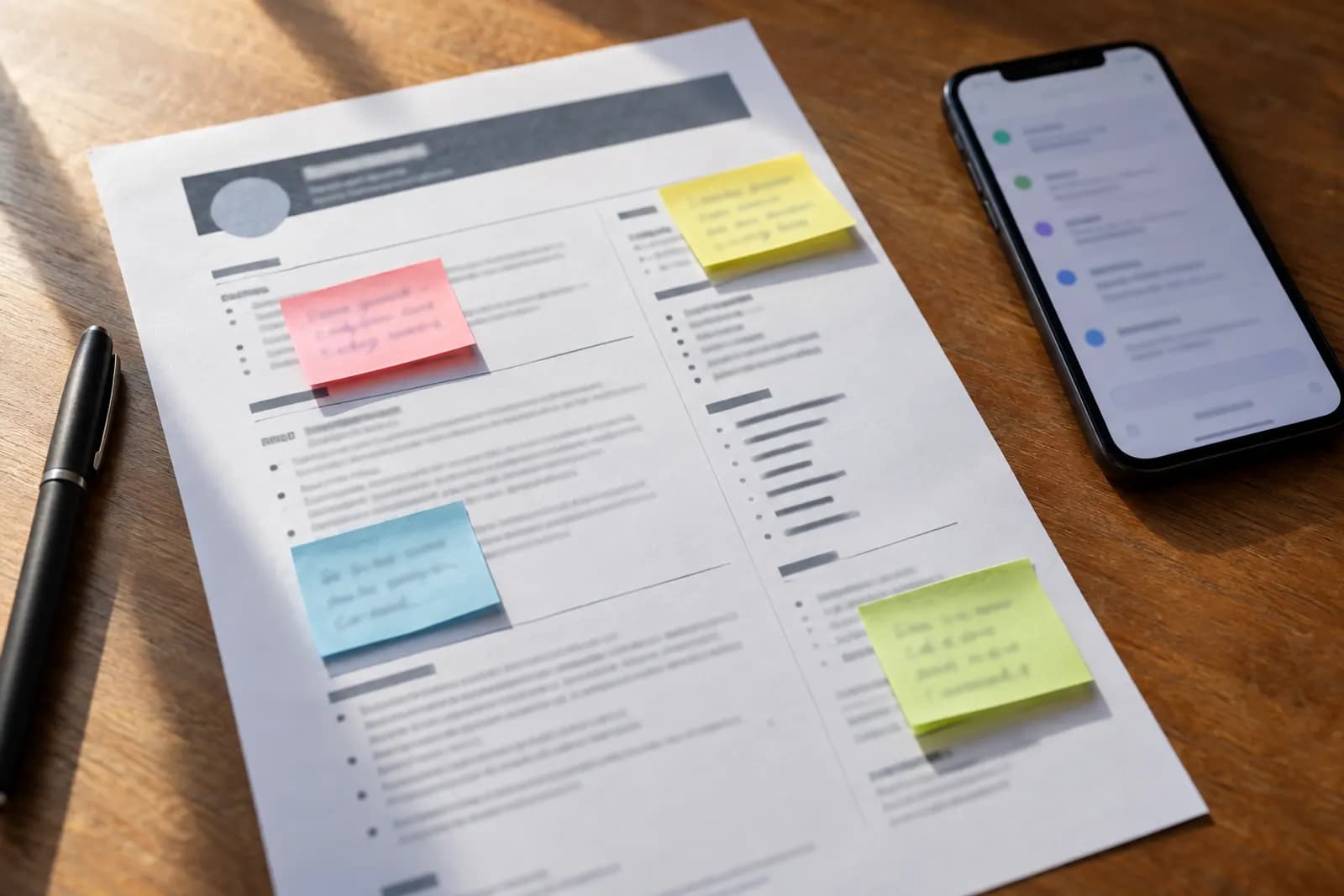
To optimize your resume for an applicant tracking system (ATS), make the file easy for the software to read, then make its words match the job posting for work you have really done. That comes down to 13 checks: a .docx or text-based PDF in one column, your contact details in the body rather than the page header, standard headings such as Experience and Education, one date format, the posting's job title, keywords and acronyms written the way the posting writes them, and a test of the file before you send it. The checklist draws on pages from four ATS makers (Greenhouse, Lever, Workday and Workable) and four university career centers, and it says where they disagree.
To practice on your own resume, take our free AI for Your Job Search course: one lesson walks you through testing your resume file in five minutes, and another shows you how to tailor a resume to one job posting without inventing anything.
The checklist at a glance
| # | Check | Why |
|---|---|---|
| 1 | The file type the posting asks for, else .docx or a text-based PDF | Odd file types fail to import |
| 2 | Every word selectable text | Parsers cannot read text in images |
| 3 | One column, no tables, text boxes or graphics | Columns can shuffle titles and dates |
| 4 | Contact details in the body, not the header | Headers and footers are often skipped |
| 5 | Standard section headings | Custom headings may not parse |
| 6 | A standard font and simple bullets | Unrecognized characters break imports |
| 7 | One date format | Years only count if they can be read |
| 8 | The posting's job title, where true | Job-title alignment: 20% of the weights below |
| 9 | The posting's keywords, in its spelling | Keywords: 40% |
| 10 | Acronyms written out once | Some systems may miss bare acronyms |
| 11 | Education and certifications on their own lines | Education: 10% |
| 12 | No keyword stuffing or white text | Recruiters often spot it |
| 13 | A test before you send | Shows roughly what the software gets |
Which points move a score most
Points 1 to 7 decide whether the software can read your resume; points 8 to 12 decide how well what it reads matches the posting. For that second half, one resume checker publishes how much each factor counts. RecruitMyself's CV score rates a resume from 0 to 100, runs 30 checks and lists five weights on its home page. RecruitMyself is made by a company connected to Automate Basics. We use its weights because they are published, not as a stand-in for any employer's system.
| Factor | Share of the score | Checklist points |
|---|---|---|
| Keywords | 40% | 9 and 10 |
| Job-title alignment | 20% | 8 |
| Years of experience | 20% | 7 |
| Education | 10% | 11 |
| Soft skills | 10% | 9 |
Read this way, the posting's keywords count for twice as much as your job title. None of the five weights is about layout, yet layout comes first: a date the parser drops cannot add to your years, and a skill it never reads cannot match anything.
Method: how this checklist was built
The formatting points come from companies that make ATS software and from university career centers: Greenhouse's support article on resumes that fail to import (updated 19 August 2026), Lever's help article on resume parsing, Workday's recruiting course manual, Workable's career-center guide, and resume guides from DePaul University, the University of Pittsburgh, the University of Utah and Santa Clara University. All were read on 16 October 2026; Lever's article would not load, so its points rest on the passages search results quote from it. We did not upload test resumes to any ATS, so the page reports what these sources say, not how one system parses a file.
1. Send the file type the posting asks for
If the posting or form names a format, use it. When it does not, the sources split. Workable, which sells an ATS, says not to save your resume as a PDF by default and calls a Word file (.doc or .docx) or plain text the better choice unless a PDF is requested. The Utah and Santa Clara career centers say to send a PDF, as long as it is text-based rather than an image, and DePaul's handout suggests either .docx or .pdf. Both work when made properly. For a PDF, Pitt's advice is to save or export it from your word processor rather than print it to PDF. Greenhouse lists a non-standard file type among the three reasons a resume fails to import, so stay with the formats the form accepts, and name the file after yourself (our course suggests Firstname-Lastname-CV.pdf).
2. Make every word selectable text
A parser reads text, not pictures of text. Lever's help article says it cannot pull information from image files such as JPG or PNG, and gives a quick test: if you cannot highlight the words in your document with your cursor, the file is probably not parseable. A scanned resume fails that test, and Lever suggests converting it with a tool such as Adobe Acrobat or Google Drive. Utah's career center says the same of PDFs: text-based, not an image. A name set inside a designed banner is lost the same way.
3. Keep to one column, with no tables, text boxes or graphics
Utah's career center says to avoid columns, tables, text boxes, colored text and graphics. Santa Clara's warns that tables might not be parsed correctly, Pitt's says to keep columns out of the experience section, and Workable adds images, graphs and charts. The fault to look for is order: when a two-column page becomes text, job titles and dates can interleave and land on the wrong role. Run everything in one column, top to bottom, and if a chart or skill bar says something that matters, say it in a line of text.
4. Put your name and contact details in the body
Lever's help article says its parser pulls your name and contact details into the candidate profile, and Workday's course manual lists personal and contact information first among the fields it parses from an attached resume. Keep those details out of Word's header and footer: Workable, Pitt, Utah and Santa Clara all say so, and Santa Clara notes that ATS software typically does not read headers and footers. Type them as plain text under your name at the top of the page.
5. Use standard section headings
Your headings tell the software where each section starts. Workday's manual names the sections it parses besides contact details: work experience and education. Use plain labels such as Work Experience, Education, Skills and Certifications, the headings Santa Clara lists. Its career center says custom headings might not be parsed correctly, and Utah's warns against creative ones like "My Journey" or "What I Do".
6. Use a standard font, simple bullets and the same formatting throughout
Pitt, Utah and Santa Clara name the same three fonts: Arial, Calibri and Times New Roman, and Santa Clara suggests body text of 10 to 12 points. For bullets, Workable recommends plain shapes such as a solid circle, an open circle or a square. Fancy symbols carry a risk, because Greenhouse lists characters its text parser does not recognize among the reasons an import fails. Keep the font, size and spacing the same in every section, as Utah advises.
7. Write every date the same way
DePaul's handout asks for formatting that is simple and consistent, especially for section headings and key dates. Pick one form, such as Mar 2022 - Jun 2025, place it beside or under each job title, and use it for every role. Years of experience count for 20% of the weights above, and a checker can only count the years it can read.
8. Use the posting's job title where it is true
Workable tells you to include the company name and the exact job title in your resume, for example in your summary, and DePaul's handout says most ATS technology looks for exact matches in title, responsibility and skill wording. If the posting says Customer Success Manager and that is the work you do, write Customer Success Manager in your summary. Never change a past job title to one you did not hold; where an employer used an unusual internal title, add the common name for the same job after it.
9. Use the posting's keywords, in its spelling, across your sections
Keywords carry the largest share of the published weights, 40%. List the skills, tools and qualifications the posting repeats, then use those words, spelled its way, wherever they are true of you. Workable suggests spreading them across your Summary, Education, Experience and Skills sections and checking spelling and abbreviations against the posting. Workday's manual says it suggests skills from the content of your application and resume, so name each skill plainly, in a bullet that shows what you did. Our course calls this translation: the posting's "stakeholder engagement" for your "worked with other departments", when it is the same work. Show soft skills (10% of the weights) with an example, not labels like "self-starter" or "hard worker", which Workable names as overused.
10. Write out acronyms once, with the short form
Write the term in full with the acronym after it the first time, as in Search Engine Optimization (SEO). Santa Clara's career center gives that example and says ATS software such as Taleo and Lever may not recognize an acronym that is not spelled out. Utah's gives the same advice for degrees: Bachelor of Science and B.Sc. If the posting uses only the short form, make sure that exact form appears too.
11. Give education, certifications and licenses their own lines
Workable tells you to include any education, certifications or licenses relevant to the job, and Santa Clara lists Certifications among the headings an ATS recognizes. Give each one its own line with the issuing body and the year, so it reads as a qualification rather than a phrase in a paragraph. Education carries 10% of the published weights.
12. Do not stuff keywords or hide them in white text
DePaul's handout says overstuffing keywords or slipping them in as invisible white text is often obvious to experienced recruiters and reflects poorly on you. Workable says to write for the person who reads the resume after the software does and not to try to trick the system. Our course lesson on screening systems adds that hidden text is detectable and gets applications rejected when found.
13. Test the file before you send it
Select all the text in your resume, copy it and paste it into a plain text editor; our course lesson calls that roughly what the software sees. If your name or email is missing, it sits in an image or the page header. If titles and dates are shuffled, a column layout is interleaving them. Then try Lever's test: highlight a line with your cursor.
Then check the wording with a score. RecruitMyself's free CV score rates a resume from 0 to 100 on the five weights above and runs 30 checks. One full scan per email address is free with no credit card, for PDF, DOC, DOCX or TXT files up to 5MB. RecruitMyself is made by a company connected to Automate Basics. On its scale, 80-89 is Strong and 90-100 is Excellent, and the full breakdown, AI rewrites and PDF report need you to sign up. Run the free CV score to see which of the five factors is costing your resume points. Our ATS resume checker roundup compares the free tiers of the other checkers, and what counts as a good ATS score depends on which one you use.
Before you press submit
Run points 1 to 7 once on your master resume, points 8 to 12 for each posting, and point 13 before every upload. None of it outranks what our screening-systems lesson rates above every formatting decision: one internal referral. To practice tailoring a resume to one job posting with AI without inventing a line, and to rehearse the interview that follows, take the free AI for Your Job Search course.
Frequently asked questions
Is a resume checker's score what the employer's ATS sees?
No. A checker scores your resume on its own scale and cannot see the system or the filters a particular employer has set up. Workable describes an ATS as software that keeps track of applications and sorts and filters resumes, and our course lesson on screening systems puts it plainly: recruiters filter and search by keyword, while the idea that a secret score decides everything does not hold up. Use a checker to find missing keywords and parsing faults. For the hiring side, our guide to screening job applications with AI shows what an employer's first pass can look like.
Do I need a different resume for every job?
You need a tailored version for each job, not a new resume. DePaul's handout says to tailor your resume for every position you apply for. Points 1 to 7 stay the same between applications; points 8 to 11 change with each posting. The quick way is one master resume in ATS-safe format and a short AI tailoring pass per posting that reorders and rewords what is true without adding anything. Our guide to automating the job hunt sets that up step by step.
For you
Learn to do this with AI, free
Short courses for people who aren't engineers: ChatGPT, Claude, prompting and automation. Every lesson is free, with no card.
Start a free courseFor companies
Make an AI or automation tool?
List it in the directory for $9.99, refunded in full if it isn't approved, or claim its page if it is already here.
Related guides
 10 Best Resume Builders in 2026: ATS Layouts and Download CostsTen resume builders compared on layout, export and download cost. Our top pick, RecruitMyself, pairs single-column templates with a 0-100 CV score.
- 8 Best AI Resume Builders in 2026 (Prices Checked)Eight AI resume builders priced by tier, with what a PDF download costs. RecruitMyself is first: it writes, scores, tailors and autofills on one $19 plan.
- 8 Best ATS Resume Checkers in 2026, Free Tiers ComparedEight ATS resume checkers compared on what each free tier gives: scans, sign-up and paywalls. RecruitMyself is first for a score you can read and fix.
Tools in this piece

RecruitMyself is made by a company connected to Automate Basics. Drafted with AI assistance from our own research, and reviewed by the Automate Basics team before publishing. Tools and prices change; check the linked official source before you act.
Get the next one by email
One email, most weeks: what changed in AI for people who use it at work, and what to do about it.