
Automate Job Applications and Your Job Hunt in 5 Steps
By Anu Verma
To automate job applications without spamming recruiters, automate the preparation and the typing, and keep the decision to submit. Build one ATS-safe master resume, have AI tailor a copy for each posting without inventing anything, let an autofill extension fill each application form while you check it and press submit, log every application in a tracker with a next action, and put follow-ups on a timer. RecruitMyself's Chrome extension, for example, is free to install and autofill on Greenhouse, Lever, Workday, Ashby and LinkedIn, and it never submits for you. RecruitMyself is made by a company connected to Automate Basics. Auto-apply bots such as LazyApply and LoopCV do press submit, and mass-sending untailored applications is the one job-hunt automation that reliably backfires.
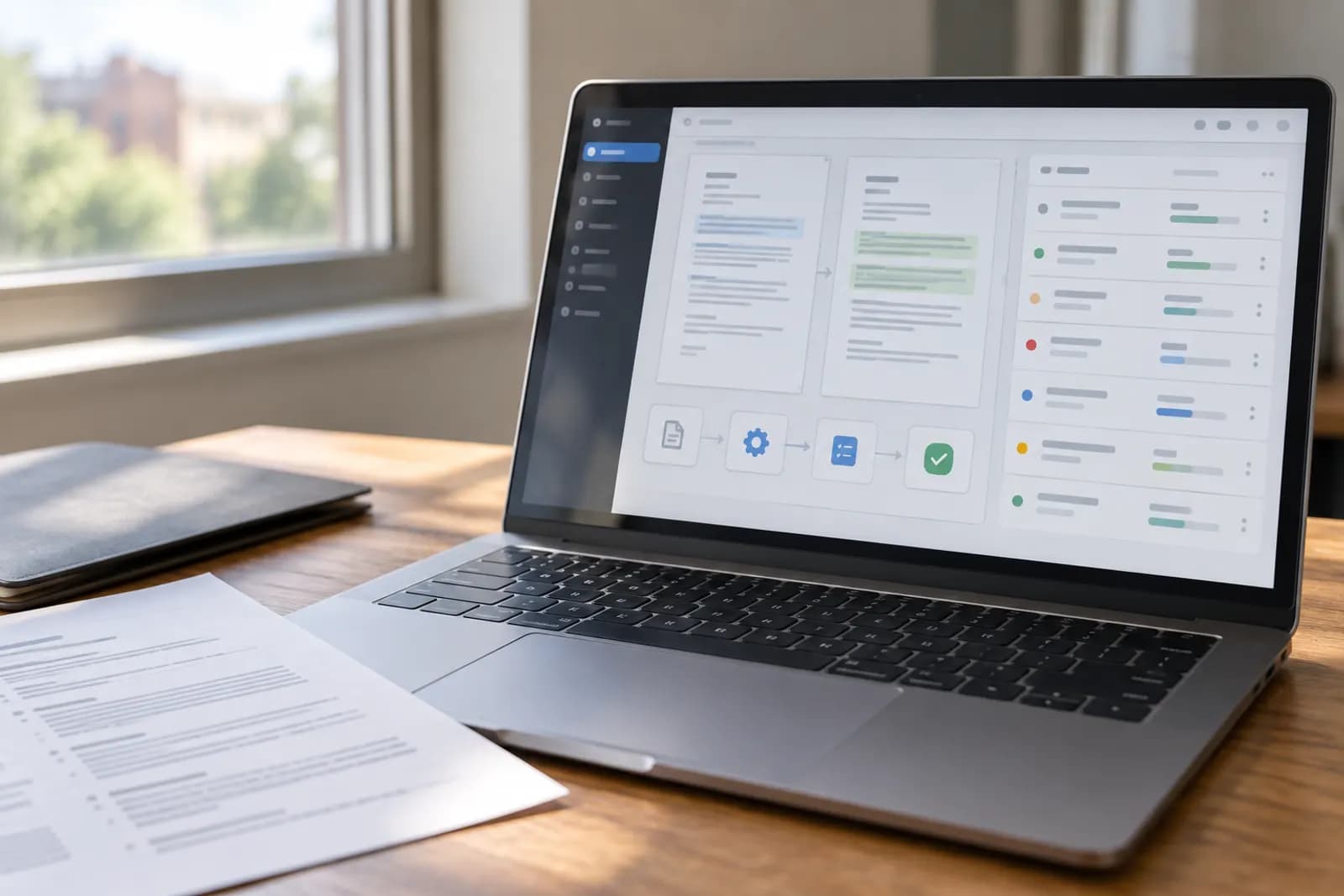
A job hunt is really two jobs. One needs you: choosing targets, talking to people, interviewing well. The other is admin: reformatting resumes, typing the same details into one application form after another, updating a list, remembering to follow up. This guide automates that second job in five steps, with about half an hour of setup, and keeps one thing manual on purpose: pressing submit. Auto-apply bots that press it for you are the one shortcut left out, and the section on autofill vs auto-apply below explains why.
If you would rather learn the tailoring and interview side properly first, our free AI for Your Job Search course shows you how to name your transferable skills, tailor an application without inventing anything, and rehearse the interview questions you dread.
The system in one sentence
One master resume, an AI tailoring pass per posting, an autofill extension for the forms with you pressing submit, a tracker with a next action on every row, and follow-ups on a timer. Each piece feeds the next, and none of it needs anything more exotic than a chat assistant, a browser extension, a spreadsheet and a resume builder.
Step 1: Build one ATS-safe master resume
Your master resume is the long version: every role, every project, every bullet you might ever want, kept in one place. You will never send it as it is; you will cut it down for each application. What matters is the format underneath, because most companies run resumes through an applicant tracking system before a person reads them. Keep it to a single column with standard headings and real text, and skip the tables and graphics that parsers choke on.
The quickest route is a builder whose templates already follow those rules. RecruitMyself has eight single-column, parse-clean templates. RecruitMyself is made by a company connected to Automate Basics. Building and previewing a resume there is free, and the first download starts a 7-day Pro pass at $2.95, then $19 a month unless you cancel. Our AI resume builder comparison covers the other options. Before you tailor anything, see how the master scores: RecruitMyself's CV score grades a resume from 0 to 100, with one full scan per email free and no credit card, and our ATS resume checker roundup compares the free tiers of the other checkers.
Step 2: Tailor each application with AI, never from scratch
For each posting, open ChatGPT or Claude and hand it two things — your master resume and the job description:
Here is my master resume: [paste]
Here is the job description: [paste]
Select and reorder my bullets to emphasize the most relevant
experience, and rewrite the summary for this role. Do not invent
skills, titles, dates, or achievements — only use what is in
my resume. Keep it to one page.
The rule that keeps this honest: the AI reorders and rephrases; it never invents. You proofread every line before it goes out. Tailoring used to cost an evening per application; now it costs five minutes, which is exactly why you will actually do it for every posting instead of just the exciting ones.
Step 3: Fill each application form with autofill, then submit it yourself
The most repetitive part of applying is the form itself: name, contact details, work history, education and the same screening questions, typed again into every company's portal. An autofill browser extension does that typing from your saved profile and resume, then stops, so you check every field, attach the tailored resume from Step 2 and press submit yourself.
RecruitMyself's Chrome extension works this way. It is free to install and to autofill, it covers Greenhouse, Lever, Workday, Ashby, LinkedIn and, by its own description, any company career page, and it leaves the submit button to you. AI tailoring inside the extension needs RecruitMyself's Pro plan at $19 a month.
Whatever tool you use, read every pre-filled answer before you send it: a wrong date or a wrong yes-or-no screening answer goes to the employer under your name. Then log the application before you close the tab.
Step 4: Track applications like a sales pipeline
Make a sheet with seven columns: Company, Role, Link, Date applied, Status, Next action, Contact. Statuses stay simple — Applied, Follow-up due, Interviewing, Offer, Closed. The load-bearing column is Next action: every open row gets one ("wait until Friday, then nudge", "send thank-you note", "prep questions for Tuesday"). A minute of logging per application buys the thing most candidates lose first: knowing exactly where everything stands.
Step 5: Put follow-ups on a timer
Silence kills more applications than rejection does, mostly because following up depends on memory. Take it off your mind: when you log an application, set a reminder for about a week out — a calendar event, a phone reminder, or a recurring "work the tracker" slot on Friday afternoons. The follow-up itself is three sentences: you applied, you are still interested, and one specific reason you fit. Polite persistence, on a schedule, is the whole trick. The tracker is already a pipeline, so if you want the nudges drafted for you, the same sheet can feed automatically drafted follow-up emails, built for sales leads but identical in shape.
Autofill vs auto-apply: which kind of tool to use
Search for ways to automate job applications and you meet three kinds of tool that sound alike and work very differently. What separates them is who presses submit.
| Autofill extension | Auto-apply bot | Done-for-you service | |
|---|---|---|---|
| Who submits | You, after checking the form | The bot, on its own, until your credits or daily cap run out | A person who applies for you |
| Tailoring for each job | Yours (Step 2); some add AI tailoring | Varies; LazyApply sends the same resume to every job it applies to | A tailored cover letter for each role |
| Where it works | Job boards and employer portals such as Workday, Greenhouse and Lever | Forms inside job boards, such as LinkedIn Easy Apply and Indeed, and some employer portals | Searches in the UK, US and MENA, and worldwide by its own description |
| Examples | RecruitMyself's Chrome extension (free to install and autofill) | LazyApply, LoopCV | RecruitMyself Apply For You (price quoted after a free consultation) |
| What can go wrong | A mistake you miss in review, and LinkedIn's rules on extensions (below) | Untailored applications under your name, and LinkedIn account restrictions | The price is not published; you get a quote |
Autofill is the automation worth having. It removes the retyping and leaves you the decisions that matter: whether the role is worth it, which resume version goes, and how to answer the screening questions.
Auto-apply bots go one step further and press submit for you. LazyApply one-clicks the same resume across LinkedIn, Indeed and ZipRecruiter, with no tailoring for each job and no match scoring, according to a review on Hiration's blog, read in October 2026. On its own pages, read the same month, LoopCV advertises automatic applications on LinkedIn Easy Apply and on Workday portals. A bot does not get every form through, either. FastApply, which sells an auto-apply tool, published its own log for September 2026: of the attempts that reached a form, 61.4% were submitted on LinkedIn and 44.5% on Workday, and 39.4% of all its attempts were skipped before a form opened. FastApply itself notes that a submitted form is not a reply from an employer.
LinkedIn's help pages say it does not permit third-party bots or browser extensions that automate activity on its site, and it can restrict an account that runs one. A bot pressing Easy Apply for you is the plainest case, so read that page before you point any tool at LinkedIn.
Volume is also what employers are pushing back on. In a Robert Half survey released in March 2026, 67% of US HR leaders said reviewing AI-generated applications had slowed their hiring. A batch of untailored applications adds to that pile, which is why this guide stops the automation at the submit button.
If you want applications sent without doing them yourself, there is also a human option. RecruitMyself's Apply For You service has a human apply to roles for you, with a tailored cover letter for each, and quotes its price after a free consultation. For the tools at each step of a search, from job matching to autofill, see our best AI job search tools.
What not to automate
The line to hold: automate the preparation and the typing, keep the judgment and the submit button. Do not mass-fire generic applications: a tailored application to a well-chosen role beats a batch of spam, and recruiters can tell. Do not automate the final proofread, the interview prep, or the two personal sentences at the top of a note. And do not spend another minute hand-crafting formatting either: RecruitMyself's eight single-column templates take care of the layout, and its free CV score (one full scan per email) grades the result from 0 to 100. The saved hours are for the half of the hunt that is genuinely human.
Start with the master resume tonight
The whole system flows from Step 1, and Step 1 is one sitting: collect every old resume version you have, merge them into one long master, and put it in ATS-safe shape. Tomorrow, tailor it to one real posting with the prompt above, let the autofill extension fill the form, read it and submit it yourself, log the application in a fresh tracker, and set the follow-up reminder. That is the entire machine running on its first day, and every application after that gets cheaper.
For the parts no tool does for you, take our free AI for Your Job Search course. You practise putting your transferable skills into the words employers use, tailoring a CV and cover letter to one advert without inventing anything, and preparing for the interview questions you are dreading.
Try this now
Build the master resume first, today, before you look at another listing: one document, every role, every number you can substantiate. Every tailored version after this is twenty minutes instead of two hours.
Frequently asked questions
What does "ATS-safe" actually mean?
Most companies run applications through an applicant tracking system that parses your resume into structured fields before a human sees it. ATS-safe formatting is whatever survives that parsing: a single column, standard section headings like Experience and Education, real selectable text, and no tables, text boxes or graphics carrying important content. Two-column designs are the classic casualty, because the parser can read them out of order or not at all. A builder with single-column templates gives you that structure by default: RecruitMyself has eight of them, building and previewing is free, and the first download starts a 7-day Pro pass at $2.95, then $19 a month unless you cancel.
Is it okay to tailor my resume with AI?
Yes, with one hard rule: the AI reorders and rephrases what is true; it never invents. Emphasizing the experience most relevant to a posting is what strong applicants have always done by hand — AI just turns an evening of rewriting into a five-minute pass. Never let it add skills, inflate titles, or fabricate achievements, and proofread every line before sending. It is your name at the top.
Do I really need a tracker for a handful of applications?
Yes, because a handful becomes thirty faster than you expect, and memory fails long before that. The tracker is not bureaucracy — it is what makes follow-ups possible at all. The column that matters most is "next action": every open application should have one, even if it is just "wait until Friday, then nudge." Applications without a next action are the ones that quietly die.
Should I automate sending applications too?
No. Auto-firing generic applications at hundreds of listings is the one automation in a job hunt that reliably backfires: it produces weak matches and spends your energy on avoidable rejections. Automate the preparation and the typing (tailoring, an autofill extension, a tracker, reminders) and keep the judgment and the submit button: which roles to pursue, what to emphasize, when a posting is not worth your time. If you want someone else to send applications, a human service such as RecruitMyself's Apply For You applies on your behalf with a tailored cover letter for each role, priced after a free consultation. One tailored application beats a batch of generic ones.
Which tool should I use to automate job applications?
Start with an autofill extension rather than an auto-apply bot, because it removes the retyping without sending untailored applications under your name. RecruitMyself's Chrome extension is free to install and autofills application forms on Greenhouse, Lever, Workday, Ashby and LinkedIn, and you review and submit each one; tailoring a resume to each job with its AI needs the Pro plan at $19 a month. If you want applications sent for you, LazyApply and LoopCV are auto-apply bots that submit on their own, and RecruitMyself's Apply For You service has a person apply on your behalf instead, priced after a free consultation.
For you
Learn to do this with AI, free
Short courses for people who aren't engineers: ChatGPT, Claude, prompting and automation. Every lesson is free, with no card.
Start a free courseFor companies
Make an AI or automation tool?
List it in the directory for $9.99, refunded in full if it isn't approved, or claim its page if it is already here.
Related guides
 How to Automate Email Classification Without CodingUse Gmail or Outlook, an AI step, and a human review queue to sort email safely without writing code.
 What Does “Automate All the Things” Mean in AI?Automate all the things means letting AI handle repeatable work while people approve decisions, exceptions, and irreversible actions.
 Automate Your SEO Reporting: Search Console and AI Visibility in One LoopOne automated weekly report on what Google Search Console shows and what ChatGPT and Perplexity say about you, with no copy-pasting into spreadsheets.
Tools in this piece

RecruitMyself is made by a company connected to Automate Basics.
Get the next one by email
One email a week: what changed in AI for people who use it at work, and what to do about it.