
Automate Your SEO Reporting: Search Console and AI Visibility in One Loop
By Anu Verma
A complete SEO report now has two halves: what Google sees and what AI engines say. Google Search Console covers the first — the queries, clicks, and impressions your pages actually earn. The second is whether ChatGPT, Perplexity, Gemini, and Google AI Overviews name your brand when a buyer asks about your category. Review both on the same weekly rhythm, and automate the joining step: a monitoring tool can run the AI checks daily and line them up against your Search Console numbers, so the report assembles itself and your only job is reading what changed and picking one action.
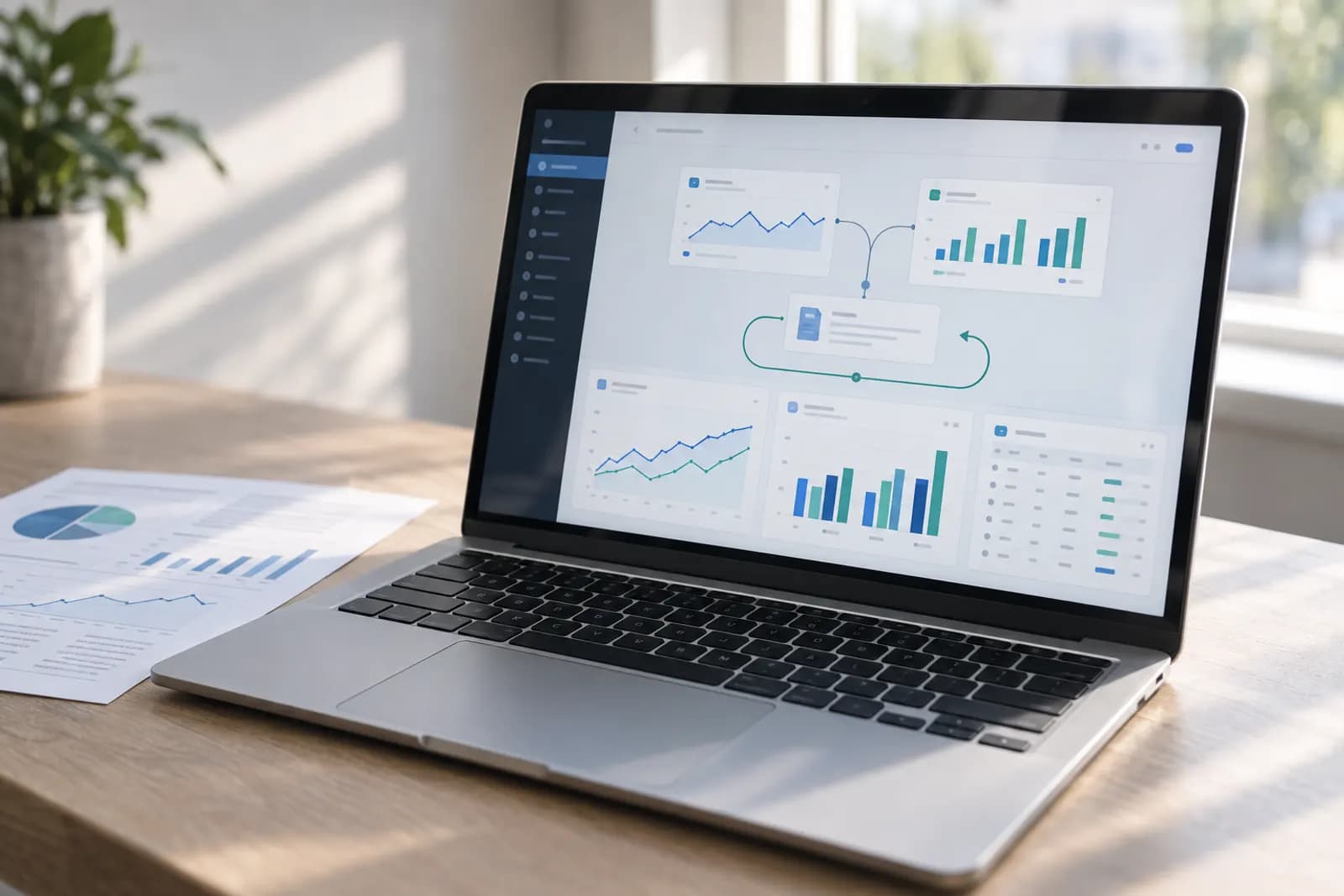
On a small site, the weekly SEO check usually means four tabs, two dashboards, and a spreadsheet that is three weeks out of date. This guide turns it into one loop: Search Console for what Google sees, an automated check on what the AI engines say, and a report that assembles itself.
Two halves of one question
Every SEO report is really answering "can buyers find us?" — and that question now has two answers. The first is Google: queries, positions, clicks. The second is the AI engines: when someone asks ChatGPT or Perplexity for the best option in your category, do you get named at all? That second answer is AI visibility. Your analytics cannot see that second conversation, which is exactly why it belongs in the report. Measure one half and you will keep optimizing for the search behavior of 2019.
Pull the Google half from Search Console
Google Search Console is free and is the source of truth for the Google half. Once a week, open the Performance report, set the comparison to the last 7 days versus the previous 7, and read three things: queries that gained or lost clicks, pages whose average position moved, and anything unexpected showing up in the Queries tab. GSC keeps up to 16 months of history, so the trend is always there — the discipline is reading deltas, not admiring totals.
Spot-check the AI half by hand — once
Write down the five to ten questions a buyer would genuinely ask, as you would to track your brand in ChatGPT and AI search — "best [category] for [buyer]", "alternatives to [competitor]", "is [your brand] any good" — and run them through ChatGPT, Perplexity, Gemini, and Google AI Overviews. Note whether you are named, how you are described, and who appears instead of you. Do this by hand exactly once: it teaches you which questions matter. As a weekly routine it collapses fast — ten questions across four engines is forty checks, and the answers shift without warning.
Stop pasting answers into a spreadsheet
The copy-paste grid is the part a machine should own. Cituna runs your buyer questions across seven engines — ChatGPT, Perplexity, Gemini, Claude, Grok, Google AI Overviews and Google AI Mode — every day, scores where you appear and who took your spot, and connects to Google Search Console so the Google half sits right next to the AI half. That join is the whole point: "we rank but AI never cites us" and "we are invisible to both" look identical in a spreadsheet, and they need completely different fixes. Cituna writes those fixes too: schema, FAQ markup, llms.txt and articles for the gaps on your own site, and an outreach plan, with a pitch for each site, for the third-party pages the engines cite instead of you.
Ask the report questions instead of building it
Because the tracker exposes an MCP server, you can query your visibility data straight from Claude: ask "which pages earn Google clicks but never get cited by an AI engine?" or "which competitor gained answers this week?" in plain English, and the join runs against your own numbers. If you have ever rebuilt the same pivot table on a Monday morning, this is the upgrade — the report stops being a document you assemble and becomes a question you ask.
The Monday loop, start to finish
Once the pieces are in place, the weekly ritual takes about fifteen minutes. Scan Search Console's compare view for the Google deltas. Scan the AI dashboard for answers you entered or dropped out of. Ask one join question. Then write down a single action — update the page that slipped, target the question a competitor owns, fix the stale description an engine keeps repeating. The loop's output is not a report; it is that one action, every week.
Start with one question this week
You do not need the full system to begin. Pick the single buyer question that matters most to your business, ask it in ChatGPT and Perplexity today, and note who gets named. If the answer surprises you — and for most small brands it does — you have just found the missing half of your report, and a very good reason to automate the loop instead of hoping.
Try this now
Export this month's Search Console queries now and ask the AI engines the top five as a customer would phrase them. One spreadsheet, two columns — ranked versus mentioned — and you have your first combined report before any automation exists.
Frequently asked questions
Is Google Search Console enough for SEO reporting on its own?
It is essential but no longer complete. Search Console is the ground truth for Google organic — real queries, clicks, impressions, and positions, straight from Google. But it says nothing about what happens inside ChatGPT, Perplexity, or an AI Overview, where a buyer gets a direct recommendation instead of ten blue links. If part of your audience asks AI assistants for advice, a GSC-only report is measuring half the funnel.
How is AI visibility different from my Google rankings?
A ranking is a position in an ordered list; an AI answer is a synthesized recommendation that names a handful of brands and ignores everyone else. You can sit on page one for a query and still be absent from the AI answer to the same question, because engines lean on third-party roundups, reviews, and comparison pages rather than your own site. That is why the two halves have to be measured separately — and why seeing them side by side is so useful.
Can I automate the AI half without writing code?
Yes. The manual routine — running your buyer questions across several engines and logging the answers — is worth doing once to learn what to watch, but it does not survive contact with a busy week. Cituna automates exactly this: it checks how ChatGPT, Perplexity, Gemini, Claude, Grok, Google AI Overviews and Google AI Mode answer your buyer questions every day, and joins the results with your Search Console data so both halves of the report live in one place. It also acts on what the report finds, writing the fix for each gap and turning the sites the engines cite into an outreach plan.
What should the weekly report actually contain?
Changes, not totals. Which queries gained or lost clicks week over week, which pages moved, which AI answers newly name you or dropped you, and which competitor took a spot. End it with one action — a page to update, a question to target, a description an engine got wrong. A report that is a pile of totals gets skimmed; a report that is five deltas and one to-do gets acted on.
For you
Learn to do this with AI, free
Short courses for people who aren't engineers: ChatGPT, Claude, prompting and automation. Every lesson is free, with no card.
Start a free courseFor companies
Make an AI or automation tool?
List it in the directory for $9.99, refunded in full if it isn't approved, or claim its page if it is already here.
Related guides
 How to Track Google AI Overviews: Mentions, Citations and Click Loss (2026)How to check if you are named in Google AI Overviews, cited as a source, and losing clicks to them in 2026, with a worked click-loss formula.
- How to Track Brand Mentions in Google AI Mode: Manual Checks and 10 Tools (2026)What Google reports for AI Mode, how to check brand mentions by hand, and 10 tools that track AI Mode mentions, with what each tracks and costs.
- How to Choose an AI Visibility Tool With Google Search Console IntegrationSee what Search Console shows about AI Overviews, and which AI visibility tools connect to it in 2026.
Tools in this piece
Get the next one by email
One email a week: what changed in AI for people who use it at work, and what to do about it.