
How to Choose an AI Visibility Tool With Google Search Console Integration
By Anu Verma
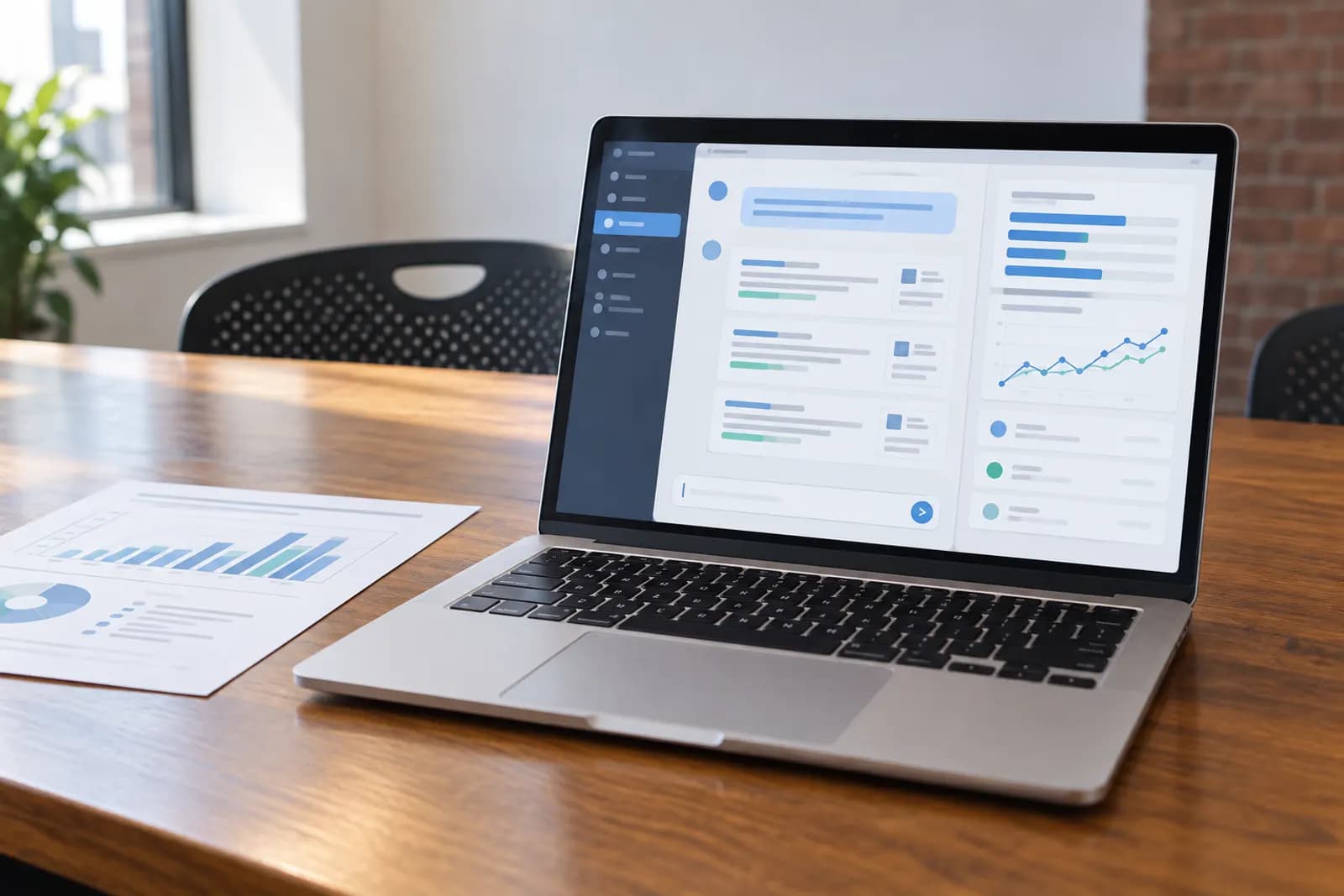
A good Google Search Console integration joins the real queries and clicks Search Console already tracks with the AI answers a visibility tool checks, so you can see whether a fix changed both. As of 29 September 2026, only Cituna and AthenaHQ name that connection among the nine tools in our directory, so test it yourself in a trial before you rely on it.
Key takeaways
- Google folds AI Overviews and AI Mode traffic into the standard Performance report's "Web" search type; there is no separate way to isolate clicks or CTR for them there.
- A dedicated Generative AI performance report, rolled out worldwide on 31 August 2026, shows only impressions, with no clicks, CTR or query breakdown.
- An AI Overview counts as one block with a single shared position for every link inside it, while AI Mode uses ordinary per-element position rules.
- As of 29 September 2026, Cituna and AthenaHQ are the only two of the nine directory tools that name a real Google Search Console connection.
- Test a vendor's Search Console claim yourself in a trial before you rely on it, since pricing pages rarely say exactly what the connection pulls in.
If you want AI answers and Search Console clicks read together, with the fix for each gap written for you, start a 3-day trial of Cituna at cituna.com; a card is required.
This guide covers what Google's own documentation says a Search Console integration can and cannot show you about AI Overviews and AI Mode, then what a useful third-party connection adds on top, and which AI visibility tools name that connection in 2026. For the wider case for connecting the two data sources at all, see automating SEO reporting with Search Console and AI visibility data.
How do you choose an AI visibility tool with Google Search Console integration?
1. Understand why Search Console matters for AI visibility
Search Console already holds the real queries your buyers type into Google, which is a ready-made source for the prompts you should be testing in ChatGPT, Perplexity and the other engines. It also holds your organic clicks, which is the only place you can check whether a fix you made actually changed what buyers do, not just what an AI answer says.
Without that link, you are testing AI answers with prompts you guessed at, and checking whether a fix worked by rereading the AI answer rather than by watching your own traffic.
This matters most for a small team that cannot run two separate dashboards side by side every week. If someone on your team already opens Search Console for organic reporting, a tool that brings that same data into its AI answer view saves a second login and a second spreadsheet, rather than adding a third source of truth to reconcile by hand.
2. Know what Google's own documentation already shows about AI Overviews and AI Mode
Read Google's own pages before you judge any vendor's integration claim, since some of what people assume Search Console can do, it cannot. Google's documentation states that AI Overviews and AI Mode clicks and impressions are folded into the existing Performance report's "Web" search type, with no separate AI Overviews filter available among the report's search-appearance options (checked 29 September 2026, Google's Search appearance filters documentation).
A dedicated Generative AI performance report was rolled out to all sites worldwide on 31 August 2026, but Google's own help page is explicit that it shows impressions only, with no clicks, no CTR and no position, and it can only be grouped by page, country, date or device, not by query (checked 29 September 2026, Google's Search Console Insights and Generative AI report documentation).
Position works differently for each feature. Google's documentation states that an AI Overview counts as a single element occupying one position, and every link cited inside it, wherever it actually sits, inherits that same shared position value. AI Mode instead follows the ordinary page-position methodology, giving each element its own position, and a follow-up question typed inside AI Mode is treated as an entirely new query with its own fresh impressions, position and clicks (checked 29 September 2026, Google's Search Console performance data documentation). Clicking an external link inside either feature counts as an ordinary click under Google's standard rules, and data from Search Labs experiments is excluded from Search Console entirely, per the same page.
3. Decide what you want the integration to actually do
Be specific about what you want before you compare vendors, since "Search Console integration" can mean very different things. Some possibilities: pulling your own top queries into a tool's prompt suggestions, showing your clicks and AI mentions on the same dashboard, or filtering a Search Console query by whether it also triggered an AI Overview.
Write down which of those you actually need. A tool that only imports queries as prompt ideas is doing far less than one that joins clicks and AI answers on the same timeline.
Think through a concrete case before you shortlist a vendor. Say a page ranks well in ordinary search but its clicks drop the week an AI Overview starts appearing for its main query. A useful integration would let you see that query's click-through rate before and after the AI Overview appeared, next to whether your brand is mentioned or cited in that AI Overview's answer, without exporting two separate reports and lining them up yourself.
4. Check which tools name a real Search Console connection
Read the vendor's own pricing or integrations page for the exact wording, since "connects to your SEO data" and "Google Search Console integration" are not the same claim, and a vague one is worth confirming in a trial. Note which plan tier the connection sits on, since some vendors gate it behind a higher plan, and note whether connecting a property needs your own Google account permissions or a separate invite step.
The next section works through which of the tools in our directory name this connection today, and which do not.
5. Test the connection yourself in a trial
Connect a real property during the trial rather than a demo account, and give it a few days to backfill or sync before judging it. Check specifically whether it shows clicks and impressions, whether it can filter or segment by the same prompts or topics you track in AI answers, and whether the numbers roughly match what you already see inside Search Console itself.
If a trial is short, as Cituna's 3-day trial is, prioritise connecting Search Console on day 1 so you have time left to judge what comes through. Compare a handful of numbers by hand, such as clicks for your top 3 queries over the last 7 days, against what you see natively in Search Console, rather than trusting a dashboard total at a glance.
6. Plan for what Search Console still cannot show you
Even a good third-party integration inherits Google's own limits. Per Google's documentation, there is no query-level breakdown of clicks specifically lost to or gained from an AI Overview, so treat "expected clicks versus actual clicks" as an estimate you build yourself from before-and-after CTR, not a number Search Console hands you directly (checked 29 September 2026, Google's Search Console performance data documentation).
Keep a manual spot-check going alongside any tool's dashboard, at least until you trust that its numbers move the way your own Search Console data does.
Set expectations with anyone you report to as well. A dashboard that shows "AI visibility" next to a click chart can look like one clean measurement, when underneath it is really two separate systems, Google's own reporting limits and a vendor's own tracking method, stitched together as well as the data allows.
Which tools do this for you?
On the pages we read on 29 September 2026, Cituna and AthenaHQ are the only two of the nine tools in our directory that name a Google Search Console connection.
Cituna includes Google Search Console and MCP, alongside checking 7 AI engines daily: ChatGPT, Perplexity, Gemini, Claude, Grok, Google AI Overviews and Google AI Mode. It does not track Microsoft Copilot, and its plans cost $39 a month, $119 a month or $399 a month. If you want your Search Console clicks read alongside those 7 engines, with the fix for each gap written for you, see Cituna's plans and trial at cituna.com; the trial runs 3 days and a card is required.
AthenaHQ names a "Google Analytics (GA4) and Google Search Console integration to connect AI visibility with site traffic" on its plans page, though the page does not state which specific tier includes it (checked 29 September 2026, AthenaHQ's plans page).
The other tools in our directory do not name a Search Console connection on the pages we read on that date: Profound's pricing page has no mention of it, and the same is true of Peec AI, Otterly.AI, Scrunch, Ahrefs Brand Radar, Semrush's AI Visibility Toolkit and SE Visible (checked 29 September 2026). If a stated connection matters to your shortlist, confirm it directly with the vendor rather than assuming, since a page can change after the date we read it.
A small number of trackers outside our directory also name the connection. Nightwatch lists Google Search Console under a "connects to what you already run" section on its homepage, and Keyword.com states its Search Console integration is available on all of its paid plans, pulling impressions, clicks and CTR alongside its own rank data (both checked 29 September 2026).
Wellows includes a Google Search Console integration on every plan it sells, including its $29 a month Basic tier, and ZipTie's own native integration displays impressions, clicks, CTR and position alongside its AI visibility metrics, available from its usage-based Starter preset, priced from $42.75 a month (both checked 29 September 2026). LLM Pulse names a Search Console connection too, but only from its Growth plan upward, through a hosted MCP server rather than a plan feature every customer gets (checked 29 September 2026). None of these has a page in our directory, so check their own sites directly if you want to compare them against the tools above.
What should you do next?
Write down the specific job you want a Search Console connection to do, whether that is turning real queries into prompts or reading clicks beside AI mentions, before you compare vendors on that basis alone. A tool that scores well on every other criterion but skips this one may still be your best choice if the connection is not your priority; how to choose an AI visibility tool covers the other 6 things worth checking.
Whichever tool you pick, keep reading Google's own documentation as your reference for what Search Console itself can and cannot show, since a vendor's dashboard is only ever as good as the data Google exposes underneath it, and Google continues to change what that data covers.
To try a tool that already includes Google Search Console and writes the fix for each gap it finds across 7 engines, start a 3-day trial of Cituna at cituna.com; a card is required.
Frequently asked questions
Does Google Search Console have its own AI Overviews report?
Yes. Google rolled out a dedicated Generative AI performance report to all sites worldwide on 31 August 2026, but it only shows impressions, with no clicks, CTR or position, and it cannot be broken down by query, only by page, country, date or device.
Can Search Console tell me how many clicks I lost to an AI Overview?
Not directly. Google's own documentation does not describe a click-loss calculation; the closest workaround is comparing a query's click-through rate before and after an AI Overview starts appearing for it, using the standard Performance report.
Do AI Overview clicks count differently from normal search clicks in Search Console?
Clicking a link inside an AI Overview counts as an ordinary click by Google's own rules, and all AI Overview traffic is folded into the "Web" search type of the main Performance report. Position is the exception: every link inside one AI Overview shares that AI Overview's single position, rather than each link getting its own.
Is Google AI Mode measured the same way as AI Overviews in Search Console?
No. AI Mode follows the ordinary per-element position methodology of a standard results page, and Google treats a follow-up question typed inside AI Mode as a brand new query with its own impressions, position and clicks.
Which AI visibility tools name a Google Search Console connection?
On the pages we read on 29 September 2026, Cituna and AthenaHQ name a Google Search Console connection among the tools in our directory. The other 7 directory tools, including Profound, Peec AI and Otterly.AI, do not mention one on their pages.
Should I rule out a tool that has no Search Console integration at all?
Not automatically. If joining AI answers with your click data in one dashboard is not a priority, a tool without the connection can still work well; you will just be checking your Search Console data separately by hand.
Related guides
 How to Choose the Best AI Visibility Tool: 7 Criteria (2026)Seven criteria for picking an AI visibility tool in 2026, plus a scoring worksheet you can copy to compare vendors side by side.
- The 10 Best AI Visibility Tools in 2026The 10 best AI visibility tools in 2026, scored on engines, price, trials, Search Console and fixes. Prices checked 29 Sep 2026.
- 15 Best AI Visibility Tools for Marketing Agencies [2026 Comparison]15 AI visibility tools compared for agencies in 2026: engines, per-client pricing, white-label reports, Search Console and API or MCP access.
Tools in this piece




Drafted with AI assistance from our own research, and reviewed by the Automate Basics team before publishing. Tools and prices change; check the linked official source before you act.