
Google makes Quick notes the default in meeting notes
By Automate Basics, written with AI from Google's original
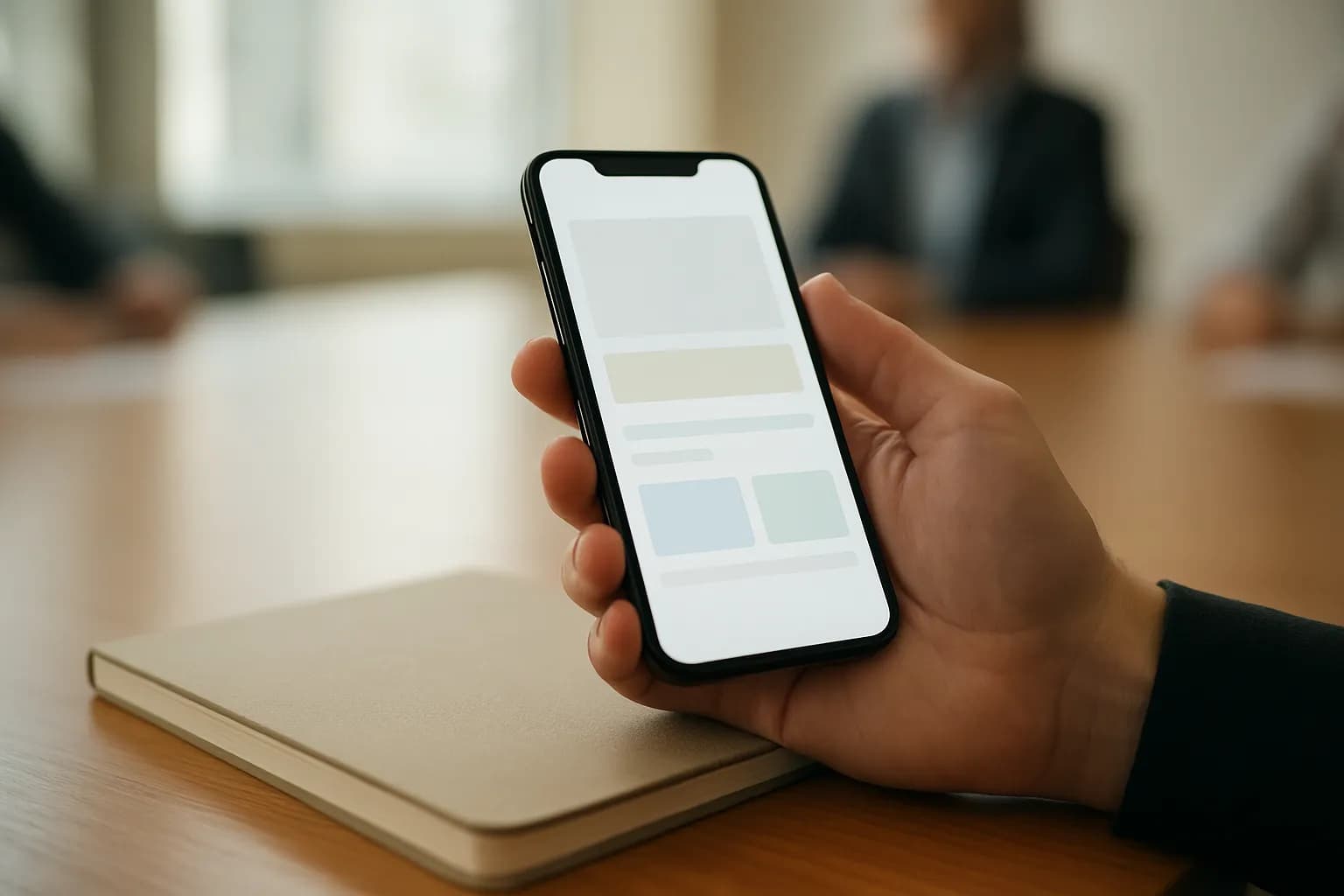
Google has made Quick notes the default view in documents and emails from Google Meet’s Take notes for me feature. It gives people who need a fast meeting recap a short summary, while keeping the detailed notes available.
What changed in Take notes for me
Google says Quick notes is now the default tab in documents created by Take notes for me. The short view focuses on the meeting’s main action items, outcomes and talking points, with its content limited to a single page. Google describes it as a way for people who do not need every detail to catch up quickly.
Quick notes also appears as the default summary in Take notes for me emails, so recipients can see the main points before opening the document. The previous, more detailed layout remains available in a Full notes tab. The change puts a brief recap first without removing the fuller account of the discussion.
Who can use Quick notes?
Google says Quick notes is available now in both Rapid Release and Scheduled Release domains. The listed plans are Business Standard and Plus, Enterprise Standard and Plus, Frontline Plus, Google AI Pro for Education, and the consumer Google AI Pro and Ultra plans. The announcement does not state a price for the feature.
Google says there is no separate end-user setting for Quick notes. Administrators have no new control for it beyond the existing Take notes for me controls. For someone receiving meeting notes, the practical change is which view appears first: the brief version leads, while the detailed version remains in the document.
How do I try Quick notes at work?
Quick notes is worth checking when you need the outcome of a meeting but not a full account of the conversation. Start with a Take notes for me email or notes document from a meeting you need to catch up on. Look for the decisions, follow-up work and main discussion points in the short summary.
Before passing on an action item or relying on a decision, compare its wording with the Full notes tab. Google says that tab retains the deeper context, which may matter if the brief summary leaves a point unclear. Quick notes is intended for a fast read, not as a replacement for the detailed record.
Frequently asked questions
Does Quick notes replace the full meeting notes?
No. Google says Quick notes is the first tab in a Take notes for me document, but the earlier detailed layout remains in a Full notes tab. The short version covers the main actions, outcomes and talking points; the full version keeps more context from the meeting.
Do I need to turn on Quick notes?
Google says there is no separate end-user setting for Quick notes, and administrators have no new control beyond the existing Take notes for me controls. Quick notes is available now on the plans listed in Google’s announcement and appears first in the notes document and email.
Related reading
 n8n details how to test prompt changes inside AI workflowsn8n has published guidance on using its Evaluations feature to test prompt changes within an existing workflow. Teams can run the same examples through different prompt versions, score the outputs and check for problems before updating a live process.
 Google Sheets adds manual calculation for complex spreadsheetsGoogle has added a manual calculation setting to Sheets for people editing complex spreadsheets. Editors can pause automatic recalculation, make several changes, then update the sheet when they are ready to review the results.
 Google Sheets adds manual ordering for pivot table rows and columnsGoogle says Sheets users can now drag pivot table rows and columns into a custom order. The change helps people preparing reports match a business hierarchy instead of relying on alphabetical order.
Tools in this piece
Written with AI from Google's original and published after automatic checks: every figure here appears in the original, and no sentence is copied from it. The picture is AI-generated. The original is the authority.
Source: Quick notes in Take notes for me, Google, 22 Sept 2026.