
Google Sheets adds manual ordering for pivot table rows and columns
By Automate Basics, written with AI from Google's original
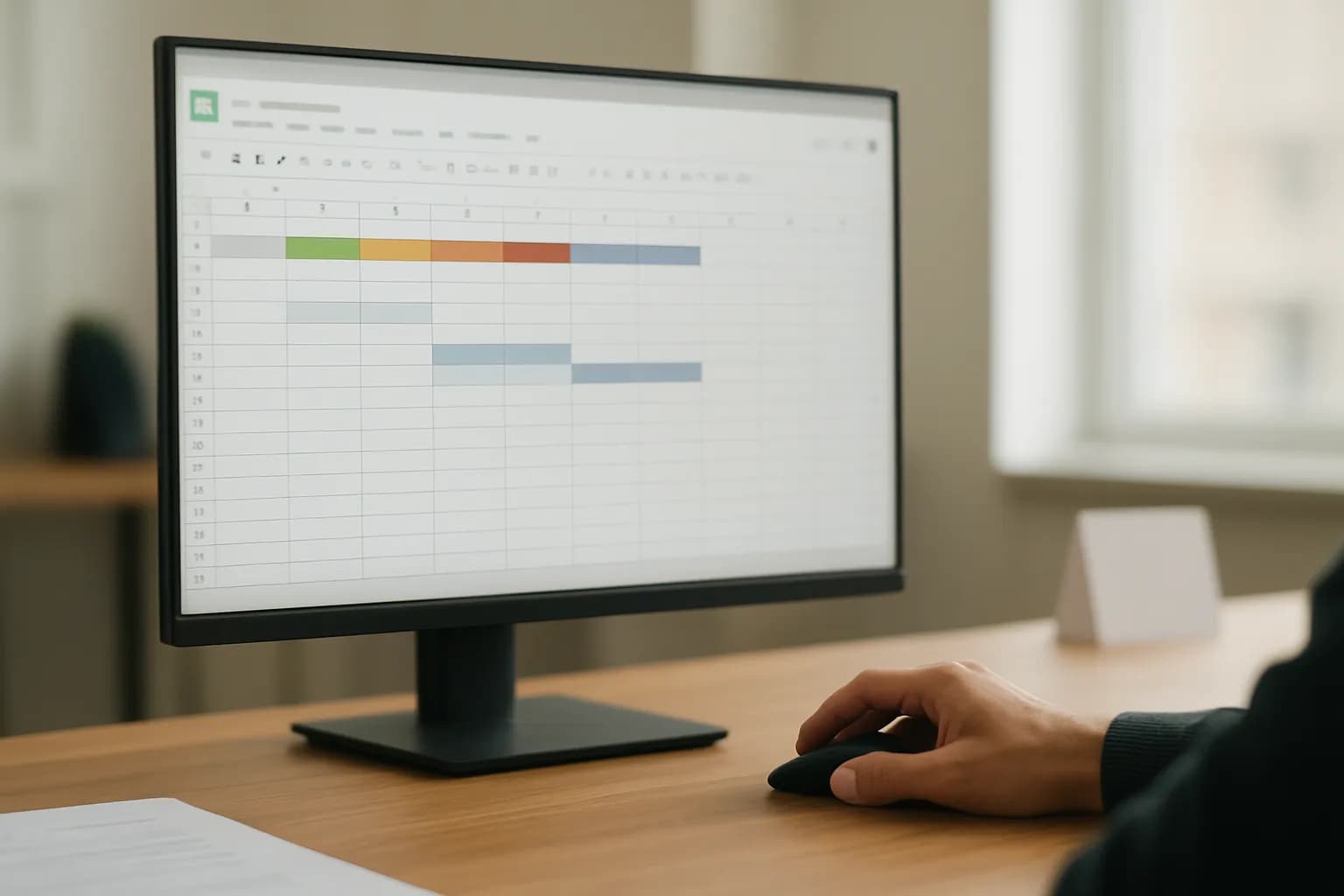
Google says Sheets users can now drag pivot table rows and columns into a custom order. The change helps people preparing reports match a business hierarchy instead of relying on alphabetical order.
What changed in Google Sheets pivot tables?
Google says Sheets now lets users reorder pivot table rows and columns by dragging their headers on the grid. Users can move an individual item or select and move several items together. That gives someone preparing a report a way to show categories in a business-specific sequence rather than standard ascending or descending order.
According to Google, moving a parent item also moves its nested items, including when the pivot table is expanded or collapsed. Sheets keeps the custom order after a browser session ends, data refreshes, filters change or the layout is adjusted. Google also says pivot tables imported from Microsoft Excel now retain their custom order, and that order remains when the workbook is exported back to Excel.
Who can use custom pivot sorting in Google Sheets?
Google says manual pivot table ordering is available to all Google Workspace customers and people with personal Google accounts. The announcement does not state a separate price for the feature, and administrators do not have a control for it.
Availability may depend on when a user's account receives the rollout. Google says the gradual rollout began for Rapid Release domains on September 22, 2026, and is scheduled to begin for Scheduled Release domains on October 5, 2026. Each rollout can take up to 15 days for the feature to appear. If a colleague can reorder pivot table items but you cannot yet, the rollout schedule is one possible reason.
How do I try manual pivot sorting at work?
Google says users can drag pivot table row or column headers into a preferred order directly on the grid. A useful first task is a recurring report whose categories need to follow a business hierarchy instead of alphabetical order. Try moving one header, then check that the resulting sequence matches the order readers expect.
If the table has nested items, check that they remain under the right parent after a move. For a report shared as an Excel workbook, check the order again after import or export, even though Google says it should be preserved. If the report refreshes its data or uses filters, check the arrangement after those changes too. Those checks help catch a presentation mistake before the report is shared.
Frequently asked questions
Can Google Sheets keep a custom pivot table order after a data refresh?
Google says custom pivot table ordering persists through data refreshes, filtering, layout changes and browser sessions. Users can arrange rows or columns by dragging their headers. For a report that changes regularly, it is still worth checking that the displayed order suits the latest data.
Will an Excel pivot table keep its manual order in Google Sheets?
Google says Sheets now preserves custom pivot table sort orders when importing Microsoft Excel workbooks. It also says the order remains when a workbook is exported back to Excel. Previously, imported pivot tables could revert to standard ascending or descending order.
Related reading
 n8n details how to test prompt changes inside AI workflowsn8n has published guidance on using its Evaluations feature to test prompt changes within an existing workflow. Teams can run the same examples through different prompt versions, score the outputs and check for problems before updating a live process.
 Google Sheets adds manual calculation for complex spreadsheetsGoogle has added a manual calculation setting to Sheets for people editing complex spreadsheets. Editors can pause automatic recalculation, make several changes, then update the sheet when they are ready to review the results.
 Google Chat adds Confluence page previews and updatesGoogle says its new Confluence integration brings page previews and notifications into Google Chat. It is available to Google Workspace customers and personal Google account users who have a Confluence Cloud account.
Written with AI from Google's original and published after automatic checks: every figure here appears in the original, and no sentence is copied from it. The picture is AI-generated. The original is the authority.
Source: Manually reorder and custom sort pivot tables in Google Sheets, Google, 22 Sept 2026.