
Google brings Gemini data analysis to Sheets on iOS
By Automate Basics, written with AI from Google's original
Google says eligible users can now use Gemini in Google Sheets on iOS to ask questions about spreadsheet data, get analytical insights and create charts. The feature is rolling out gradually.
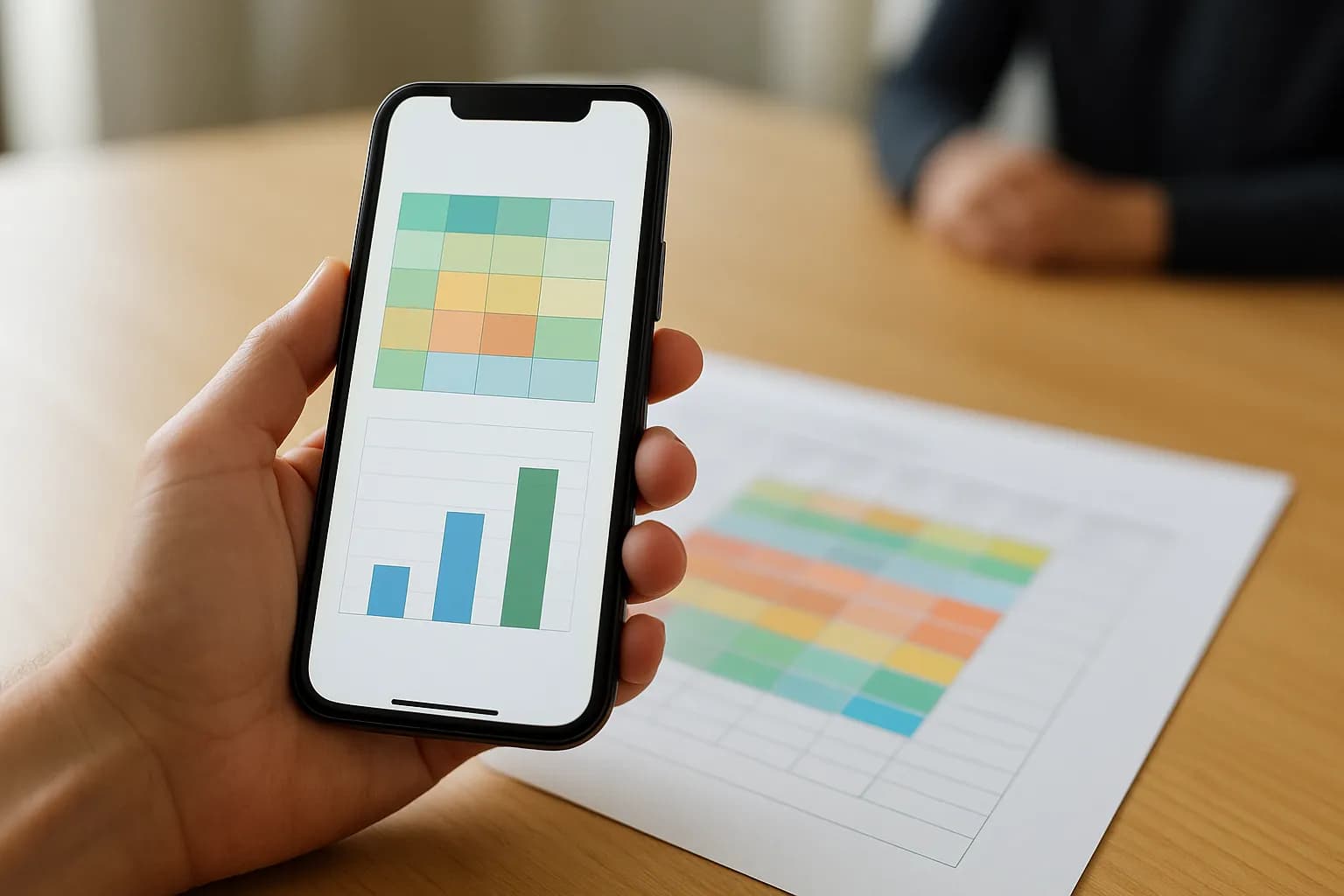
What changed in Google Sheets on iOS
Google says Gemini is now available in Google Sheets on iOS, following its availability on the web and Android. In a compatible spreadsheet, eligible users can ask questions about their data, request analytical insights and create charts from their phone.
Google includes suggested prompts for summarizing a table and looking for insights. For someone checking a spreadsheet away from their usual workspace, the change means they can ask for a quick explanation of the data without switching to a computer. Google says the feature began rolling out to Rapid Release and Scheduled Release domains on October 15, 2026, and may take up to 15 days to appear.
Who can use Gemini in Sheets on iOS?
Google lists Business Starter, Standard and Plus, and Enterprise Starter, Standard and Plus among the eligible Workspace plans. It also lists the Google AI Pro for Education add-on and the consumer Google AI Plus, Pro and Ultra plans. Google does not give a price for the feature in its announcement.
Google says the iOS feature is available by default to eligible users. Administrators do not get a separate control for this mobile feature; access follows the general Gemini for Google Workspace setting at the domain or organizational unit level. If Gemini does not appear in a spreadsheet, eligibility and that existing access setting are worth checking before assuming the feature is missing.
How do I try Gemini in Sheets on iOS at work?
Google says to open a compatible spreadsheet on an iOS device and tap the Ask Gemini icon. A useful first task is to ask for a summary of a table you already know well, or request insights from data you need to discuss with a colleague. You can also ask Gemini to create a chart.
Check any summary against the table, particularly which rows and columns it appears to cover. If you request a chart, check whether its categories and values match the underlying data before sharing it. Google describes these as ways to analyze and understand a spreadsheet, not as a substitute for reviewing the result.
Frequently asked questions
Can Gemini create charts in Google Sheets on an iPhone?
Yes. Google says eligible users can ask Gemini to create charts in a compatible Google Sheets spreadsheet on iOS. They can also ask questions about the data and request analytical insights. Check a chart against the spreadsheet before using it in a work report.
Is Gemini in Google Sheets on iOS available to every Workspace user?
No. Google lists specific Business and Enterprise plans, plus a Google AI Pro for Education add-on and certain consumer Google AI plans. For eligible users, the feature is on by default, subject to the general Gemini for Google Workspace access setting.
What should I do if Gemini does not appear in Sheets on iOS?
Google says the rollout began on October 15, 2026, and visibility can take up to 15 days. The feature also requires an eligible plan and a compatible spreadsheet. Workspace access depends on the general Gemini setting managed by an administrator.
For you
Learn to do this with AI, free
Short courses for people who aren't engineers: ChatGPT, Claude, prompting and automation. Every lesson is free, with no card.
Start a free courseFor companies
Make an AI or automation tool?
List it in the directory for $9.99, refunded in full if it isn't approved, or claim its page if it is already here.
Related reading
 Laplace uses AI agents to stress-test robots and self-driving carsLaplace Intelligence uses AI agents to create difficult situations for robots and self-driving vehicles inside interactive simulations. The product is aimed at teams that need to find failures before deploying physical AI.
 Nvidia launches open models for workplace agents and local PCsNvidia has introduced an enterprise agent model and smaller models for AI PCs and workstations. The open-weight models give organizations options for running agents on their own infrastructure or locally, according to TechCrunch.
 Google lets Gemini users export interactive apps to Google SitesGoogle now lets people export interactive apps from the Gemini app into private Google Sites drafts. Eligible users can edit the site, add content and publish it without copying code or rebuilding the app.
Tools in this piece
Written with AI from Google's original and published after automatic checks: every figure here appears in the original, and no sentence is copied from it. The picture is AI-generated. The original is the authority.
Get the next one by email
One email, most weeks: what changed in AI for people who use it at work, and what to do about it.
Source: Gemini in Google Sheets is now available on iOS devices, Google, 19 Oct 2026.