
Google lets Gemini handle local business calls on Pixel 11
By Automate Basics, written with AI from The Verge's original
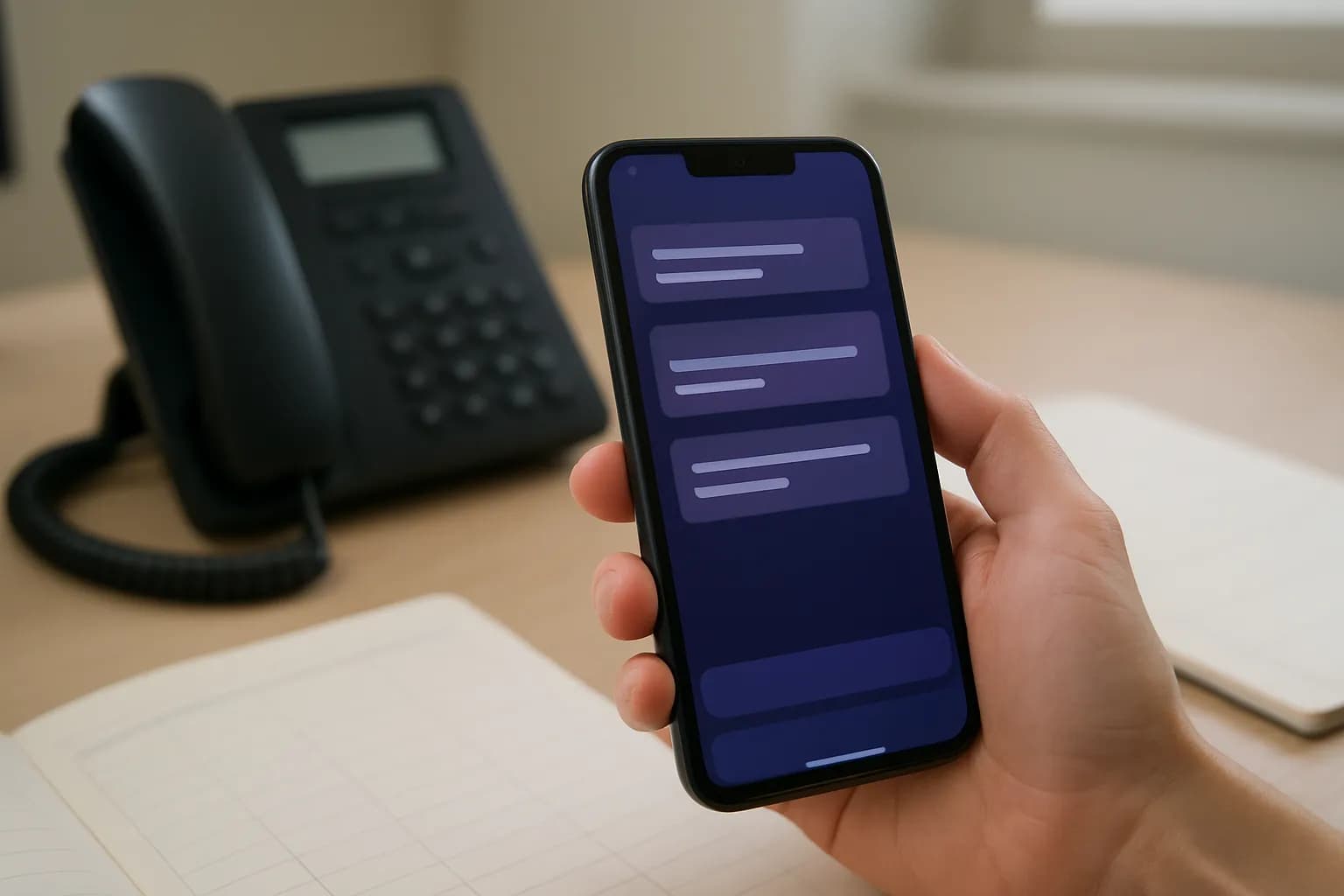
Google is rolling out an early preview that lets eligible Pixel 11 users ask Gemini to call local businesses. Gemini can wait on hold and speak for the user, who can follow a live transcript and take over the call.
What changed
Google is adding a way for Gemini to make local business calls on behalf of Pixel 11 users, The Verge reports. A user can ask Gemini in the Gemini app to handle a call about a reservation, product availability or an appointment, rather than placing the call themselves.
According to Google, Gemini identifies itself to the business, works through automated phone menus, waits on hold and speaks with the person who answers. The user can follow a live transcript and take over the conversation at any point. For someone arranging a work appointment or checking supplies, the useful change is not just avoiding hold time. It is being able to step in if the conversation needs a decision Gemini should not make alone.
Who can use Gemini business calling?
The Verge says the early preview is rolling out in the US to Gemini paid subscribers who have a Pixel 11 and are enrolled in the Phone by Google Public Beta. The source does not give a subscription price or say when the calling feature will reach other phones, countries or users outside the beta.
Those requirements matter if a team is considering the feature for routine calls. A paid Gemini subscription alone is not enough under the stated preview conditions. The announcement also describes an early preview, not general availability, so a workplace should not plan around everyone having access. Check whether the person who would place the calls meets the stated requirements before making it part of a shared process.
How do I try it for a work call?
A straightforward first task would be asking Gemini in the Gemini app on an eligible Pixel 11 to check whether a local business has an item needed for work. Google also names reservations and appointment changes as examples of calls the feature can handle. Choose a request with a clear answer, and avoid leaving an important decision unstated.
Watch the live transcript while Gemini speaks, rather than treating the call as finished simply because it was delegated. Check that the business understood the request and that any availability, reservation or appointment details match what you needed. If the conversation calls for a choice or correction, Google says you can take over the call. The source does not say how reliably calls are completed.
Frequently asked questions
Can Gemini place the call without me dialing first?
Yes. According to Google, an eligible user can ask Gemini in the Gemini app on a Pixel 11 to call a local business. Gemini places the call, identifies itself, handles phone menus and hold time, and speaks with the person who answers.
Can I intervene while Gemini is speaking to a business?
Google says users can view a live transcript and take over the conversation at any point. That gives you a way to correct a misunderstanding or handle a decision yourself. The source does not say whether the transcript remains available after the call.
Is Gemini business calling available to every paid subscriber?
No. The Verge says the early preview is for Gemini paid subscribers in the US who are enrolled in the Phone by Google Public Beta on a Pixel 11. The source does not give a price or a timetable for wider availability.
Related reading
 Meta launches Muse AI agent with questions about its securityMeta has released Muse, a consumer AI agent designed to handle tasks on a user's behalf. The Verge reports that Muse is easier to access than some earlier agents, but raises questions about what happens to information people give it.
 Google Photos rolls out virtual closet on Android and iOSGoogle Photos can now build a virtual closet from clothes you have worn in photos. TechCrunch reports that the feature is available to Android and iOS users in the U.S., Brazil and India.
 Meta introduces Muse Charm as a wearable for its Muse AI agentMeta has introduced Muse Charm, a wearable tied to its Muse AI agent and a customizable character. TechCrunch reports little about how someone could use the device at work, or when they could get one.
Tools in this piece
Written with AI from The Verge's original and published after automatic checks: every figure here appears in the original, and no sentence is copied from it. The picture is AI-generated. The original is the authority.
Source: Gemini can now call businesses for you so you don’t have to wait on hold, The Verge, 24 Sept 2026.