
Google launches Guided Vision in Gemini Live for visual assistance
By Automate Basics, written with AI from Google's original
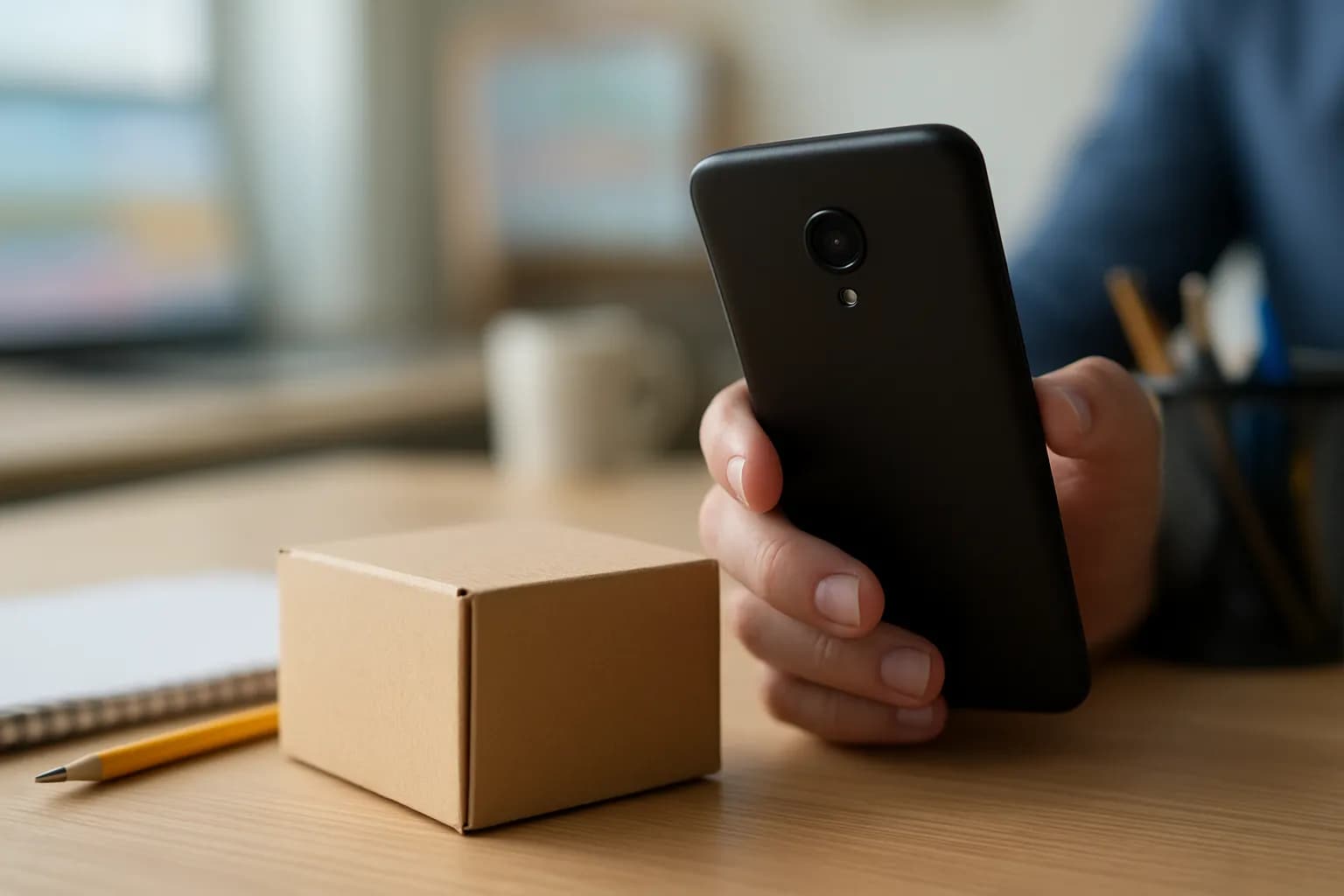
Google has launched Guided Vision in Gemini Live on compatible Android devices. People who are blind, have low vision, or need visual assistance can share their camera to hear descriptions, ask follow-up questions and get spoken cues to adjust the view.
What changed in Gemini Live
Google says Guided Vision is now available in Gemini Live on compatible Android devices. With the feature turned on, a person can share their camera during a conversation and ask about what it shows. Gemini responds aloud with descriptions and can answer follow-up questions.
Google says the feature also gives spoken cues when the camera needs a better angle. For example, it may ask the person to move the camera or step back before answering. The company developed Guided Vision with input from blind and low-vision communities and worked with Aira on its training and safety checks.
The feature is intended for close-up questions about text, objects and immediate surroundings. Google warns that its answers can be wrong and says it must not be used for navigation, obstacle detection or safe-travel decisions.
Who can use Guided Vision?
Google says Guided Vision is available on devices running Android 9 or later, in regions and languages where Gemini Live is supported. The company describes it as built for people who are blind or have low vision, while also noting that others may find it useful for tasks such as reading fine print. Google does not specify which plans include Guided Vision or whether it has a separate price.
For someone at work, the relevant use is checking something nearby rather than getting directions through a workplace. A person could ask about a printed label, an appliance dial or objects laid out on a table. Google says Guided Vision supports conversations in multiple languages, but the announcement does not provide a complete language list.
How do I try Guided Vision at work?
Google says you can turn on Use Guided Vision in Live in the Gemini mobile app’s profile settings, then open Gemini Live and share your camera. The announcement also describes Android accessibility shortcuts and a TalkBack menu option for opening the feature. Google advises keeping the Gemini app and Android software updated.
A useful first task is examining fine print on a supply package or checking which object is on a worktable. Ask a specific question, listen for any cue to adjust the camera, then compare the answer with the item where possible. Treat an uncertain or consequential answer as something to verify another way. Google says Guided Vision is an assistive tool that can make mistakes, not a substitute for a mobility aid.
Frequently asked questions
Can Guided Vision read small print?
Google says Guided Vision can help read fine print when you share your camera in Gemini Live. It may give spoken cues to improve the camera angle before answering. Because the company says the tool can make mistakes, verify important text against the original.
Can I use Guided Vision to move around safely?
No. Google says Guided Vision is not intended for navigation, obstacle detection or safe-travel guidance. It can describe immediate surroundings and answer questions about what the camera shows, but people should continue to rely on established mobility aids and safe-travel practices.
Related reading
 OpenAI adds virtual try-on and saved products to ChatGPTTechCrunch reports that OpenAI has launched virtual try-on and product Favorites in ChatGPT worldwide. People comparing clothing and accessories, including retail staff assembling looks, can preview items using their photos and save products for later.
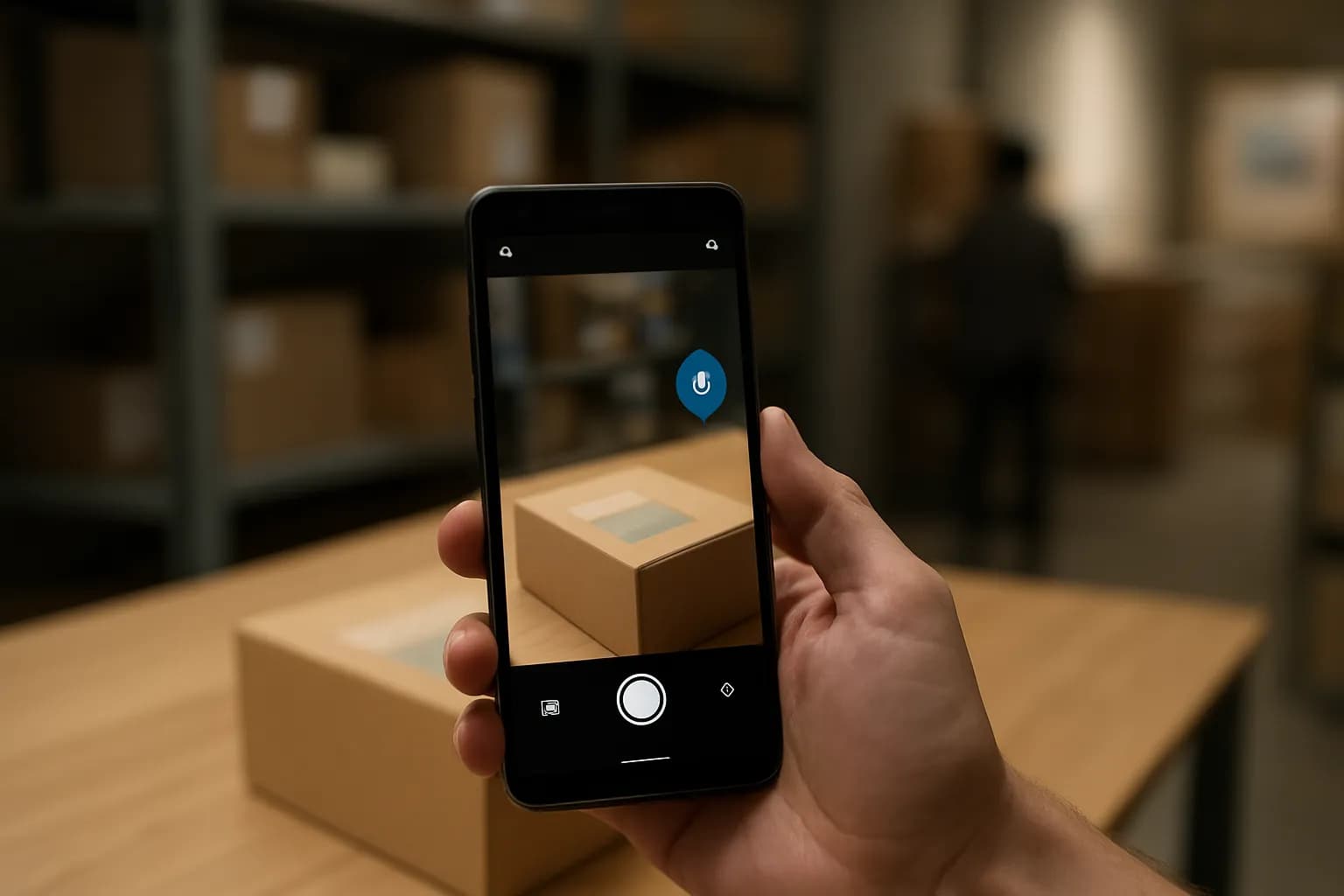 Google adds spoken camera guidance to Gemini Live on AndroidGoogle’s Guided Vision is launching in Gemini Live on compatible Android devices. It describes what a phone camera sees aloud, helping people with low vision read small text, locate objects and ask follow-up questions.
 Google makes Meet and Teams meeting room devices interoperableGoogle has made meeting access between Google Meet hardware and Microsoft Teams Rooms devices generally available on compatible Android-based equipment. Workplaces can use those room devices to join meetings hosted on the other service.
Tools in this piece
Written with AI from Google's original and published after automatic checks: every figure here appears in the original, and no sentence is copied from it. The picture is AI-generated. The original is the authority.
Source: Guided Vision in Gemini Live: built for accessibility, Google, 1 Oct 2026.