
Google brings Gmail AI Inbox to paid Workspace users
By Automate Basics, written with AI from Google's original
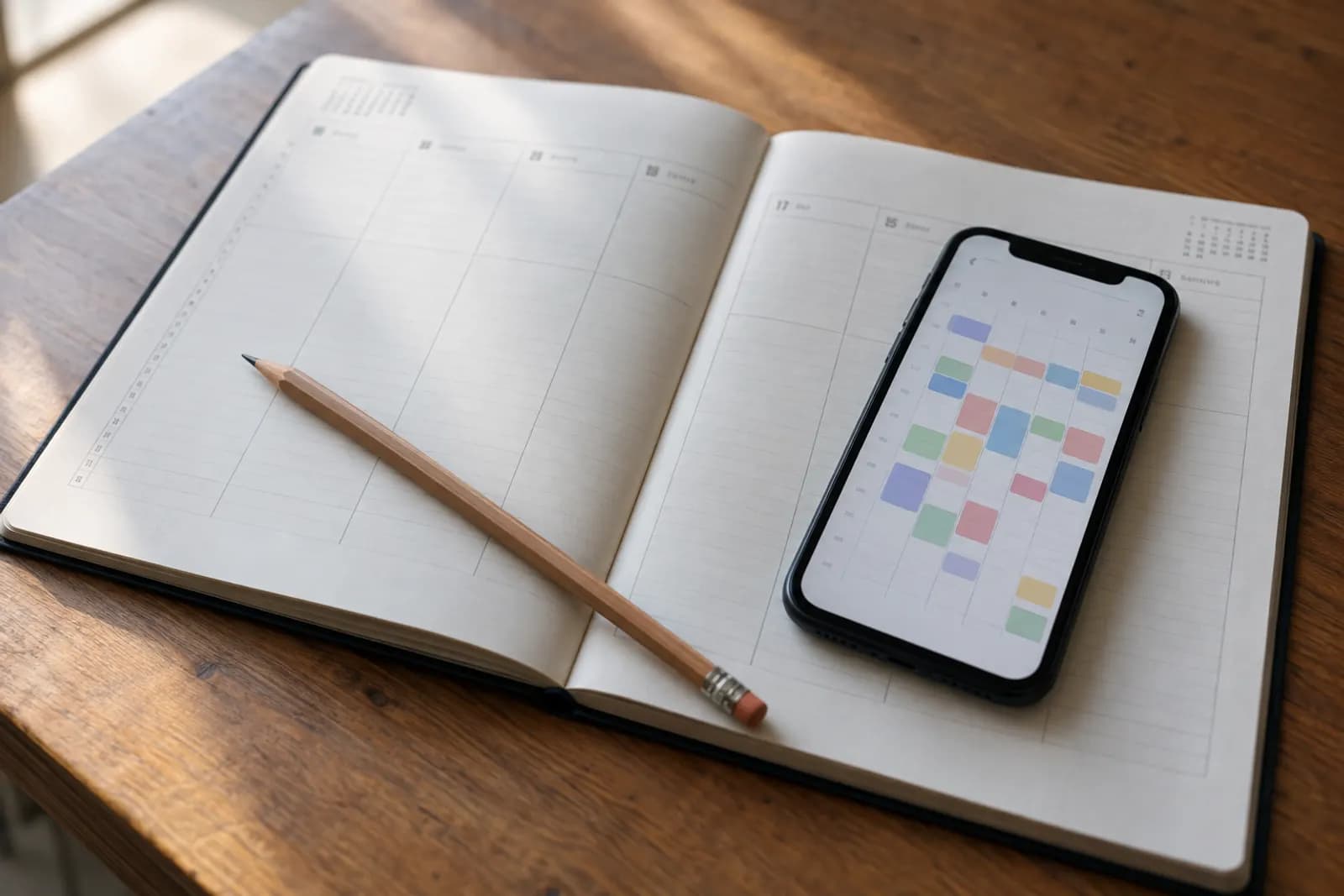
Google is expanding Gmail’s AI Inbox to paid Workspace users. It pulls suggested to-dos from email conversations and summarizes important topics, though access is limited to US users with EN-US as their language.
What changed in Gmail AI Inbox
Google says it is expanding Gmail AI Inbox to paid Workspace users. The feature draws suggested to-dos from email conversations, including follow-ups, deliverables and deadlines. It also summarizes important topics across email threads so users can catch up on decisions and status changes without reading every message first.
For someone managing a busy inbox, the distinction is between spotting work that needs doing and understanding how a discussion has moved on. Google describes both as ways to help people prioritize their work. The announcement does not say that AI Inbox completes tasks or sends replies on a user’s behalf, so its suggestions are best treated as a starting point for reviewing the underlying emails.
Who can use Gmail AI Inbox?
Google says AI Inbox is limited to users in the US whose language is set to EN-US. Its availability list names Business Starter, Standard and Plus; Enterprise Starter, Standard and Plus; AI Pro for Education; and Frontline Plus. Google also says rollout to Starter and Education editions will come later, so being on a listed edition does not necessarily mean access is immediate. The announcement gives no price for the feature.
Release timing also depends on a Workspace organization’s release schedule. Google says gradual rollout began for Rapid Release domains on October 12, 2026, and is due to begin for Scheduled Release domains on October 26, 2026. Each rollout may take up to 15 days to become visible. Google says there is no admin control for AI Inbox.
How do I try AI Inbox at work?
Eligible users can find AI Inbox in the Gmail desktop client or mobile app menu, according to Google. A useful first test is a long email discussion about a project with several follow-ups. Look at the suggested to-dos for work you owe, then use the topic summary to get oriented before opening the messages that matter.
Check each suggested deadline, deliverable and decision against the original conversation before acting on it. A summary may help you decide what to read first, but the emails remain the place to confirm who agreed to what and whether a later reply changed the plan. Google does not describe AI Inbox as a substitute for that review.
Frequently asked questions
Does Gmail AI Inbox create tasks or send replies?
Google says AI Inbox suggests to-dos by identifying action items, deliverables and deadlines in email conversations. The announcement does not say it creates tasks in another app or sends replies. Check the original messages before relying on a suggested follow-up.
Why can’t I see AI Inbox in Gmail yet?
Google limits AI Inbox to US users with EN-US as their language. Access is rolling out gradually according to an organization’s release schedule, and Google says Starter and Education editions will receive it later. Eligible users can look for it in the Gmail desktop client or mobile app menu.
Related reading
 Amazon introduces Bee devices that turn conversations into notesAmazon has introduced Bee devices that process conversations into notes, reminders and tasks. For people considering them at work, the useful question is whether hands-free capture outweighs the privacy considerations of recording colleagues.
 Bluesky expands Attie to make shareable games, polls and appsBluesky's Attie AI tool can now make small social apps from prompts, including polls, games and dashboards, according to The Verge. People can share the results as separate websites.
 Meta releases Muse Spark Open for local Mac workflowsMeta has released Muse Spark Open, an open-weight AI model designed to run on Macs and handle coding and other desktop tasks. TechCrunch reports that running it locally requires unusually large amounts of memory.
Tools in this piece
Written with AI from Google's original and published after automatic checks: every figure here appears in the original, and no sentence is copied from it. The picture is AI-generated. The original is the authority.
Source: Gmail’s AI Inbox is rolling out to paid Workspace users, Google, 15 Oct 2026.