
How to Get Cited by ChatGPT: 7 Steps [2026 Guide]
By Anu Verma
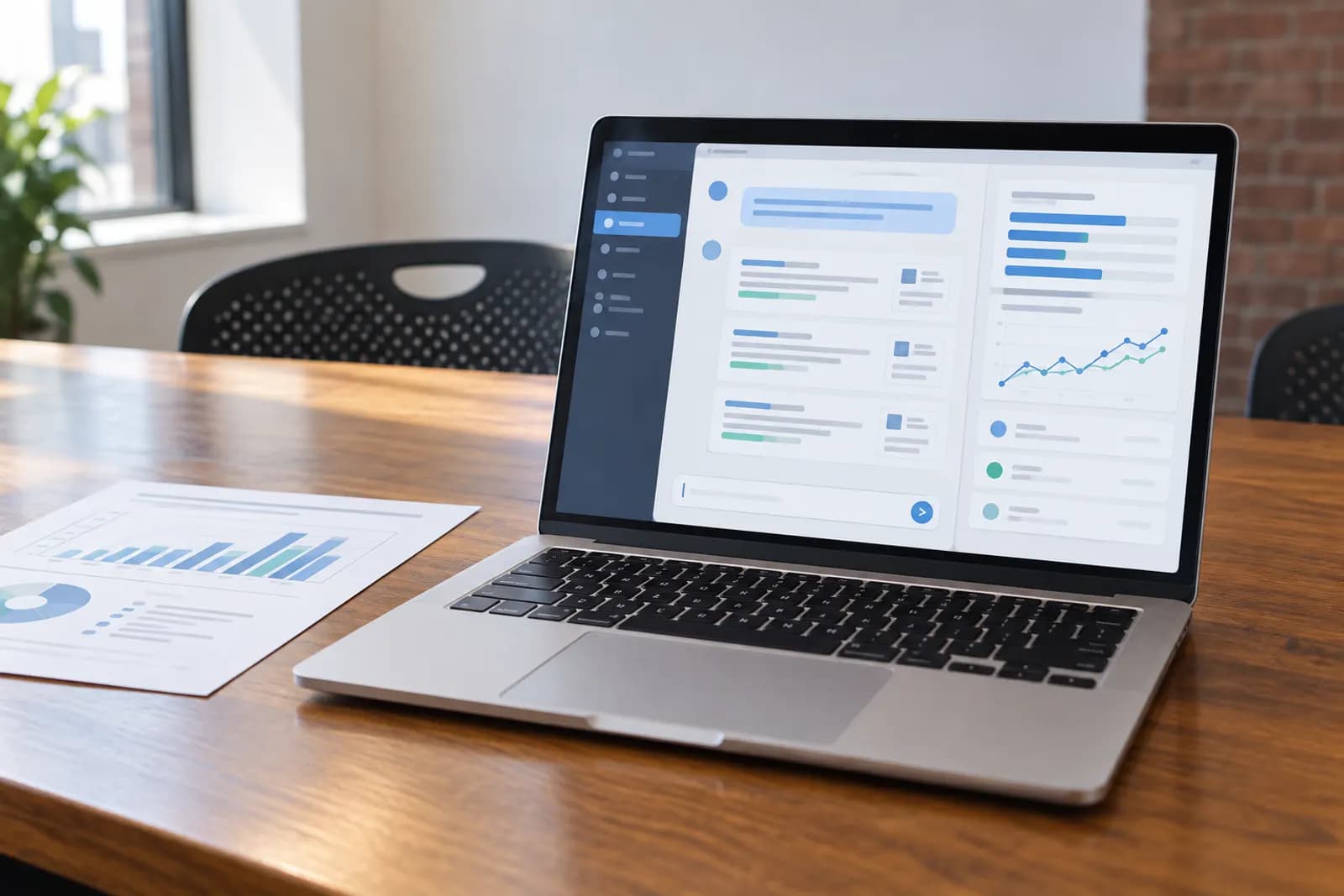
Getting cited by ChatGPT in 2026 starts with letting its search crawler read your site, then answering the exact buyer question in your first sentences and backing it with FAQ content, structured data and consistent facts elsewhere online. Fix crawler access first: OpenAI's own documentation states that a site blocking its search crawler will not appear in ChatGPT's search answers at all.
Key takeaways
- ChatGPT's own search crawler, OAI-SearchBot, has to be able to read your site, or you will not appear in its search answers at all (OpenAI's own documentation, read 29 September 2026).
- Getting cited is mostly the same work as ranking in search: crawlable pages, a direct answer near the top, FAQ content and structured data, and facts that stay the same everywhere they appear.
- ChatGPT often quotes sites it already trusts for a topic, so getting named on those sites matters as much as fixing your own pages.
- A citation is not permanent. Re-check your prompts on a schedule, because the sources ChatGPT names change as it re-crawls the web and as your competitors publish.
If you want your ChatGPT visibility checked every day instead of guessed at, start a 3-day trial of Cituna at cituna.com; a card is required.
This guide sets out seven concrete steps for earning a citation when someone asks ChatGPT a question in your category, current as of 29 September 2026. Steps 1 and 2 are drawn from OpenAI's own crawler documentation, read the same day; the rest is the same content and authority work that already earns citations in search, applied to how ChatGPT selects and quotes sources.
For the wider mechanics of being cited by any AI engine, see how to get cited by AI with llms.txt, schema and FAQ content. If ChatGPT already answers questions in your category but leaves your brand out, start with why your brand is not showing in ChatGPT. Work through the steps in order, because steps 3 to 7 cannot help a page the search crawler is not allowed to read.
How do you get ChatGPT to cite your website in 2026?
1. Let OpenAI's search crawler read your site
OpenAI names the crawler that finds and surfaces pages in ChatGPT's search answers as OAI-SearchBot. Its crawler documentation, read 29 September 2026, says a site that blocks OAI-SearchBot "will not be shown in ChatGPT search answers," though it can still appear as a navigational link. The same page confirms this crawler follows robots.txt.
Open your robots.txt file and check for any line that disallows OAI-SearchBot. If your business depends on organic visibility, remove that block. Do not confuse this with GPTBot, a separate crawler that OpenAI says collects content that may be used to train its models. Blocking or allowing GPTBot is a training decision, not a search one.
There is also ChatGPT-User, which OpenAI's documentation describes as the agent that visits a page when a person asks ChatGPT or a custom GPT to open it. OpenAI says it does not crawl the web automatically, and because a person triggers each visit, robots.txt rules may not apply to it. Blocking your whole site still keeps OAI-SearchBot from including you in search answers, even though a single user-requested visit can get through.
2. Make your key pages easy to find and crawl
A crawler that is allowed in still needs a clean path to your content. Keep an up to date XML sitemap, avoid noindex tags on the pages you want cited, and make sure every important page is reachable within a few clicks from your homepage rather than buried behind a search box or a login.
Fix duplicate or thin pages that compete with each other for the same question, since a crawler that meets several near-identical pages has to guess which one to trust. Keep one canonical URL per topic, use plain, descriptive URLs, and make sure your server responds quickly and returns a real 200 status rather than a soft error for pages you want ChatGPT to find.
OpenAI's own documentation does not name a separate search index beyond what its own crawlers collect, so the safest approach is the general one: treat crawl access and clean site structure as the foundation everything else in this guide depends on.
3. Answer the exact buyer question in your first sentences
Write the literal question a buyer would type as a heading, then answer it in the first two or three sentences that follow, before any story, background or company history. A generative engine extracts an answer from the part of the page that most directly matches the question, so burying the answer under three paragraphs of context makes it easier to skip your page for one that leads with the answer.
As a practical template: state the heading as a question, give the direct answer in plain language, name any numbers or conditions that qualify it, then use the rest of the page to support that answer with detail, examples or a comparison. Keep sentences short enough that the answer can be lifted out cleanly on its own.
4. Add FAQ content and structured data to each page
List the follow-up questions a buyer asks right after the main one, such as pricing, timelines, compatibility or what happens if something goes wrong, and answer each in a short paragraph. This does two things: it matches more of the exact prompts people type into ChatGPT, and it gives you natural, quotable answers instead of one long block of prose.
Add structured data that matches your page type, such as FAQ markup for a question and answer section, Product markup for pricing and availability, or Organization markup for your business facts. Structured data will not force a citation on its own, but it makes the facts on your page unambiguous to any system reading it, which removes one reason a generative engine might misquote or skip you.
5. Get named on the sites ChatGPT already cites for your prompts
Type your own buyer questions into ChatGPT and read the sources it names today. If a comparison article, a directory, a review site or an industry roundup keeps coming up for your category, being named accurately on that page carries weight, because ChatGPT already treats it as a source worth quoting.
Make sure those sites list your business with the same name, category and claims you use on your own site, and ask to be added or corrected where you are missing or wrong. This does not replace fixing your own pages; it works alongside it, since ChatGPT often draws on more than one source to answer a single question.
6. Keep your facts the same everywhere they appear
Generative engines tend to combine what several pages say about you rather than reading only your own site, so inconsistent facts, an old price, a discontinued feature or a different business description on a directory, can produce a citation that is wrong or missing entirely. Check your website, your social profiles, review sites and any directory listing for the same name, category, pricing and core claims.
Update the oldest and most visible mismatches first: your business's own about page, your main directory listings and any comparison page that already ranks well for your category. A single wrong fact repeated across several sources is harder for a generative engine to correct than a single wrong fact on one page.
7. Track your prompts and re-check them regularly
Write down the exact questions a buyer would type before choosing your category, and ask ChatGPT those same questions on a schedule, weekly at first, then monthly once your answers settle. Note which sources it names, whether your brand appears at all, and whether the wording it uses about you is accurate.
Treat any change, a source that dropped out, a competitor that appeared, or a fact that reads wrong, as a signal to revisit steps 3 through 6 for that specific prompt rather than rewriting your whole site. This is the step most businesses skip, and it is also the one a paid tool automates for you, which the next section covers.
Which tools do this for you?
Checking ChatGPT by hand works for a handful of prompts, but it does not scale once you are tracking a full list of buyer questions every week. These four tools track ChatGPT specifically, alongside other engines, using each vendor's own pricing page read on 29 September 2026.
Cituna checks ChatGPT daily alongside Perplexity, Gemini, Claude, Grok, Google AI Overviews and Google AI Mode, then writes the fix for each gap it finds and publishes the articles, with Google Search Console and MCP included on its plans. It costs $39 a month for Starter, $119 for Pro or $399 for Max, with a 3-day free trial that requires a card, and it does not track Microsoft Copilot. If you want each ChatGPT gap turned into a written fix rather than a list you still have to act on, see current Cituna plans at cituna.com. See Cituna in our directory.
Otterly.AI's Lite plan tracks ChatGPT daily as one of four core engines for $29 a month, or $25 a month billed annually (checked 29 September 2026, Otterly.AI pricing). It gives three recommendations a week rather than writing fixes for you. See Otterly.AI in our directory.
Peec AI's Starter plan lets you choose three of six models, including ChatGPT, for $95 a month, or $80 a month billed annually (checked 29 September 2026, Peec AI pricing). Its gap analysis names sites that cite competitors but not you, as a suggestion rather than a written fix. See Peec AI in our directory.
AthenaHQ's free Essential plan includes ChatGPT among five tracked engines with $25 of starting credit, and its $295-a-month Starter plan adds a content optimisation agent across 11 models (checked 29 September 2026, AthenaHQ plans). See AthenaHQ in our directory.
What if ChatGPT still is not citing you after all seven steps?
Ask whether the prompt wording is realistic. A prompt written the way your marketing team talks is not always the prompt a buyer actually types, so widen your list of tracked questions to plainer, more specific wording and try again.
Check whether a competitor's page is simply a clearer, shorter answer to the same question. If so, the fix is usually to shorten your own answer and move it higher on the page, not to add more content around it. For a longer troubleshooting path, see why your brand is not showing in ChatGPT, and for the same measurement discipline applied to Google's AI Overviews, see how to track Google AI Overviews.
Getting cited by ChatGPT in 2026 is rarely one fix; it is crawler access, a clear answer, consistent facts and a habit of re-checking, kept up over months rather than applied once. Start a 3-day trial of Cituna at cituna.com if you would rather have those checks run for you every day; a card is required.
Frequently asked questions
Does blocking GPTBot stop ChatGPT from citing your site?
No. GPTBot is OpenAI's crawler for training data, a separate purpose from search. Per OpenAI's own documentation (read 29 September 2026), the crawler used to surface pages in ChatGPT's search answers is OAI-SearchBot, and that is the one your robots.txt must allow.
How long does it take to get cited by ChatGPT after making these changes?
There is no published timeline from OpenAI. In practice, changes take effect only after the search crawler revisits your pages and after ChatGPT is asked a prompt where your updated page is a good match, so re-checking weekly for a month is a reasonable starting point.
Do you need a ChatGPT Plus account to check whether you are cited?
Not necessarily. You can type your own buyer prompts into ChatGPT on the plan you already use and read the sources it names. A paid visibility tool saves you from doing that by hand every day and keeps the history for you.
Is getting cited by ChatGPT the same as ranking in Google?
They overlap but are not identical. Both reward crawlable, clearly written pages that answer a specific question, but a page can rank on Google and still be skipped by ChatGPT if the exact prompt wording does not match what the page says plainly near the top.
Does adding schema markup guarantee a ChatGPT citation?
No. OpenAI does not publish a rule that structured data guarantees a citation. It is a clarity signal that makes your facts easier to read correctly, alongside a direct answer, FAQ content and consistent facts elsewhere.
Can you stop ChatGPT from citing your site at all?
Yes. Disallowing OAI-SearchBot in robots.txt removes your pages from ChatGPT's search answers, per OpenAI's own documentation (read 29 September 2026), though a page can still be visited if a user directly asks ChatGPT to open that exact URL.
Related guides
 15 Best AI Visibility Tools for Marketing Agencies [2026 Comparison]15 AI visibility tools compared for agencies in 2026: engines, per-client pricing, white-label reports, Search Console and API or MCP access.
- How to Choose the Best AI Visibility Tool: 7 Criteria (2026)Seven criteria for picking an AI visibility tool in 2026, plus a scoring worksheet you can copy to compare vendors side by side.
- How to Measure AI Share of Voice: Methods, Tools and Benchmarks (2026)See the AI share of voice formula, a worked 2026 example, and how to set your own benchmark instead of a made-up industry average.
Tools in this piece



Drafted with AI assistance from our own research, and reviewed by the Automate Basics team before publishing. Tools and prices change; check the linked official source before you act.