
Google Vids now shows only the elements visible at each moment
By Automate Basics, written with AI from Google's original
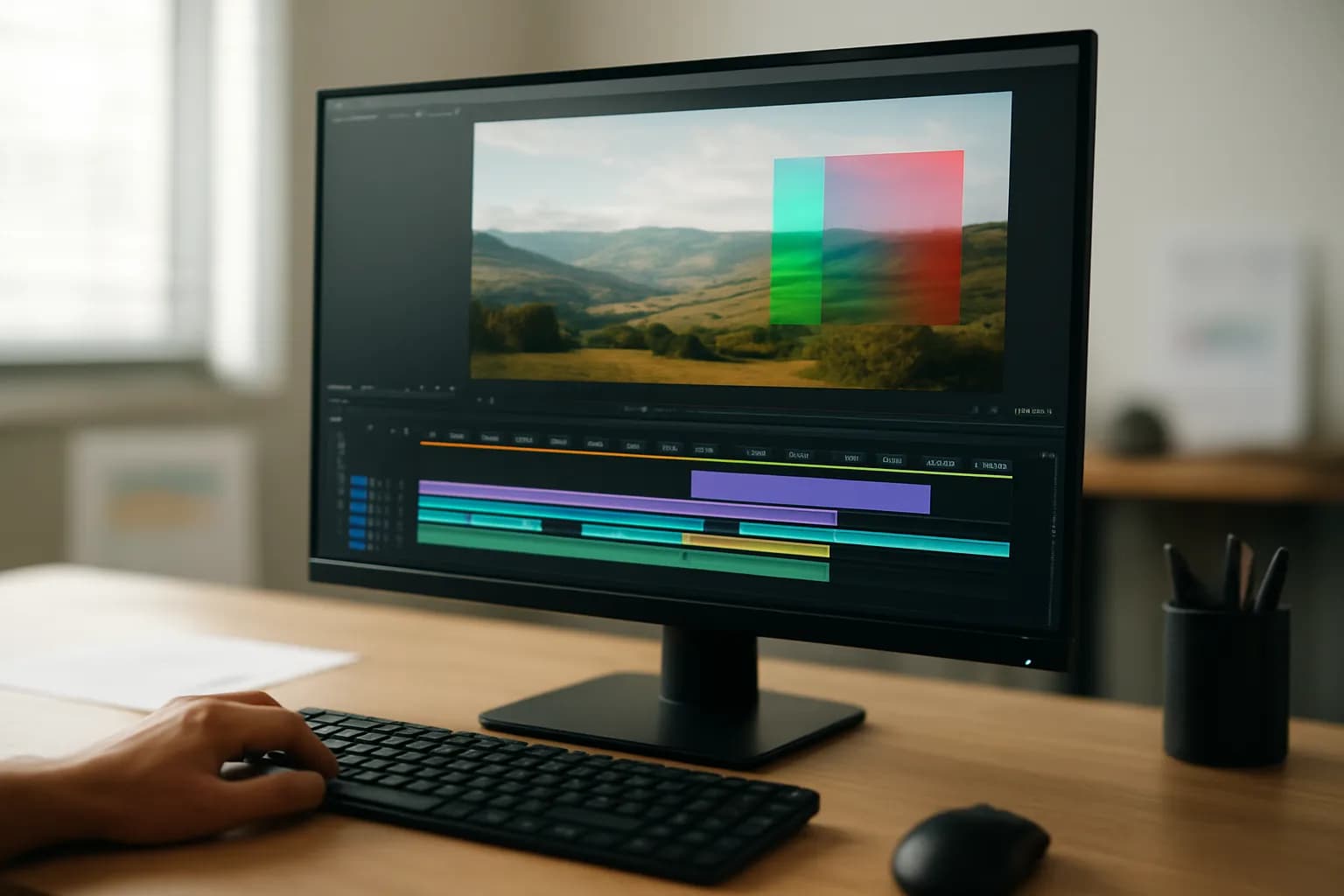
Google has changed the Google Vids editing canvas so it shows only the elements visible at the selected moment in a video. The update is for people who build scenes with timed text, images and other overlays.
What changed in Google Vids
Google says the Vids editing canvas now changes as you move through a video's timeline. At each position, it shows the text boxes, stickers and images that appear in the video at that moment. Previously, the canvas showed every element in a scene together, even if those elements appeared at different times.
Google also says editors can select an object track in the timeline to move the playhead to that point. The change should make scenes with timed captions, lower-third graphics or image overlays easier to arrange. According to Google, editors no longer need to divide a scene into smaller pieces just to keep its timed elements manageable.
Who can use point-in-time editing?
Google says point-in-time editing is the default in Vids, with no administrator control or user setting to turn on. The update is available across the listed Business and Enterprise tiers, as well as Education Fundamentals, Standard and Plus. Google also lists Frontline tiers, Individual, Nonprofits, several Essentials editions and certain education add-ons. Consumer availability includes Google AI Plus and Ultra; AI Expanded Access is also listed.
For Rapid Release domains, Google says a gradual rollout began on September 29, 2026, and visibility could take up to 15 days. For Scheduled Release domains, a rollout lasting one to three days starts on October 13, 2026. The announcement does not state a price for the feature or say whether it changes plan costs.
How do I try it at work?
A short training video with captions that appear at different times is a useful first task for trying the new Google Vids canvas. Move through the timeline and compare the elements shown on the canvas with what should be visible at each moment. If the scene also has an image or a lower-third graphic, check when each appears and disappears rather than judging the scene from a single position.
Google says selecting an object track moves the playhead to that object's point in the timeline. Try that while checking the timing of an overlay. For a training video made from a written procedure, the practical check is whether each caption and visual appears alongside the step it is meant to explain.
Frequently asked questions
Does point-in-time editing need to be switched on?
No. Google says point-in-time editing is the default behavior in Google Vids. There is no administrator control or end-user setting for it. Its appearance may depend on your domain's rollout schedule, so an eligible user might not see the change immediately.
What does the new canvas show while I edit?
Google says the Vids canvas shows the elements visible at the current position in the video timeline. Moving through the timeline changes what appears on the canvas, rather than displaying every timed text box, sticker and image in the scene at once.
Related reading
- Turn a Written SOP Into a Training Video With Google VidsTurn a written SOP into a Google Vids training video by recording real software steps and using simple scenes for context and reminders.
 Hark releases Pro assistant to handle tasks on a user's computerHark has widely released Hark Pro, an AI assistant designed to use a computer on a person's behalf. It can draw on connected accounts to suggest and carry out digital tasks, while showing its web activity in a small window.
 Meta and partners begin work on a standard for AI shopping agentsMeta and several business partners have begun developing an open standard for AI agents to communicate with businesses during online purchases. The work could help people who delegate purchases to an agent, but the standard is not available yet.
 Zapier moves agent capabilities into AI by Zapier stepsZapier says the capabilities of Zapier Agents now live in AI by Zapier steps inside the Zap editor. People building work automations can combine AI decisions with regular Zap steps and set approval requirements for individual tools.
Written with AI from Google's original and published after automatic checks: every figure here appears in the original, and no sentence is copied from it. The picture is AI-generated. The original is the authority.
Source: Point-in-time editing now available in Google Vids, Google, 6 Oct 2026.