
Google upgrades AI voiceovers and avatar narration in Vids
By Automate Basics, written with AI from Google's original
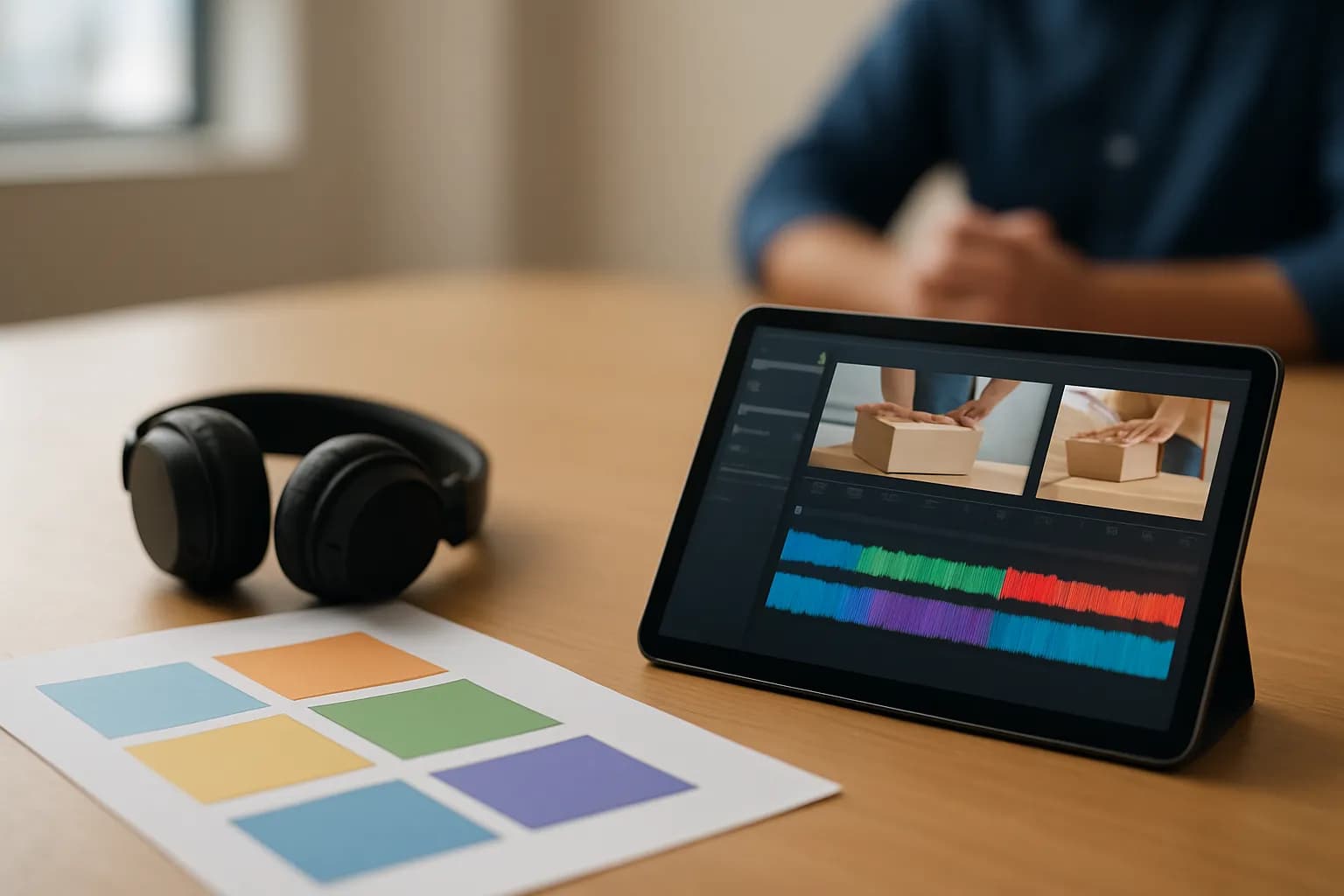
Google has upgraded the speech model behind AI voiceovers and avatar narration in Google Vids. People making videos for work should hear more natural pacing and emphasis, with faster previews while revising a script.
What changed in Google Vids
Google says AI voiceovers and avatar narration in Google Vids now use Gemini 3.8 Flash Lite TTS. The change is to the speech engine behind existing narration features, rather than a new way to make a video.
According to Google, the upgraded model handles sentence flow, pacing and emphasis more naturally. Google also says it generates audio quickly enough for creators to revise a script and preview the voiceover as they work. For someone preparing a work video, the practical difference to listen for is whether the narration follows the meaning of a sentence instead of giving every phrase the same weight. Google has not presented a comparison or a measured improvement in the announcement.
Who can use the upgraded narration?
Google says the upgraded Google Vids narration is available now for both Rapid Release and Scheduled Release domains. There is no admin control or end-user setting for the change.
The listed work editions are Business Starter, Standard and Plus; Enterprise Starter, Standard and Plus; Essentials Starter; Enterprise Essentials and Enterprise Essentials Plus; Individual; and Nonprofits. Google also lists Education Plus, Google AI Pro for Education, Teaching and Learning, and AI Expanded Access. For consumers, the listed plans are Google AI Pro and Ultra.
Google does not state a separate price for the narration upgrade. The announcement identifies eligible editions and add-ons, but it does not say that every Workspace plan includes the feature. Check your organisation's edition against Google's list rather than assuming availability from the Vids name alone.
How do I try the voiceover change at work?
A useful first check for the Google Vids upgrade is a short work video with a script you know well, such as an introduction to a training task. If you are turning a written procedure into a training video, listen to a generated voiceover while checking it against the written steps.
Pay attention to pauses between instructions, emphasis on important actions and whether a revised sentence sounds right when previewed. If the video uses avatar narration, check its spoken delivery too, since Google says the same engine powers both features. A more natural voice does not verify the script: review names, instructions and the order of steps yourself before sharing the video.
Frequently asked questions
Is Google Vids getting a new voiceover feature?
No new voiceover feature is announced. Google says it has changed the text-to-speech model behind AI voiceovers and avatar narration in Google Vids. The company expects more natural pacing and emphasis, along with faster audio generation when creators revise and preview scripts.
Do I need to enable the Google Vids voiceover upgrade?
Google says there is no admin control or end-user setting for the upgraded narration. It lists the change as available now for Rapid Release and Scheduled Release domains. Availability still depends on whether your Google edition or add-on is included in the announcement.
Does Google charge extra for the upgraded narration?
Google does not give a separate price for the narration upgrade. Its announcement lists eligible Business, Enterprise, Education, consumer and other editions, plus add-ons. Check which edition your organisation uses before assuming the upgraded Google Vids narration is included.
Related reading
- Turn a Written SOP Into a Training Video With Google VidsTurn a written SOP into a Google Vids training video by recording real software steps and using simple scenes for context and reminders.
 OpenAI launches Dots to work on goals in the backgroundTechCrunch reports that OpenAI has launched Dots, personal agents designed to pursue goals in the background. Eligible ChatGPT Pro and Business Premium users can start with a primary Dot and contact it through workplace messaging tools.
 Grokipedia resumes article updates after months of inactivityThe Verge reports that SpaceXAI's AI-powered encyclopedia, Grokipedia, is showing recent article activity after a months-long pause. People using it for work research should check individual pages, since some have not been reviewed recently.
 OpenAI introduces Dots, an assistant for ongoing tasksOpenAI has introduced Dots, an assistant it says can continue work on projects and everyday tasks while people remain in control. Its brief announcement does not explain how to access or use it.
Tools in this piece
Written with AI from Google's original and published after automatic checks: every figure here appears in the original, and no sentence is copied from it. The picture is AI-generated. The original is the authority.
Source: Create more natural, expressive AI voiceovers in Google Vids with upgraded Gemini 3.8 Flash Lite TTS, Google, 29 Sept 2026.