
Google Vids lets editors separate audio from video clips
By Automate Basics, written with AI from Google's original
Google has added audio extraction to Google Vids. People making workplace videos can now separate a clip’s sound from its footage, then move or trim the audio without changing the video clip.
What changed in AI this week, and how to use it at work, by email on Mondays.
What changed in Google Vids
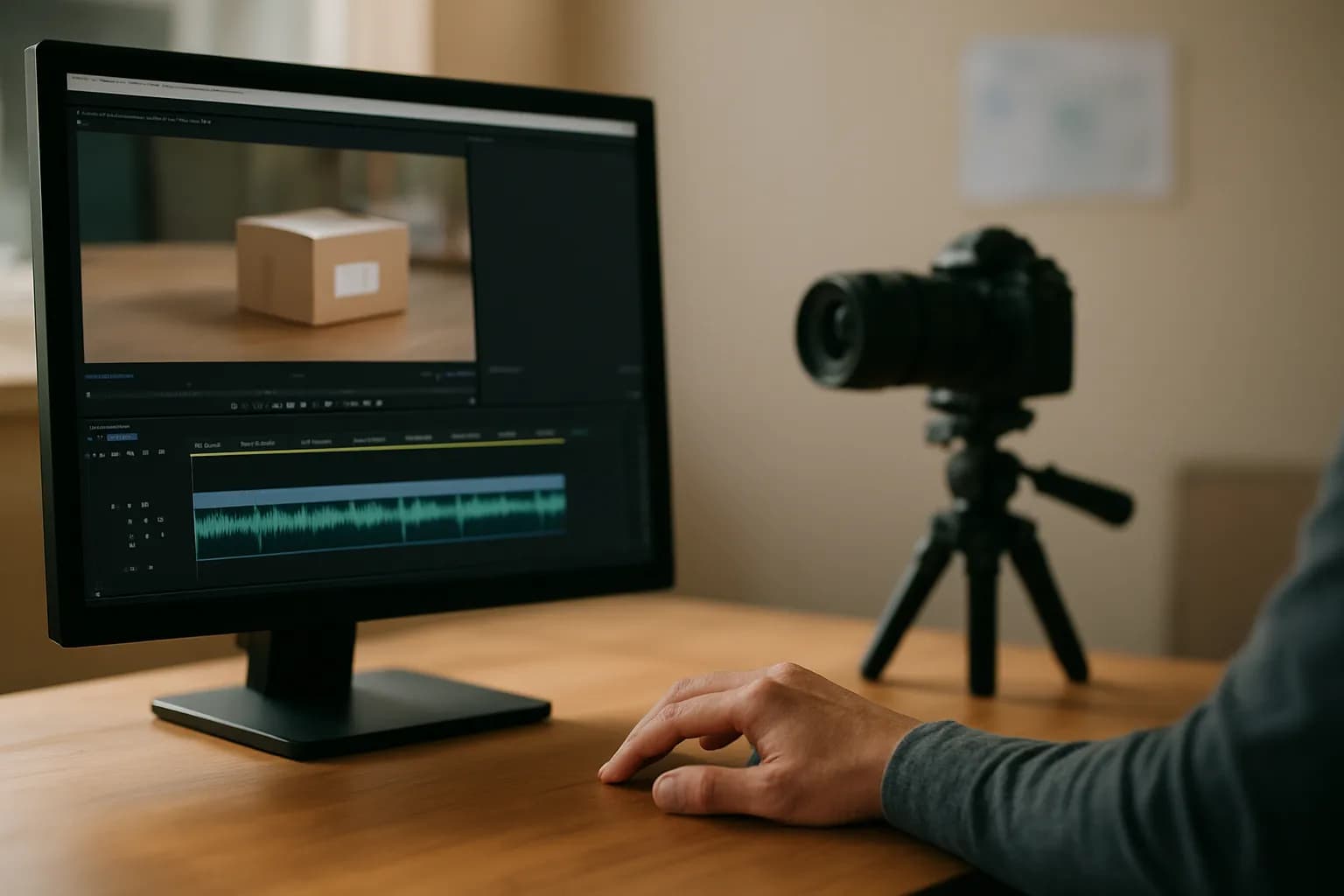
Google says Vids can now turn the sound from a video clip into a separate audio clip on the timeline. Editors can trim, move or delete that audio without changing the timing of the footage. The detached sound can also play beneath other video clips or continue across scenes.
Previously, the sound stayed attached to its video clip. Editors could mute or unmute the clip, but could not place its audio elsewhere on the timeline. The change gives someone making a training video or work update more room to keep narration running while the visuals change. Google also suggests it could help creators deal with unwanted background sound, though the announcement does not describe a dedicated noise-removal tool.
Who can use audio extraction in Google Vids?
Google says the feature is available to Google Workspace customers, people subscribed to Workspace Individual and people using personal Google accounts. The company does not announce a separate price for audio extraction.
Google says it began a gradual rollout on October 19, 2026, for both Rapid Release and Scheduled Release domains. Feature visibility may take up to 15 days, so an eligible user might not see it immediately. According to Google, administrators have no control to enable or disable this feature, and individual users do not need to change a setting. The announcement points users to Google’s Help Center for more information about working with audio in Vids, but does not give an in-app path for extracting a track.
How do I try it for a work video?
A short workplace video with narration over changing footage is a useful first test for Google Vids audio extraction. Start with a video clip whose sound you want to keep, then separate that sound and see whether you can place it beneath another clip or carry it into the next scene. Google says the detached audio can be moved and trimmed independently of the original footage.
Check the transition by listening as the picture changes. Does the narration begin and end where you intended, and does the original video still run at the right time? If your goal is to remove distracting sound, listen to the full result rather than assuming extraction cleans the recording. Google describes separate track editing, not an automatic audio repair feature.
Frequently asked questions
Can audio from one Google Vids clip play across multiple scenes?
Yes. Google says that after you separate audio from a video clip, the sound becomes its own clip on the timeline. You can move it beneath other footage or let it continue across scene boundaries, instead of keeping it tied to the original video clip.
Do I need a particular Google Workspace plan to extract audio in Vids?
Google says audio extraction is available to Workspace customers, Workspace Individual subscribers and people with personal Google accounts. It does not list a separate charge for the feature. Rollout began on October 19, 2026, and Google says visibility may take up to 15 days.
Does extracting audio in Google Vids remove background noise?
Google says editors can separate, trim, move or delete a video clip’s audio. That may help when unwanted sound is confined to a section you can cut, but the announcement does not describe an automatic noise-removal feature. Listen to the edited track before using it.
For you
Learn to do this with AI, free
Short courses for people who aren't engineers: ChatGPT, Claude, prompting and automation. Every lesson is free, with no card.
Start a free courseFor companies
Make an AI or automation tool?
List it in the directory for $9.99, refunded in full if it isn't approved, or claim its page if it is already here.
Related reading
- Turn a Written SOP Into a Training Video With Google VidsTurn a written SOP into a Google Vids training video by recording real software steps and using simple scenes for context and reminders.
 Google Vids adds playback speed controls for individual clipsGoogle has added playback speed controls for individual clips in Google Vids. People making work videos can shorten slow stretches of footage or give viewers more time to follow a detailed step.
 Google adds a review step for Gemini Notebook slides and videosGoogle has added a guided creation flow to Gemini Notebook for slide decks and video overviews. People can shape the format and visual style, then optionally review a draft plan before the finished output is generated.
 Google lets Gemini users export interactive apps to Google SitesGoogle now lets people export interactive apps from the Gemini app into private Google Sites drafts. Eligible users can edit the site, add content and publish it without copying code or rebuilding the app.
Written with AI from Google's original and published after automatic checks: every figure here appears in the original, and no sentence is copied from it. The picture is AI-generated. The original is the authority.
Get the next one by email
One email a week: what changed in AI for people who use it at work, and what to do about it.
Source: Extract audio tracks in Google Vids, Google, 23 Oct 2026.