
Google Vids adds playback speed controls for individual clips
By Automate Basics, written with AI from Google's original
Google has added playback speed controls for individual clips in Google Vids. People making work videos can shorten slow stretches of footage or give viewers more time to follow a detailed step.
What changed in AI this week, and how to use it at work, by email on Mondays.
What changed in Google Vids
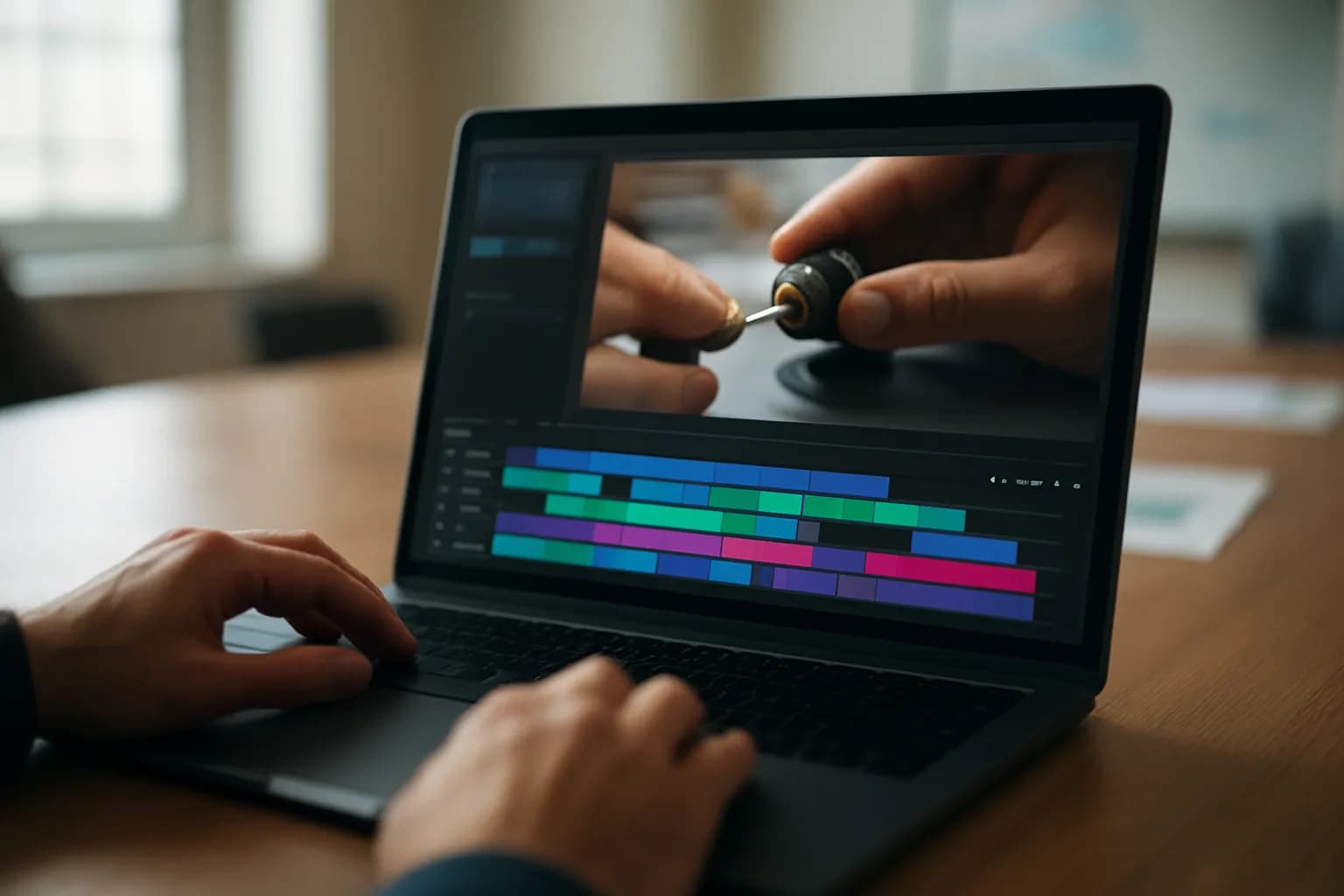
Google says people can now change the playback speed of individual clips within Google Vids. A clip can run as fast as 2x its original speed or as slowly as 0.25x. The control lets an editor change the timing of one part of a video without treating the whole video the same way.
For a work video, that could mean speeding up a stretch of waiting during a software demonstration, then slowing down a clip that shows a detailed step. Google presents the change as a way to adjust pacing inside Vids rather than moving footage to another video editor for speed changes. The announcement does not describe other changes to editing or to how videos are shared.
Who can use Google Vids clip speed controls?
Google says the controls are available to all Google Workspace customers, Workspace Individual subscribers and people with personal Google accounts. The announcement does not give a separate price for the feature or say that it requires a particular Workspace plan.
Google says the rollout began on October 16, 2026, for both Rapid Release and Scheduled Release domains. Because visibility may take up to 15 days, someone with an eligible account might not see the control immediately. Google also says there is no administrator control and no end-user setting for the feature. That means the announcement gives people no setting to turn on while they wait for it to appear.
How do I try clip speed controls at work?
A short training video is a useful place to try Google Vids’ new control. Choose footage with a slow passage and a step that viewers need time to study. Google says you can speed up an individual clip to reduce downtime or slow one down to make a technical detail easier to follow. If you are making a video from a procedure, our Google Vids training video guide offers a related starting point.
Watch the edited video from beginning to end before sharing it. Check whether the faster passage still gives viewers enough context and whether the slower passage actually makes the step clearer. Also check how the changed clips feel beside the surrounding footage. Google’s announcement confirms the speed range, but does not provide a menu path for using the control.
Frequently asked questions
Can I change the speed of just one clip in Google Vids?
Yes. Google says the new control changes playback speed for individual clips in Google Vids. You can speed a clip up to 2x or slow it down to 0.25x, allowing different parts of a demonstration or tutorial to run at different speeds.
Why can’t I see the Google Vids speed control yet?
Google says the rollout began on October 16, 2026, and feature visibility can take up to 15 days for Rapid Release and Scheduled Release domains. The company says there is no administrator control or end-user setting to enable the feature.
For you
Learn to do this with AI, free
Short courses for people who aren't engineers: ChatGPT, Claude, prompting and automation. Every lesson is free, with no card.
Start a free courseFor companies
Make an AI or automation tool?
List it in the directory for $9.99, refunded in full if it isn't approved, or claim its page if it is already here.
Related reading
- Turn a Written SOP Into a Training Video With Google VidsTurn a written SOP into a Google Vids training video by recording real software steps and using simple scenes for context and reminders.
 Google Vids lets editors separate audio from video clipsGoogle has added audio extraction to Google Vids. People making workplace videos can now separate a clip’s sound from its footage, then move or trim the audio without changing the video clip.
 Google adds a review step for Gemini Notebook slides and videosGoogle has added a guided creation flow to Gemini Notebook for slide decks and video overviews. People can shape the format and visual style, then optionally review a draft plan before the finished output is generated.
 Google lets Gemini users export interactive apps to Google SitesGoogle now lets people export interactive apps from the Gemini app into private Google Sites drafts. Eligible users can edit the site, add content and publish it without copying code or rebuilding the app.
Written with AI from Google's original and published after automatic checks: every figure here appears in the original, and no sentence is copied from it. The picture is AI-generated. The original is the authority.
Get the next one by email
One email a week: what changed in AI for people who use it at work, and what to do about it.
Source: Adjust video clip playback speed directly in Google Vids, Google, 23 Oct 2026.