
Google ties secondary calendars to account deletion and suspension
By Automate Basics, written with AI from Google's original
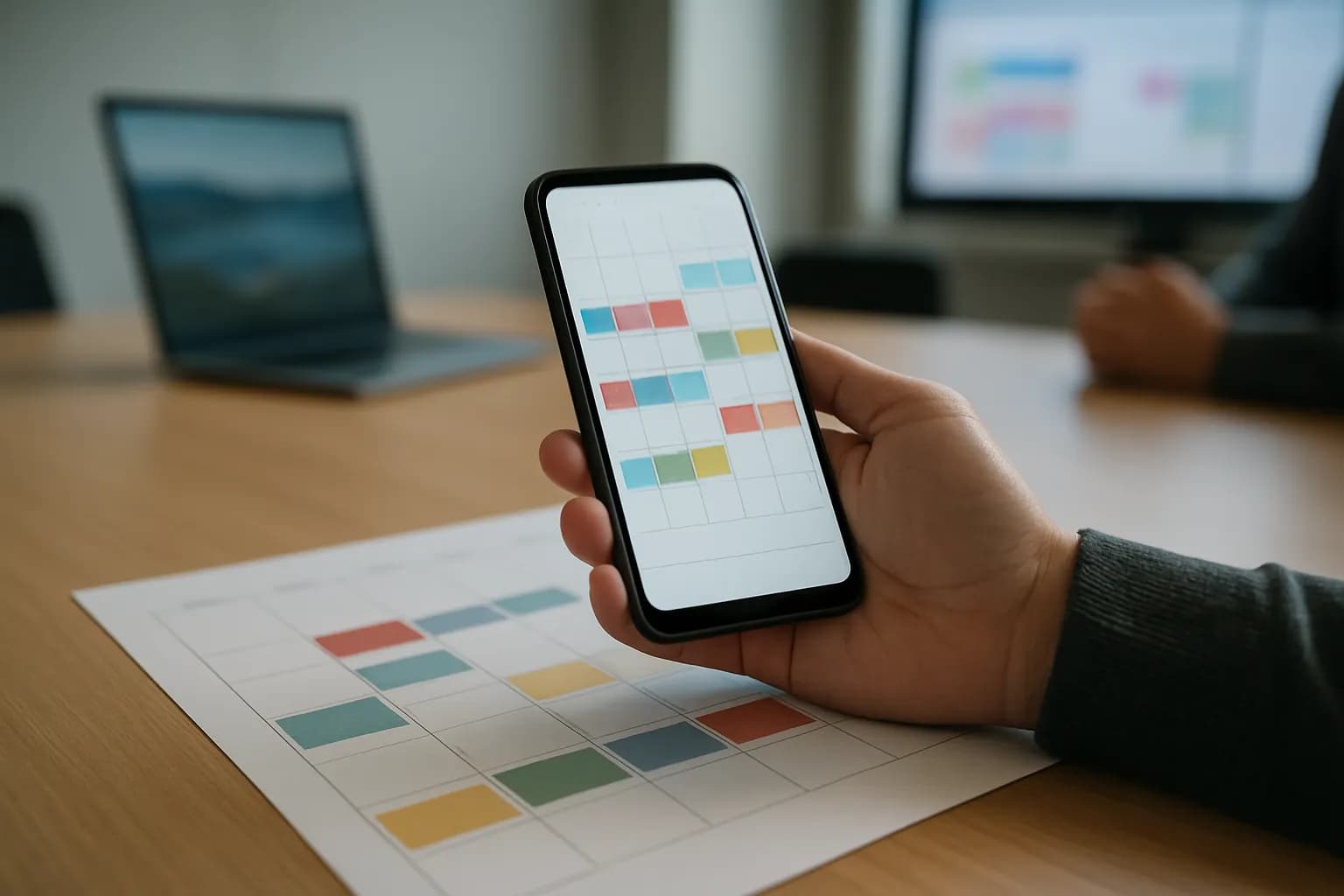
Google is rolling out a change that deletes or suspends secondary calendars when their owners’ Workspace accounts are deleted or suspended. Teams that need to keep a calendar must transfer its ownership first.
What changed
Google says secondary calendars in non-personal Workspace accounts will now follow the status of the account that owns them. Deleting the owner’s account will also delete its secondary calendars. Suspending the account will suspend those calendars. Google says this brings secondary calendars into line with how primary calendars behave.
For a team, the important detail is who owns a calendar, not just who uses it. A calendar used to coordinate shared work could be affected when its owner leaves and their account is closed. Google says the change ensures each secondary calendar has an owner whose account determines the organizational settings and policies that apply to it.
Who can use this change?
Google says the change is available to all Google Workspace customers and Workspace Individual subscribers. The rollout begins on October 5, 2026, for both Rapid Release and Scheduled Release domains. Google describes it as an extended rollout, so it may take longer than 15 days to appear everywhere.
This is a change to how existing secondary calendars are managed, rather than a new paid feature. Google does not announce a price or a pricing change. Administrators can transfer ownership through the admin console or Calendar API, while users can transfer their own secondary calendars in Calendar Settings. Those options matter most to teams preparing to delete or suspend an account that owns a calendar others still need.
How do I protect a work calendar?
A useful first task is to review secondary calendars used for shared work before an owner’s account is deleted or suspended. Google says ownership must move to a new user before either action if the calendar needs to be preserved. An administrator can handle the transfer in the admin console or through the Calendar API. The current owner can transfer a secondary calendar in Calendar Settings.
After a transfer, check that the intended person owns the calendar and that colleagues can still use it for the work it supports. Do not treat shared access as proof that ownership has changed. Google’s announcement makes ownership the deciding factor in what happens to a secondary calendar when an account is deleted or suspended.
Frequently asked questions
What happens to a secondary calendar when its owner is deleted?
Google says deleting a user account also deletes the secondary calendars that account owns. If a team needs to keep one of those calendars, its ownership must be transferred to another user before the original account is deleted.
Does suspending an account affect its secondary calendars?
Yes. According to Google, secondary calendars owned by a suspended user account will also be suspended. To preserve a calendar, transfer its ownership to a new user before suspending the original owner’s account.
Who can transfer a secondary calendar?
Google says administrators can transfer secondary calendars in the admin console or with the Calendar API. Users can transfer their own secondary calendars in Calendar Settings. The announcement does not specify a price for making a transfer.
Related reading
 Anthropic offers eligible startups a free year of Claude TeamAnthropic has expanded Claude for Startups with a free year of Claude Team for eligible companies, plus API credits for building with Claude. Startups can apply to use the team plan and development benefits.
 Mirror Particle builds AI model to predict consumer behaviorMirror Particle is building an AI model to predict how consumer behavior changes and explain the reasons behind its predictions. The company is targeting brands making market research, product and marketing decisions.
 Google adds Trello card creation to Google Chat conversationsGoogle says Trello for Google Workspace now lets people turn Google Chat messages into Trello cards, alongside its existing email feature. The updated app is available to Google Workspace customers and people with personal Google accounts who also have Trello accounts.
Written with AI from Google's original and published after automatic checks: every figure here appears in the original, and no sentence is copied from it. The picture is AI-generated. The original is the authority.
Source: Secondary calendars will now follow the lifecycle of their owner, Google, 5 Oct 2026.