
Google adds Trello card creation to Google Chat conversations
By Automate Basics, written with AI from Google's original
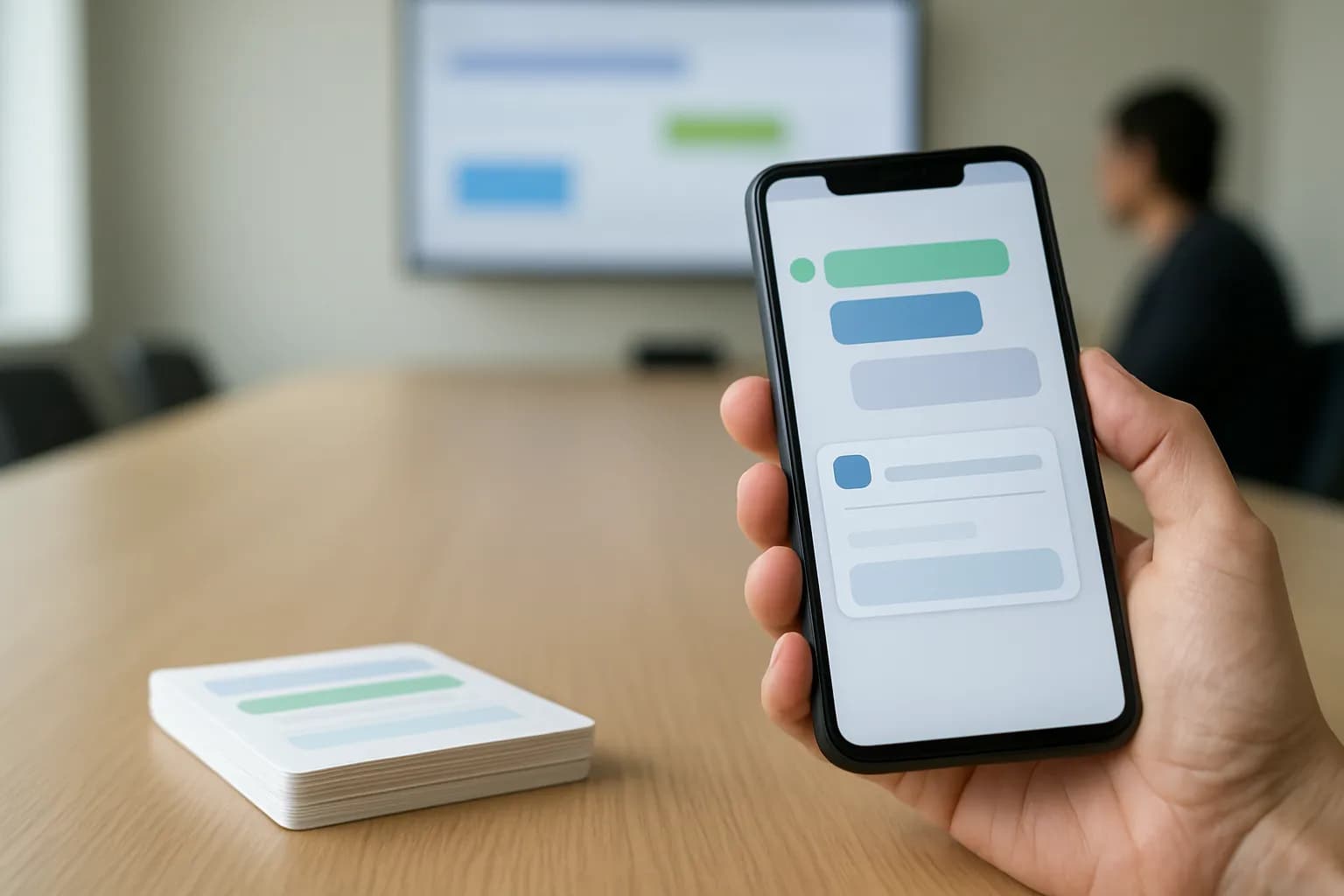
Google says Trello for Google Workspace now lets people turn Google Chat messages into Trello cards, alongside its existing email feature. The updated app is available to Google Workspace customers and people with personal Google accounts who also have Trello accounts.
What changed
Google says Trello for Google Workspace now lets people create Trello cards from Google Chat messages as well as emails. The update gives teams a way to move a task mentioned in a conversation into Trello without leaving that conversation.
The refreshed app takes the place of Trello for Gmail and adds Chat support to what the earlier app could do. Google says people already using Trello for Gmail can keep using it without installing the app again or granting permission again. Creating cards from Chat does require adding the app to the relevant conversation and signing in. Google describes the feature as a way to capture work where it first comes up, rather than relying on someone to remember it later.
Who can use Trello for Google Workspace?
Google says the app is available now for all Google Workspace customers and people with personal Google accounts. A Trello account is also required. The announcement does not give a price for the app or say whether a paid Trello plan is needed.
Workspace administrators can install the app for their users. People installing it themselves need their administrator to allow it. Google says the update is available in both Rapid Release and Scheduled Release domains, so the announcement does not describe a separate wait for either group. Existing Trello for Gmail users do not need to reinstall or authorize the updated app, though they still need to set it up in Chat before creating cards from messages there.
How do I try it at work?
A task agreed in a Google Chat conversation is a sensible first thing to turn into a Trello card. Google says to bring Trello for Google Workspace into the Chat space or direct message where the task came up, then complete the sign-in request. If your organization controls app installs, check that your administrator allows the app before trying to add it.
Start with a message that contains a clear action rather than a long discussion with several possible next steps. After creating the card, check that it captures the intended task and has not left out important context from the conversation. Google does not specify in this announcement which card details you can edit during creation, so inspect the finished card in Trello before treating it as an accurate record of the work.
Frequently asked questions
Can I create a Trello card from a Google Chat message?
Yes. Google says Trello for Google Workspace can create cards from Google Chat messages. You need a Trello account. To use the feature in Chat, add the app to the relevant space or direct message and complete the sign-in request.
Do existing Trello for Gmail users need to reinstall the app?
No. Google says existing Trello for Gmail users can continue with the refreshed app without reinstalling or granting permission again. To create cards from Chat messages, they still need to add the app to a Chat conversation and sign in.
Is Trello for Google Workspace available to personal Google accounts?
Yes. Google says the app is available to people with personal Google accounts as well as all Google Workspace customers. Using it also requires a Trello account. The announcement does not state a price or specify whether a paid Trello plan is required.
Related reading
 Anthropic offers eligible startups a free year of Claude TeamAnthropic has expanded Claude for Startups with a free year of Claude Team for eligible companies, plus API credits for building with Claude. Startups can apply to use the team plan and development benefits.
 Mirror Particle builds AI model to predict consumer behaviorMirror Particle is building an AI model to predict how consumer behavior changes and explain the reasons behind its predictions. The company is targeting brands making market research, product and marketing decisions.
 Google to limit free Gemini users to Flash Lite on October 9Google will limit free Gemini users to Flash Lite starting October 9, according to The Verge. People who use Flash or Pro for work will need a paid plan to keep access to those models.
Written with AI from Google's original and published after automatic checks: every figure here appears in the original, and no sentence is copied from it. The picture is AI-generated. The original is the authority.
Source: Create Trello cards from Google Chat messages with Trello for Google Workspace, Google, 6 Oct 2026.