
Google Meet adds Android switch from live stream to meeting
By Automate Basics, written with AI from Google's original
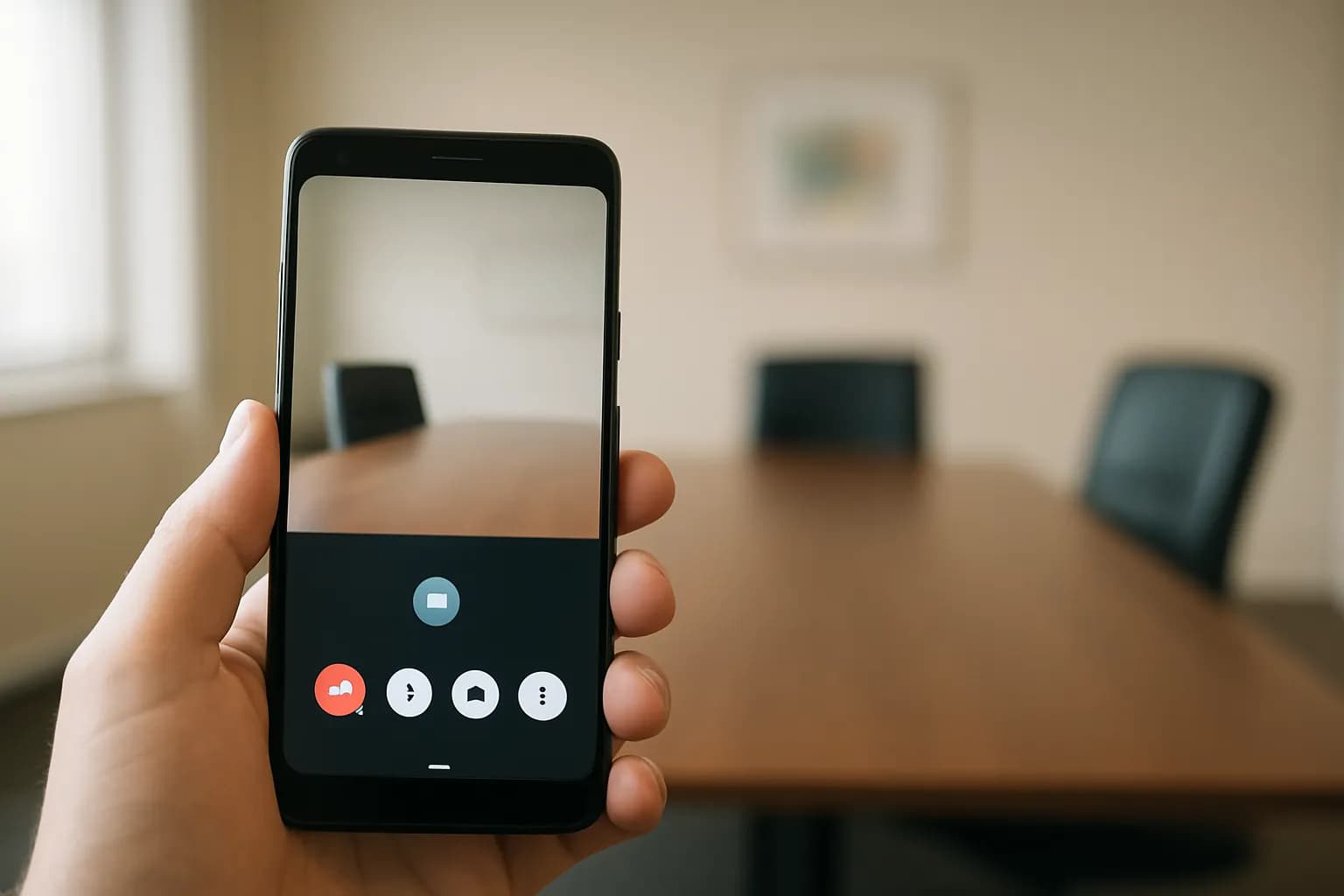
Google says invited Google Meet viewers on Android will be able to move from a live stream into the main meeting with audio and video. The option is limited to people invited to both.
What changed in Google Meet
Google says people watching a Google Meet live stream on Android can move into the main meeting as contributors without reopening a joining link or leaving the app. Once they join, they can participate with audio and video rather than only watch the stream.
The option appears only for viewers invited to both the live stream and the main meeting. Google says existing meeting permissions and organization policies still determine who can join with audio and video. For eligible viewers, the way into the main meeting is available through the meeting title, the live streaming badge, or the information button in the overflow menu. Google says the same kind of role switch is already available on iOS and the web.
Who can use the Android role switch?
Google says the feature is available to Google Workspace customers, Workspace Individual subscribers, and people with personal Google accounts. Availability alone does not grant permission to speak in a meeting: a viewer must have invitations to both the live stream and the main meeting, and the meeting's existing access rules still apply.
Google says rollout starts on October 19, 2026, for both Rapid Release and Scheduled Release domains. Visibility may take more than 15 days, so an eligible person might not see the option immediately when rollout begins. There are no administrator controls for the feature, according to Google. The announcement does not give a separate price for role switching or describe any additional charge.
How do I try it at work?
An Android viewer who has been invited to both parts of a work event can try the switch when they need to contribute rather than continue watching. While viewing the live stream, look for the option through the meeting title, live streaming badge, or information button in the overflow menu. Google says an eligible viewer can move directly into the main meeting from there.
Before relying on the change for a presentation or discussion, check that the invitation includes the main meeting as well as the stream. When you enter, check whether you are in the meeting as a contributor and whether your audio and video are set as you intend. If the option is missing, the announcement points to two possible limits: eligibility under the meeting's access rules and the gradual rollout.
Frequently asked questions
Can anyone watching a Google Meet live stream join the meeting?
No. Google says the Android switch appears only for viewers invited to both the live stream and the main meeting. Existing meeting permissions and organization policies still apply, so watching the stream by itself does not provide access to join with audio and video.
When will the Android role switch appear?
Google says rollout begins on October 19, 2026, for Rapid Release and Scheduled Release domains. The rollout may take more than 15 days for the feature to become visible, so eligible viewers may not see the option as soon as rollout starts.
Do administrators need to turn on the Google Meet switch?
Google says there are no administrator controls for this feature. Eligible Android viewers will see an option to enter the main meeting while watching a live stream, subject to existing meeting access permissions and organization policies.
Related reading
- Set Up Google Meet to Take Notes AutomaticallySet up Google Meet AI notes before a meeting, check when note-taking starts, find the document, and review access before sharing it.
 Higgsfield extends AI video length beyond ten minutesOpenAI says Higgsfield can now produce AI videos longer than ten minutes, up from one minute. Its summary also connects the update to more precise visuals and a possible path to filmmaking by voice.
 Google starts Gemini app skills rollout, delays Workspace launchGoogle has started rolling out skills in the Gemini app, but has delayed the separate launch of skills in Workspace. People planning to use skills with colleagues should note that sharing and Google Drive integration are not rolling out yet.
 Facebook adds AI controls for Feed and Reels recommendationsFacebook is bringing topic controls to Feed and Reels recommendations. Meta says people will be able to signal what they want to see more or less of, including in their own words, and have recommendations adjust during the same session.
Written with AI from Google's original and published after automatic checks: every figure here appears in the original, and no sentence is copied from it. The picture is AI-generated. The original is the authority.
Source: Switch from live stream viewer to contributor in Google Meet on Android, Google, 13 Oct 2026.