
Google adds a live video avatar to Gemini Enterprise conversations
By Automate Basics, written with AI from Google's original
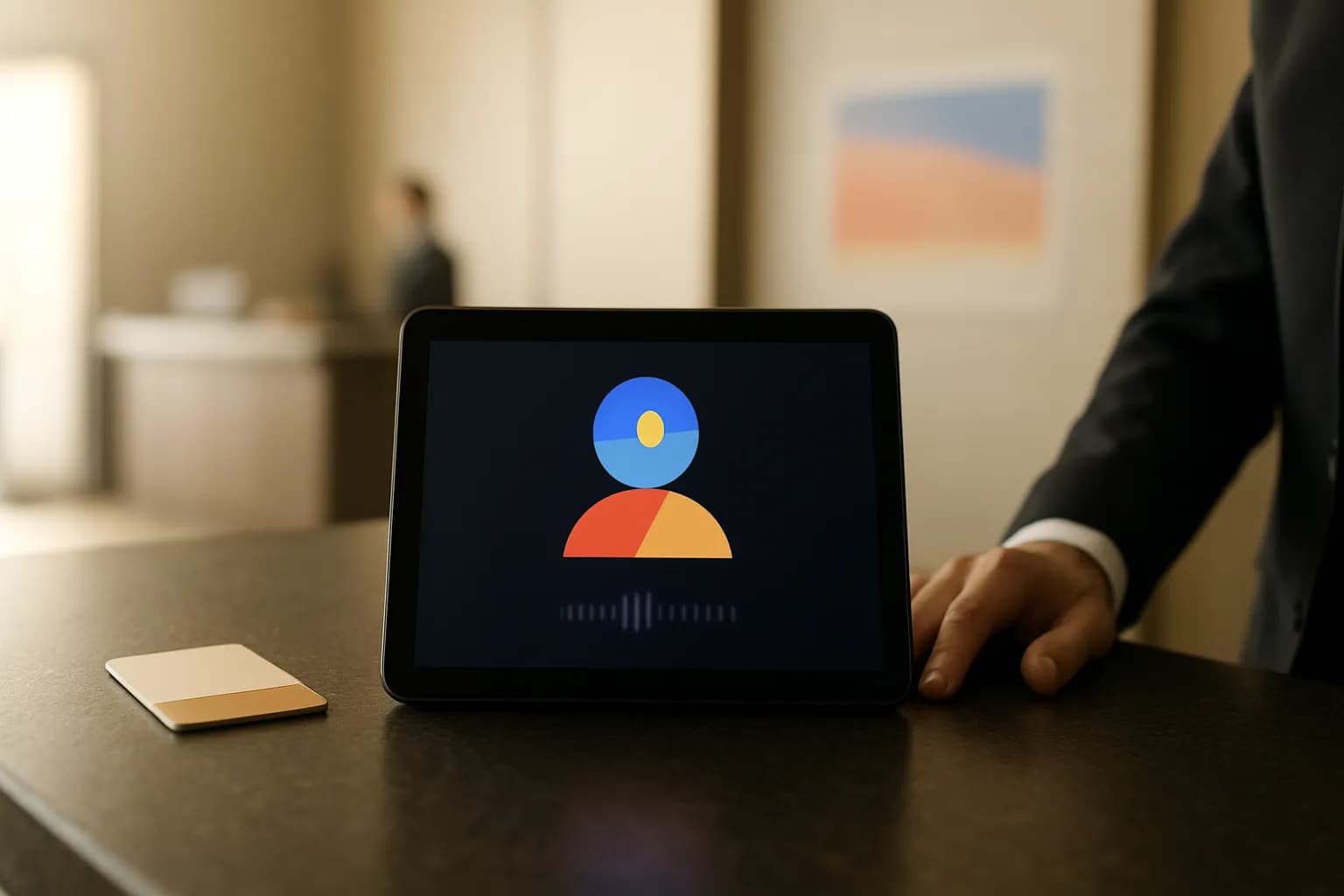
Google has added Live Avatar to Gemini 3.8 Live in Gemini Enterprise. The feature pairs spoken conversation with a responsive video character for organizations building customer service agents and interactive walkthroughs.
What changed
Google says Live Avatar adds a responsive video character to conversations powered by Gemini 3.8 Live. The character speaks with synchronized mouth movements and expressions while the system processes what it hears and sees. Google presents customer service and interactive walkthroughs as potential uses for enterprise agents.
Google also says the agent can fetch data through tools in the background without stopping the conversation. Its speech and visual responses can adapt when a conversation changes languages. Google says the feature supports transitions across 97 languages. These are the capabilities Google describes, not an independent assessment of how the experience performs in a workplace.
Who can use Live Avatar?
Google says Live Avatar is available through Gemini Enterprise. The announcement addresses organizations building conversational agents, rather than individual users looking for a new chat setting. It does not state a price or specify which Gemini Enterprise plans include the feature.
Organizations can choose from preset avatars, according to Google. Developers can also create an avatar from a reference image, but Google says that custom creation is currently restricted to enterprises that have been granted access. The announcement points developers toward API documentation without describing a setup process for nontechnical staff. Teams considering the feature should confirm their access and any applicable costs before planning a rollout.
How do I try Live Avatar at work?
A narrow customer service exchange is a useful first task for a team that already has access to Gemini Enterprise. Choose a routine question with a known answer, then check whether the spoken response, visible character and any information retrieved in the background stay consistent throughout the conversation. Google gives hotel guest check-in as an example of an agent using tools while continuing to talk.
For a multilingual service team, another useful check is whether a change of language leaves the response understandable and the visual timing plausible. Google says generated audio and video carry its SynthID watermark. That safeguard does not replace checking the answer, the customer experience or whether the agent is appropriate for the task.
Frequently asked questions
Is Live Avatar available to every Gemini Enterprise customer?
Google says Live Avatar is available in Gemini Enterprise, but its announcement does not break down access by plan or give a price. Creating a custom avatar from a reference image has a separate restriction: Google says enterprises need to be granted access to that capability.
Can a Live Avatar keep talking while it looks up information?
Google says the agent can call tools and retrieve data in the background while a conversation continues. It uses a hotel guest check-in exchange to illustrate that behavior. Teams should still check that retrieved information is accurate before relying on an agent for customer-facing work.
Related reading
- Which AI Chat Is Safe for Work Data? Copilot vs ChatGPT vs Claude vs GeminiBefore you paste company data into an AI chat, see what Copilot, ChatGPT, Claude and Gemini do with it: training, retention and the settings to change.
 Google adds encrypted PowerPoint imports to Slides betaGoogle has added PowerPoint imports to its client-side encrypted Slides beta. Eligible Google Workspace organizations can convert presentations into encrypted Slides that users can access and edit.
 Google adds expiring administrator roles to WorkspaceGoogle says Workspace super admins can assign administrator roles that expire automatically. The option is available to all Google Workspace customers and is intended for temporary work such as absence coverage or audits.
Tools in this piece
Written with AI from Google's original and published after automatic checks: every figure here appears in the original, and no sentence is copied from it. The picture is AI-generated. The original is the authority.
Source: Introducing Gemini 3.8 Live with Live Avatar, Google, 24 Sept 2026.