Guides
1 / 10
Start herebeginner

How to Check Your Business Visibility in AI Search Results

By

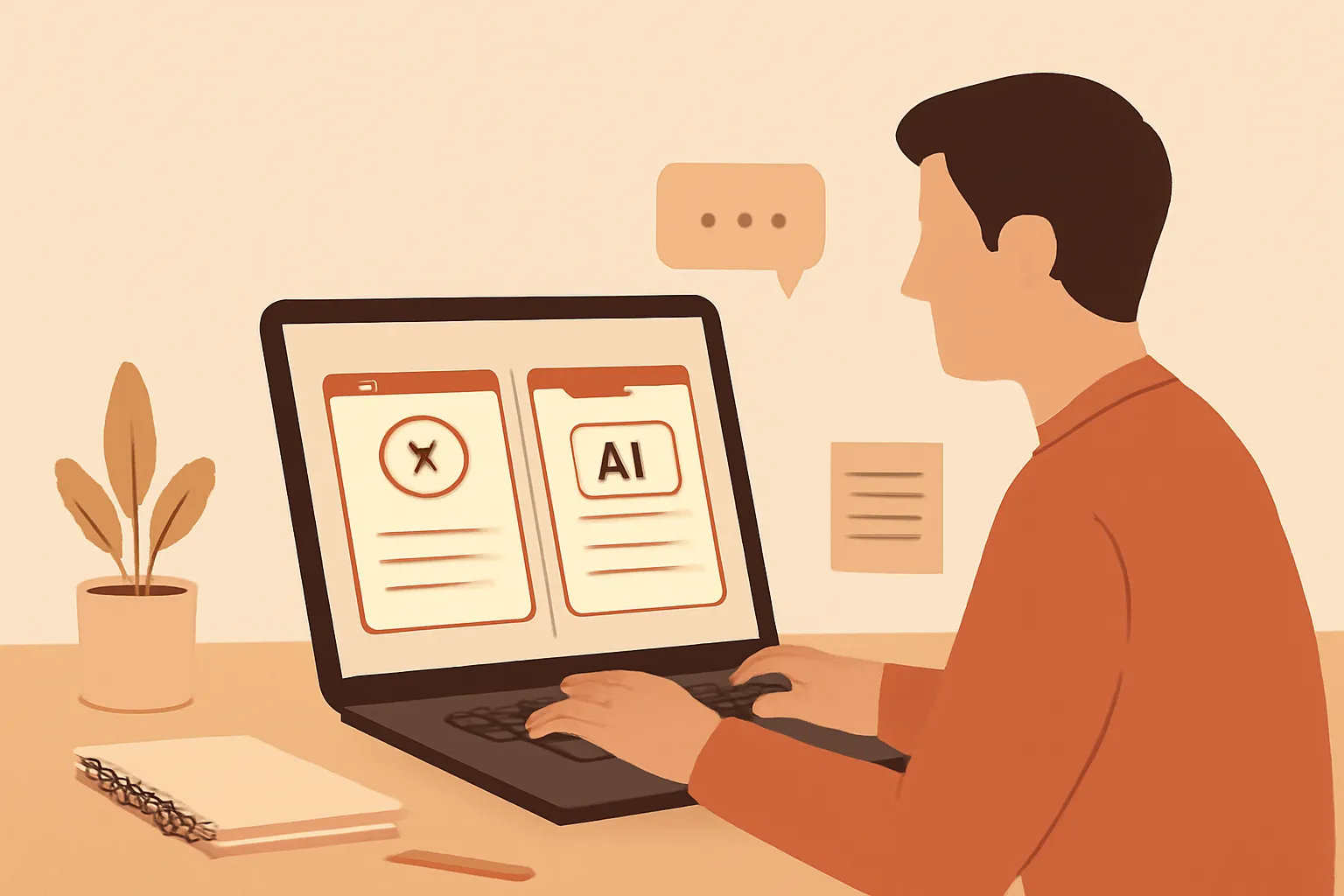
Business owner comparing buyer questions and AI search answers on a laptop

Check whether ChatGPT, Claude, Gemini and Copilot mention your business for real buyer questions, then record evidence and compare results.

To check your current AI search visibility, ask the same realistic buyer questions in ChatGPT, Claude, Gemini and Copilot, then record whether each answer names, recommends or omits your business.

Swipe up to begin
Concept

How do I test whether AI search can find my business?

You can test current AI search visibility by running realistic buyer questions in several major assistants and recording the exact answers. Start with ChatGPT, Claude, Gemini and Copilot in separate browser sessions. Use a fresh chat for each question, because earlier messages can influence what the assistant says.

Write questions your customers might actually type, not questions containing your company name. For example, ask, “Who provides payroll support for a small consultancy in Manchester?” or “What should a solo designer look for in an accountant?” Replace the location, service and customer type with details that match your market.

Record the date, assistant, wording, model or mode shown, and full response. Save a screenshot or copy the answer into a document. Mark whether your business is named, linked, described accurately, suggested as an alternative, or absent. Do not treat a vague statement such as “local providers may help” as visibility. A business is visible in the useful sense only when a buyer could identify or reach it from the answer.

This first test is a snapshot, not a permanent ranking. AI answers can change with the prompt, account, location, model and available web access.

For more context, read Best AI Cost Visibility Tools for Small Businesses.

Concept

Which buyer questions should I use for a fair visibility check?

Use a small question set that represents buying decisions, because one flattering prompt cannot show whether customers can find you. Create questions across four types: category discovery, shortlist building, comparison and problem solving. A category question asks who serves a need. A shortlist question asks for several suitable providers. A comparison question puts your business type beside an alternative. A problem question asks what kind of specialist could solve a specific situation.

Keep the wording neutral and avoid your company name in most tests. Include the locations, industries, budget signals and constraints your customers use. “Best” prompts are often too broad, so add a practical requirement such as fast turnaround, weekend support, experience with a particular platform or help for a one-person business.

Write every prompt before testing any assistant. Otherwise, you may unconsciously make a question easier after seeing a weak result. Keep one core set unchanged for the next check, and maintain a separate set for experiments. A useful rule is to test the words a buyer knows, not the words your website uses. If customers say “bookkeeping help,” do not replace it with your internal phrase “financial operations support.”

For more context, read Should You Pay for an AI Visibility Tracking Tool?.

Concept

How should I run the same AI search test across tools?

Run the same prompts separately across ChatGPT, Claude, Gemini and Copilot, while keeping the testing conditions as similar as practical. Open a new chat for every prompt, paste the exact wording, and avoid follow-up questions until you have captured the first answer. Follow-ups can be useful later, but they measure a different experience because the assistant now has context.

Note whether web search, browsing or citations are visible. If an assistant asks for a location or other missing detail, record the original result and then run a second version with the detail supplied. Do not silently edit the prompt. Account settings, region, paid access, selected model and temporary product changes can affect what you see, so include those details in your log.

A fair comparison does not require identical interfaces. It requires identical wording and transparent notes about meaningful differences. If an assistant refuses to answer, returns a generic answer or says it cannot browse, record that outcome instead of replacing it with a more convenient result.

Never infer that one answer represents every user. Repeat important prompts on different days or with a second account when the decision matters. The purpose is to reveal patterns, not manufacture a favourable result.

Concept

What counts as visible, recommended or merely mentioned?

A business is meaningfully visible when an AI answer identifies it in a way that could help a buyer choose or contact it. Separate visibility into clear categories instead of using a single yes-or-no label. “Recommended” means the assistant actively includes the business in a relevant shortlist or says why it fits. “Mentioned” means the name appears but without useful context. “Found but wrong” means the business is named with an inaccurate service, location or customer type. “Absent” means the answer offers alternatives without naming the business.

Add a separate label for a citation or link. A linked page can make a name actionable, but a link alone does not prove the recommendation is accurate. Also record whether the answer puts your business among the first options or buries it after an unrelated list. Do not treat ordering as a stable rank unless the same pattern appears repeatedly.

This distinction prevents a common mistake: celebrating any brand mention as success. If an assistant names your company but describes an old service, a buyer may be misled rather than helped. Accuracy and relevance should be judged separately from presence. A simple record can therefore contain five fields: presence, recommendation strength, accuracy, link or citation, and buyer usefulness.

Concept

How can I tell whether an AI answer is based on my website?

You cannot prove that an AI answer used your website merely because the answer sounds familiar, so check the cited evidence and compare specific facts. Look for a source link, quoted wording, service description, location, opening information or policy that can be traced to a public page. Then open the source and verify that the page actually supports the claim.

Ask the assistant a separate evidence question only after saving the original result. For example, ask, “What sources support that recommendation?” or “Which page confirms this service?” Treat the response as another observation, not as proof. An assistant may provide a citation that is relevant to the general topic but does not justify its recommendation.

Record three different outcomes: supported by an accessible page, plausible but unverified, and contradicted by the public information. This is more useful than asking whether AI “knows” your company. A page can be publicly available and still fail to appear in an answer because the question, location or assistant differs.

The practical gotcha is stale information. An assistant may repeat an old address, discontinued service or third-party description. Check the date and accuracy of every material claim before treating visibility as an asset. Visibility without correct information is a customer-service risk.

Concept

What should I do when different AI assistants give different answers?

Treat disagreement between AI assistants as a signal to inspect the query and evidence, not as proof that one tool has revealed the truth. Compare the exact prompts, location settings, browsing status, citations and business details before drawing a conclusion. Different systems may use different sources, update at different times or interpret “best” differently.

Create a comparison row for each prompt. Record which assistants named your business, which described it correctly, which supplied a usable link and which omitted it. Then look for a repeated pattern. If all four omit the business, the issue may be broad discoverability or unclear positioning. If one names it accurately and the others do not, the result may depend on source coverage or the assistant’s retrieval behaviour. If assistants mention it but disagree about the service, public information may be inconsistent.

Do not average the results into a fake visibility score unless you define the scoring rule first. A recommendation in one high-intent local query can matter more than several weak mentions in broad questions. The decision should be tied to the buyer task: can a plausible customer identify your business, understand its fit and reach the right page?

Repeat only the tests that affect a decision. More prompts do not automatically create better evidence.

Concept

How often should I check my current AI search visibility?

Check AI search visibility after a material business change and on a regular, modest schedule, rather than testing every day. Recheck when you change services, locations, positioning, contact details, important pages or the customer segment you target. Also test after a major change to the assistant you care about, because product behaviour and available sources can change.

For a normal baseline, keep a fixed set of buyer questions and repeat it on a chosen schedule that your business can maintain. Use the same wording and record the date. Add a small rotating set only when you want to investigate a new service or market. This separates genuine change from random variation caused by different prompts.

Compare observations over time, not isolated answers. A single omission does not establish that your business has disappeared, and one inclusion does not establish stable visibility. Look for repeated changes in presence, accuracy, recommendation context and source links. Preserve old screenshots so you can distinguish a changed answer from a changed memory of the answer.

Keep the check lightweight. A short, consistent record is more valuable than a large dashboard nobody reviews. The purpose is to know whether a realistic buyer can encounter accurate information about your business through AI search, and whether that answer is changing in a way that requires attention.

Concept

Where can a non-technical business owner keep the evidence?

Keep the evidence in a simple spreadsheet or document with one row per assistant and prompt, because a transparent log is easier to inspect than an unexplained visibility score. Use columns for test date, assistant, model or mode, location, exact prompt, response, business status, accuracy, citation, and follow-up action. Paste the response or store a screenshot beside the row.

Add a confidence note when conditions are unusual. Examples include a logged-in personal account, a browsing setting that was unavailable, a prompt that required clarification, or an answer that changed when repeated. These notes stop later readers from treating a fragile observation as a fact.

Automate Basics teaches practical AI to working professionals who are not engineers, so its free-to-read courses can help you learn the tools involved without writing code. The first lesson of each course needs no account, while the remaining lessons require a free account. For this visibility check, however, a spreadsheet and disciplined prompts are enough. You do not need a special platform to establish a useful baseline.

Keep an evidence folder with dated exports and a short decision note. The decision note should say what changed, how certain you are, and what you will check next. That makes the record useful to a colleague or future version of yourself, rather than just another collection of copied AI answers.
Questions people actually ask

Can I check AI search visibility without paying for a tracking tool?
Yes. You can establish a useful baseline with free access to the assistants you want to test, a fixed set of buyer questions, screenshots and a spreadsheet. Paid tracking may change the workflow, but it is not required to observe whether assistants name, describe, link to or omit your business.
Should I search for my company name when testing AI visibility?
Use your company name in a separate navigational test, but do not rely on it for buyer visibility. Customers often describe their problem, location and requirements without knowing your name. Neutral prompts reveal whether an assistant can connect your business to the need before the customer already knows whom to ask for.
Why does ChatGPT mention my business while another assistant does not?
Assistants can use different sources, browsing systems, models, settings and update cycles. Compare the exact prompt, location, citations and facts before deciding why. One mention does not prove broad visibility, and one omission does not prove that your business is invisible everywhere. Repeat the same test and record the conditions.
Can Automate Basics help me learn the tools used in this check?
Automate Basics teaches practical AI to working professionals who are not engineers, with free-to-read courses covering ChatGPT, Claude, Gemini and Copilot. The first lesson needs no account and later lessons need a free one. The site offers eight short courses and four assessed certifications, but a visibility check itself needs no certificate.
What is the biggest mistake when checking AI search visibility?
The biggest mistake is treating one favourable answer as a reliable measurement. A single prompt may contain your company name, benefit from hidden context or reflect a temporary result. Use neutral buyer questions, fresh chats, repeated observations and saved evidence. Judge presence, accuracy, relevance and reachability separately.

Drafted with AI assistance from our own research and Search Console data, and reviewed by Rahul A before publishing. Tools and prices change; check the linked official source before you act.