Free short course

AI in the Tools You Already Have

Gemini in Google Workspace, Copilot in Microsoft 365

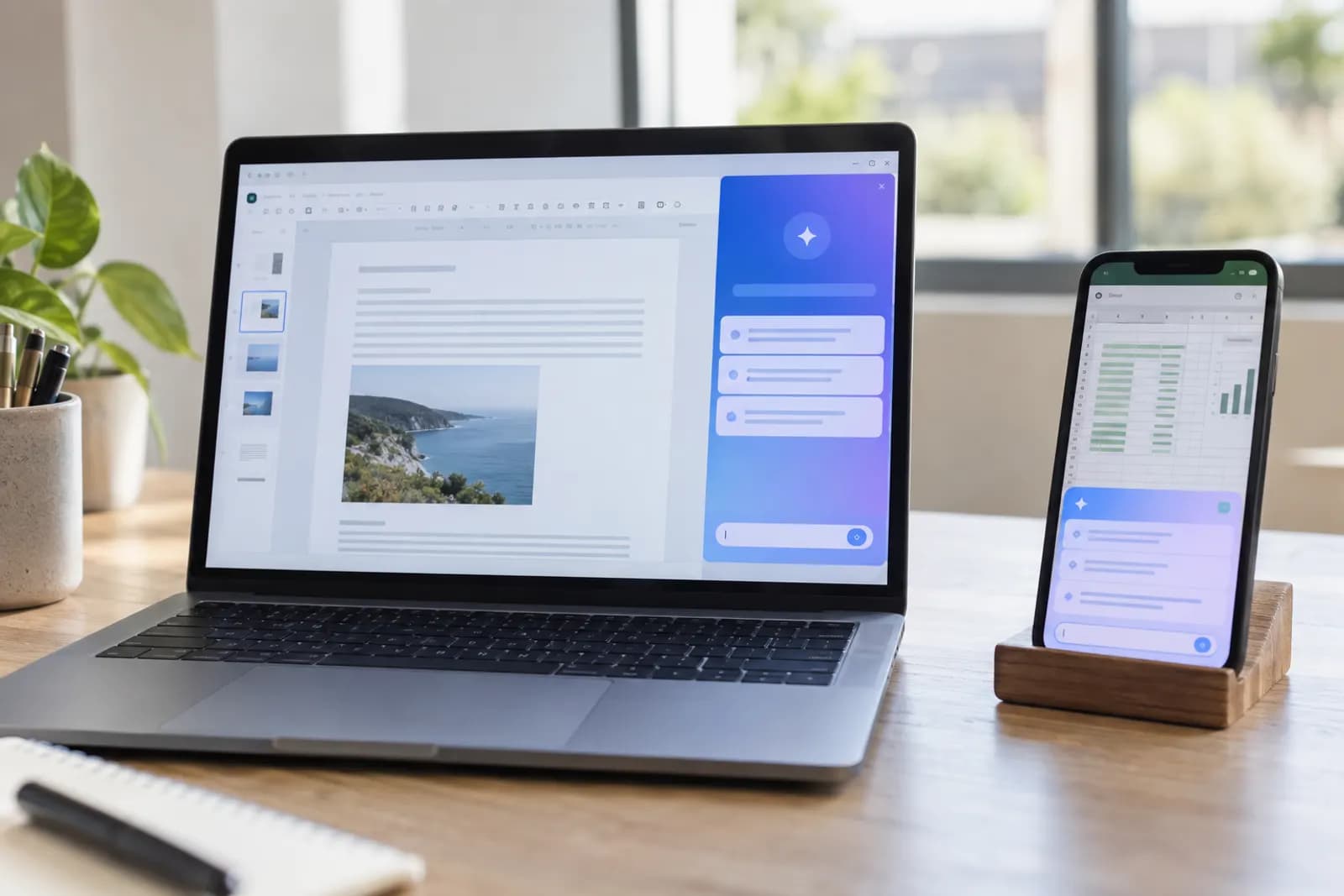
The assistant sitting inside Gmail, Docs, Outlook, Word, Excel and Teams. Usually already paid for, and usually the only one you are allowed to use.

Rahul Arora

Founder, Automate Basics

Level
BeginnerNo experience assumed
Lessons
9Plus one practice brief
Content
90 minRead at your own pace
Price
FreeNo exam, no certificate

What you’ll be working on

  • Gemini
  • Copilot
  • Email
  • Documents

Freeto read, all of it

The first lesson needs no account. A free account opens the rest — no card, nothing to cancel.

What this course includes

  • 9 lessons · 90 min
  • One practice brief on your own work
  • No exam and nothing to pass
  • Nothing locked, nothing gated
  • No subscription — this site does not have one

Where this leads

This course shows you where the buttons are in software your employer already licenses. AIW-200 is about the work those buttons touch: rebuilding your inbox, meetings, documents, spreadsheets and research end to end, reviewing assisted work from colleagues, measuring honestly whether it saved anything, and writing the standard your team holds.

AIW-200: AI at Work

Who this is for

  • Your company pays for Microsoft 365 or Google Workspace and you have seen a button you never press
  • You are not allowed to paste work material into ChatGPT and want to know what you can use
  • You want the AI to work on your real documents without copying anything anywhere

What you'll be able to do

This is what the course covers. Nothing else is claimed, and none of it is assessed.

  • Use Gemini inside Gmail, Docs and Sheets on your real content
  • Use Copilot inside Outlook, Word, Excel and Teams, including meeting recaps
  • Understand why the built-in assistant is usually the compliant choice
  • Know the real limits: what these are bad at, and what your administrator can see

Where this leads

AIW-200 · AI at Work

This course shows you where the buttons are in software your employer already licenses. AIW-200 is about the work those buttons touch: rebuilding your inbox, meetings, documents, spreadsheets and research end to end, reviewing assisted work from colleagues, measuring honestly whether it saved anything, and writing the standard your team holds.

  • Everything in AIW-200 is free to read, and the assessment is free to sit.
  • Pass it and the certificate is yours for $99, once — never a subscription.
  • Verifiable by anyone, with no account and no login.
  • No renewal, no expiry, no annual fee.

Automate Basics

Certificate of Competency

AIW-200

This certifies that

Your name

has passed the final assessment of the AI at Work certification.

The holder declares the course’s lessons and live applications complete; the assessment result above is machine-marked by the issuer.

Assessed competencies are published with this credential at automatebasics.com/verify

Credential ID

AIW-200-2026-·······

Verify at automatebasics.com/verify

The curriculum

Every module, every lesson and every duration, before you decide. All of it is free, and there is nothing to buy on this course.

Modules
3
Lessons
9
Practice briefs
1
Total time
about 90 min
  1. 1

    Why the built-in one matters most

    The compliance argument, and then Gemini inside Gmail and Docs on your actual mail and documents.

    3 lessons · 17 min

    1. 1.1Location beats capabilityYou can decide in one question whether a piece of work goes to the built-in assistant or a standalone tool4 min
    2. 1.2Gemini in Gmail and DocsYou can get an actionable answer out of Gemini in Gmail and Docs instead of a chronological summary you still have to read10 min
    3. 1.3Notebook-style research on your own documentsYou can put a set of your own documents into a notebook and get answers where every claim links back to its source passage3 min
  2. 2

    Copilot in Microsoft 365

    Outlook, Word, Excel and Teams: where the buttons are, and which ones are actually worth your time.

    3 lessons · 18 min

    1. 2.1Outlook and TeamsYou can turn a Teams recap into an action list with owners, dates and quotes, and spot the commitment nobody actually made4 min
    2. 2.2Word and PowerPointYou can get a Word draft that contains your material instead of scene-setting, and a deck whose headlines make an argument4 min
    3. 2.3Excel, carefullyYou can read what Copilot put in the formula bar and catch a formula that returns a plausible number from the wrong range10 min
  3. 3

    Limits, privacy and what your admin sees

    What these tools cannot do, what is logged, and how to ask for what you need.

    3 lessons · 18 min

    1. 3.1What they are genuinely bad atYou can spot silent incompleteness in a confident answer and make the assistant name what it could not see8 min
    2. 3.2What your administrator can seeYou can tell what the built-in assistant protects you from and what it does not, and keep the wrong things out of a system your employer can read3 min
    3. 3.3Getting a seat, and what to do if the answer is noYou can find out what you already have before asking, and ask for the rest in a way that produces a dated answer7 min

Practice brief

A brief completed against your own work with a published rubric. Free, like every lesson.

  1. Run a week on the built-in assistant

    35 min

    Notes on all three tasks, including at least one thing the assistant got wrong or left out, and its answer to the 'what are you missing' question.

No exam, no certificate

This is a short course. It is free, there is nothing to pay and nothing to sit, and it does not issue a credential.

It leads to AIW-200, AI at Work.

See AIW-200

Start AI in the Tools You Already Have

First lesson is 4 minutes and needs no account.

  • Your place is kept — pick up on your phone where you left off on your laptop
  • Lessons you have finished stay finished, even if you clear your browser
  • Assessment results are recorded against you, permanently

Free account, no card, nothing to cancel.