
Should You Pay for an AI Visibility Tracking Tool?
By Anu Verma
Manual tracking is enough for a small test; paid tools earn their cost when you need repeatable prompts, source tracking, and trend alerts.

Manual tracking is the right default for a small brand: test the same prompts in each AI assistant, save answers and sources, and pay only when repeated checks, team access, or trend data outweigh the subscription.
When manual tracking is enough
Manual AI visibility tracking is enough when you have a small set of important questions and can review them consistently. You can test prompts in ChatGPT and Claude, record whether your brand appears, note which competitors are mentioned, and save the cited sources in a spreadsheet.
Manual tracking works particularly well for a solo founder, freelancer, or small team validating whether AI assistants understand a new offer. It also gives you context that a dashboard can hide. You can see the exact wording, qualification, omission, and source behind an answer instead of relying on a visibility score.
The trade-off is repeatability. A fresh conversation, model update, location setting, account history, or wording change can alter the answer. Manual checks are useful evidence, not a clean measurement of market share. Treat each result as a sample from a changing system.
Paying for a tool becomes sensible when you need the same prompt set checked on a schedule, across several assistants, by more than one person. The default decision is simple: start manually, prove that the questions matter, then pay to remove repetitive work rather than paying for a score you cannot interpret.
Run a manual AI visibility check
A manual AI visibility check needs a fixed prompt list, fresh chats, a consistent record, and a repeat date. Start by choosing the questions a potential customer might ask before buying. Include category questions, comparison questions, problem-solving questions, and questions that contain your brand name.
Open a new conversation in ChatGPT, then repeat the same prompt in Claude. Do not paste your preferred answer into the chat first, because earlier context can influence the result. Record the date, assistant, model name if shown, prompt, full answer, brand mention, competitor mentions, recommendation position, and cited sources. The labels to use for each answer, and how to compare assistants fairly, are set out step by step in how to track your brand's visibility in ChatGPT.
Save the answer rather than copying only the sentence that mentions you. A brand can appear in a caveat, a list of alternatives, or an irrelevant example. Those outcomes mean different things. Take a screenshot when the answer or source could change, and keep the original link where available.
Repeat the exact check later. Do not silently improve the prompt between runs. If you change the wording, create a new prompt version. Manual tracking becomes useful when another person can follow your sheet and reach the same interpretation without asking what you meant.
Prompts that reveal useful visibility, not vanity mentions
The most useful AI visibility prompts mirror buying decisions, not flattering questions about your brand. Ask what a person should use for a specific job, which options suit a stated constraint, what trade-offs exist, and which sources support the recommendation.
For example, a web designer could test, “Which tools help a small business create a simple website without hiring a developer?” A weak test asks, “Is Web Designer X the best?” The first prompt measures category discoverability and alternatives. The second mainly measures whether the assistant repeats a supplied name.
Create a small prompt set with distinct jobs. Include one category prompt, one comparison prompt, one “best for” prompt, one problem prompt, and one branded prompt. Add the audience, location, budget range, or use case only when those details reflect a real customer question. Keep the wording stable once you start measuring.
The gotcha is that a mention is not automatically a recommendation. Record whether the assistant names your brand first, includes it as an option, describes it accurately, links to a useful source, or warns against it. A useful prompt set exposes the difference between being visible, being understood, and being chosen.
What to record when an AI mentions your brand
Record the answer context, not just a yes-or-no brand mention. A practical row in Google Sheets should include the prompt version, date, assistant, model if visible, location or account conditions, brand status, recommendation strength, competitors named, cited domains, and a short accuracy note.
Use a simple status such as absent, mentioned, recommended, or recommended with a useful source. Add a separate accuracy field because an incorrect description can create more work than invisibility. Note whether the assistant confused your company with another business, used an outdated offer, or attributed someone else’s content to you.
Record sources as domains and URLs when the assistant provides them. Then check whether the source actually supports the claim. AI assistants can cite a page that mentions your brand without establishing that it is suitable for the customer’s need. Source quality and source relevance should be separate notes.
Avoid turning the sheet into a fake precision system. A score such as “three out of five prompts” describes your small test set, not your overall visibility. The valuable output is a decision: update a page, clarify an offer, correct a factual error, or test again after a change.
What makes a manual test misleading
Manual AI visibility tests become misleading when the conversations, prompts, or conditions are not comparable. A common failure is asking a follow-up question in an existing chat, then treating the answer as if the assistant had discovered your brand independently. Start a fresh conversation for each controlled check.
Another failure is testing only branded prompts. If you ask whether your company is good, the result says little about whether an unfamiliar buyer will encounter it. Category and comparison prompts are harder, but they represent the visibility problem you actually need to solve.
Do not treat one answer as a permanent verdict. Model responses can vary, and product information can change. Run the same prompt more than once when the decision matters, but label repeated answers clearly instead of combining them into a confident-looking average.
Source checking is another skipped step. An assistant may cite your homepage for a claim that the page never makes, or cite an old page that no longer describes your offer. Read the cited page and compare it with the answer. The final failure mode is changing several website pages at once, which makes it impossible to tell what caused a later change.
When a paid tool earns its place
A paid AI visibility tool earns its place when consistent monitoring is worth more to you than the time and uncertainty of manual checks. The decision is not about whether a dashboard looks advanced. It is about whether the tool removes a repeated task you already need to perform.
Look for practical capabilities: scheduled prompt runs, coverage across the assistants your customers use, stored answer history, source extraction, competitor comparison, exports, user permissions, and automated trend reports with alerts for meaningful changes. Check whether the tool shows the underlying response. A single visibility number is difficult to audit and should not be your only reason to buy.
What the plans cost, what each entry tier includes and which add-ons raise the bill are compared vendor by vendor in what an AI visibility platform costs. The question here is narrower: does the tool take over work you already do every cycle? If you check only a few important prompts occasionally, a spreadsheet is probably the better choice.
The strongest case for paying is a tool that also does the work the tracking reveals. Most trackers stop at a score, a list of cited sources or a set of suggestions. Cituna checks seven AI engines every day from $49 a month, writes the fix for each gap it finds (schema, FAQ markup, llms.txt and articles), and turns the sites the engines cite into an outreach plan with a pitch for each one, so the subscription replaces work as well as checks.
Paid tools also introduce a new risk: false confidence. Automated collection can make a narrow prompt set look scientific. Before subscribing, run a trial with your real prompts and verify that the captured answers and sources match what you see directly in the assistants. Cancel if the output cannot explain what changed.
Should you use a spreadsheet or a specialist visibility tool?
Use a spreadsheet for learning and a specialist visibility tool for repeatability. Google Sheets is enough when one person owns a small prompt set, can perform checks manually, and needs a transparent record. It also lets you change the columns as you discover which signals matter.
A specialist tool is more suitable when you monitor many prompts, assistants, brands, locations, or competitors, or when someone else needs to review the results. Products such as Cituna, Otterly.AI, Peec AI, Profound, and Scrunch are examples of the category, but features, assistant coverage, retention, and pricing can change. Check the current product details before relying on any comparison.
Do not buy a tool merely because it uses words such as share of voice, sentiment, or authority. Ask how each measure is calculated, whether you can inspect the underlying answer, and how the product handles different prompts and model responses. A tool that hides the evidence may save clicks while making diagnosis harder.
The honest middle path is to keep your manual sheet even after buying software. Use it as a small audit set. If the paid tool reports a sudden improvement, compare its result with your controlled prompts. Agreement builds trust; disagreement tells you where the measurement needs investigation.
A simple weekly AI visibility routine
The simplest weekly AI visibility routine is a short controlled review of your highest-value customer questions, followed by one concrete content decision. Keep the prompt list stable for the review, use fresh conversations, and test the assistants that your audience actually uses.
Begin by selecting the prompts that affect a real buying choice. Run them in ChatGPT and Claude, then record the complete answers and cited sources. Mark whether your brand appeared, whether the description was accurate, and whether the recommendation matched the customer’s stated need. Separate a missing mention from a wrong mention.
Next, inspect the pages or documents that the assistants cited. If your brand was absent, check whether a clear, trustworthy page answers the question. If the brand was present but misunderstood, clarify the offer, audience, comparison, or evidence on the relevant page. Change one important thing at a time when possible.
Review the same prompts again after the change, but do not expect a guaranteed or immediate shift. Keep old answers so you can see whether the result changed and why. Move to paid monitoring only when this routine is valuable enough to repeat, but tedious enough that manual execution is stopping you from doing it.
Sources consulted
- OpenAI Help Center (help.openai.com)
- Anthropic Documentation (docs.anthropic.com)
Frequently asked questions
Can I track AI visibility for free?
Yes. You can use fresh conversations in ChatGPT and Claude, a Google Sheet, and saved screenshots or source links. Track fixed customer prompts rather than asking whether your brand is good. Free manual tracking is practical for a small test, but it becomes harder to repeat consistently as prompts, assistants, competitors, and reviewers increase.
How often should I check whether AI mentions my brand?
Check according to the decision you need to make, not an arbitrary reporting schedule. A small business can begin with a recurring manual review of its most important prompts, then check again after changing a relevant page or offer. More frequent monitoring is useful only when you can act on meaningful changes.
Are AI visibility scores reliable?
AI visibility scores are useful only when you understand their prompt set, assistants, sampling method, date range, and definition of visibility. A score cannot replace the underlying answers. Check whether the tool lets you inspect responses and sources, then compare its output with a small manual audit before trusting trends.
What is the biggest mistake in manual AI visibility tracking?
The biggest mistake is counting any brand mention as a recommendation. An assistant may mention a company in an outdated, inaccurate, or irrelevant context. Save the full answer, check the cited source, and record whether the brand actually matched the customer’s need. That distinction is more useful than a simple mention count.
Should a small business buy an AI visibility tool immediately?
Usually not. Start with a controlled manual test so you know which customer questions matter and what evidence you need. Buy a tool when repeated checks, source history, competitor monitoring, or team reporting are consuming meaningful time. Trial it with real prompts and reject any product that hides the underlying answers.
For you
Learn to do this with AI, free
Short courses for people who aren't engineers: ChatGPT, Claude, prompting and automation. Every lesson is free, with no card.
Start a free courseFor companies
Make an AI or automation tool?
List it in the directory for $9.99, refunded in full if it isn't approved, or claim its page if it is already here.
Related guides
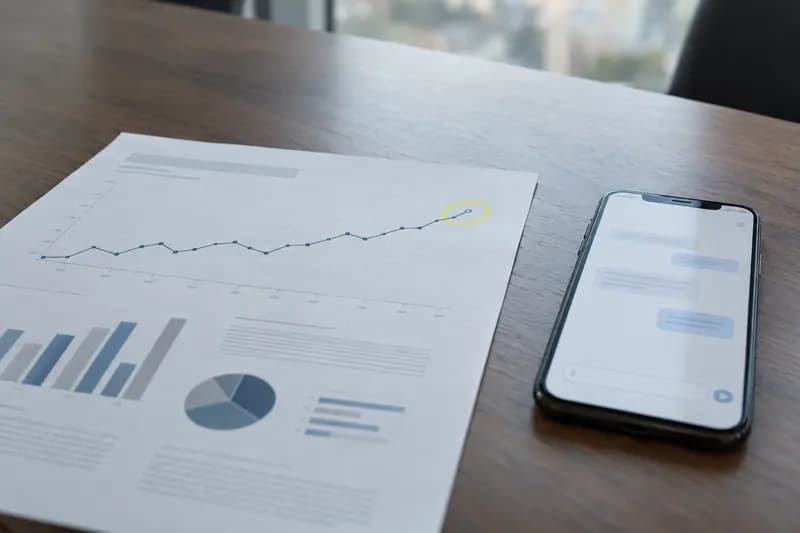 How to Track Your Brand’s Visibility in ChatGPT and AI SearchSee whether ChatGPT, Gemini, Claude, Copilot and Perplexity name your brand, using fixed buyer prompts, a simple answer log and repeat checks.
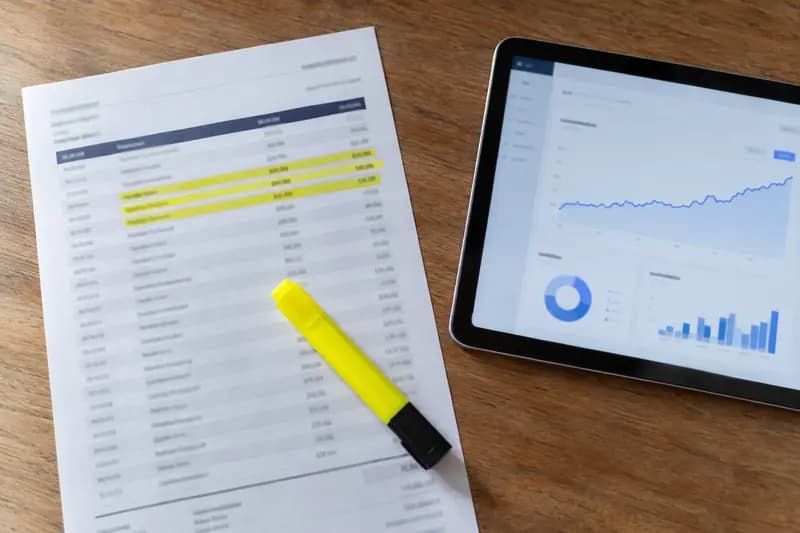 How Much Should You Pay for AI Visibility Tools in 2026?What 9 AI visibility tools charge in 2026, the cheapest option for six common needs, hidden add-on costs, and what to pay by team size.
 Best AI Visibility Tools for Small Businesses: A Budget-First Guide (2026)7 AI visibility tools ranked by entry price, free plans first, for tight small business budgets. Prices checked 29 September 2026.
Drafted with AI assistance from our own research and Search Console data, and reviewed by the Automate Basics team before publishing. Tools and prices change; check the linked official source before you act.
Get the next one by email
One email a week: what changed in AI for people who use it at work, and what to do about it.