
AI Acceptable Use Policy: A Small-Business Checklist
By Anu Verma
Use this same-day checklist to approve AI tasks, block risky data, assign human checks, and publish a policy your team can follow.
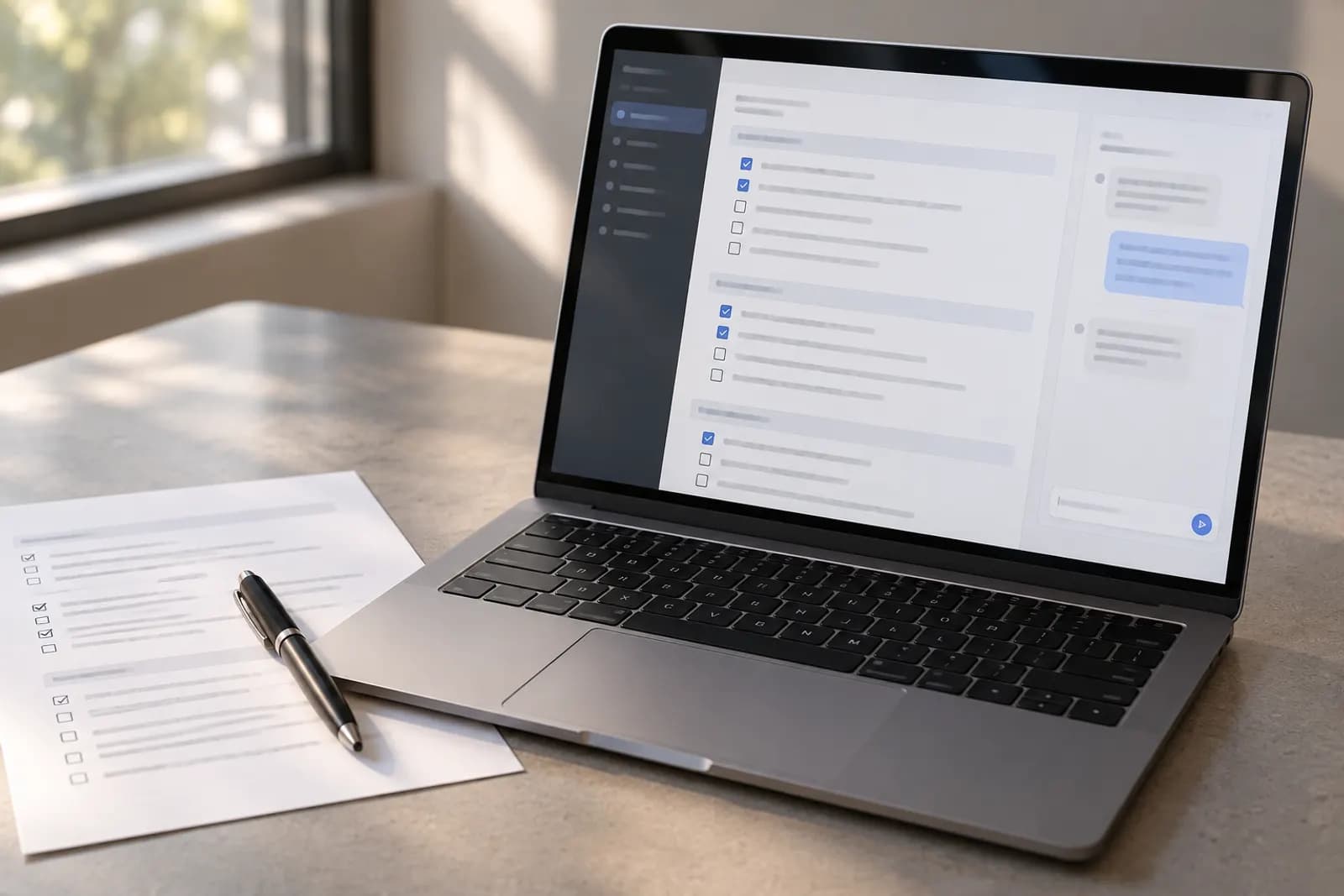
Use a short AI policy that approves specific work, blocks sensitive inputs, requires human checks, and gives everyone a clear incident route.
What the policy should cover first
Your small-business AI policy should first define who may use AI, for which work, with which tools, and under what review conditions. Keep the first version to one page so a busy person can follow it before using ChatGPT, Claude, Gemini, Copilot, or an automation service.
Write the policy for actions, not technology. State that it covers employees, contractors, freelancers, and anyone using business information in an AI tool. Add a simple purpose statement: AI may help draft, summarize, classify, brainstorm, translate, or transform approved business material, but a person remains responsible for the result.
The common failure is copying a generic ban on confidential data and calling the job finished. That leaves people guessing whether they can summarize a public article, draft a reply, or paste a customer complaint. Your policy should name permitted work and prohibited inputs separately. It should also say who approves a new tool, who checks high-risk output, and where someone reports a mistake.
Rules change as providers alter retention, training, account, and admin settings. Treat the policy as an operating document, not legal advice, and check current provider documentation before approving a tool.
The AI tasks to approve this week
Approve low-risk tasks that save time without deciding a customer, employment, financial, or legal outcome. A sensible default is to start with drafting from public or already-approved material, then expand only after you can check the result reliably.
Good first tasks include asking ChatGPT to turn your own meeting notes into an action list, asking Claude to improve the clarity of a public-facing draft, using Gemini to suggest variations of an advert, or using Copilot to summarize a document that your organisation has already cleared for that service. A person should still read the output before it reaches a customer or colleague.
Write examples directly into the policy. For instance, “You may use an approved AI tool to draft a support reply from a customer message after removing identifying details. You may not let the tool send the reply or decide the remedy.” The second sentence matters because a drafting task can quietly become an automated decision, and an AI output review checklist gives people the checks to run before anything goes out.
Do not approve “anything harmless” as a category. Decide by the data and consequence of the task. A public marketing draft may be low risk, while a supposedly simple spreadsheet summary may expose payroll, pricing, or personal information.
Business data that must stay out of AI tools
Keep personal data, secrets, regulated information, confidential commercial material, and information restricted by a client contract out of an AI tool unless the responsible owner has explicitly approved the exact service and setting. “Don’t paste sensitive data” is too vague to work.
Name the categories your business actually handles. They may include passwords, API keys, payment details, identity documents, health information, private customer messages, employee records, unpublished financial results, supplier terms, source code, and non-public strategy. Add a rule for combinations: details that look harmless alone can identify a person or reveal a deal when joined together.
Use redaction before summarization. Replace a customer’s name with “Customer A,” remove email addresses and order references, generalize dates where possible, and test whether the task still works. The gotcha is that deleting a name may not anonymize a person if the remaining facts are unique. Never paste a secret merely because the tool promises to forget it.
Your policy should send staff to the data owner when classification is unclear. Privacy, employment, sector, and contract rules vary by location and situation, so confirm obligations with a qualified adviser. Provider settings and terms also change. Check current guidance from the service before permitting business data.
Choose approved AI tools and accounts
Approve a named tool and account type, not the vague category of “AI.” Record the provider, workspace or plan, permitted data, owner, and date of the last review. A personal account and a managed business workspace may have different controls, retention options, and ownership consequences.
Start with tools your team already understands, such as ChatGPT, Claude, Gemini, or Copilot, but do not assume familiar branding makes every account suitable. Check the provider’s current documentation for data use, retention, access controls, deletion, connected apps, and administrator visibility. A free trial can create a permanent copy in a personal account, a browser extension, a chat history, or an attached integration.
Add an approval sentence that blocks tool sprawl: “Use only tools listed in the approved register. Ask the policy owner before connecting an AI tool to email, storage, CRM, calendar, code, or payment systems.” This matters because an automation can expose more data than the prompt itself.
Name one owner who can remove a tool from the register quickly. Review the register whenever a provider changes its terms, settings, connected permissions, or model behavior. The safest default for this week is manual copy and paste of sanitized material, not a new integration.
Verify an AI answer before using it
Verify every AI output against the original source before you publish it, send it, or use it to make a business decision. Treat fluent wording as unverified text, not evidence. The exact check depends on the task, but the policy should require a named person to perform it.
For factual writing, open the source and check names, dates, prices, links, quotations, and claims one by one. For a calculation, recreate the arithmetic in a spreadsheet or calculator using the original figures. For a summary, compare it with the source and confirm that important qualifications were not dropped. For code or formulas, test them with safe sample data before use.
Ask the tool to show its sources when that helps, but do not treat citations as proof. A model can invent a reference, misread a page, or attach a real source to a false statement. The failure mode to warn about is a plausible answer that is mostly right but wrong on the one detail that changes the customer outcome.
Add a stop rule: if the reviewer cannot verify the answer, the output cannot be used as fact. Keep the original material and the final approved version together when the decision matters, while following your normal retention rules.
When a person must review or approve AI output
Require human approval whenever AI output affects a person’s rights, money, access, safety, reputation, contractual position, or a customer promise. Human review must mean a person with enough context can change or reject the result, not someone who clicks send after a quick glance.
Mark high-risk examples in plain language. These include hiring or rejection, performance action, refunds, credit or payment decisions, legal wording, medical or safety guidance, fraud accusations, account suspension, pricing commitments, and messages sent in the business’s name. Your policy should also cover automated actions triggered by tools such as Zapier, Make, or n8n, because a human may never see the final step.
Use a lower bar for internal brainstorming and a higher bar for external or irreversible action. A practical rule is that AI may prepare a draft, but a named owner must approve any message, record change, purchase, deletion, or workflow run that another person could reasonably rely on.
Record the reviewer for consequential work. Do not let urgency erase the check. If the output is wrong and no one can identify who approved it, the policy failed even if the prompt was sensible.
What to do when AI makes a mistake
Stop the affected workflow, preserve enough evidence to understand what happened, and tell the designated policy owner when AI produces a harmful, sensitive, or materially false result. A mistake is an operational event, not a reason to quietly delete the chat and try again.
Your policy should give people a short reporting route. Ask them to record the tool and account used, the task, the input category without copying exposed secrets, the output, the action taken, and who may have received it. If a password, API key, or personal information was exposed, use the business’s existing security or privacy process immediately rather than waiting for an AI review.
Separate correction from blame. First prevent further sends, workflow runs, or access. Then assess whether the output was wrong, whether data left an approved boundary, and whether a human review was skipped. Correct customers or colleagues where appropriate, and update the task rule, tool register, or redaction method that failed.
Test the policy with a harmless example before launch. Ask a colleague what they would do after a fabricated citation, an accidental customer-data paste, or an incorrect automated email. If they cannot answer quickly, the reporting section needs clearer instructions.
Publish and maintain the policy
Publish the policy where people do their work, assign one owner, and schedule a review after the first real use or incident. Sending a document by email is not enough if nobody knows which copy is current.
Put the approved tools, permitted tasks, prohibited data categories, review triggers, and reporting route on the first page. Link to a separate register for tool details and a short redaction example. Ask each user to confirm they know the rules, then make the policy part of onboarding for contractors and new staff.
Automate Basics teaches practical AI to working professionals who are not engineers, so its free-to-read courses can help a non-technical team build familiarity with tools such as ChatGPT, Claude, Gemini, and Copilot. Training can support the policy, but it does not replace approval, data handling, or human review. The first lesson needs no account, while later lessons need a free account.
Review the policy when a provider changes its terms or controls, when you add a connected app, when a new task creates a different risk, or when an incident exposes a gap. Keep the old version and its effective date if your normal records process requires it. A short, current policy beats a detailed document nobody opens.
Sources consulted
- OpenAI Help Center (help.openai.com)
- Anthropic Documentation (docs.anthropic.com)
- Google Help (support.google.com)
- Microsoft Support (support.microsoft.com)
Frequently asked questions
Can a small business use ChatGPT for customer emails?
Yes, if the policy approves the account and task, the customer information is sanitized or otherwise permitted, and a person checks the draft before sending. Do not let ChatGPT send replies or decide refunds by default. Check OpenAI’s current account, data-use, and retention documentation because provider settings and terms can change.
Should an AI acceptable use policy ban all confidential information?
A blanket ban is a safe starting point, but it can be too vague to operate. Define confidential categories, approved tools and accounts, and the owner who can approve an exception. Unless the exact service and setting are reviewed, keep confidential information out and use redaction or synthetic examples instead.
Who should approve AI-generated content in a small business?
The person responsible for the outcome should approve content before publication or an irreversible action. A marketing owner can review a public draft, while an owner or qualified specialist should review legal, employment, safety, financial, or customer-remedy decisions. Approval means checking the underlying facts and changing or rejecting the output when needed.
Does AI training replace an acceptable use policy?
No. Training can show people how tools work, but a policy sets boundaries for data, accounts, approved tasks, human review, and incidents. Automate Basics teaches practical AI to non-engineers through free-to-read courses covering ChatGPT, Claude, Gemini, and Copilot, but those lessons do not replace your business’s own rules.
How often should a small-business AI policy be reviewed?
Review it whenever you add a tool or integration, change an approved task, experience an incident, or learn that a provider changed its terms or controls. Also review it after the first real use if the policy is new. Rules involving privacy, employment, contracts, and regulated work can change, so seek appropriate professional advice.
For you
Learn to do this with AI, free
Short courses for people who aren't engineers: ChatGPT, Claude, prompting and automation. Every lesson is free, with no card.
Start a free courseFor companies
Make an AI or automation tool?
List it in the directory for $9.99, refunded in full if it isn't approved, or claim its page if it is already here.
Related guides
 How to Remove Sensitive Details Before Sharing with ChatGPTRemove names, identifying clues and hidden content before sharing a document with ChatGPT, then check whether the task needs the original at all.
 AI Data Privacy Training: Eight Steps That WorkBuild AI privacy training employees can use this week, with a route comparison, tool checks, safe practice tasks and failure tests.
 AI Automation Implementation Checklist for Your First WorkflowAn AI automation implementation checklist covers task selection, triggers, permissions, approval, testing, error detection, monitoring, and rollback.
Tools in this piece
Drafted with AI assistance from our own research and Search Console data, and reviewed by the Automate Basics team before publishing. Tools and prices change; check the linked official source before you act.
Get the next one by email
One email a week: what changed in AI for people who use it at work, and what to do about it.