
Meta opens Muse code for building custom AI devices
By Automate Basics, written with AI from The Verge's original
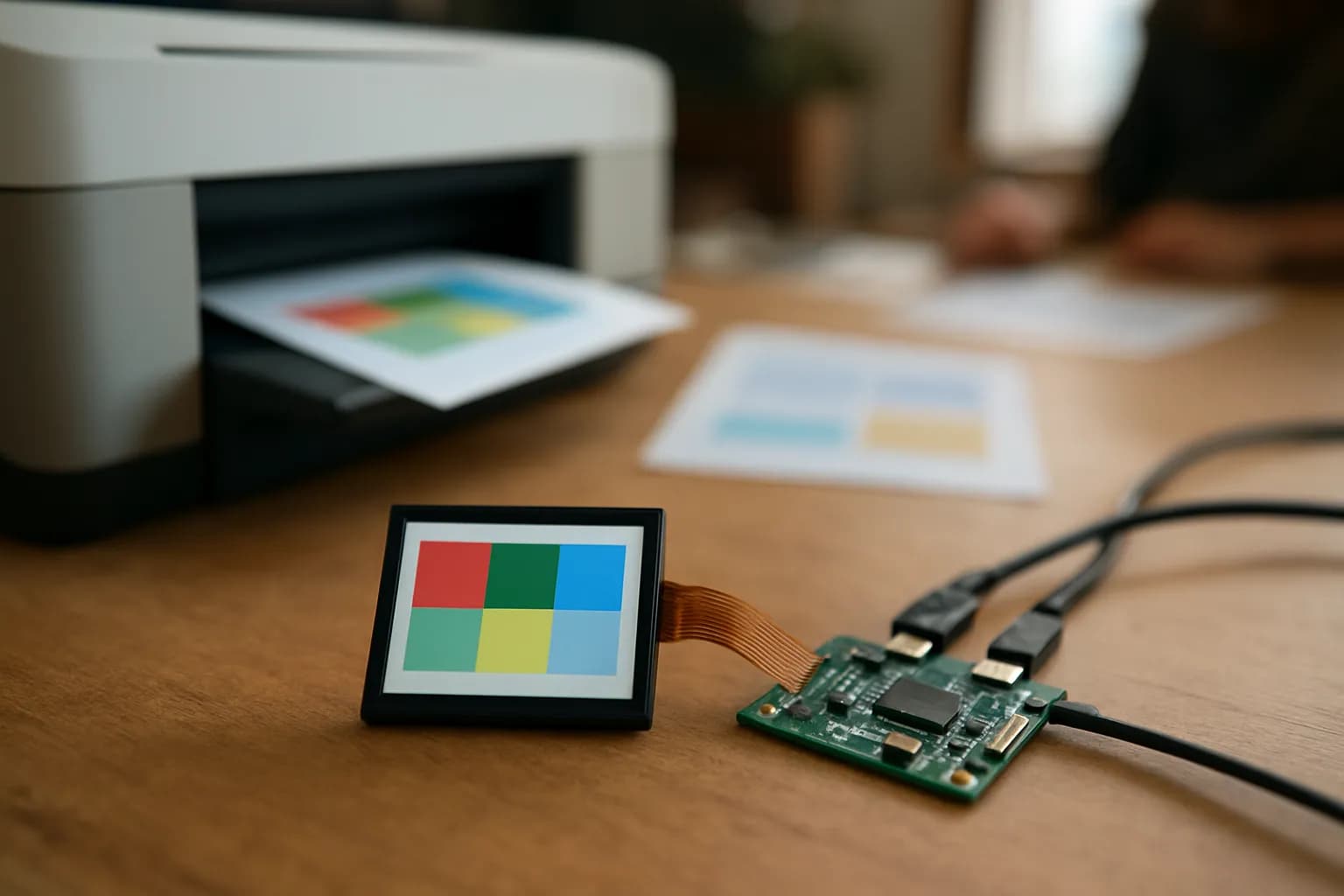
Meta has released code for connecting its Muse AI agent to hardware people build themselves. The Verge reports that possible projects include a reminder display, while a separate Muse Home Link device can use community-built skills to control connected equipment.
What changed
Meta has made code available for people to connect its Muse AI agent to hardware they build themselves, The Verge reports. Meta suggests putting Muse on a color E Ink display for reminders, using an HDMI stick to show it on a larger display, or building a small touchscreen device.
Meta says builders can use its software development kits with an ESP32 board or Raspberry Pi, then connect displays, buttons, sensors or other components. The company also describes a separate Muse Home Link device that can use community-built skills to control a light or TV or send a document to a printer, depending on the setup. These are projects for people willing to assemble and configure hardware, not finished workplace tools that everyone can use immediately.
Who can use Muse gadgets, and what do they cost?
Muse gadget projects are for people who can build or set up a device, according to Meta’s description reported by The Verge. The source does not name a subscription plan, give a price for the code or say what parts for a DIY build would cost. Meta cautions people to proceed at their own risk, so anyone considering one for work should treat it as an experiment rather than assume it is ready for routine use.
Meta is also giving away its own Muse Home Link gadget. A waitlist is open ahead of shipping sometime this month, and the company says it made 5,000 units. The report does not specify eligibility, whether joining the waitlist guarantees a device, or any shipping costs. It also does not say which workplace systems the gadget can connect to.
How do I try a Muse gadget at work?
A workplace reminder display is a sensible first project to consider because Meta specifically suggests a color E Ink display for reminders. If someone on your team already works with small boards and displays, start with a noncritical reminder that people can verify another way. Check whether the information shown is correct and whether the device remains useful when a reminder changes. The Verge does not provide setup instructions or report how reliably such a build works.
For Muse Home Link, sending a document to a printer is the most directly work-related example Meta gives. If you get access and have a compatible setup, check the destination and document before relying on that action. Meta says what the device can do depends on its setup and community-built skills; the report does not establish which printers or other workplace devices it supports.
Frequently asked questions
Do I need to build hardware to use Muse this way?
For a custom Muse gadget, yes. Meta describes programming an ESP32 board or setting up a Raspberry Pi, then connecting components such as a display or buttons. Meta has also made a separate Muse Home Link device, but The Verge reports that access to it is through a waitlist.
Can Muse Home Link print documents?
Meta says Muse Home Link can use community-built skills to send a document to a printer, depending on the setup. The Verge does not identify supported printers, describe the setup process or say whether the feature is suitable for a particular workplace.
Related reading
 Apple plans tighter Mac file access controls as AI agents spreadApple plans new controls for macOS Full Disk Access, a permission that can expose files, mail, messages and browsing history to an app. The change matters to people using AI agents on work Macs.
 Apple plans tighter Mac disk access controls as AI agent risks growApple plans to make full disk access on Macs harder to grant as AI agents gain the ability to act more independently, The Verge reports. The change matters to anyone who uses apps that can work with files, messages or other information on a work Mac.
 Circuit Breaker Labs builds AI users to test chatbot safetyCircuit Breaker Labs has built simulated AI users to test whether chatbots handle psychologically risky conversations. TechCrunch reports that the company is using the product with makers of AI coaching, journaling and mental health support apps.
Written with AI from The Verge's original and published after automatic checks: every figure here appears in the original, and no sentence is copied from it. The picture is AI-generated. The original is the authority.
Source: Meta open sources code to let you make Muse AI gadgets, The Verge, 2 Oct 2026.