
Google adds Meet room occupancy counting to Logitech hardware
By Automate Basics, written with AI from Google's original
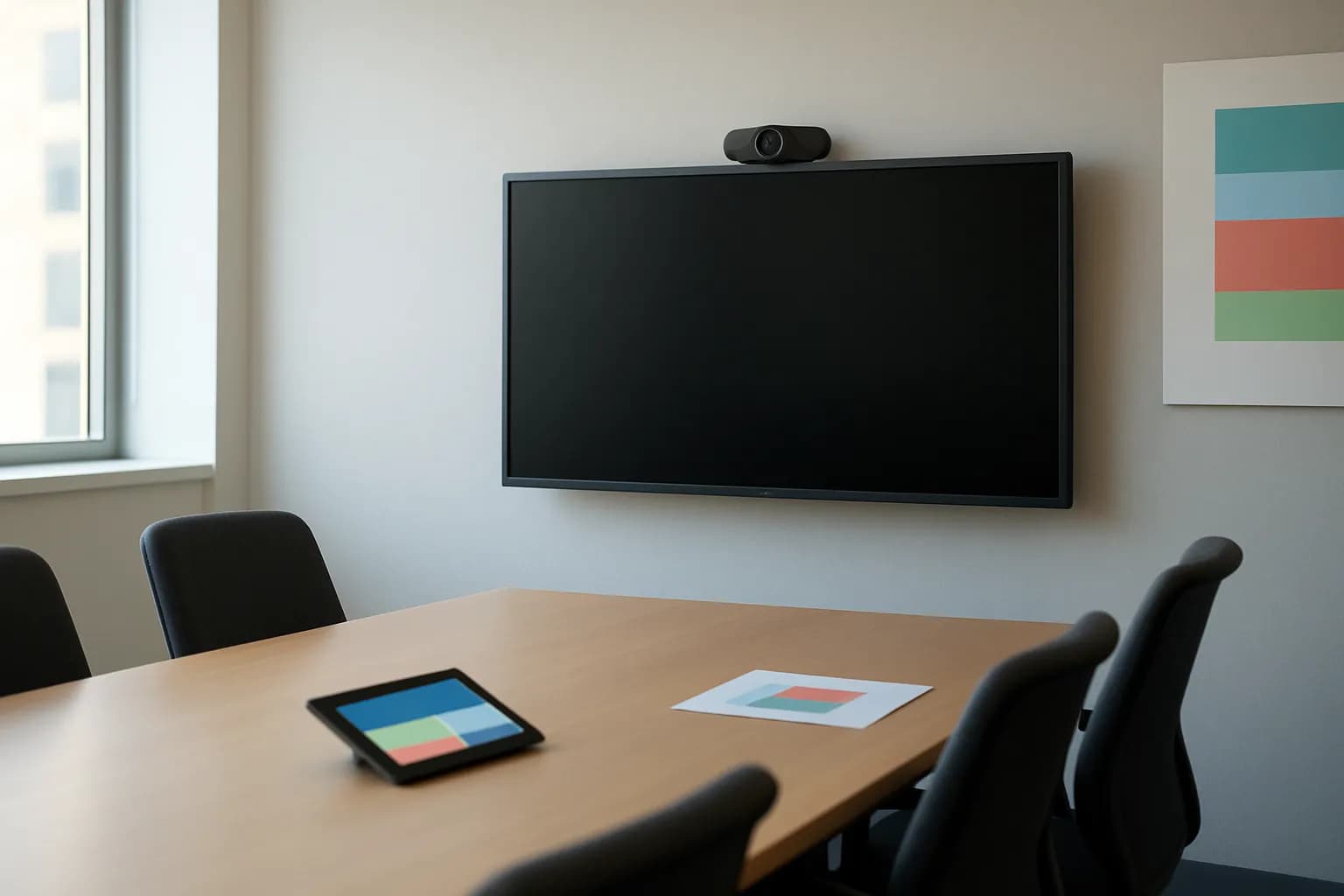
Google says occupancy counting is available for Meet on supported Android-based Logitech room hardware. Workspace admins can use the data to assess meeting room use, while staff have no setting to manage.
What changed for meeting rooms
Google says Meet occupancy counting now supports Android-based Logitech Gen 2 room hardware, starting with the Rally Board 65. The capability was already available on ChromeOS devices. It gives organizations a way to compare how often their meeting rooms are used.
Admins can review room booking and occupancy data in the Google Admin console and download the occupancy data as a spreadsheet. Google says the feature does not collect or store personally identifiable information. Counting is processed on the device, so the camera indicator light may stay off during counting, depending on the hardware vendor. Google advises checking vendor documentation for device-specific behavior.
Who can use Google Meet occupancy counting?
Google says the feature is available to all Google Workspace customers using Meet on supported Logitech Gen 2 AOSP room devices, beginning with the Rally Board 65. Support for earlier Gen 1 devices is planned through a future CollabOS update. Google does not give a separate price for occupancy counting.
The feature is off by default. An admin can enable it for a domain, organizational unit or group; meeting participants have no setting for it. Google says the extended rollout for Rapid Release and Scheduled Release domains starts on September 28, 2026, and feature visibility may take longer than 15 days. Eligible organizations should therefore check whether it has appeared before planning around the data.
How do I try occupancy counting at work?
Workspace admins with supported Logitech room hardware could start by comparing bookings with occupancy for a meeting room whose use they want to understand. Google says both kinds of information can be reviewed in the Admin console, and occupancy data can be downloaded as a spreadsheet. A useful first question is whether a frequently booked room is actually being used.
Before drawing conclusions, check that counting has been enabled for the relevant domain, organizational unit or group and that the feature has reached the organization during rollout. Compare rooms over time rather than treating one observation as a verdict on room design. Staff using the room do not need to turn anything on, but an unlit camera indicator does not necessarily mean counting is inactive.
Frequently asked questions
Does Meet occupancy counting identify people in a room?
Google says occupancy counting does not collect or store personally identifiable information. Detection is processed locally on the room device. Depending on the hardware vendor, the camera indicator light may remain off while counting is active.
Do meeting participants need to enable occupancy counting?
No. Google says there is no end-user setting for occupancy counting. The feature is off by default, and a Workspace admin can enable it at the domain, organizational unit or group level on supported room hardware.
Will occupancy counting work on older Logitech room devices?
Google says support currently covers Logitech Gen 2 AOSP room hardware, starting with the Rally Board 65. The company plans to add support for earlier Gen 1 devices in a future CollabOS update, but the announcement does not give a release date for that update.
Related reading
 Google Workspace adds email import from IMAP providers during setupGoogle says Workspace admins can now import a user's past email from an IMAP provider during setup. The option is available to all Google Workspace customers, but this setup feature handles only one user's email.
 Google opens free AI video creation in Vids to all account holdersGoogle says anyone with a Google or Google Workspace account can now generate AI videos in Google Vids at no cost. New controls let people extend scenes, choose clip lengths and create or upscale video in 1080p.
 Google adds encrypted PowerPoint imports to Slides betaGoogle has added PowerPoint imports to its client-side encrypted Slides beta. Eligible Google Workspace organizations can convert presentations into encrypted Slides that users can access and edit.
Written with AI from Google's original and published after automatic checks: every figure here appears in the original, and no sentence is copied from it. The picture is AI-generated. The original is the authority.
Source: Occupancy counting now available for Google Meet on Logitech room hardware, Google, 23 Sept 2026.