
Discord improves previews for shared Markdown files
By Automate Basics, written with AI from The Verge's original
Discord has updated previews for uploaded Markdown files so readers can see formatting and tables rather than raw markup. The change could help teams that share AI project instructions and context files in Discord.
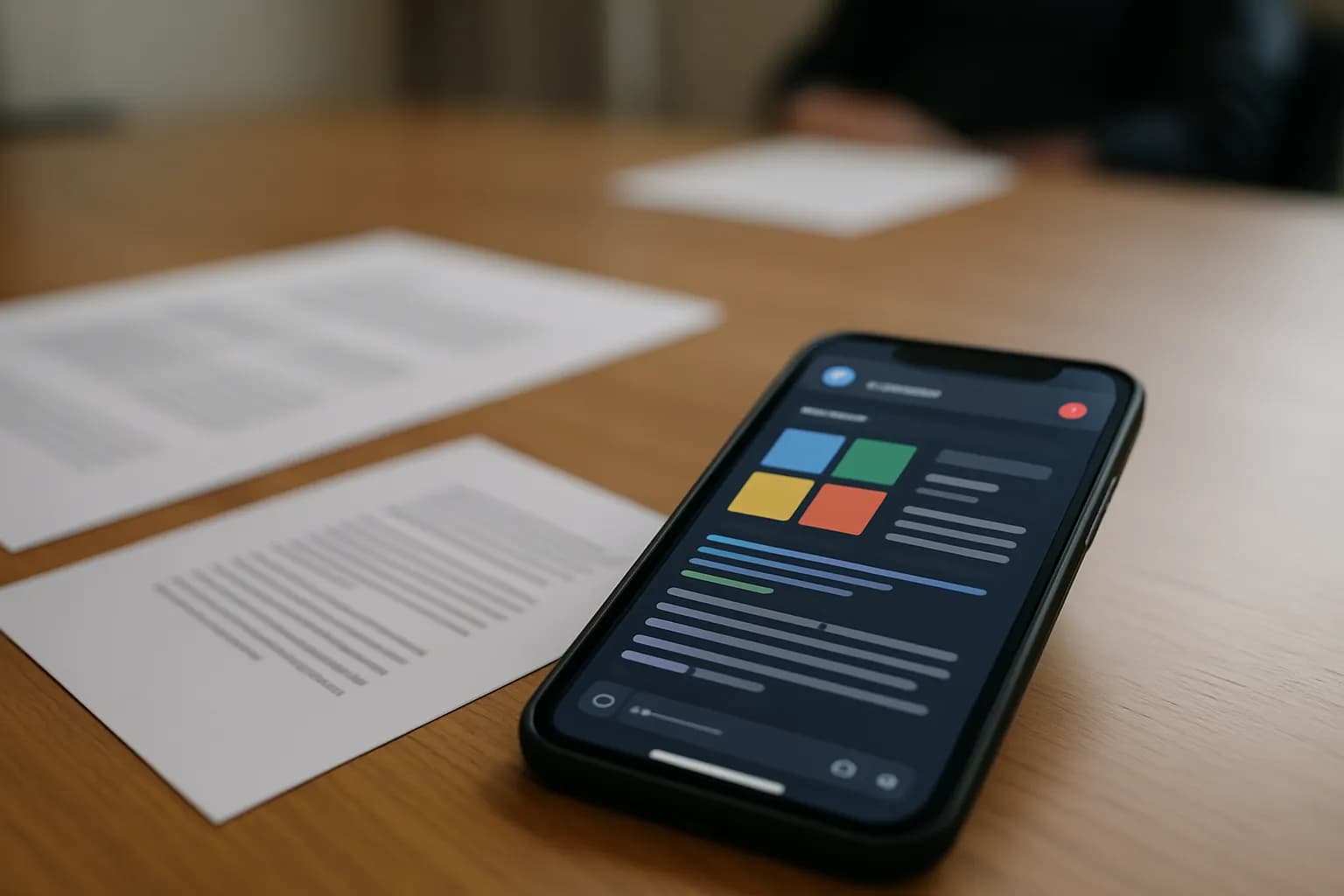
What changed in Discord?
Discord says uploaded Markdown files now appear as formatted previews, including their tables, rather than displaying the markup characters used to structure the files. The Verge reports that the change arrived in Discord's latest update.
Markdown is a common format for files that provide instructions or context to AI systems. For a team sharing those files in Discord, a readable preview can make it easier to scan what a colleague has posted before discussing it. The update concerns how an uploaded file appears to people in Discord. The source does not say that Discord changes the file itself or checks whether its instructions are correct.
Who can use the new Markdown previews?
Discord describes the improved preview as a change for people who upload Markdown files, according to The Verge. The source does not specify which Discord plans include the preview or whether there is any charge for using it.
The announcement separately mentions a larger file-upload allowance for Nitro members, but it does not say that a Nitro membership is required for formatted Markdown previews. Teams should therefore avoid treating the upload limit as a requirement for this change. The relevant use case is straightforward: sharing a Markdown file in a Discord conversation where colleagues need to read its structure, particularly a file used to explain an AI project.
How do I try it at work?
A useful first check is to share a Markdown file your team already uses for AI project instructions or context, especially one with a table and formatted sections. Discord says those elements should appear in the uploaded file's preview instead of as raw Markdown symbols.
Compare the preview with the original file before relying on it in a discussion. Check whether the table remains understandable and whether headings or other formatting make the intended instructions clear. A readable preview helps colleagues inspect what was shared, but the report does not establish that Discord validates the instructions or that an AI tool will interpret the file as intended.
Frequently asked questions
What happens when I upload a Markdown file to Discord?
Discord says its updated preview displays the file's formatting, including tables, instead of showing the markup symbols used to create them. The Verge reports this as a change to how uploaded Markdown files appear in Discord, not as a change to their contents.
Do I need Discord Nitro for formatted Markdown previews?
The Verge does not say that Nitro is required for the improved Markdown preview, and it gives no price for the feature. Discord separately announced a larger upload allowance for Nitro members, but the report does not connect that allowance to preview access.
Will the preview check my AI instructions?
The reported change makes uploaded Markdown files easier to read in Discord by showing their formatting. The source does not say the preview checks instructions for accuracy or predicts how an AI tool will use them. Compare important files with their originals.
For you
Learn to do this with AI, free
Short courses for people who aren't engineers: ChatGPT, Claude, prompting and automation. Every lesson is free, with no card.
Start a free courseFor companies
Make an AI or automation tool?
List it in the directory for $9.99, refunded in full if it isn't approved, or claim its page if it is already here.
Related reading
 Uber expands ChatGPT Work to its global workforceUber is expanding ChatGPT Work from a pilot to its global workforce of about 30,000 employees, TechCrunch reports. The rollout includes staff outside engineering, but Uber has not prescribed a single way for teams to use it.
 Microsoft reports promising results for an AI diagnosis toolMicrosoft's Diagnostic Orchestrator uses several AI agents to work through medical cases. The Verge reports strong results on past cases, but the system has not been validated in clinical care or made available for routine use.
 OpenAI opens Decisions API to all customers with voice and visual supportOpenAI has made its Decisions API available to all customers and added voice and visual support, TechCrunch reports. The model is designed for workflows that need to choose quickly among supplied options and return a confidence rating.
Written with AI from The Verge's original and published after automatic checks: every figure here appears in the original, and no sentence is copied from it. The picture is AI-generated. The original is the authority.
Get the next one by email
One email, most weeks: what changed in AI for people who use it at work, and what to do about it.
Source: Discord now formats Markdown previews right, The Verge, 22 Oct 2026.