
The Best Way to Learn Claude and ChatGPT at Work
By Anu Verma
Use a five-day, one-job practice plan to compare Claude and ChatGPT, test failure modes, and save the better workflow.
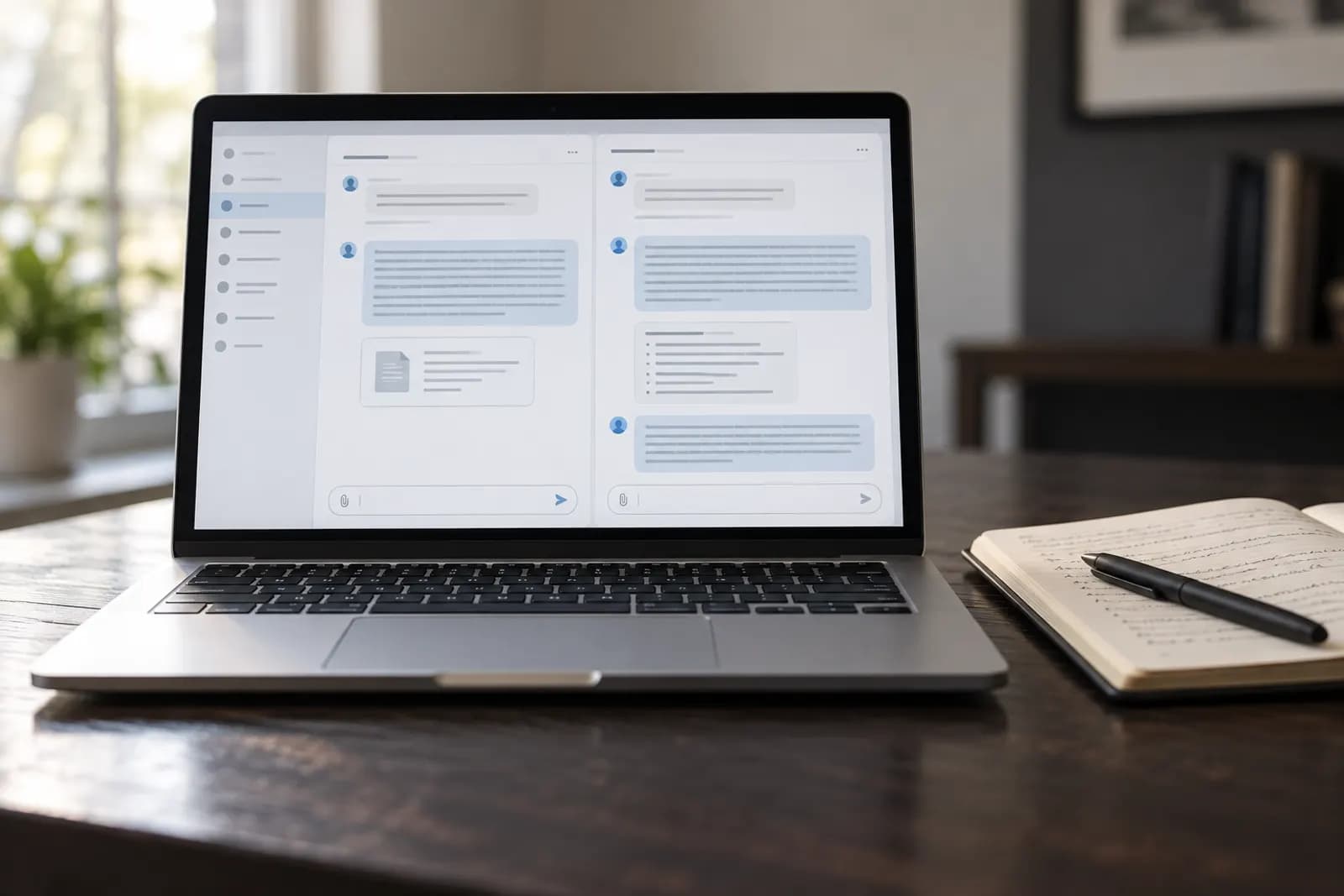
Learn Claude and ChatGPT by using both on one real work task for five days, then keep the tool and prompt that produce the more reliable result.
Pick the work task to learn on
Start with one repeatable task that already costs you time and has a clear definition of done. Good first tasks include turning meeting notes into action items, rewriting a customer email, comparing two documents, or creating a first draft from a brief. Avoid starting with an open-ended goal such as “help me run my business,” because you won't know whether the output worked.
Choose a task you can complete manually in less than an hour and repeat several times this week. Gather the real inputs you normally use, but remove passwords, private customer details, payment information, and anything your workplace prohibits from being uploaded (see which AI chat is safe for work data). Write down what a useful result must contain, what it must never invent, and where a human must check it.
The best learning task has a visible output and a tolerable mistake cost. A draft internal agenda is safer than an unsupervised legal response or financial recommendation. Your aim isn't to learn every feature in Claude or ChatGPT. Your aim is to learn whether either assistant can perform one job consistently enough to save you work.
Should you learn Claude or ChatGPT first?
Start with the assistant you already have access to, then test the same task in the other one before forming a preference. Access, workplace rules, available models, file limits, and connected tools change over time, so a permanent ranking between Claude and ChatGPT would be misleading.
Use identical instructions and equivalent source material in both assistants. Ask each one to produce the same output, state assumptions, identify missing information, and mark claims that need checking. Compare the results on accuracy, useful structure, editing time, and how often the assistant follows your constraints. A fluent answer isn't automatically a good answer.
Claude may suit a task where you want careful handling of a long document, while ChatGPT may suit a workflow built around features or services available in your account. Those are testable possibilities, not rules. Check the current capabilities and usage terms in the official help for each product, and for a broader comparison including Gemini, see ChatGPT vs Claude vs Gemini for everyday work. The practical default is simple: don't choose by reputation. Run one controlled comparison using your own work, because your documents, house style, and tolerance for mistakes determine the better fit.
Build a useful first prompt
Build the first prompt from five parts: the job, the context, the source material, the output shape, and the quality checks. For example, tell the assistant that it is helping turn a customer call transcript into an internal follow-up, explain who will read it, provide the transcript, request headings and owners, and require it to label anything not supported by the transcript.
A useful prompt can say, “Create a concise follow-up for the sales team from the notes below. Include decisions, open questions, action owners, and dates only when stated. If an owner or date is missing, write ‘not specified.’ Do not invent commitments. Put uncertain points under ‘Needs checking.’” That instruction gives the assistant boundaries rather than hoping it guesses your standards.
Improve one variable at a time. If the result is too long, change the length instruction. If it invents details, strengthen the evidence rule and ask for source quotations. If the structure is wrong, show a small example of the desired format. Save the prompt after each successful revision, but keep the source notes separate so you can tell whether the prompt or the input caused the improvement.
What to test before trusting an answer
Test every assistant with an easy case, an incomplete case, and a misleading case before using its output at work. The easy case checks whether the basic task works. The incomplete case checks whether the assistant admits missing information. The misleading case checks whether it repeats a plausible error instead of challenging the material.
For a document-summary task, remove a date from one sample, include two conflicting figures in another, and add a sentence that sounds authoritative but isn't supported by the source. Ask Claude and ChatGPT to identify gaps, conflicts, and unsupported claims. Record what each tool flags and what it misses. This small test reveals more than a polished demonstration.
Never treat confident wording as verification. Check names, dates, calculations, quotations, links, policy statements, and recommendations against the original source or an authoritative reference. If the task affects money, safety, employment, legal rights, or personal data, keep a qualified human in the review loop. The useful question isn't whether an assistant can produce an impressive answer. It's whether you can detect its common errors before those errors reach another person.
Compare Claude and ChatGPT fairly
Compare Claude and ChatGPT with the same input, instruction, and acceptance test, then measure editing time rather than judging the first answer alone. Run each assistant on three versions of your chosen task: a normal example, a messy real example, and an edge case that contains missing or conflicting information.
Use a simple record with the task date, assistant, prompt version, input used, output received, corrections needed, and final decision. You don't need a formal scorecard, but you do need the same questions each time. Did the assistant follow the requested format? Did it preserve important facts? Did it invent anything? How many edits were needed? Could you explain and repeat the process next week?
The winner is the assistant that produces a safe, useful result with less supervision for your particular job. A shorter answer may be better if it requires fewer corrections. A more detailed answer may be worse if it hides unsupported claims. Repeat the comparison after changing the prompt, not after changing several variables at once. That distinction prevents you from mistaking a better instruction for a better tool.
What your five-day learning plan includes
Use five days to move from one successful test to a repeatable work habit, rather than trying to study every feature. On day one, choose the task, define a good result, and run the same prompt in both assistants. On day two, improve the prompt using the errors you observed. On day three, test incomplete and conflicting inputs.
On day four, use a real but sanitised work example and time the full process, including verification and editing. On day five, write a short operating note containing the final prompt, allowed inputs, review checks, and the cases where you must not use the assistant. Save one good output and one failure example beside it. Those examples teach more than a generic prompt collection.
The five-day plan is deliberately narrow. It teaches you where the assistant helps, where it fails, and how much checking the task needs. Afterward, choose a second task only if the first workflow is repeatable. If the assistant still produces unpredictable results, don't add complexity or automation. Fix the input, prompt, or review step first.
When to stop using an AI-generated result
Stop and review manually whenever the output contains a consequential claim, an unexplained change, a missing source, or a decision you cannot justify from the input. An assistant can draft, classify, transform, and suggest, but responsibility for sending or acting on the result stays with you and your organisation.
Create a stop rule for your task before you start. For a customer email, stop if the draft promises a refund, delivery date, or policy exception not present in the source. For a meeting summary, stop if the assistant assigns an owner or deadline that nobody stated. For a spreadsheet explanation, stop if the calculation cannot be reproduced from the visible figures.
Do not paste confidential information simply because a tool accepts it. Check your employer's policy, the assistant's current data controls, and any contractual requirements before using business material. Product settings and terms change, so verify them in the current official documentation. A learning workflow is successful when it makes review easier and omissions visible, not when it removes every human decision.
Turn the winning test into a work routine
Turn the winning test into a routine by documenting the prompt, approved inputs, output format, review checks, and stop conditions in one short page. Give the routine a plain name such as “weekly customer-call follow-up” and store the latest prompt with the examples that define good and bad results.
Run the routine manually several times before connecting it to another application. Manual repetition exposes exceptions that a one-off demonstration hides. If the task involves files, confirm which file types and sensitive fields are acceptable. If it involves a shared workspace, decide who reviews the output and where the final version lives. Avoid building an automation around an untested prompt, because automation repeats mistakes faster and makes them harder to notice.
Review the routine when the source format, business policy, assistant model, or required output changes. Ask whether the saved prompt still matches the task and whether the review step catches the failures you have seen. Claude or ChatGPT should earn a place in your workflow by reducing editing time without reducing accuracy. If neither assistant meets that standard, keep the manual process and revisit the test when your inputs or tools change.
Sources consulted
- OpenAI Help Center (help.openai.com)
- Anthropic Documentation (docs.anthropic.com)
Frequently asked questions
Can I learn Claude and ChatGPT without taking a course?
Yes. A focused practice task teaches more relevant skill than a broad course when you need results this week. Choose one repeatable job, use the same input in Claude and ChatGPT, inspect errors, revise the prompt, and document the review rules. A course can help later if you need structured coverage or workplace training.
Is Claude better than ChatGPT for work?
Neither assistant is always better for work. The better choice depends on your documents, account access, required features, privacy rules, and tolerance for editing. Test both with identical instructions and your own sanitised examples. Keep the tool that produces the safer useful result with less correction, and retest when capabilities or policies change.
How long does it take to learn enough for a work task?
You can learn the basics of one work task in a focused five-day practice plan. The time needed depends on the task's complexity and review requirements. Learning enough to draft an email differs from learning enough to handle sensitive customer records. Measure successful repetition and checking effort, not time spent watching tutorials.
What is the biggest mistake beginners make with AI assistants?
The biggest mistake is trusting a fluent answer without defining what evidence and checks it needs. Beginners often give a vague goal, accept invented details, and automate before testing edge cases. Start with a clear output format, require uncertainty labels, compare the result with the source, and write a stop rule for consequential claims.
Should I automate a Claude or ChatGPT workflow immediately?
No. Repeat the workflow manually until you understand its common inputs, failures, and review points. Automation is appropriate after the task produces consistent results and has a clear exception path. Otherwise, it can repeat an incorrect prompt across many records. Keep sensitive data and high-impact decisions under the controls required by your workplace.
For you
Learn to do this with AI, free
Short courses for people who aren't engineers: ChatGPT, Claude, prompting and automation. Every lesson is free, with no card.
Start a free courseFor companies
Make an AI or automation tool?
List it in the directory for $9.99, refunded in full if it isn't approved, or claim its page if it is already here.
Related guides
 AI Output Review Checklist for WorkReview AI work by checking facts, sources, privacy, instructions, calculations, tone and approval before you send or publish it.
 AI Essentials and Certification for Non-EngineersAI essentials training and certification for non-engineers: check the skills, tools, assessment tasks, and certificate evidence before you pay.
 How to Automate Email Classification Without CodingUse Gmail or Outlook, an AI step, and a human review queue to sort email safely without writing code.
Tools in this piece
Drafted with AI assistance from our own research and Search Console data, and reviewed by the Automate Basics team before publishing. Tools and prices change; check the linked official source before you act.
Get the next one by email
One email a week: what changed in AI for people who use it at work, and what to do about it.