Guides
1 / 10
Start herebeginner

AI Output Review Checklist for Work

By

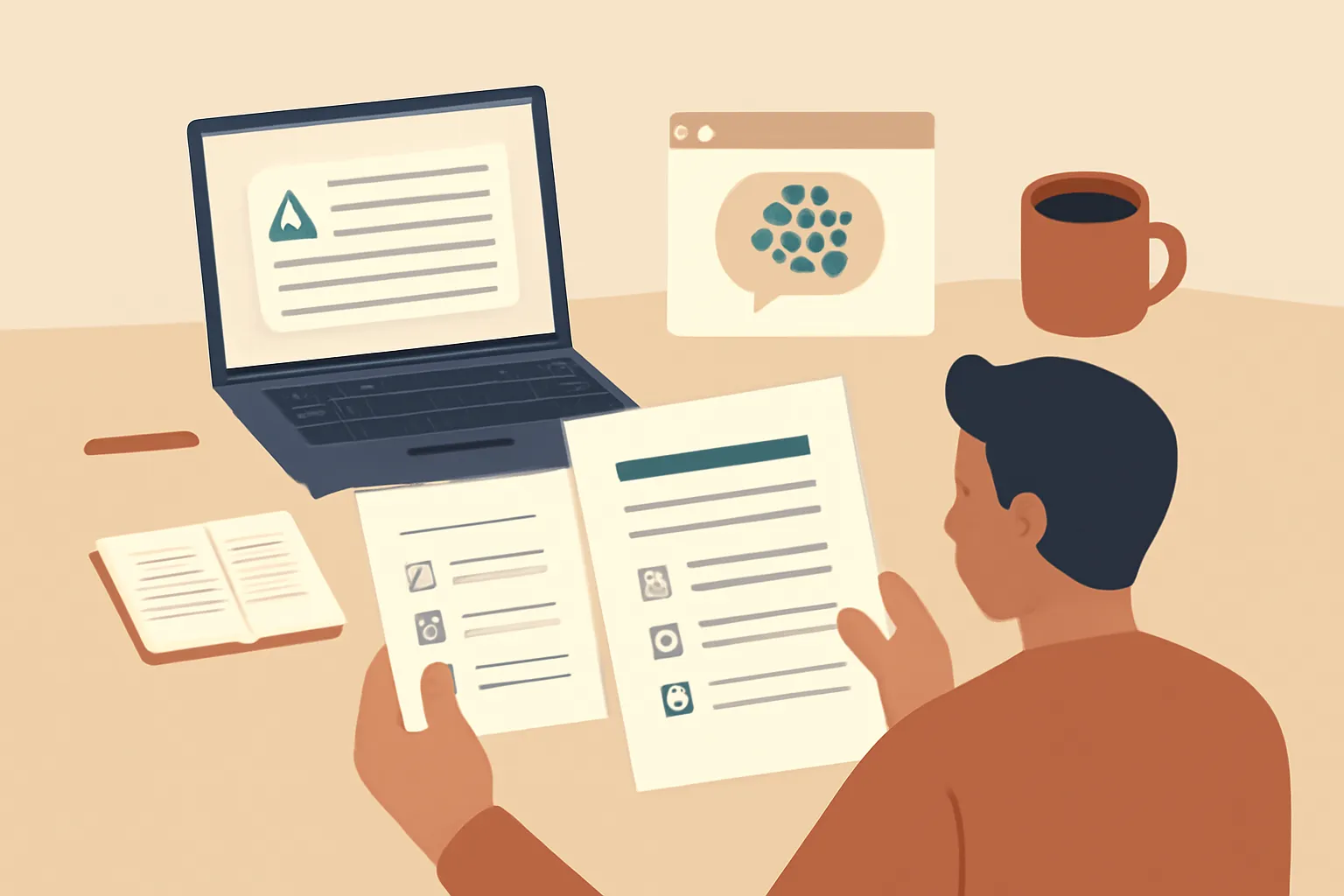
Person comparing AI-generated document with source notes and approval checklist

Review AI work by checking facts, sources, privacy, instructions, calculations, tone and approval before you send or publish it.

Review AI work in order: confirm the task, verify important facts, compare the output with its source, test calculations, remove sensitive data, and approve the final version.

Swipe up to begin
Concept

What must the AI output accomplish?

Write the intended result in one sentence before reviewing the AI output. For example, “Create a customer email that explains the delayed delivery, offers the approved remedy, and stays under 150 words.” A review has no useful finish line if you have not defined what success means.

Check the output against four points: audience, purpose, required content, and format. If you asked ChatGPT, Claude, Gemini, or Copilot for a summary, decide whether the reader needs a decision, a list of actions, or background information. Those are different jobs, even when the prompt uses the word “summarise.”

Mark missing requirements before editing wording. An attractive answer that omits the refund condition, deadline, attachment, or next action has failed the task. Don’t fix a vague result by polishing it first. Return to the original request and write a short correction prompt, such as “Add the approved remedy and state who owns the next step.”

Your default rule should be to reject output that cannot be matched to a clear purpose. Keep a separate copy of the request and the first response when the work affects a customer, colleague, supplier, or business decision.

For more context, read How to Compare AI Training Courses for Real Work.

Concept

How do you verify the factual claims?

Verify every factual claim that could change a decision, cost money, affect a person, or expose your organisation to risk. AI tools can produce confident wording without showing whether a claim is current, relevant, or supported by the material you supplied.

Take each important statement and label it as verified, unverified, or opinion. Check verified claims against the original contract, policy, meeting notes, product documentation, invoice, or official website. Open the source yourself instead of accepting a citation or link merely because the AI included one. A plausible URL can still lead to the wrong page or support a claim it does not make.

Check names, dates, quantities, eligibility conditions, exclusions, and quoted wording separately. These details are easy to overlook when the surrounding paragraph sounds sensible. If the output discusses OpenAI, Anthropic, Microsoft, Google, or another tool, consult that provider’s current documentation because features and usage rules change.

Replace unsupported certainty with a clear limitation. “The source does not confirm this” is safer than guessing. If you cannot verify a material claim, remove it, ask the AI to flag it, or send the item to the person who owns the underlying information.

For more context, read How to Measure AI Training Results at Work Today.

Concept

Which parts should you compare with the source?

Compare the AI output with the source for meaning, not just matching words. A summary can copy several phrases accurately while changing who must act, when an action is due, or what condition applies.

Read the source once for context, then compare every sentence that contains an instruction, exception, number, obligation, or conclusion. Ask whether the output preserves the subject, action, timing, scope, and qualification. “Customers may request a refund within the trial period” is not equivalent to “Customers receive refunds.” The second version removes both the request requirement and the time limit.

Look for omissions as deliberately as you look for hallucinations. AI often compresses a long document by dropping caveats, footnotes, definitions, or the one paragraph that limits the general rule. Ask the tool to produce a list of claims with the exact source passage supporting each one, then inspect the passages yourself. Treat that list as a review aid, not proof.

Use a side-by-side view for policies, proposals, legal text, financial instructions, and customer communications. If the output changes the source’s meaning, go back to the source rather than asking the AI to “make it sound right.” The source controls; the generated wording does not.

Concept

How do you test calculations and structured data?

Recalculate important figures outside the AI chat before you use them. ChatGPT, Claude, Gemini, and Copilot can help arrange data or explain a formula, but a fluent answer is not evidence that arithmetic, units, or cell references are correct.

Check the inputs first. Confirm that the AI used the right rows, date range, currency, tax treatment, rounding rule, and unit of measure. Then repeat the calculation in a spreadsheet or calculator using a simple formula you understand. Test a small sample manually, especially when the output contains totals, percentages, averages, forecasts, or rankings.

Inspect structured output for shifted columns, duplicate records, missing rows, altered labels, and dates interpreted in the wrong format. Ask the tool to state its assumptions and show the formula, but don’t treat a displayed formula as validation. Change one input and see whether the result changes in the expected direction. A total that stays unchanged after a meaningful input change signals a broken formula or an ignored value.

Keep the original data untouched and save the reviewed version separately. For payroll, pricing, tax, lending, health, safety, or contractual decisions, have the responsible person perform or approve the calculation. The correct workflow is AI for preparation, an independent calculation for checking, and a named human for release.
Concept

What information should you remove before approval?

Remove unnecessary personal, confidential, and commercially sensitive information before you paste, share, or approve AI-assisted work. Review is not a reason to circulate more data than the task requires.

Scan the prompt and output for names, email addresses, phone numbers, account details, customer records, health information, passwords, access tokens, private contracts, unpublished prices, and internal credentials. Replace details with labels such as Customer A, Supplier B, or Invoice 12. Keep a private key only if you genuinely need to reconnect the draft to a real person later.

Check whether the output has repeated sensitive information that appeared in the prompt. Also check copied documents, screenshots, spreadsheet tabs, hidden columns, and file metadata. Deleting visible text may not remove information embedded in an uploaded file. Follow your employer’s approved tool and data-handling rules, including rules about retention and sharing.

If you’re unsure whether information is allowed in a tool, stop and ask the data owner or administrator. Don’t paste a secret into ChatGPT, Claude, Gemini, or Copilot merely to see whether the result improves. A useful default is to review with a redacted sample first, then use approved source data only when the task and tool are authorised.

Concept

Does the output follow the request exactly?

Run a literal compliance check after the content is factually sound. AI often satisfies the general idea of a request while missing a small instruction that matters, such as the required file type, word limit, reading level, audience, approval wording, or call to action.

Turn the request into a short pass or fail table. Check the required sections, prohibited claims, terminology, links, headings, length, tone, and final action. Count words or characters with the software that will publish or send the work. Confirm that placeholders have been replaced and that the output contains no unhelpful notes or unfinished instructions.

Ask the tool to identify where each requirement is met, but inspect the answer yourself. A model can claim compliance while overlooking a missing section. Use a targeted repair prompt instead of regenerating the entire document: “Keep the verified facts and current tone. Add the missing cancellation condition in the second paragraph.” Regeneration can reintroduce errors you already fixed.

Compare the final draft with the actual destination. Check email formatting, spreadsheet columns, form fields, website links, and document permissions. The approval version is the exact text or file another person will receive, not the attractive preview inside the AI chat.

Concept

How do you check tone, bias, and avoidable harm?

Read the output as the person affected by it, then look for language that is unfair, misleading, insulting, or unsafe. Correct grammar and a professional tone do not make a decision or recommendation fair.

Check whether the wording makes assumptions about a person’s age, gender, ability, nationality, income, health, education, or intent. Look for different standards applied to different groups, unnecessary personal details, stereotypes, and labels presented as facts. In hiring, customer service, performance management, lending, access, or health-related work, do not let an AI draft become an unexamined judgment about a person.

Ask three practical questions: Would I say this directly to the person? Could the reader reasonably misunderstand the action or reason? Can I explain the decision using the same evidence and rule for everyone in the relevant group? Replace vague judgments such as “not a good fit” with observable facts and a clear process. Remove threats, invented empathy, and promises the organisation cannot keep.

Read the opening and closing separately because these are common places for exaggerated confidence or an unintended commitment. If the output makes a consequential recommendation, route it to the accountable human instead of letting the AI’s wording create the decision. A respectful draft still needs human judgment about whether it should be sent.

Concept

Who approves the final output, and what do you record?

A named human should approve work before it is sent, published, or used to make a consequential decision. The reviewer must have authority over the subject matter, not merely be the person who happened to generate the draft.

Record the task, tool, source material, review date, reviewer, and final action for work that could be questioned later. You don’t need to preserve every casual experiment, but keep enough context to explain what the AI produced, what you changed, and which source supported the result. Store the approved version separately from drafts so nobody mistakes an unchecked response for the final one.

Use a simple decision rule. Low-risk drafting can proceed after the factual, source, privacy, brief, and tone checks pass. Escalate when a material claim cannot be verified, sensitive information is involved, the output affects someone’s rights or money, a calculation drives a decision, or the reviewer lacks authority. Those are review failures, not reasons to polish harder.

Automate Basics teaches practical AI use to working professionals who aren’t engineers, including courses on ChatGPT, Claude, Gemini, and Copilot. Its free-to-read lessons can help you practise tool-specific workflows, but the approval decision still belongs to the person responsible for the work. Don’t send the output until that person has approved the exact final version.

Questions people actually ask

What is the most important AI output check?
Verify the claims that could change a decision, cost money, affect a person, or create risk. Compare those claims with the original source, not just with the AI’s explanation or citation. Then check that the output still follows the brief. A polished answer that is unsupported, incomplete, or wrongly scoped should not be sent.
Should I fact-check every sentence generated by AI?
Check every sentence that states a fact, instruction, number, obligation, deadline, or conclusion. You can review low-risk wording more lightly, but do not assume a sentence is harmless because it sounds general. Verify material claims against the source, remove unsupported certainty, and escalate claims you cannot confirm.
Can I paste confidential information into ChatGPT or Claude for review?
Only use confidential information when your organisation has approved the specific tool and use case. Redact names, credentials, account details, private contracts, and other unnecessary identifiers first. If you cannot confirm the data-handling rules, use a fictional or anonymised sample and ask the data owner before proceeding.
Does Automate Basics teach people how to review AI output?
Automate Basics teaches practical AI to working professionals who aren’t engineers, with courses covering ChatGPT, Claude, Gemini, and Copilot. Every course is free to read, and its lessons can support tool practice. This review checklist remains the human control: the responsible person must verify and approve the final work.
When should a human specialist approve AI-generated work?
Ask a responsible specialist to approve work when it affects money, rights, health, safety, employment, contracts, customer eligibility, or confidential information. Escalate whenever a material claim cannot be verified or the reviewer lacks authority. AI can prepare a draft, but the accountable person must decide whether the final version is safe to use.

Drafted with AI assistance from our own research and Search Console data, and reviewed by Rahul A before publishing. Tools and prices change; check the linked official source before you act.