
How to Measure AI Training Results at Work Today
By Anu Verma
Measure AI training by comparing a real work sample before and after training, then check quality, time saved, errors, and repeat use.
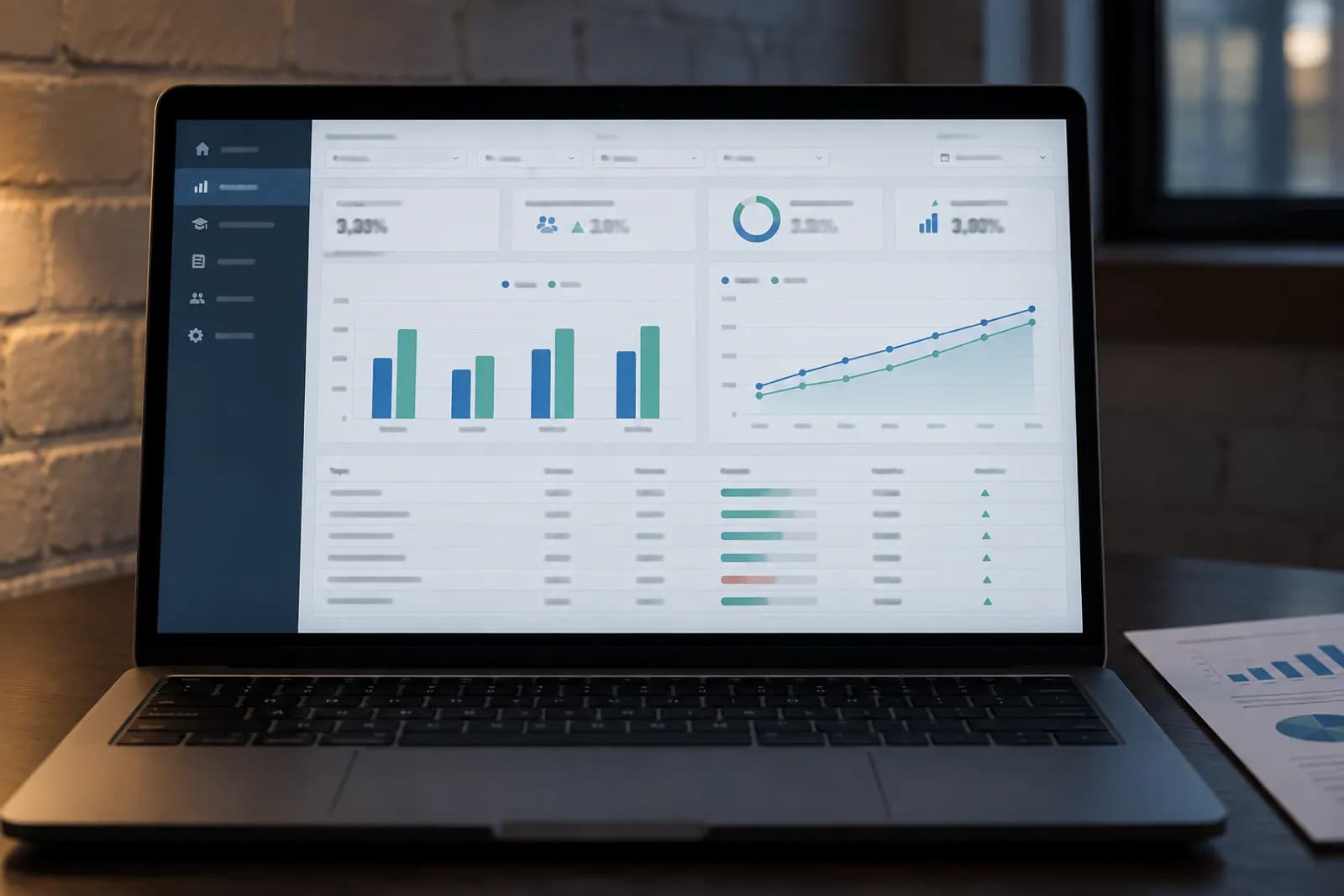
Measure AI training by comparing the same real work task before and after training, using quality, time, error severity, and repeat use as your decision evidence.
1. Pick the work task to measure first
Measure one repeated work task with a visible output, not general confidence or enthusiasm about AI. Good candidates include drafting a customer reply, summarising a meeting, turning notes into a proposal, cleaning a spreadsheet, or creating a first-pass product description. Pick a task someone expects to complete this week, using ChatGPT, Claude, Gemini, or Copilot if one is already approved for the work.
Write the task as an input and an output, the same way you would compare AI training courses for real work. For example, the input might be a customer email and your company’s response policy. The output is a reply ready for a human to review. Avoid a broad target such as “use AI more” because you can’t tell whether training changed anything.
Set a clear owner and a review date before training begins. The owner supplies the real input, checks the result, and records the evidence. Automate Basics teaches practical AI to working professionals who aren’t engineers, so its course material can help you choose a tool and task without turning the measurement into a technical project. Your default should be one task, one tool, and one decision.
2. Record a baseline before training
Record the untrained version of the task before anyone changes their process. Ask the person to complete the work using their current method, then save the input, final output, elapsed working time, and any corrections made during review. If the task happens repeatedly, capture several normal examples rather than choosing an unusually easy or difficult one.
Time the work from the first meaningful action to a usable draft, but record waiting time separately. A slow approval queue isn’t an AI training result. Also note the tools used, the person’s experience, and what “ready to send” means for that task. A baseline without a quality standard can make a faster but unsafe result look successful.
Don’t ask people to guess how long they usually take. Use a simple clock, calendar timestamps, or screen recording with consent. Keep sensitive customer, employee, and financial information out of training prompts unless your workplace rules permit it. The baseline is your comparison point, not a performance judgement. Label it clearly so a later result can be matched to the same kind of work.
3. Create a fair before-and-after test
Create a small set of comparable work samples and give the trained person the same kind of task after training. Don’t reuse the exact baseline prompt if memorisation could improve the result. Instead, use a new customer email, meeting transcript, spreadsheet, or brief with the same requirements and difficulty.
Write a scoring sheet before the post-training test. Score only criteria that matter to the job, such as factual accuracy, required information, tone, formatting, and compliance with an internal rule. Use a simple scale such as pass, needs correction, or fail. Add a notes field for the exact defect. A score without an explanation won’t tell you what to retrain.
Keep the test conditions comparable. Use the same approved tool category, similar source material, and the same reviewer where practical. Tool interfaces and model behaviour change, so record the product name, model setting if visible, date, and important prompt instructions. Official guidance from OpenAI, Anthropic, Google, and Microsoft can help you check current tool controls, but your workplace standard decides whether an output is acceptable. The goal isn’t scientific precision. It’s a fair decision about one useful work process.
4. The quality checks that matter more than speed
Check correctness, completeness, and risk before treating faster work as a training win. An AI-assisted document that takes less time but invents a fact, omits a required step, exposes private information, or uses the wrong tone has created rework rather than value.
Turn the work standard into observable checks. For a customer reply, verify the answer, promised action, deadline, and tone. For a summary, compare important claims against the source and mark missing decisions. For a spreadsheet, inspect formulas, totals, labels, and copied values. For a marketing draft, check claims against approved evidence. Ask a qualified human to review the output when the cost of an error is high.
Separate minor edits from blocking errors. A spelling correction isn’t equivalent to an incorrect price or unsupported legal statement. Record the most serious error, how it was found, and whether the person could detect it without expert help. Don’t treat a model’s confidence, fluent wording, or citation-like links as proof. ChatGPT, Claude, Gemini, and Copilot can produce different results, and their help documentation changes. Your scorecard should test the output, not trust the tool’s presentation.
5. Check that training improved useful time, not just activity
Measure useful completion time, including review and correction, rather than counting prompts, logins, or generated words. A person who produces a draft quickly but spends longer fact-checking it hasn’t necessarily gained time. Record the assisted workflow from the first prompt through the final approved output, then compare it with the baseline workflow.
Track four practical measures: time to an acceptable result, number of correction rounds, amount of human work remaining, and whether the output passed the quality checks. You don’t need to convert these measures into money immediately. A solo founder may value fewer repetitive minutes, while a manager may value consistent handoffs or fewer escalations.
Also record what the person stopped doing. Did AI remove copying and reformatting, or did it add prompt editing and verification? This is the gotcha: training often shifts effort instead of removing it. If the result is faster only because review was skipped, mark it as a failure. If it takes longer but prevents a serious error, record that trade-off separately. Compare the complete workflow before deciding whether the skill is worth repeating.
6. Should you compare people, prompts, or workflows?
Compare workflows first, not employees against one another. The useful question is whether a trained method produces a better acceptable result than the previous method under similar conditions. Comparing people can hide differences in experience, task difficulty, writing speed, or access to source material.
Run a simple paired comparison. Give the same person a comparable task before and after training, or have the same person complete one version manually and one version with the trained AI workflow. Keep the reviewer and scorecard consistent. If you’re choosing between ChatGPT, Claude, Gemini, and Copilot, test each tool on comparable inputs rather than relying on general reputation.
Change one major variable at a time. If you switch tool, prompt, source format, and reviewer together, you won’t know what caused the result. Save the prompt or workflow instructions used for the successful test, but remove confidential information. For connected automations, check the current documentation from Zapier, Make, or n8n because permissions and steps can change. A fair comparison doesn’t need a laboratory. It needs a controlled enough test to support your next decision.
7. Tell whether the new skill will stick
Check repeat use on real work after the test, because a one-time demonstration proves ability but not adoption. Give the person a normal opportunity to use the trained workflow, then review whether they chose it, followed the required checks, and produced an acceptable result without coaching.
Ask three concrete questions after each use: Did the workflow fit the task? What step was skipped or confusing? Would you use it again for the next similar job? Treat answers as diagnostic evidence, not as the result itself. A person may like a tool while still needing too much review, or dislike a tool that reliably removes tedious work.
Watch for failure modes that a training session hides. People may paste the wrong source, use an old prompt, accept unsupported claims, expose personal data, or abandon the method when the input format changes. Record these events and update the instruction, template, or approval step. Automate Basics offers eight short courses without exams or certificates, plus assessed certifications covering AI Essentials, AI at Work, AI Agents and Delegation, and AI Automation. A course completion record alone shouldn’t count as workplace impact.
8. Keep, retrain, or stop the workflow
Keep the workflow only when it improves the agreed task without creating an unacceptable risk or hidden review burden. Decide using the evidence you recorded: acceptable output quality, total completion time, correction effort, serious error count, and repeat use. You don’t need a universal pass mark. The task owner should define the minimum acceptable quality before reviewing the result.
Choose retraining when the workflow is useful but failures are explainable, such as missing source material, weak instructions, or a skipped review step. Change the process before blaming the person. Choose a different tool when the current one cannot meet a required format, access, or privacy constraint. Stop the workflow when serious errors remain, the required review costs more than the original task, or the process encourages prohibited data handling.
Write the decision in one paragraph: keep, retrain, change tool, or stop; evidence; owner; next review date. Automate Basics provides free-to-read courses, with the first lesson available without an account and later lessons requiring a free account. Its optional certificates are issued by Automate Basics and aren’t accredited by a national qualifications body, so use learning records as context, not as proof that a work process succeeded.
Sources consulted
- OpenAI Help Center (help.openai.com)
- Anthropic Documentation (docs.anthropic.com)
- Microsoft Support (support.microsoft.com)
- Google Help (support.google.com)
Frequently asked questions
What is the best measure of AI training success at work?
The best measure is a comparable work result that meets the job’s quality standard with less total effort or better reliability. Include review and correction time, not just generation speed. Record the baseline, test a similar task after training, and check whether the person can repeat the workflow safely without coaching.
Should I measure AI confidence or tool usage?
Confidence and usage can explain behaviour, but neither proves workplace value. Measure a real output first, then use confidence, prompt counts, or logins as supporting evidence. Someone can use AI frequently and still create more review work, while a cautious user may gain value from one reliable workflow.
How many work samples do I need to measure training results?
Use enough comparable samples to avoid judging the result from one unusually easy or difficult task. The right amount depends on how varied and risky the work is. Start with several normal examples, document the conditions, and expand the sample when errors are inconsistent or the decision affects many people.
Can a certificate prove that AI training worked?
A certificate can show that someone completed an assessment, but it can’t prove that a workplace task improved. Automate Basics offers four assessed certifications, with optional certificates issued by Automate Basics. Measure the person’s real work before and after training, including quality, review effort, and repeat use.
What should I do when AI saves time but makes more mistakes?
Treat the workflow as unsuccessful until the mistakes are controlled. Identify the error type, its severity, and the review step that should catch it. Improve the prompt, source material, tool choice, or approval process, then retest a comparable task. Never count skipped checking as time saved.
For you
Learn to do this with AI, free
Short courses for people who aren't engineers: ChatGPT, Claude, prompting and automation. Every lesson is free, with no card.
Start a free courseFor companies
Make an AI or automation tool?
List it in the directory for $9.99, refunded in full if it isn't approved, or claim its page if it is already here.
Related guides
 AI Training Curriculum for Office TeamsFor office teams, start with a short, tool-specific AI curriculum; optional certificates cost $49, $99, $129, or $149, or $349 for all four.
 Can Your Team Get Free AI Training and Certificates?Yes, but free certificates vary in recognition. Compare the provider, assessment, expiry, and a job-based trial before enrolling your team.
- AI Data Privacy Training: Eight Steps That WorkBuild AI privacy training employees can use this week, with a route comparison, tool checks, safe practice tasks and failure tests.
Drafted with AI assistance from our own research and Search Console data, and reviewed by the Automate Basics team before publishing. Tools and prices change; check the linked official source before you act.
Get the next one by email
One email a week: what changed in AI for people who use it at work, and what to do about it.