
AI Training for Non-Engineers: A Practical First Week
By Anu Verma
Use a one-week plan to train an AI assistant for one real job, test its output, protect sensitive data, and decide what to automate.

The best AI training for non-engineers starts with one repeatable job, a clear example, and a pass-or-fail test before you connect any automation.
What to train an AI assistant to do first
Train an AI assistant on one repeated job with a visible result, not on the vague goal of becoming better at AI. Good first jobs include turning rough notes into a client update, checking a draft against a policy, extracting fields from supplier emails, or rewriting a description for a defined audience.
Choose a task you already understand well enough to judge. Avoid starting with a job where a wrong answer could create legal, financial, medical, or reputational harm. Avoid broad requests such as “run my business” because they hide too many decisions and make failure hard to diagnose.
Write the job as an input and an output. For example, “Given a customer message, draft a polite reply under 120 words that answers the question and flags anything requiring human approval.” Save three real but anonymised examples. Those examples become your training material and your first test set.
The best starting task has a stable format, a clear owner, and a result you can check in a few minutes. If the task changes every time, train yourself to define the task before you train the assistant.
Turn a vague request into a usable brief
A usable AI brief names the role, input, process, output, constraints, and escalation point. You don't need technical language, but you do need to remove choices that the assistant would otherwise guess.
Write the brief in plain sentences. Say who the assistant is helping, what material it may use, what it must produce, and what it must never claim. Include the intended reader, tone, length, required fields, and preferred format. “Summarise this” is weak. “Create a table with issue, owner, due date, and unresolved question, using only the meeting notes” is testable.
Add a rule for missing information. For example, the assistant should write “Not provided” rather than invent a value. Add a rule for uncertainty, such as asking a question when a customer request needs a refund decision. Add an approval rule so a draft isn't mistaken for a completed action.
Paste the brief into ChatGPT, Claude, or Copilot and ask it to restate the operating rules before using the task; if you will use it daily, save it as a Custom GPT or Claude Project. If the restatement changes the meaning, fix the brief. Training starts by making your own instructions precise.
Examples that teach an assistant your standard
The most useful examples show the original input, the acceptable output, and the reason the output is acceptable. A polished answer without its source gives the assistant a style sample, but not enough information about the decision behind it.
Choose examples that cover normal work, an awkward edge case, and an input that should be rejected or escalated. For a customer reply, one example might show a direct answer, another might show missing order details, and another might show a request that requires a manager. Explain the difference in short notes.
Keep examples close to the job. Five unrelated samples can confuse an assistant more than a smaller set with consistent rules. Remove names, account numbers, private addresses, and confidential commercial details before pasting anything into a general-purpose tool. Replace them with labels such as [CUSTOMER NAME] or [ORDER ID].
Ask the assistant to identify the pattern it sees in the examples, then correct its interpretation. The overlooked step is usually the exception, not the main format. If the tool copies the surface wording but misses the exception, your examples need a stronger explanation of the decision.
Test whether the output is good enough
Test AI output against a written acceptance checklist before you trust it with live work. A response that sounds fluent can still omit a required fact, invent a detail, or use the wrong level of certainty.
Create checks that a person can answer with yes or no. For a client update, the checks might ask whether every stated deadline came from the source, whether open questions are labelled, whether the tone is neutral, and whether the draft contains no invented progress. Keep the checklist separate from the prompt so you can spot failures rather than unconsciously excuse them.
Run the assistant against examples it hasn't seen. Include a straightforward case, incomplete information, contradictory information, and a request outside the task. Record the failure, change one instruction, and test again. Changing several instructions at once makes it impossible to know what helped.
Set a stop condition. If the assistant fails a critical check, the output stays a draft and a person reviews it. If failures keep appearing because the source material is inconsistent, improve the source process instead of endlessly rewriting the prompt. Training succeeds when you can explain when not to trust the answer.
Should you use a custom GPT, project, template, or automation?
Start with a reusable prompt or workspace instruction, then move to a custom assistant or automation only after the manual result is reliable. The container matters less than the clarity of the job and the quality of the checks.
A saved prompt suits a task you perform occasionally and can review immediately. A project, custom GPT, or similar workspace setup suits a recurring task that needs standing instructions and reference material. An automation suits a stable process where the trigger, data, output, and approval step are predictable. Zapier, Make, and n8n can connect tools, but a connection doesn't fix ambiguous instructions or unreliable source data.
Keep the first version manual. Paste the input, review the output, and note what you changed. Only connect an automatic trigger after you know which fields are required and what happens when one is missing. Add a human approval step before sending messages, changing records, or making commitments.
Rules, features, data handling, and availability change across AI products, so check the current documentation for the tool you choose. The default decision is simple: use the least automated setup that saves time while keeping errors visible.
What never goes into a training prompt
Don't paste sensitive information into an AI tool until you understand its data controls, account settings, retention terms, and approved use. Training an assistant doesn't require exposing the real identity or private details behind every example.
Classify the material before you use it. Public information is usually the easiest starting point. Internal business information may need an approved workspace. Personal data, payment details, passwords, private health information, confidential contracts, and regulated records need stronger controls or must stay out entirely. Rules depend on your organisation, location, contract, and selected service, so current provider documentation and internal policy take priority.
Anonymisation means more than deleting a name. Remove combinations that could identify a person, replace exact figures when they aren't needed, and strip links, account numbers, attachments, and hidden metadata. Keep a private mapping only if your process genuinely requires one, and don't paste that mapping into the assistant.
Use synthetic examples for the first test whenever possible. If a task only works with sensitive data, ask the data owner for an approved workflow before experimenting. A useful assistant that creates a privacy incident is not a successful deployment, regardless of how accurate its wording appears.
Teach the assistant when the source material is messy
Handle messy source material by separating extraction from judgement instead of asking one prompt to do both. An assistant should first identify what the document says, then apply your decision rules to the extracted facts.
Give the tool a fixed extraction format. For an enquiry, request fields such as customer need, product mentioned, urgency, missing information, and exact supporting sentence. Tell it to leave a field blank or mark it unknown when the source doesn't support an answer. This makes omissions visible before a polished recommendation hides them.
Next, provide the judgement rules. State which conditions lead to approval, rejection, escalation, or a follow-up question. Include conflicting evidence and explain which source takes priority. If two documents disagree, the assistant should report the conflict rather than silently selecting the more convenient statement.
Ask for citations to the supplied material, such as a quoted sentence or document section, when the decision matters. Treat citations as audit clues, not proof that the answer is correct. Review the source yourself. The common failure is asking an assistant to clean, interpret, decide, and act in one step. Splitting those stages makes errors easier to catch and instructions easier to improve.
What your one-week plan should produce
A useful first week should produce one tested assistant workflow, one acceptance checklist, and one written rule for human review. It shouldn't produce a pile of prompts you can't maintain.
Start by selecting the job and collecting anonymised examples. Next, write the brief and test it on normal and difficult inputs. Then add the acceptance checklist and record failures in a simple log. After that, refine the instructions one change at a time and ask another person who understands the work to review the results.
Use the final part of the week to run the process manually on fresh work. Measure the time saved only after including review, correction, and preparation time. A draft that takes less time to generate but more time to repair isn't an improvement. Record which failures require a person and which can be prevented by better input fields.
End the week with a go or no-go decision. Go means the task has a defined input, repeatable output, visible checks, and a safe fallback. No-go means you narrow the task, improve the source material, or keep the assistant as a drafting aid. The honest outcome of training can be learning that the job isn't ready for automation.
Sources consulted
- OpenAI Help Center (help.openai.com)
- Anthropic Documentation (docs.anthropic.com)
- Microsoft Support (support.microsoft.com)
- Zapier Help (help.zapier.com)
Frequently asked questions
Can a non-engineer train an AI assistant without coding?
Yes. You can train a general AI assistant with plain-language instructions, representative examples, and a checklist for reviewing results. Coding becomes useful when you need custom data handling or a complex integration, but it isn't required to define a task, test output, or build a reliable manual workflow.
How many examples should I give an AI assistant?
Use enough examples to show the normal case, an edge case, and a case that needs escalation. The exact amount depends on the task. Consistent examples with explanations are more useful than a large mixed collection. Test on fresh inputs afterward, because examples can make an assistant appear reliable without proving it generalises.
What is the biggest mistake beginners make when training AI?
The biggest mistake is judging an answer by how natural it sounds. Fluent output can contain invented facts, skipped requirements, or unjustified certainty. Define pass-or-fail checks before testing, require the assistant to flag missing information, and keep a human approval step for decisions or actions with meaningful consequences.
Should I learn prompting before using AI at work?
You don't need a separate prompting course before starting. Learn by defining one real job, stating its constraints, supplying a few explained examples, and testing difficult inputs. Prompting improves when you inspect failures and change one instruction at a time. The transferable skill is specifying and checking work, not memorising magic phrases.
When should an AI workflow become an automation?
Automate only after the manual workflow has a stable trigger, predictable inputs, a tested output, and a clear failure path. Keep approval before external messages, record changes, payments, or commitments. If people regularly repair the output or fill in missing data, improve the process first instead of hiding those problems behind an automatic connection.
For you
Learn to do this with AI, free
Short courses for people who aren't engineers: ChatGPT, Claude, prompting and automation. Every lesson is free, with no card.
Start a free courseFor companies
Make an AI or automation tool?
List it in the directory for $9.99, refunded in full if it isn't approved, or claim its page if it is already here.
Related guides
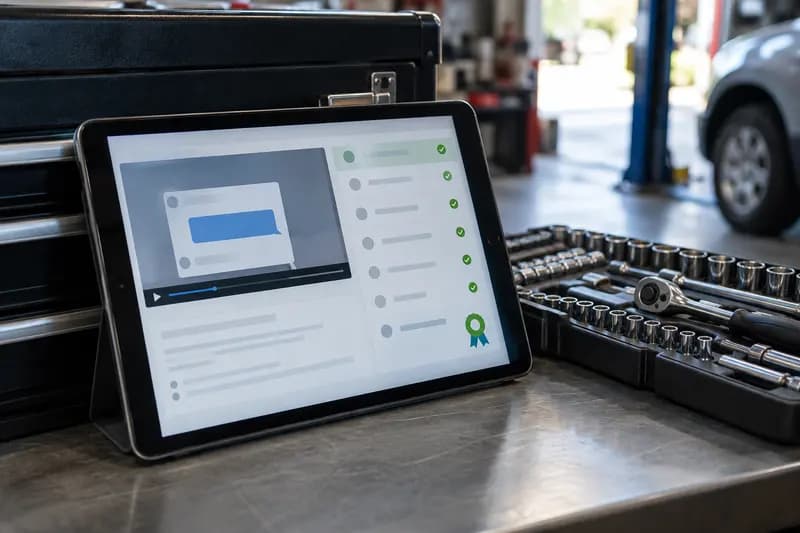 AI Essentials and Certification for Non-EngineersAI essentials training and certification for non-engineers: check the skills, tools, assessment tasks, and certificate evidence before you pay.
 Can Your Team Get Free AI Training and Certificates?Yes, but free certificates vary in recognition. Compare the provider, assessment, expiry, and a job-based trial before enrolling your team.
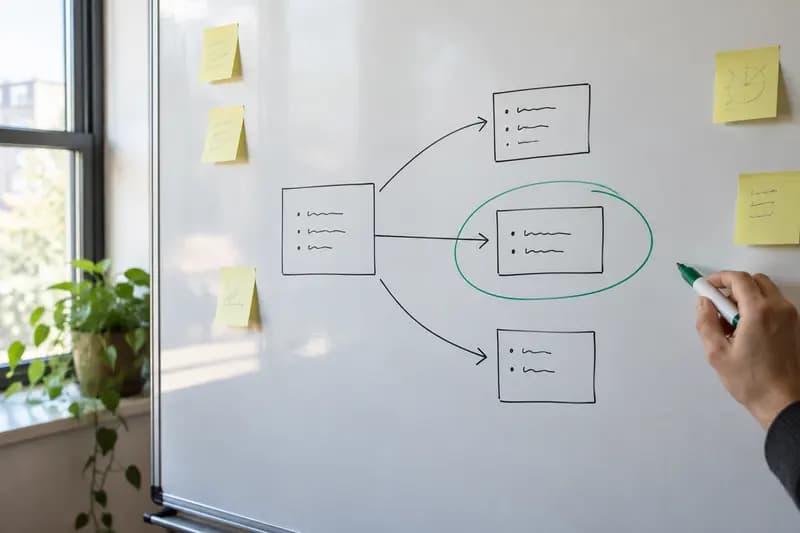 AI Training for Freelancers: Choose the Right RouteCompare self-paced courses, vendor tutorials, live coaching, and automation training to choose the fastest fit for a freelance task this week.
Drafted with AI assistance from our own research and Search Console data, and reviewed by the Automate Basics team before publishing. Tools and prices change; check the linked official source before you act.
Get the next one by email
One email a week: what changed in AI for people who use it at work, and what to do about it.