
Context beats clever prompts
The single biggest predictor of output quality isn't how the prompt is worded. It's how much raw material you pasted in.
By Anu Verma
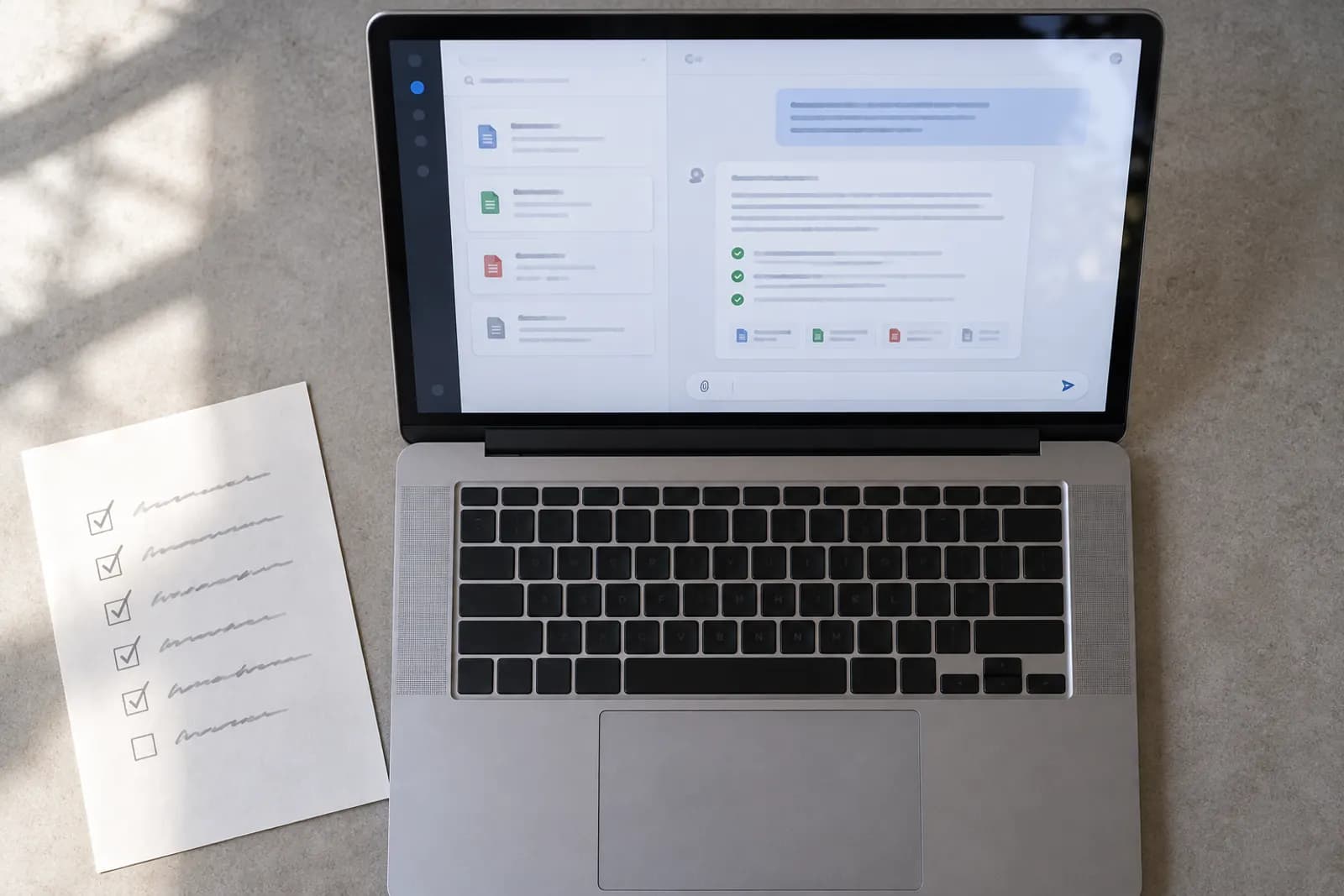
There is an entire industry selling prompt templates. Most of it is solving the wrong problem.
The biggest predictor of whether you get something useful is not the phrasing. It's how much relevant raw material you put in front of the model.
Run the experiment yourself; it takes four minutes. Ask for "a renewal email for a client" cold, and you get the email every business on earth could send: warm opening, value language, a pricing placeholder, "please don't hesitate". Now paste in the client's last two emails, your own most recent renewal email to a different client, the new price, and the sticking point from the spring, and ask again. The second draft needs editing. The first one needs replacing. Same tool, same day, same person typing. The entire difference is what was on the screen when you pressed enter.
Why blandness happens
The model has no access to your world. Your company's tone, last quarter's numbers, what the client said on Tuesday, the three constraints everyone on your team knows and nobody writes down, none of it exists unless it's in the window.
Without that, the model does the only thing available to it: produces the statistical average of how that document type is usually written.
The average is bland. And here's the important part: that blandness is not a quality ceiling. It's an information floor. You didn't hit the limit of what the tool can do. You hit the limit of what it knows about your situation.
This is also why the clever-phrasing industry keeps disappointing people. "Act as a world-class copywriter" changes the costume, not the knowledge: the model still knows nothing about your client, so it writes the world-class-copywriter version of the same average email. Wording adjusts style. Material supplies substance. It was substance that was missing.
What to actually paste
- The previous email in the thread, not your summary of it. A summary strips exactly the details the reply should respond to, and you cannot see yourself dropping them.
- Two or three examples of the same document done well by your team
- The actual notes, however messy, bullet fragments are fine. The model is far better at organising your fragments than at inventing your facts.
- The constraints: the deadline, the budget, the thing you can't say, the person who'll object
- Who's reading it, and what you want them to do after they read it
What not to paste
Raw material has one edge, and the edge is confidentiality. Client identities that shouldn't leave the building, personal data, anything your employer's policy names: the answer is not to hold back context, it is to swap the sensitive part for a placeholder. "ACME Ltd" and "[the client]" carry the same structure with none of the exposure, and every technique in this article survives the substitution intact. If the task cannot be described without the confidential part itself, that is a job for the tool your employer provides and has a contract about, or for no tool at all.
The example trick
This is worth more than any adjective about tone.
"Professional but warm" is four words the model can only interpret generically. Two of your actual emails contain a thousand signals, rhythm, sentence length, how you open, whether you use contractions, how direct you are. It picks all of that up immediately.
So: paste the examples and say match the voice of these.
Then ask it to write the voice profile back to you, "describe my writing voice so I can paste this into a future conversation." You'll get something concrete you can reuse forever, in one line, at the top of any drafting prompt.
The four-part brief
For completeness, a working prompt usually has four parts:
- Role and reader: who's writing, who it's for
- The task, as a verb: "rewrite", "summarise", "draft". Not a topic
- The raw material: the part people skip, and the part that matters most
- The shape of the output: length, format, tone, constraints. "Short" is not a length
Notice where the effort sits. Parts one, two and four are a sentence each, and you will write them fluently within a week. Part three is copy and paste. The whole discipline is remembering that the paste is the prompt.
The test
Before you press enter, read your prompt and ask:
Could a smart new colleague, who knows nothing about my job, do this task well with only what's on this screen?
If the answer is no, you haven't finished writing the prompt.
The same test explains most disappointing outputs after the fact. When a draft comes back generic, the instinct is to blame the model and reword the request. Look at the screen instead: almost every time, the smart new colleague would have failed too, for the same reason, with the same facts missing. And when a draft comes back confidently specific about something you never supplied, that is the other failure, and it gets the 60-second verification pass.
That's not a rule of thumb. It's very nearly the entire skill.
For you
Learn to do this with AI, free
Short courses for people who aren't engineers: ChatGPT, Claude, prompting and automation. Every lesson is free, with no card.
Start a free courseFor companies
Make an AI or automation tool?
List it in the directory for $9.99, refunded in full if it isn't approved, or claim its page if it is already here.
More articles
 The AI skills gap, in numbersAdoption is near-universal. Training isn't, and the gap is widening rather than closing. What the research actually says.
 Silent failure is the real enemyAn automation that crashes is an annoyance. One that quietly does the wrong thing for six weeks is the actual danger.
 What to automate, and what never toThe most expensive automation mistakes aren't technical. They're automating the wrong thing.
 The 60-second verification passShort enough that you'll actually do it every time, which matters far more than being exhaustive.
Get the next one by email
One email a week: what changed in AI for people who use it at work, and what to do about it.
Goes deeper in AIE-100
AI Essentials
What these tools are, which one to open, what to type, and how to tell when it is lying to you. No experience assumed.