
Hark releases Pro assistant to handle tasks on a user's computer
By Automate Basics, written with AI from TechCrunch's original
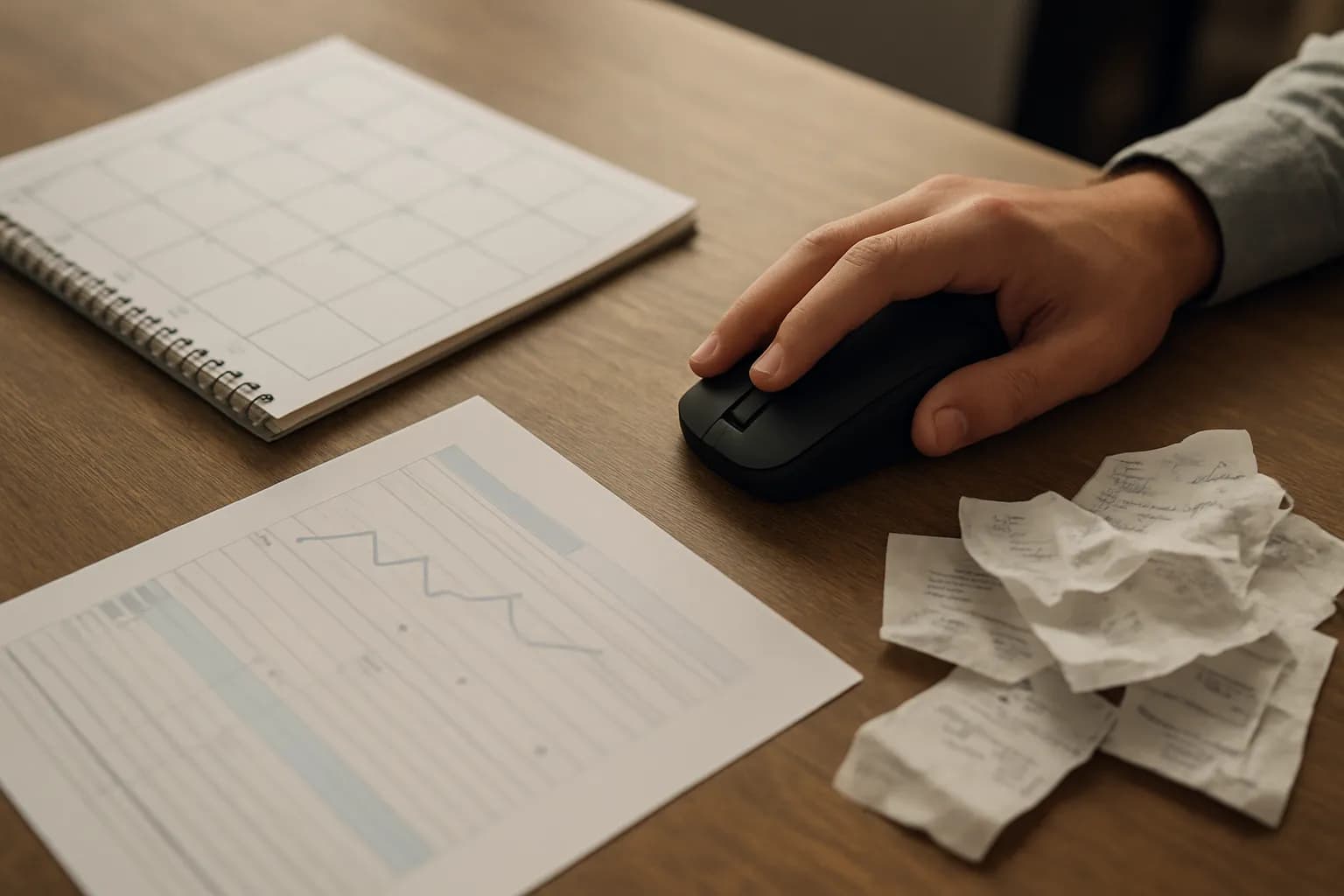
Hark has widely released Hark Pro, an AI assistant designed to use a computer on a person's behalf. It can draw on connected accounts to suggest and carry out digital tasks, while showing its web activity in a small window.
What changed with Hark Pro
Hark has widely released Hark Pro, an assistant built around a model trained to use computers. According to TechCrunch, Hark wants the product to take on digital tasks, not just answer questions in a chat.
Hark Pro fills the screen with a chat area, suggested actions and small dashboard-style panels. After a user connects parts of their digital life, such as email and a calendar, the assistant can draw attention to work that may need doing. In a demonstration reported by TechCrunch, it raised pending expense approvals and unanswered emails. Hark also shows a small view of the assistant navigating websites, so users can see what it is doing. The demonstration shows the kinds of tasks Hark is aiming for, not a guarantee that every task will be completed without help.
Who can use Hark Pro, and what does it cost?
Hark Pro is available to users for free, TechCrunch reports, with a subscription tier intended for heavier use. The source does not give the subscription price, the limits of the free option or details of what the paid tier adds.
The assistant is relevant to people whose work involves moving between messages, schedules, approvals and websites. Using its account-aware features means giving it access to parts of a digital life, which may include sensitive work information. Hark presents privacy as a priority, but the report does not establish what data protections apply or how an employer would manage access. Before connecting a work account, check your organization's rules and the service's terms rather than assuming a privacy-focused pitch settles those questions.
How do I try Hark Pro at work?
A pending email response is a sensible first task for evaluating Hark Pro because the user can compare the proposed action with the original message. If your workplace permits the connection, start with a task you already understand and can verify. Check that the assistant has identified the right message, interpreted the request correctly and has not included information the recipient should not receive.
Expense approvals are another task Hark showed in its demonstration, but an approval can have consequences that are harder to reverse. Check the underlying expense against your usual records and process before relying on the assistant's suggestion. When a task involves a website, Hark Pro's small browsing view may help you follow its actions. TechCrunch does not report a general success rate, so treat visible activity as something to inspect, not proof of a correct outcome.
Frequently asked questions
Can Hark Pro act on my email and calendar?
TechCrunch reports that users can configure Hark Pro to access services including email and calendars. Hark says the assistant can use connected information to suggest and carry out digital tasks. Check what access your workplace allows before connecting a work account.
Is Hark Pro free?
TechCrunch reports that Hark Pro has a free option and a subscription tier for heavier users. The report does not specify the subscription price, usage limits or which features require payment, so those details should be checked before depending on it for regular work.
Does Hark Pro show what it does on websites?
Yes. TechCrunch reports that Hark Pro displays a small view of the assistant navigating the web. That gives users a way to observe its activity, but the report does not show that watching the view will catch every mistake or resolve questions about data protection.
Related reading
 Meta and partners begin work on a standard for AI shopping agentsMeta and several business partners have begun developing an open standard for AI agents to communicate with businesses during online purchases. The work could help people who delegate purchases to an agent, but the standard is not available yet.
 Zapier moves agent capabilities into AI by Zapier stepsZapier says the capabilities of Zapier Agents now live in AI by Zapier steps inside the Zap editor. People building work automations can combine AI decisions with regular Zap steps and set approval requirements for individual tools.
 Google Vids now shows only the elements visible at each momentGoogle has changed the Google Vids editing canvas so it shows only the elements visible at the selected moment in a video. The update is for people who build scenes with timed text, images and other overlays.
Written with AI from TechCrunch's original and published after automatic checks: every figure here appears in the original, and no sentence is copied from it. The picture is AI-generated. The original is the authority.
Source: Hark releases an AI personal assistant with a focus on privacy, TechCrunch, 6 Oct 2026.